

Odoo POS Square Integration
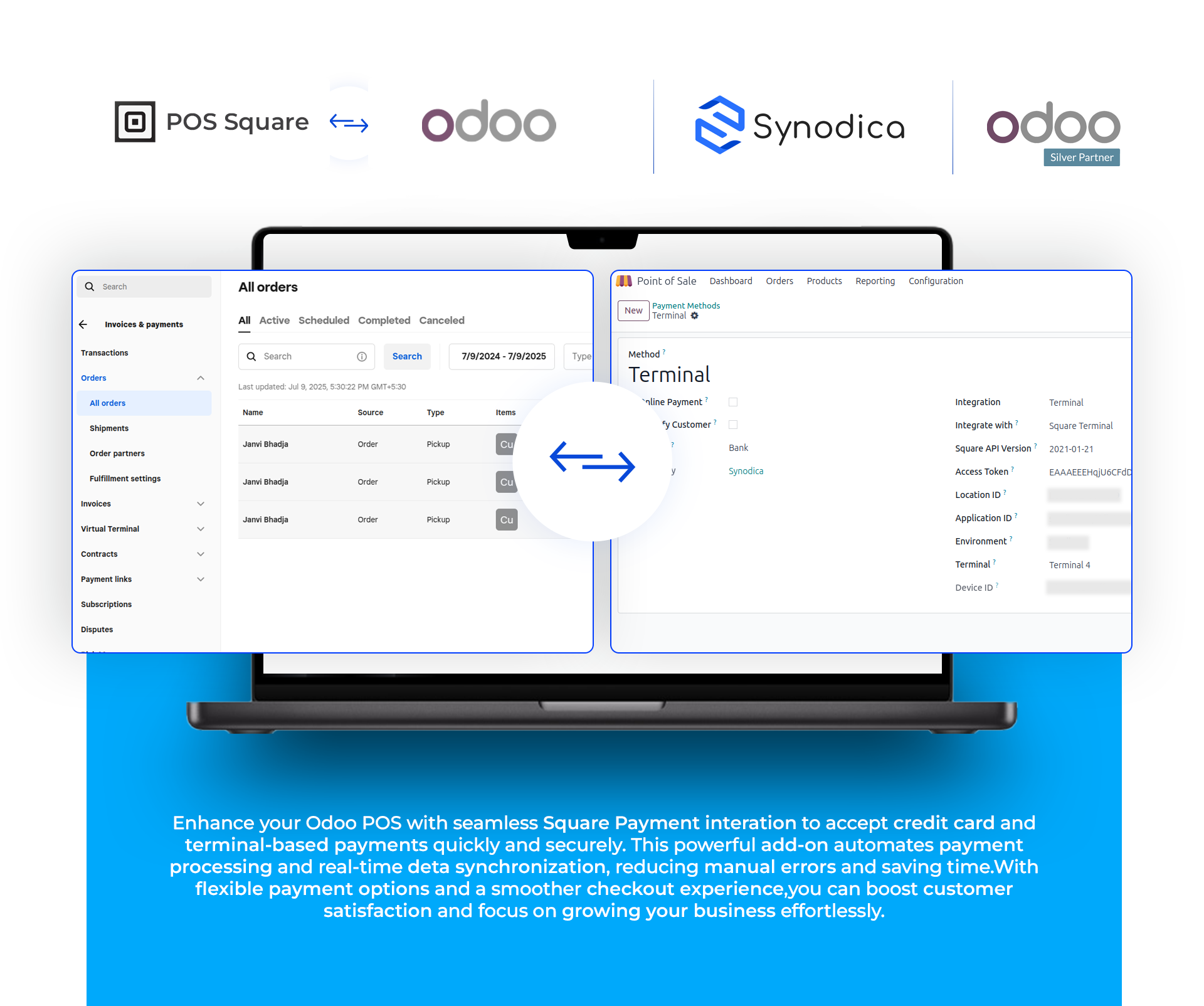
Odoo Square Payment Integration
Features

Enhanced Security
Secure transactions between Odoo and the Square payment gateway

Effortless Refunds
Simplify refund transactions in Odoo with secure Square integration

Seamless Integration
Secure and seamless square payment integration for reliable customer transactions

Multiple Payment Options
Seamlessly accept payments in odoo pos via terminals and credit cards for a unified checkout experience

Real-Time Payment Confirmation
Real-time order status sync between Odoo and Square

Transaction History
Track payment method, amount, and date/time for all pos transactions.View complete POS transaction history with payment details in Odoo
Install The App To Enable Square Credit Card And Terminal In Pos Payment Methods Configuration
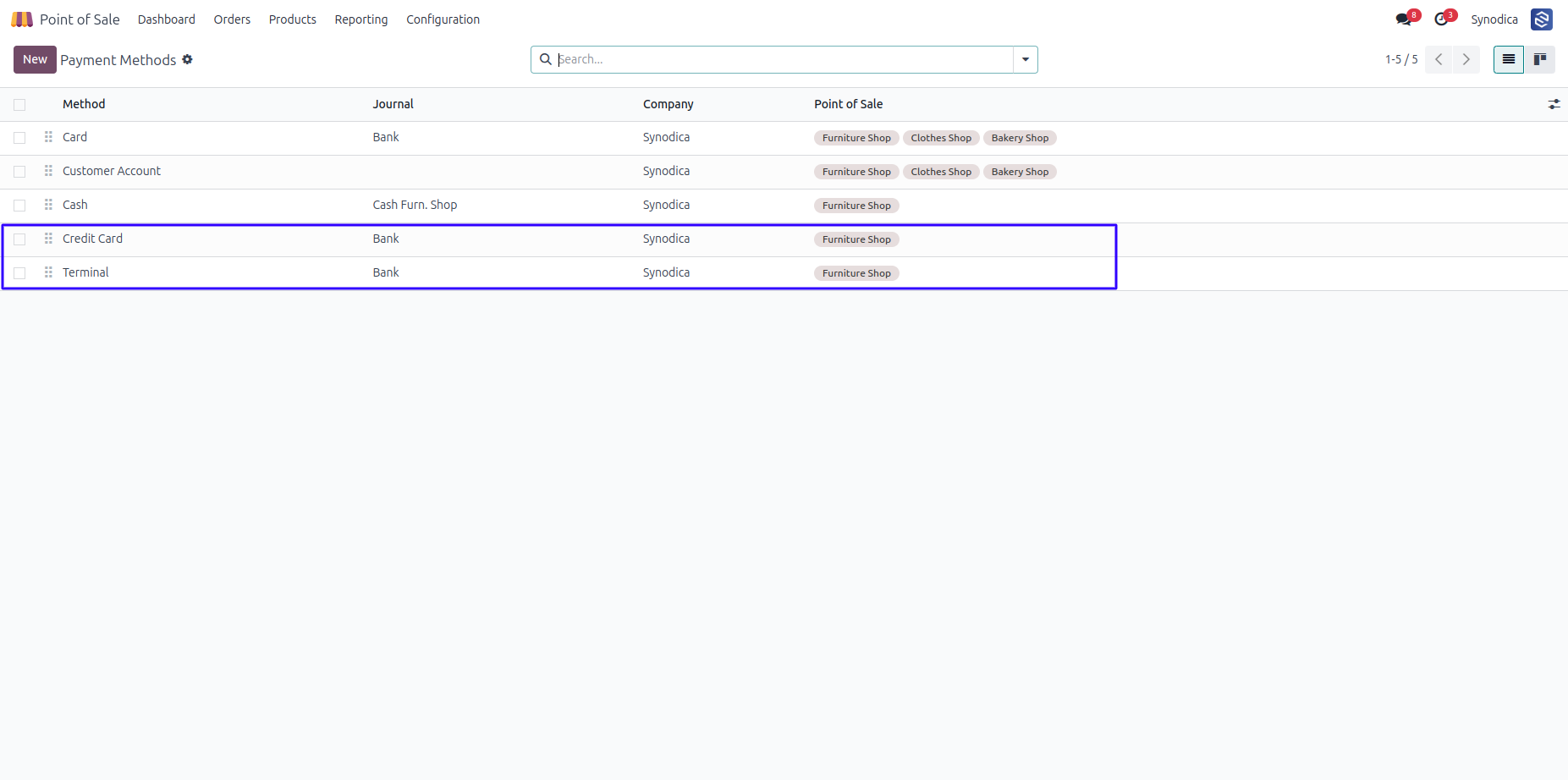
Configure Square Settings And Terminal Device Id From Pos Payment And Terminal Config Menus
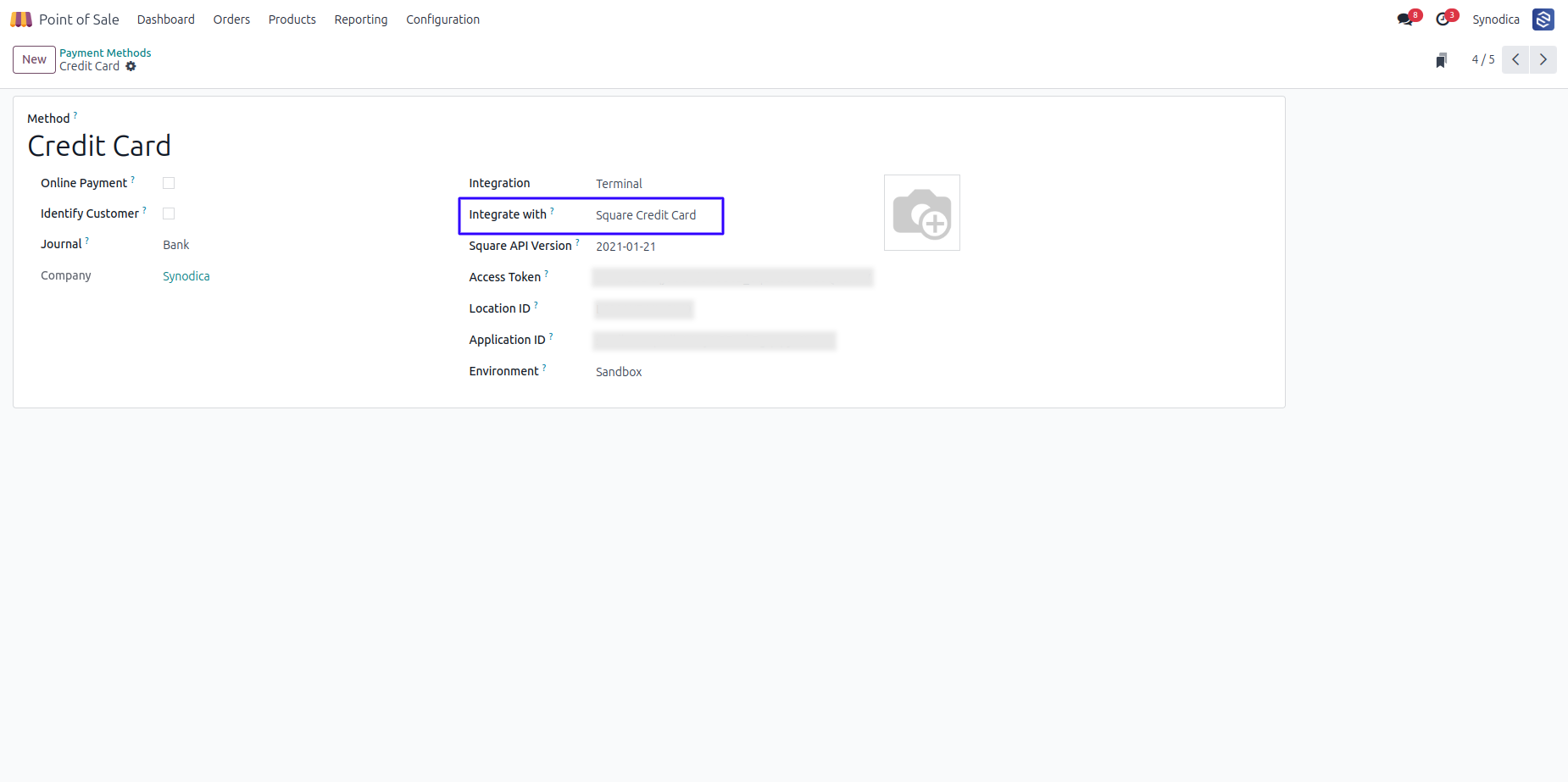
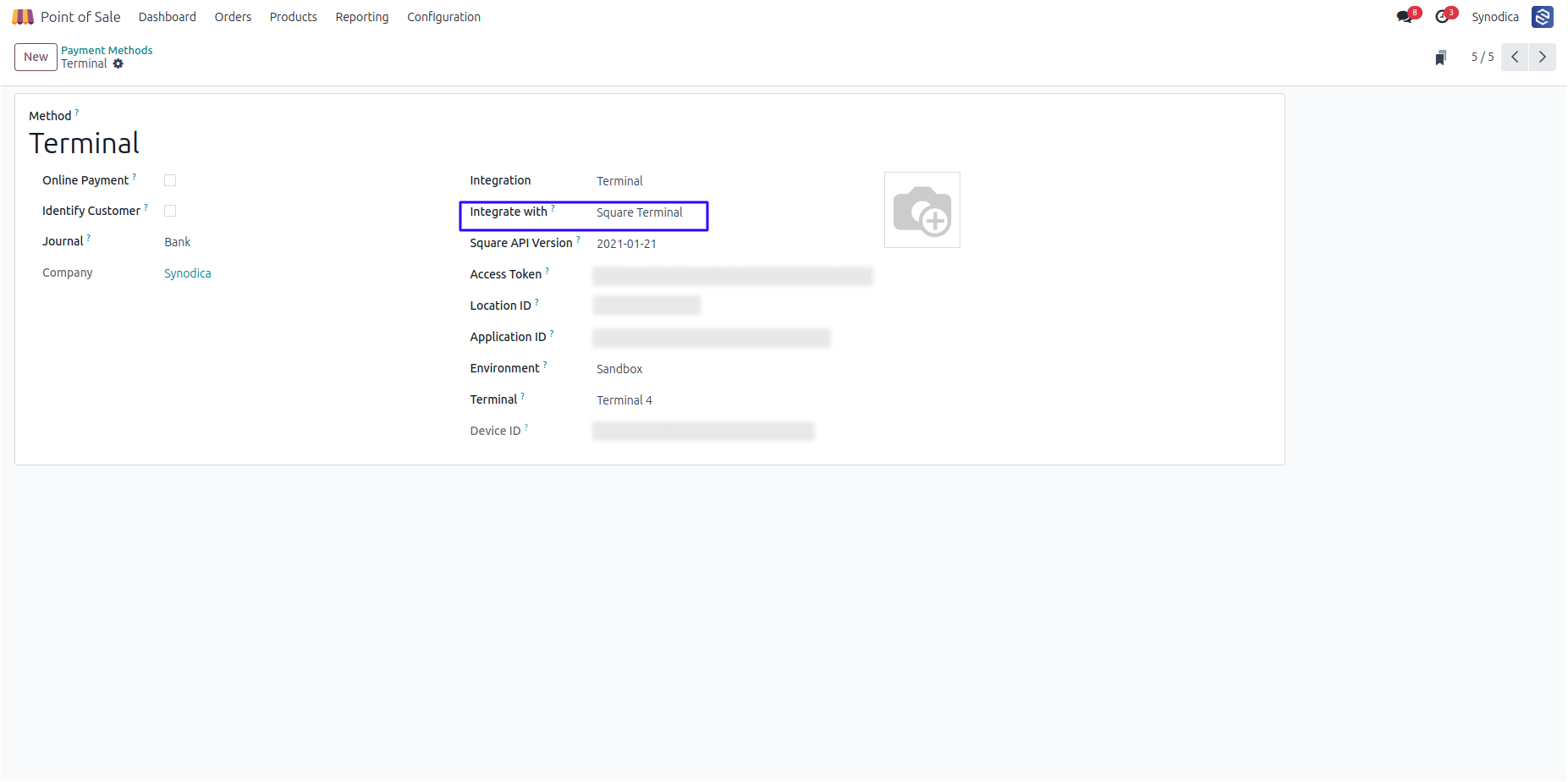
Square Webhook Configuration in Square Developer Console
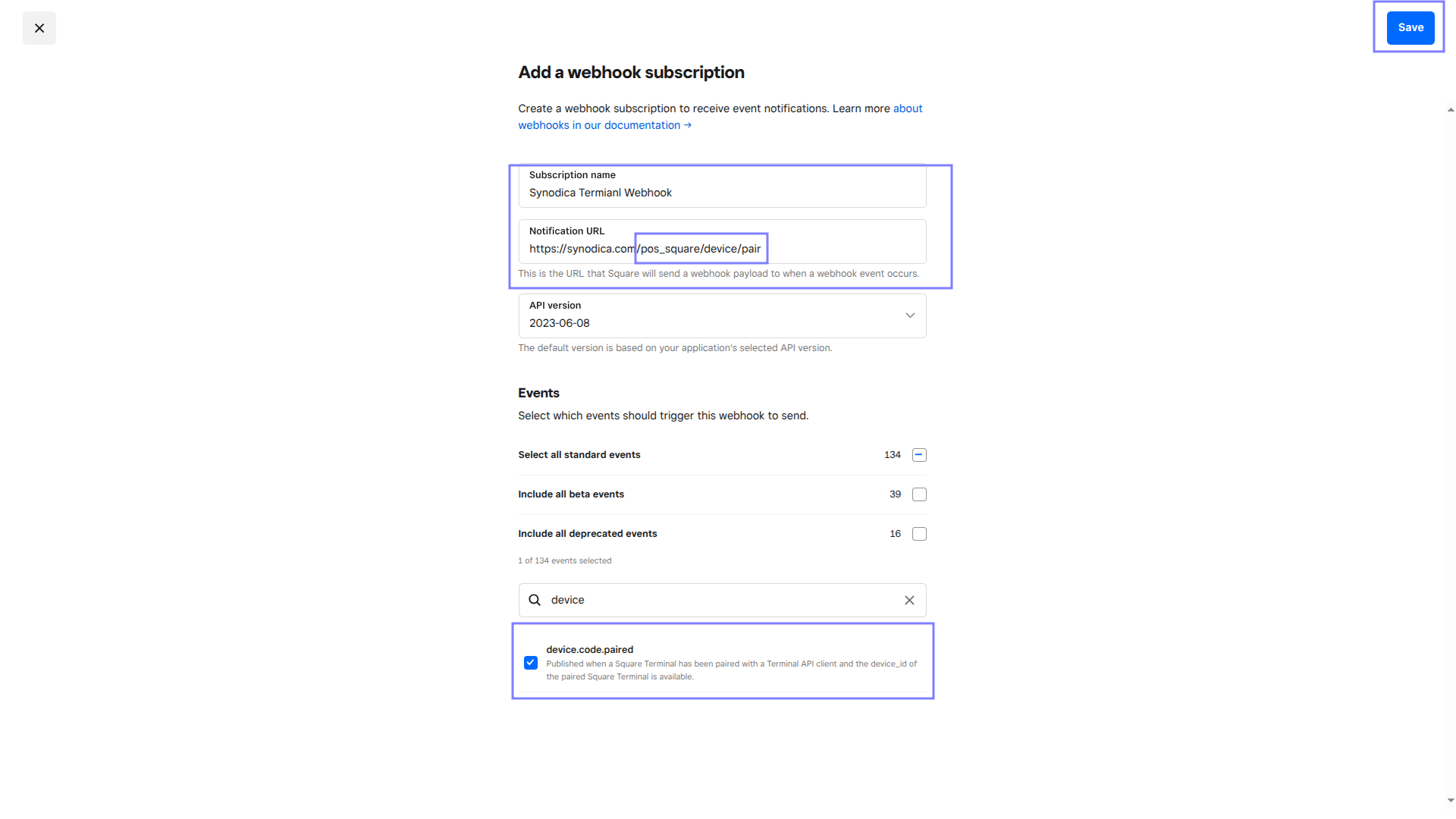
In Terminal Config, Get Device Code After Selecting Pos And Login To Square Terminal
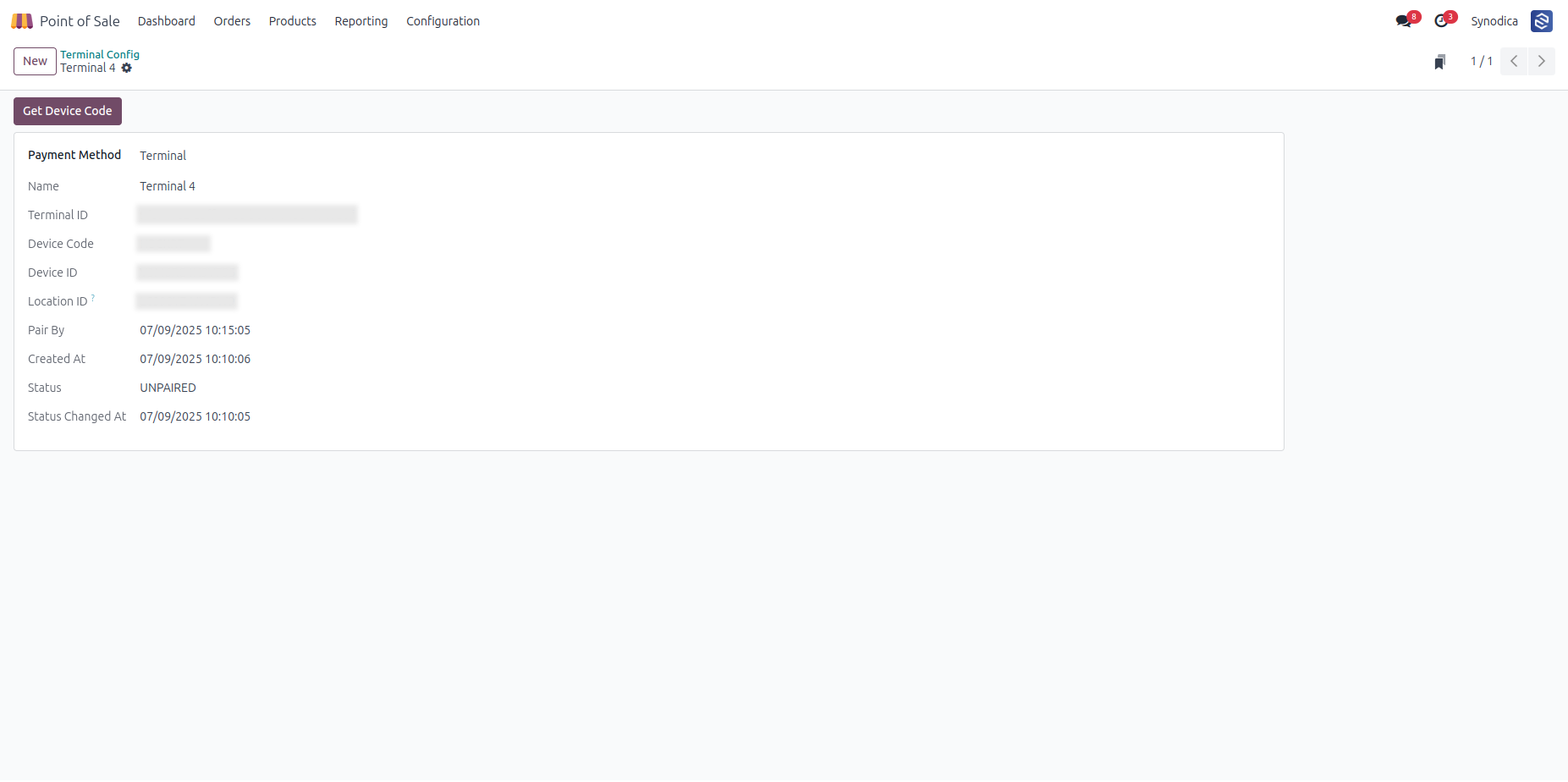
Square Payment Options (Credit Card And Terminal) Are Now Ready For Use In Pos
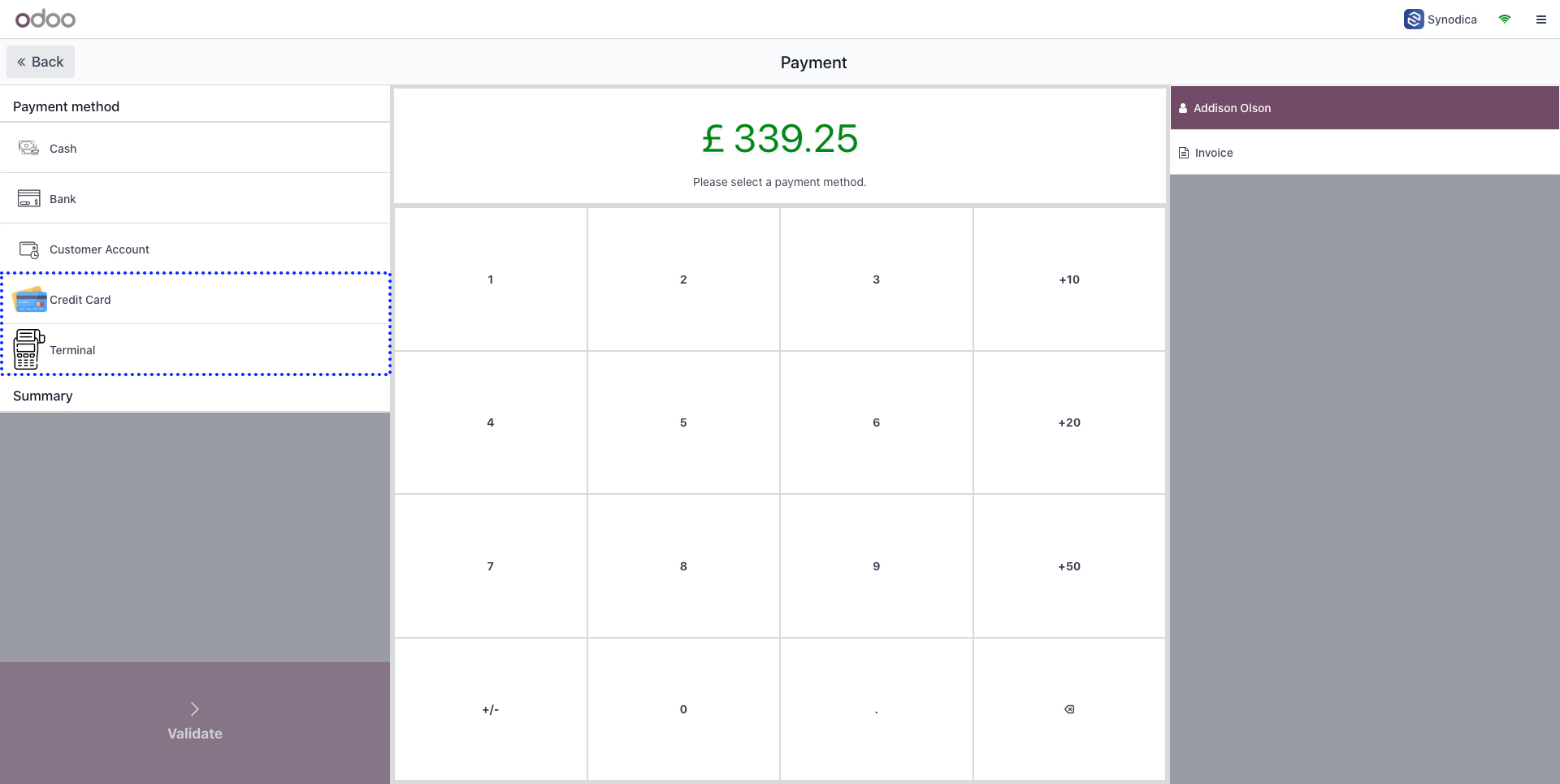
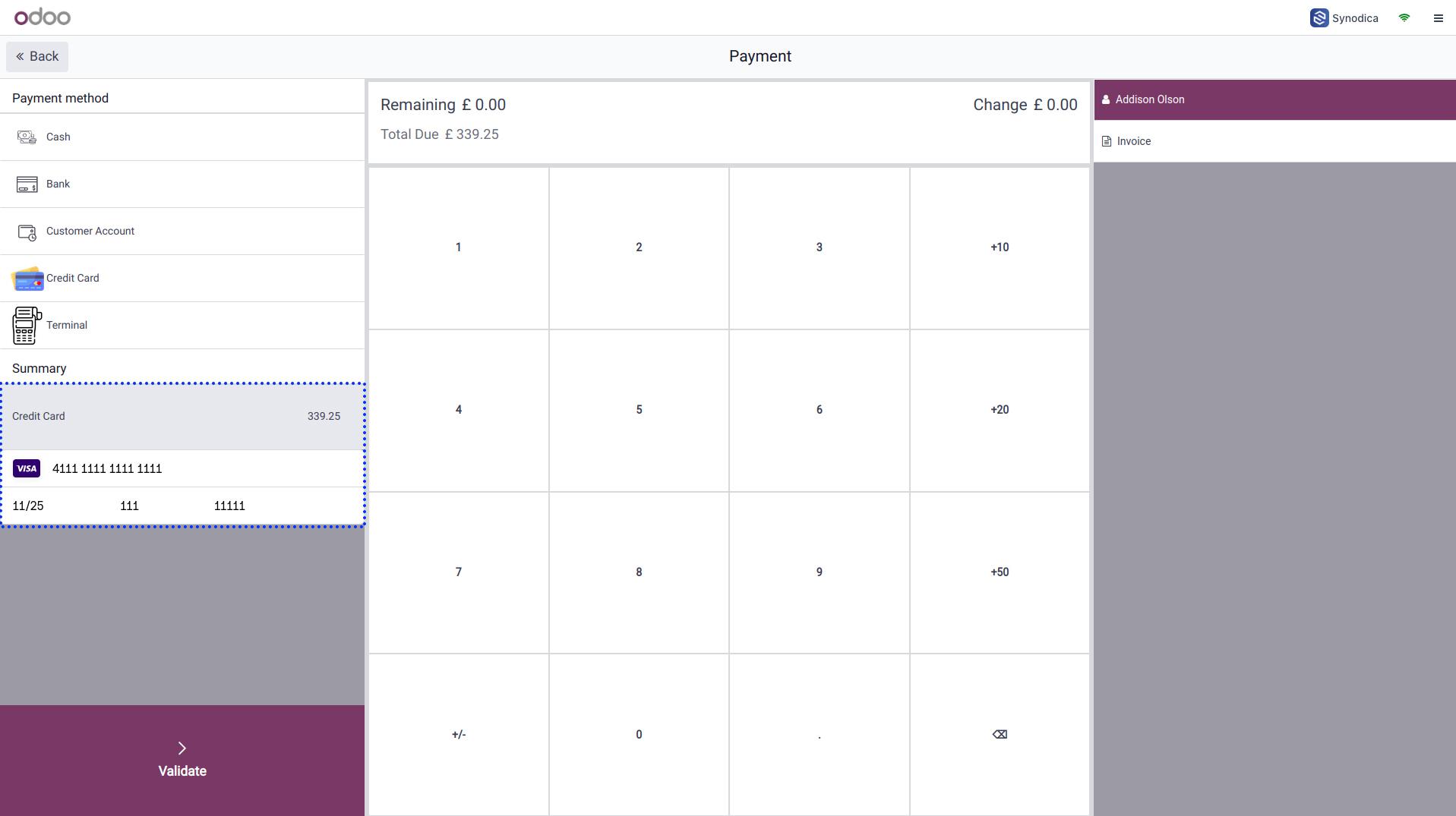
Processing A Payment Via Square Credit Card
Select Credit Card And Click Send Payment Request
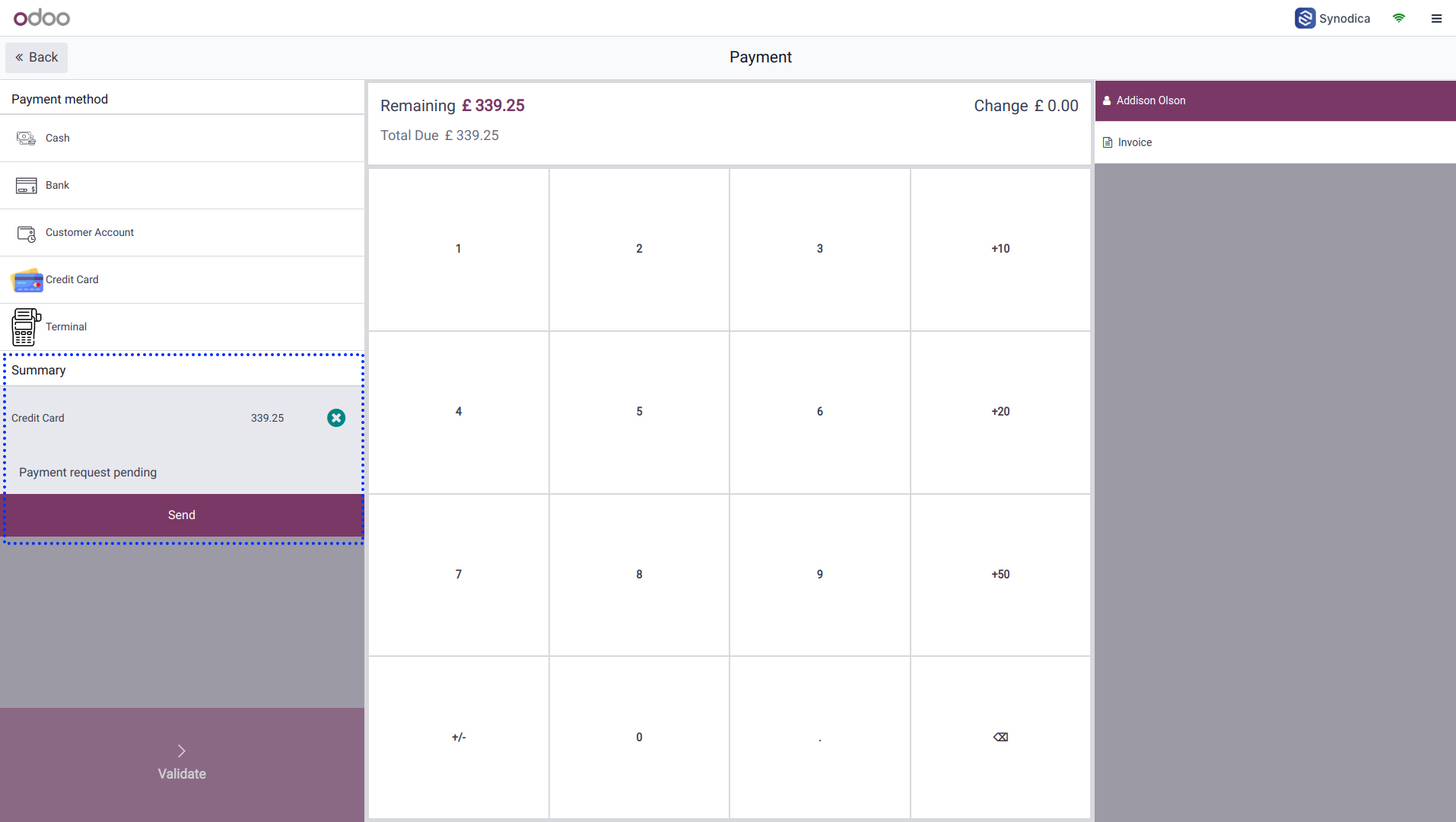
Provide Card Details And Click Validate To Complete Payment
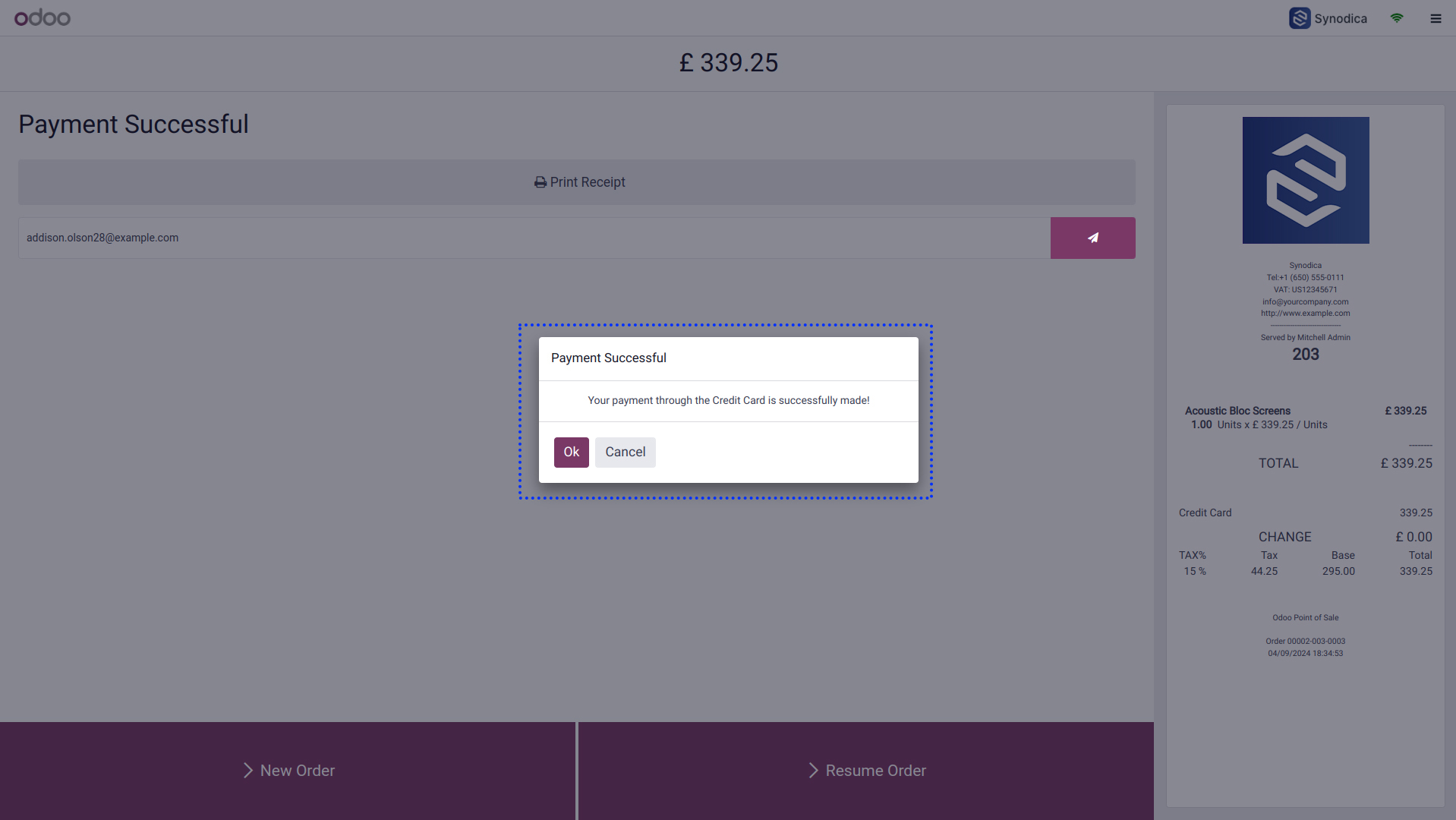
Redirect To Receipt Screen After Successful Payment
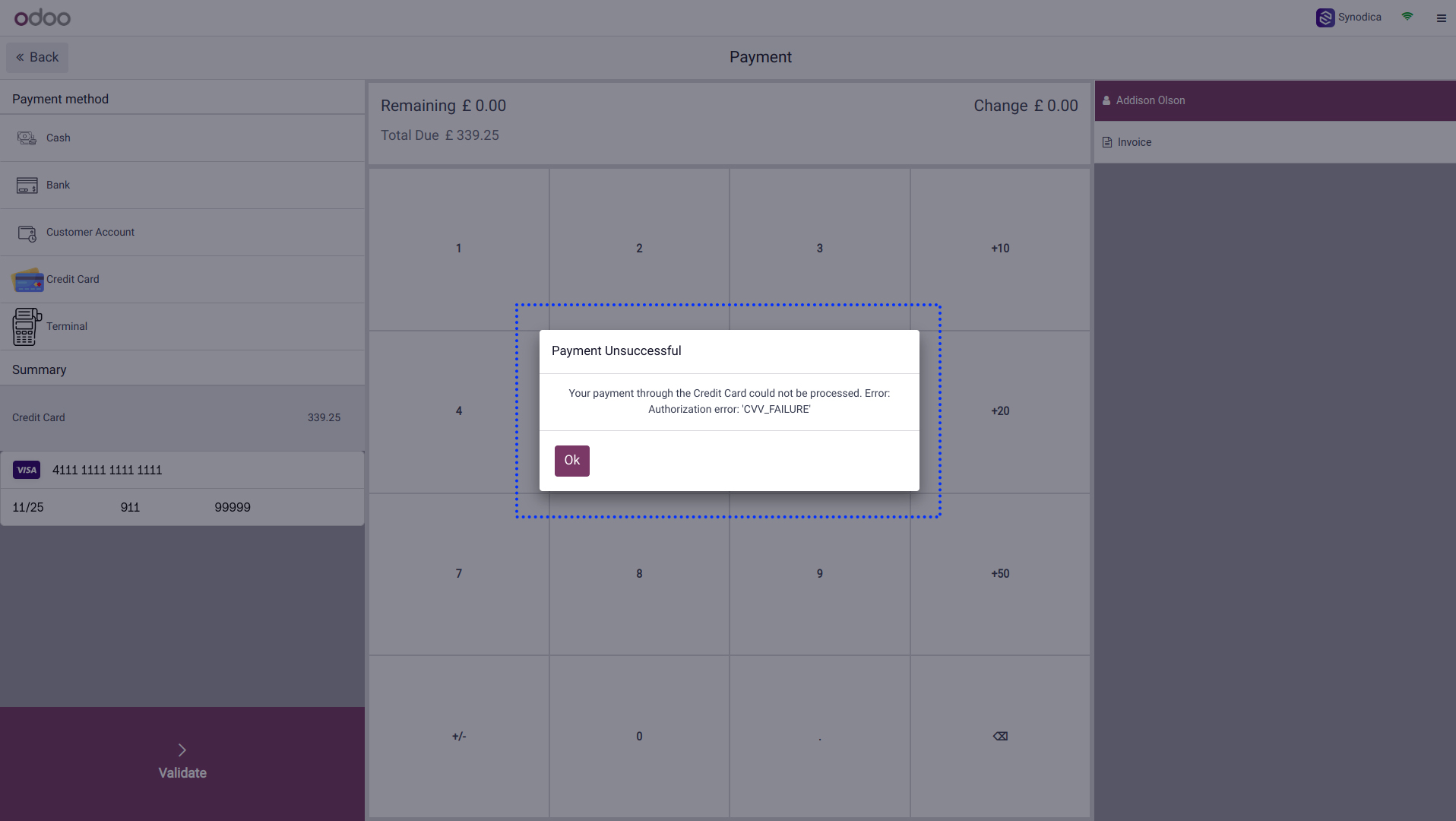
Payment Failure Notification Via Popup Message
Processing A Payment Via Square Terminal
Process Payment Via Square Terminal And Redirect To Receipt Screen
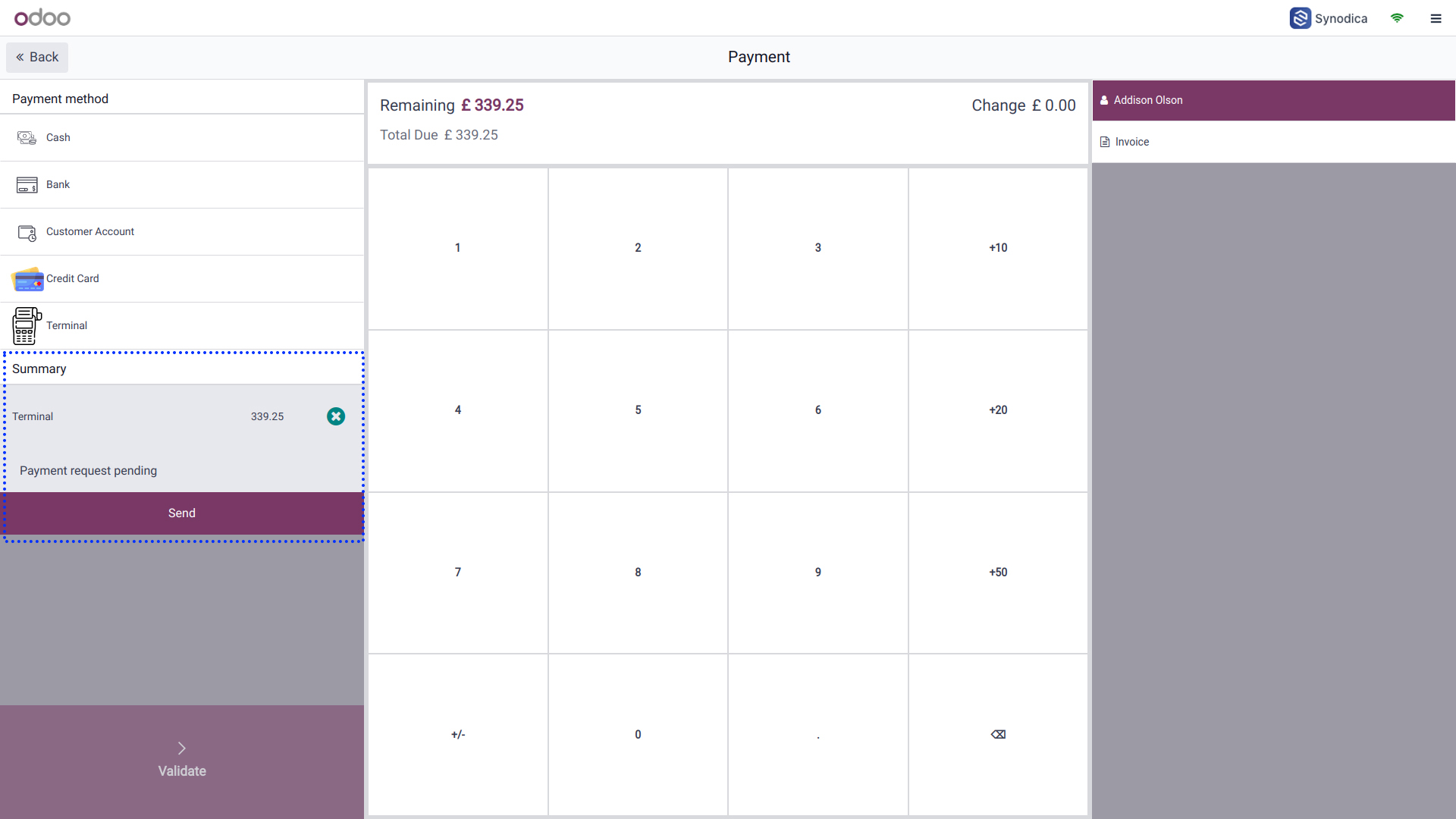
System Waits 120 Seconds For Square Payment Processing
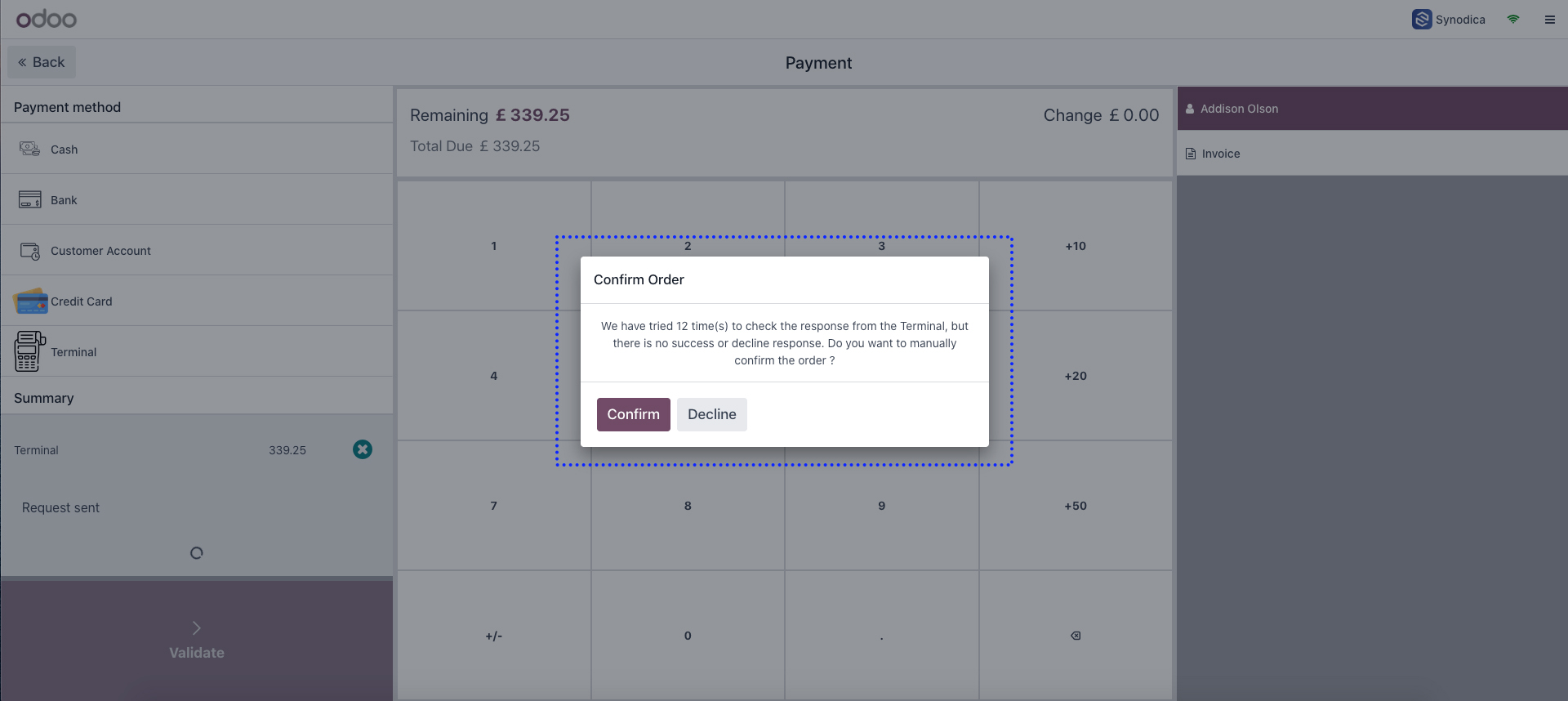
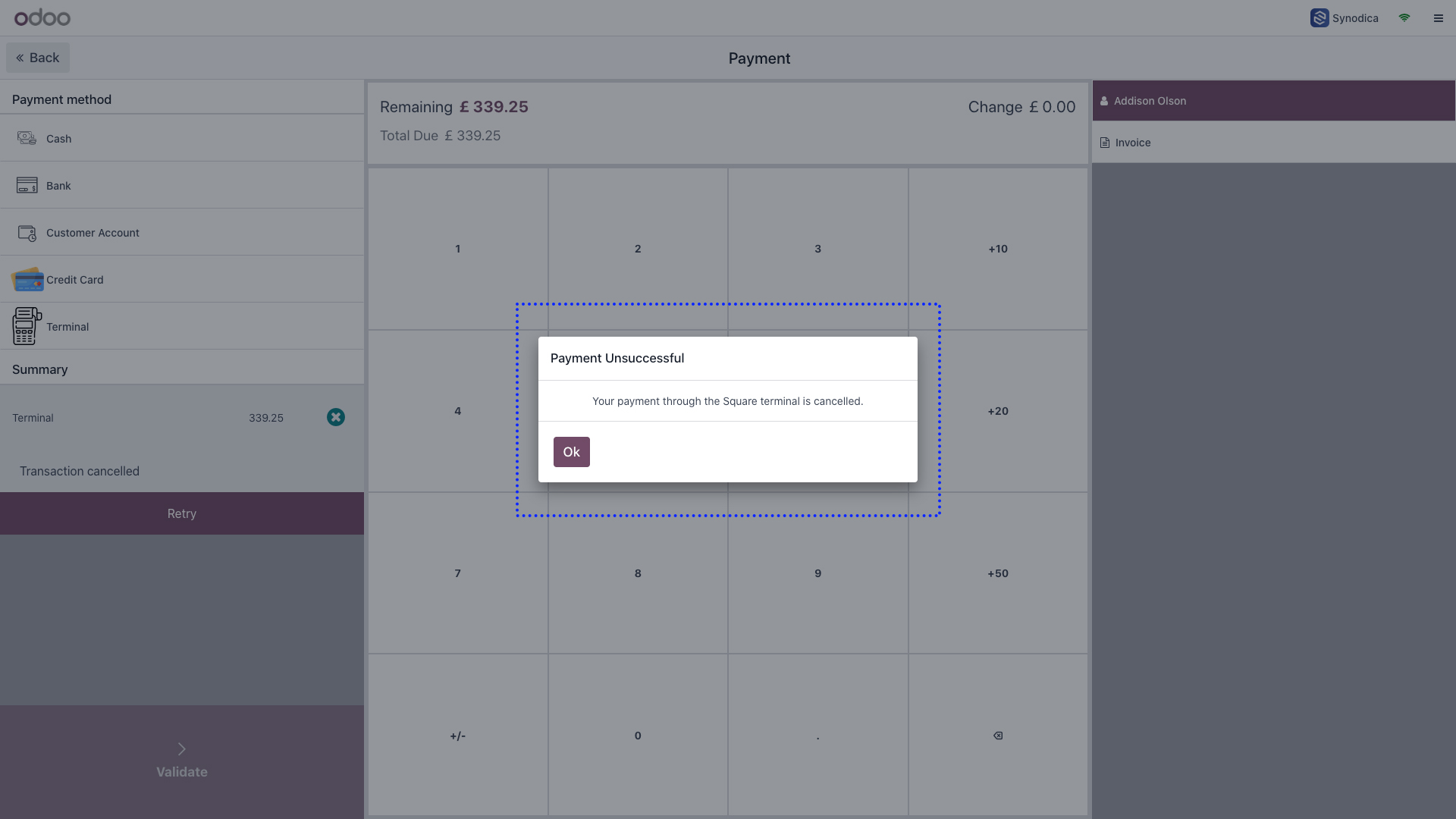
Unsuccessful Transaction Notification Via Popup
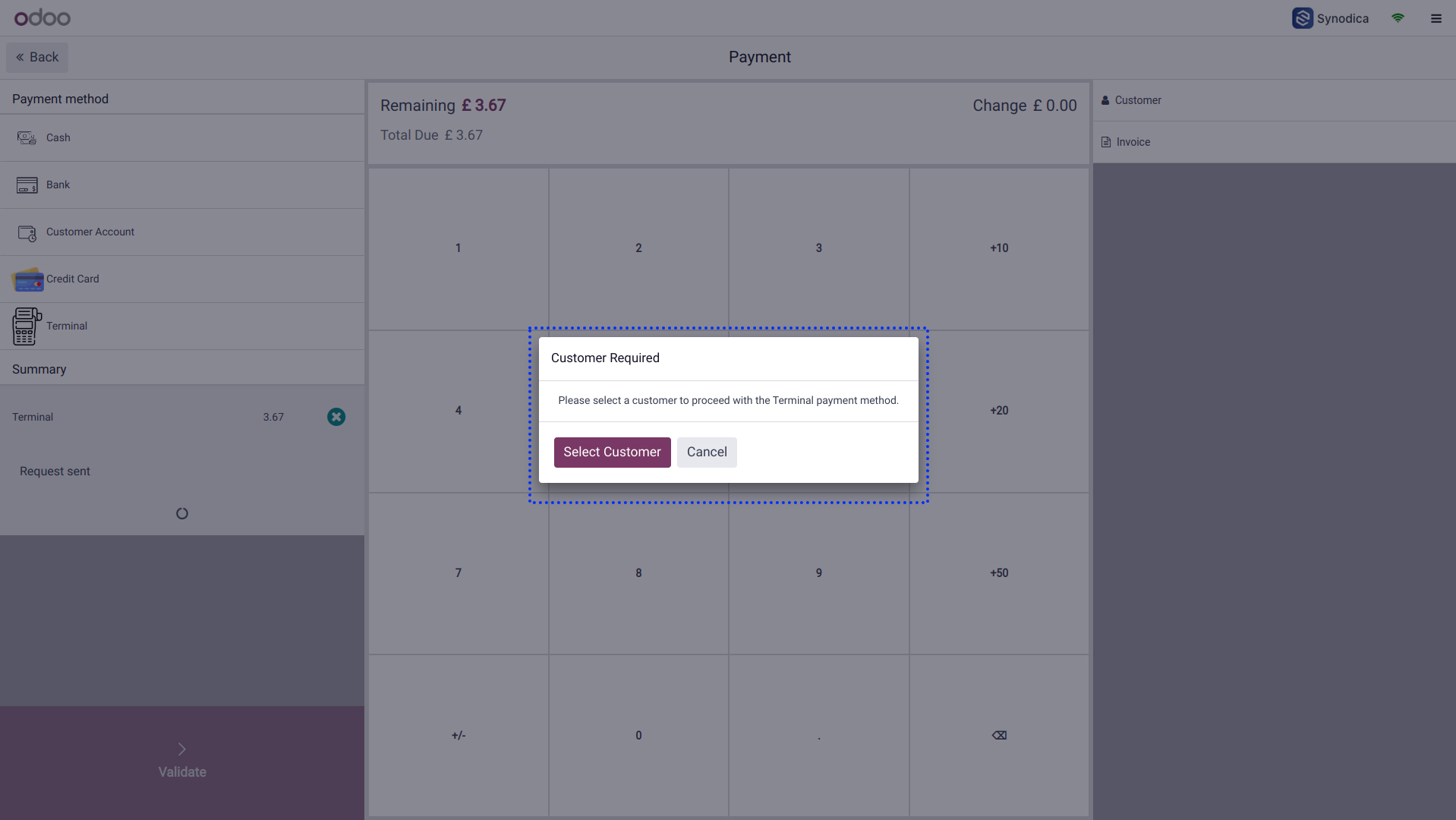
Missing Customer Error Displayed If No Customer Is Selected
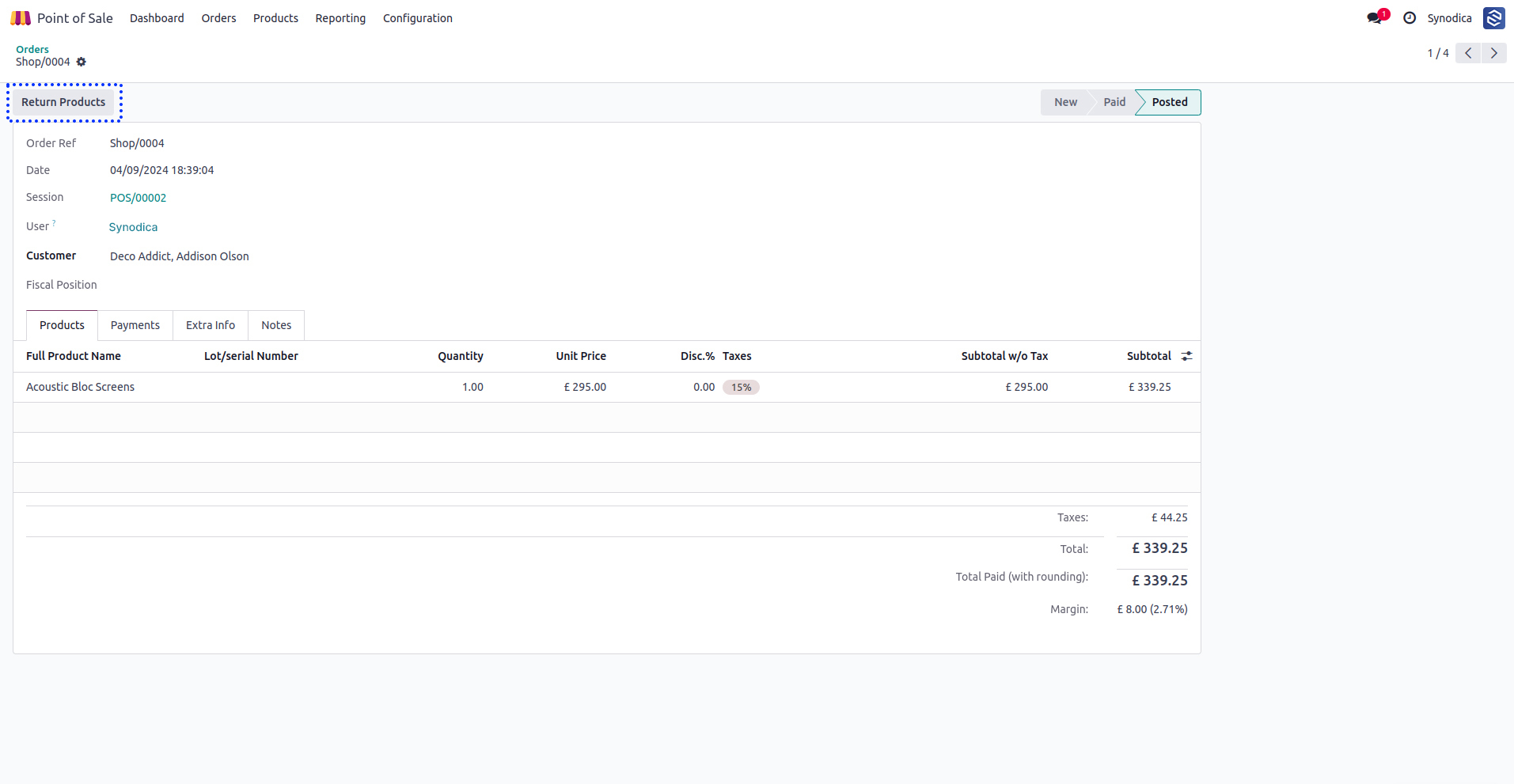
Refund
Refund Process Begins By Returning Items In Pos Orders
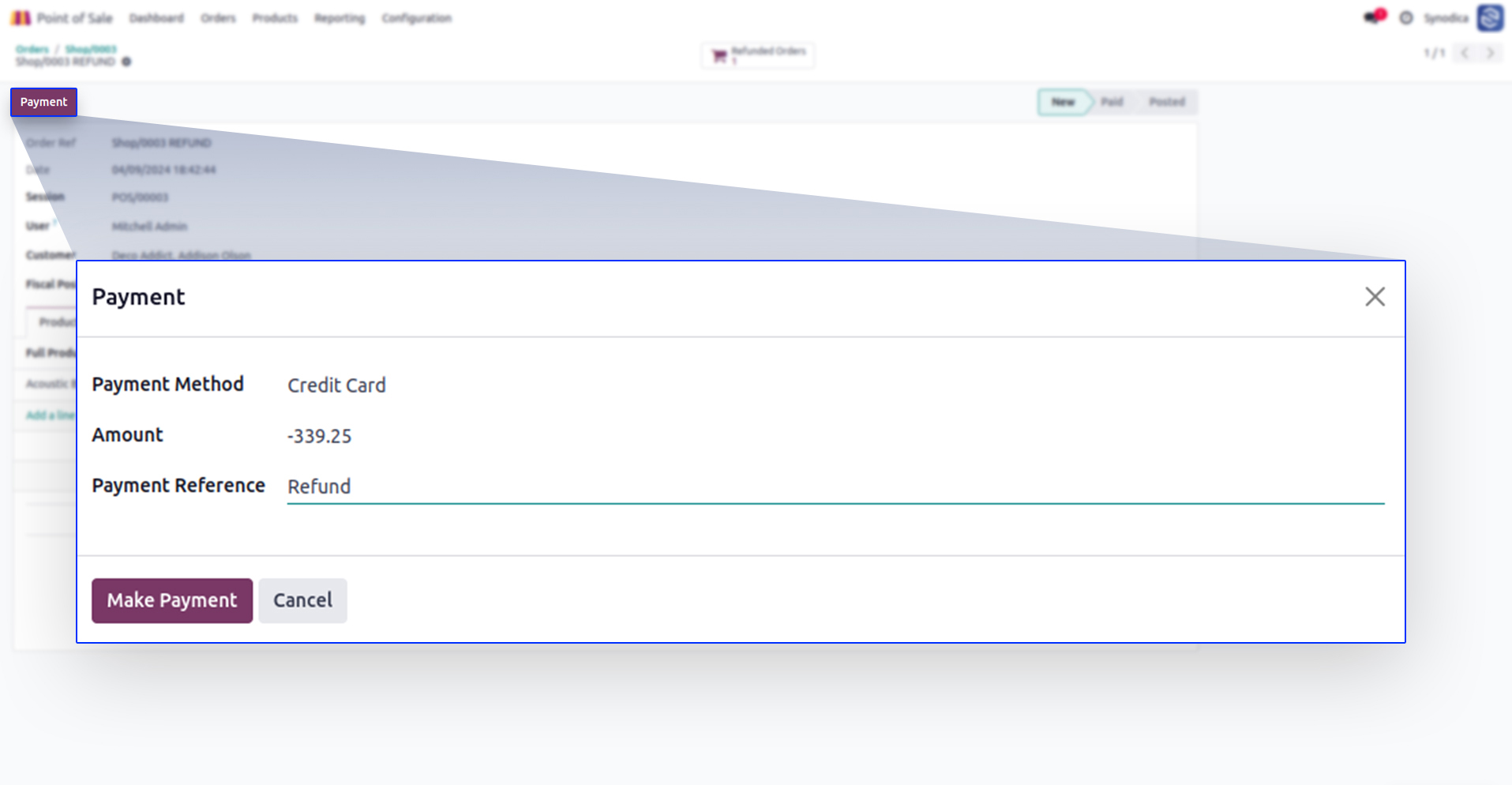
Click Payment And Select Credit Card Method In Popup
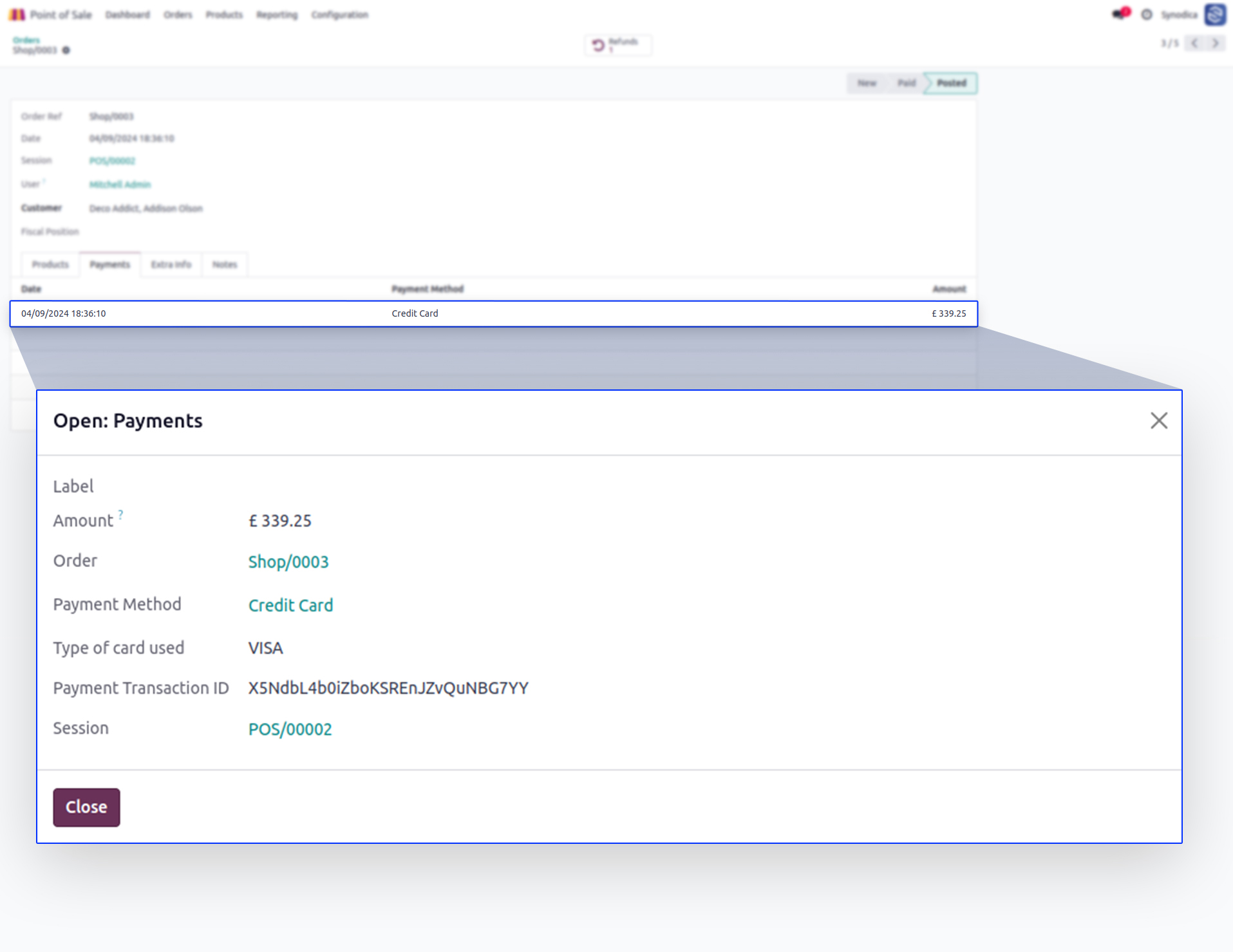
Find Square Payment Transaction Id In Payment Details
Suggested Products






Contact Us

We create ERP solutions for you using Odoo ERP that will build a strong and efficient business for you. It's SYNODICA WAY