

POS Face Recognition & PIN Verification
Smart POS Security.
Trusted POS Verification.
Safer Cashier Sessions.
POS Face Recognition & PIN Verification secures cashier login, cashier switching, barcode-based cashier selection, and optional close register approval in Odoo POS. Each POS can require PIN, face recognition, or either method, while employee face references can be captured live or uploaded from the employee form.
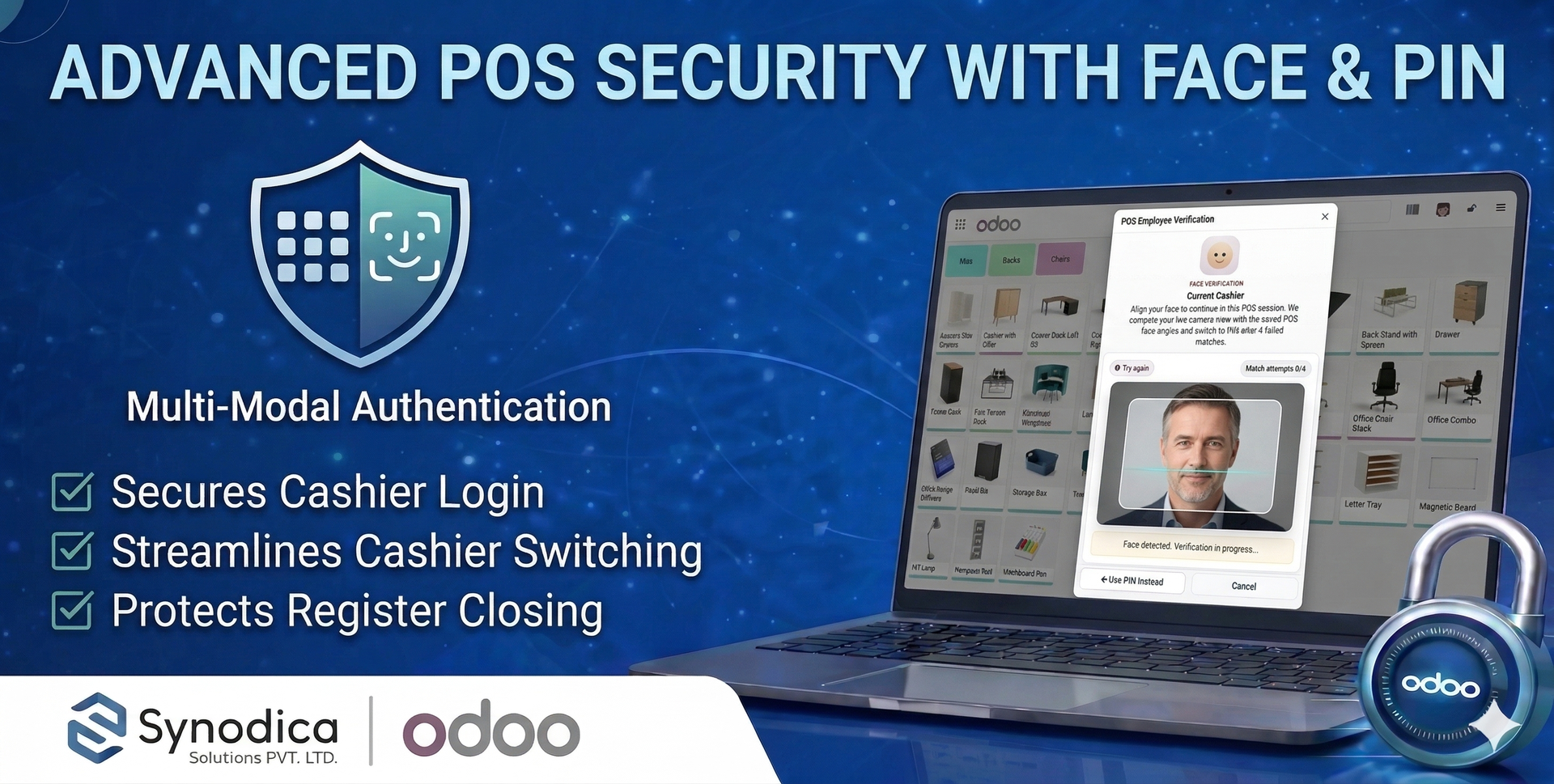
How POS Access Gets Verified
Configure POS security rules, enroll employee face references once, and Odoo will enforce the selected verification step before cashier selection or register closing continues.
Set POS Rules
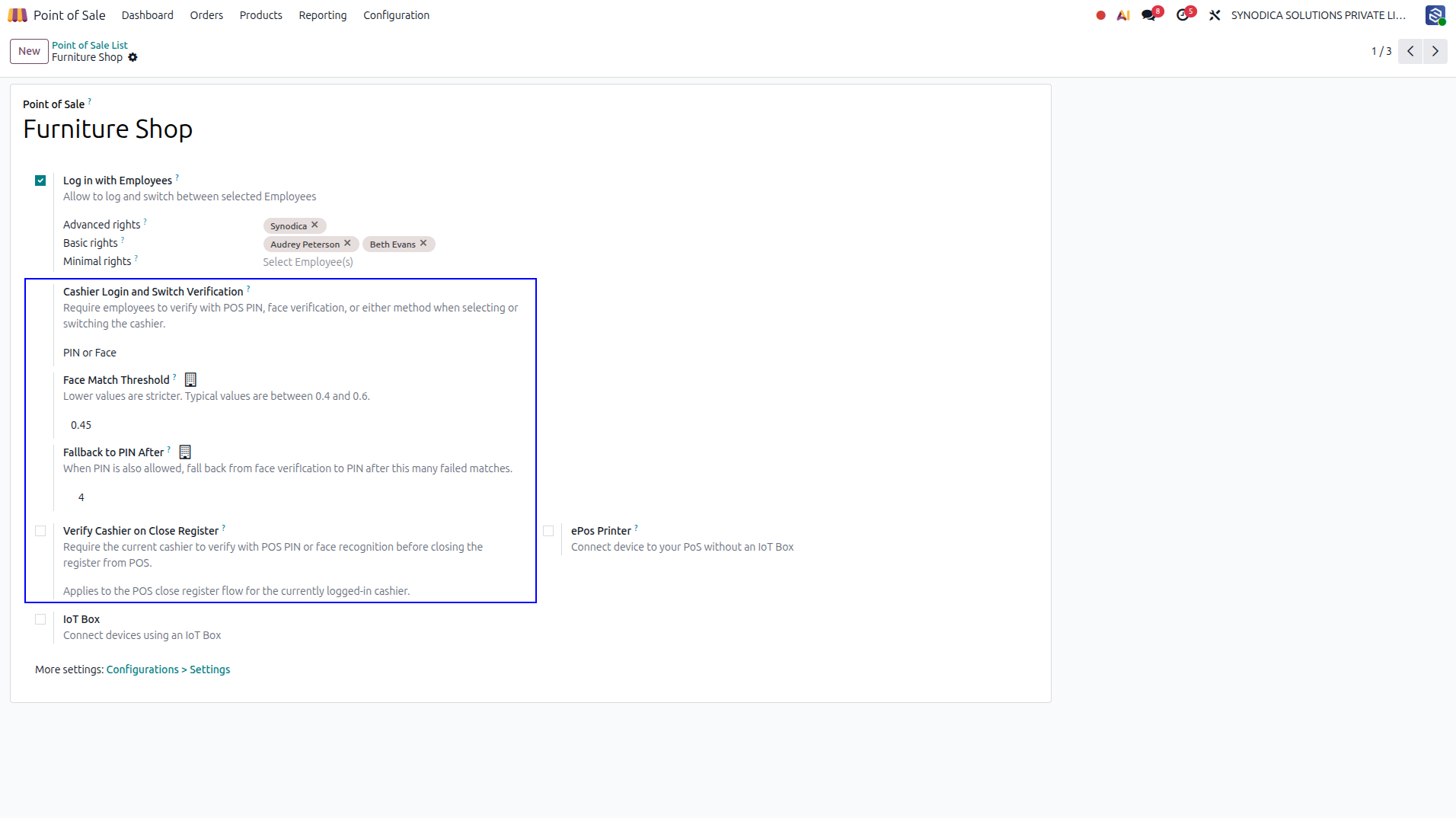
Choose cashier login and switch authentication, optional close register verification, face match threshold, and PIN fallback attempts for each POS.
Enroll Employee Face
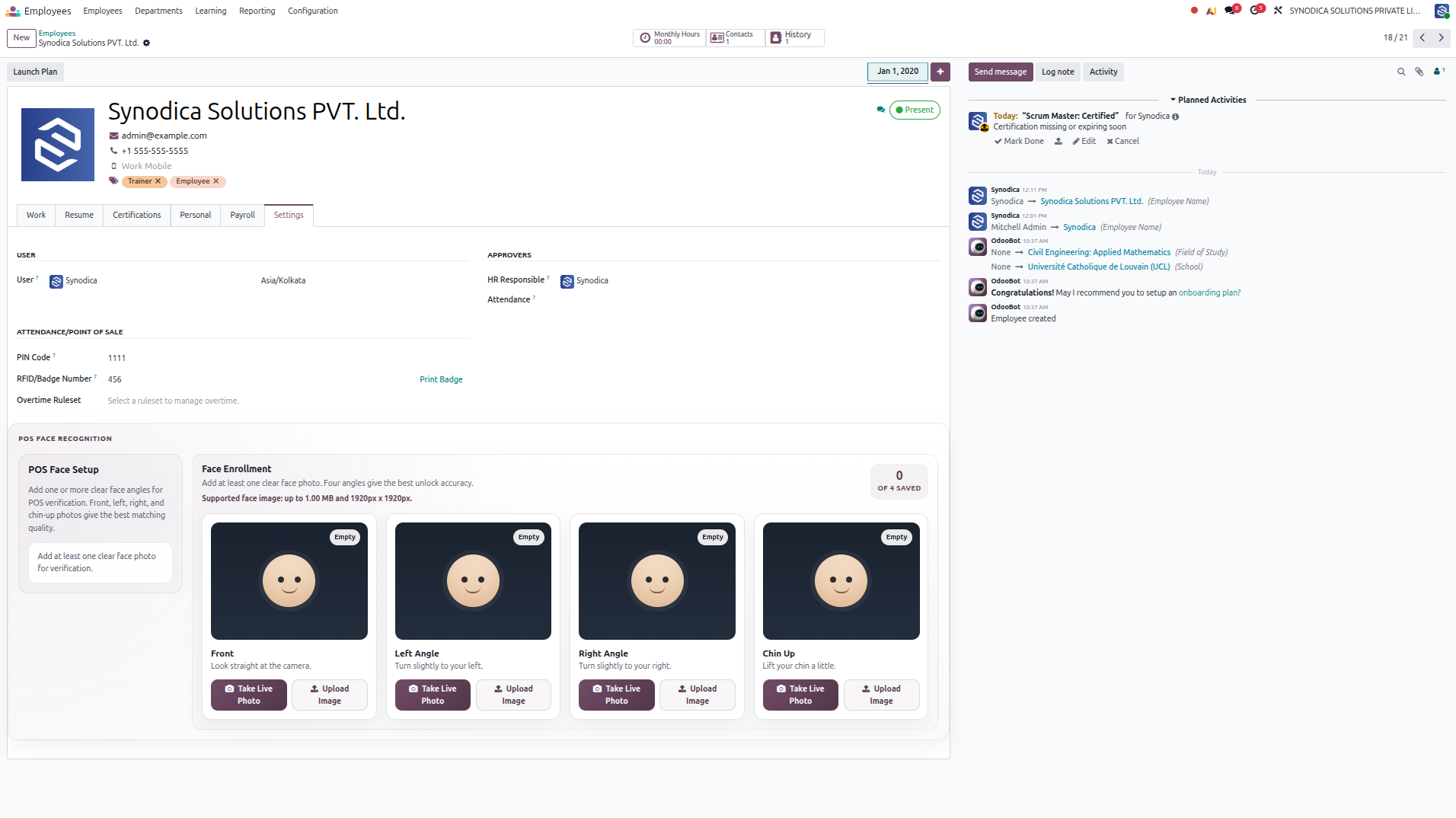
Save one or more face angles on the employee form so the POS can compare the live camera view with stored employee references during verification.
Verify Identity
Cashiers verify with PIN, face recognition, or either method according to the configured POS security mode and the employee setup.
Record Safely
Cashier login, cashier switching, barcode selection, and optional close register actions continue only after successful verification.
See POS Security Verification
A visual walkthrough of POS security settings, employee face setup, live photo and image handling, and cashier verification flows.
POS managers define cashier login and switch verification, face threshold, PIN fallback attempts, and optional close register protection directly from the POS configuration.
The employee form includes POS face enrollment with four angles so each cashier can prepare clear reference images for reliable face matching in the POS session.
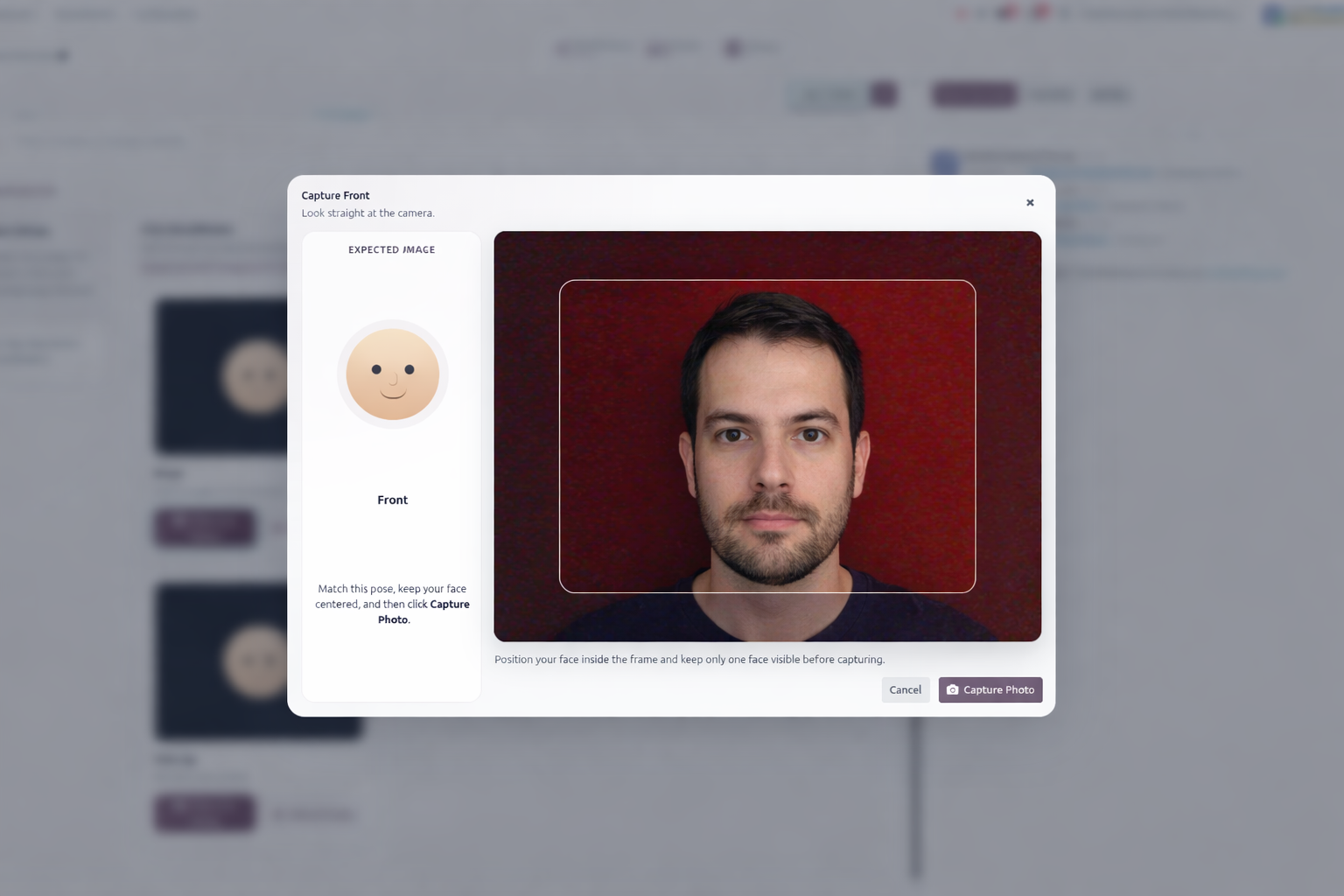
When the user clicks Take Live Photo, a camera capture wizard opens for the selected face angle. Users can also upload an existing image, and the module validates image size and dimensions before saving the face reference.
Please select the cashier to continue with the POS session.
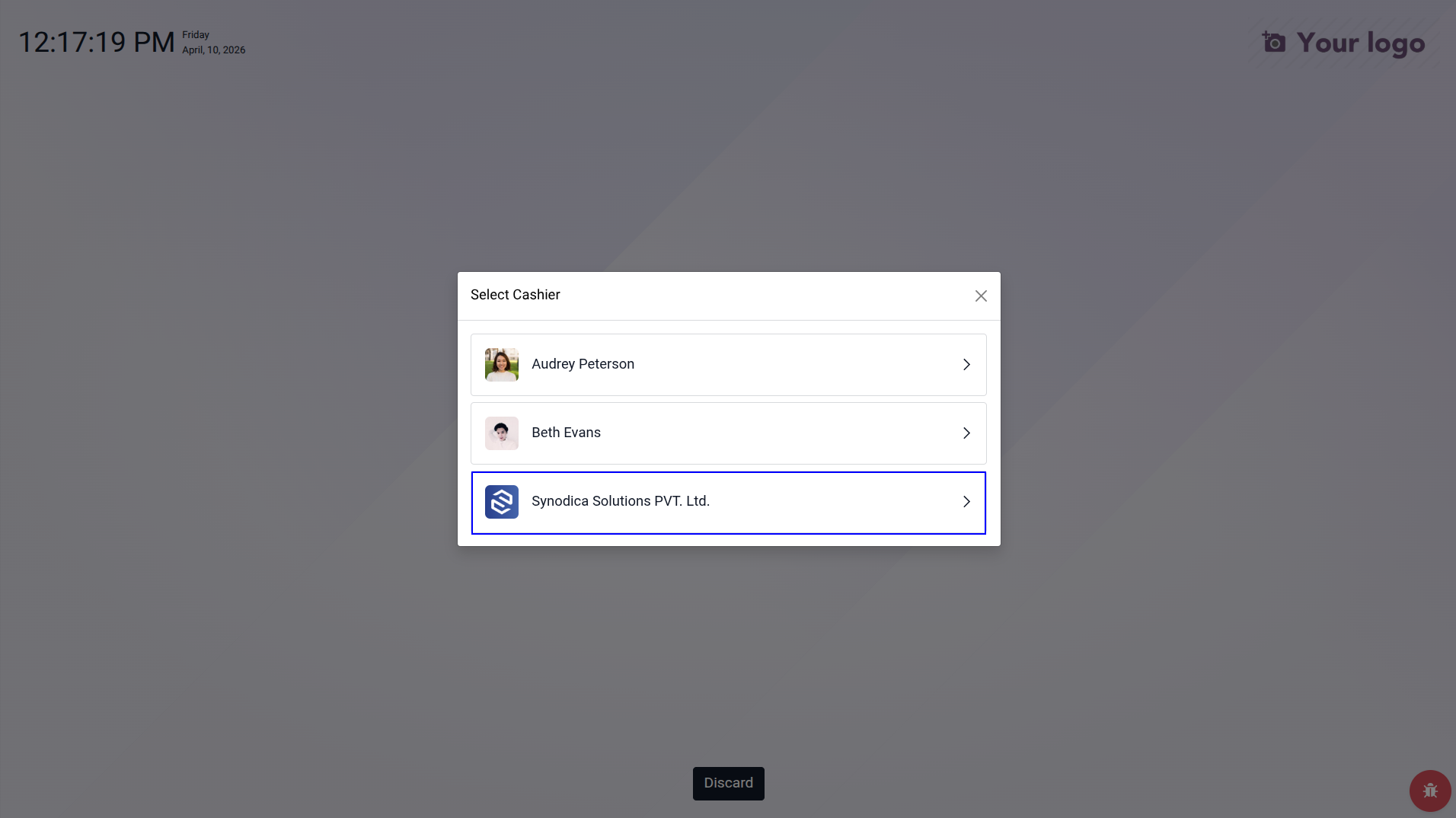
During cashier selection, cashier switching, or barcode-based login, POS can open a secure verification dialog and compare the live face with the saved employee references before access is granted.
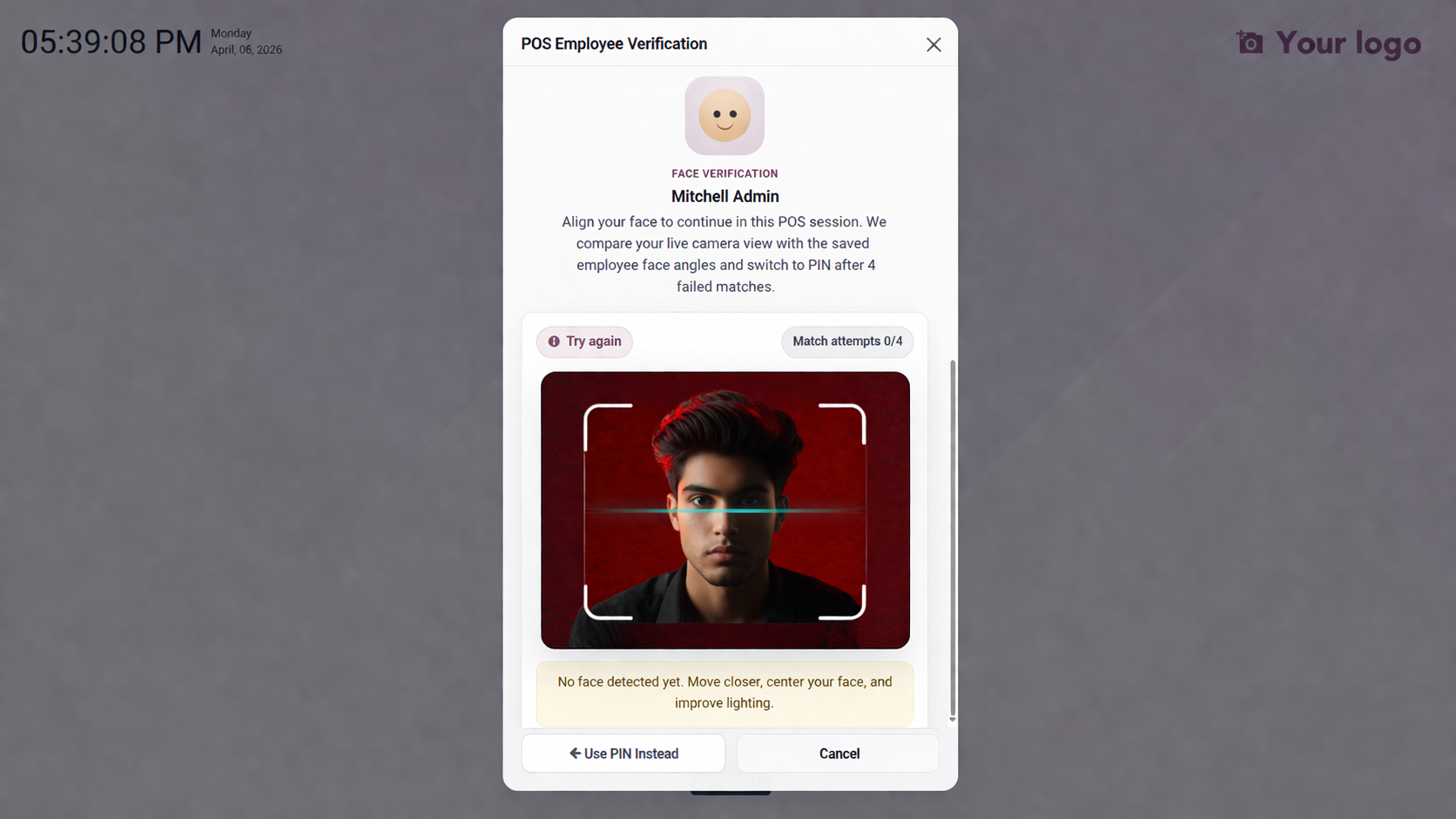
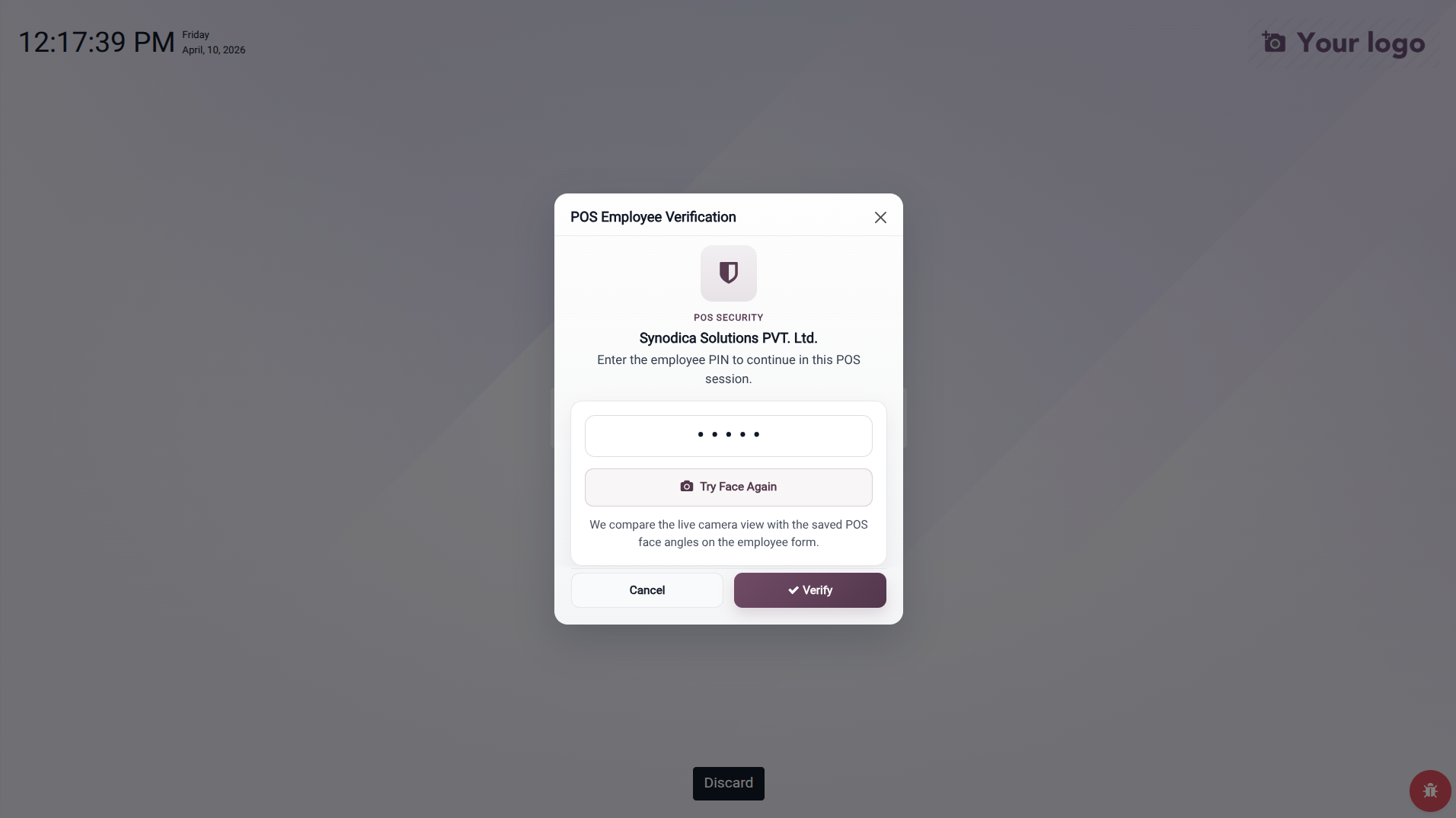
When PIN and face are both allowed, users can click Use PIN Instead or let the module fall back automatically after repeated failed face matches, without leaving the protected POS action.
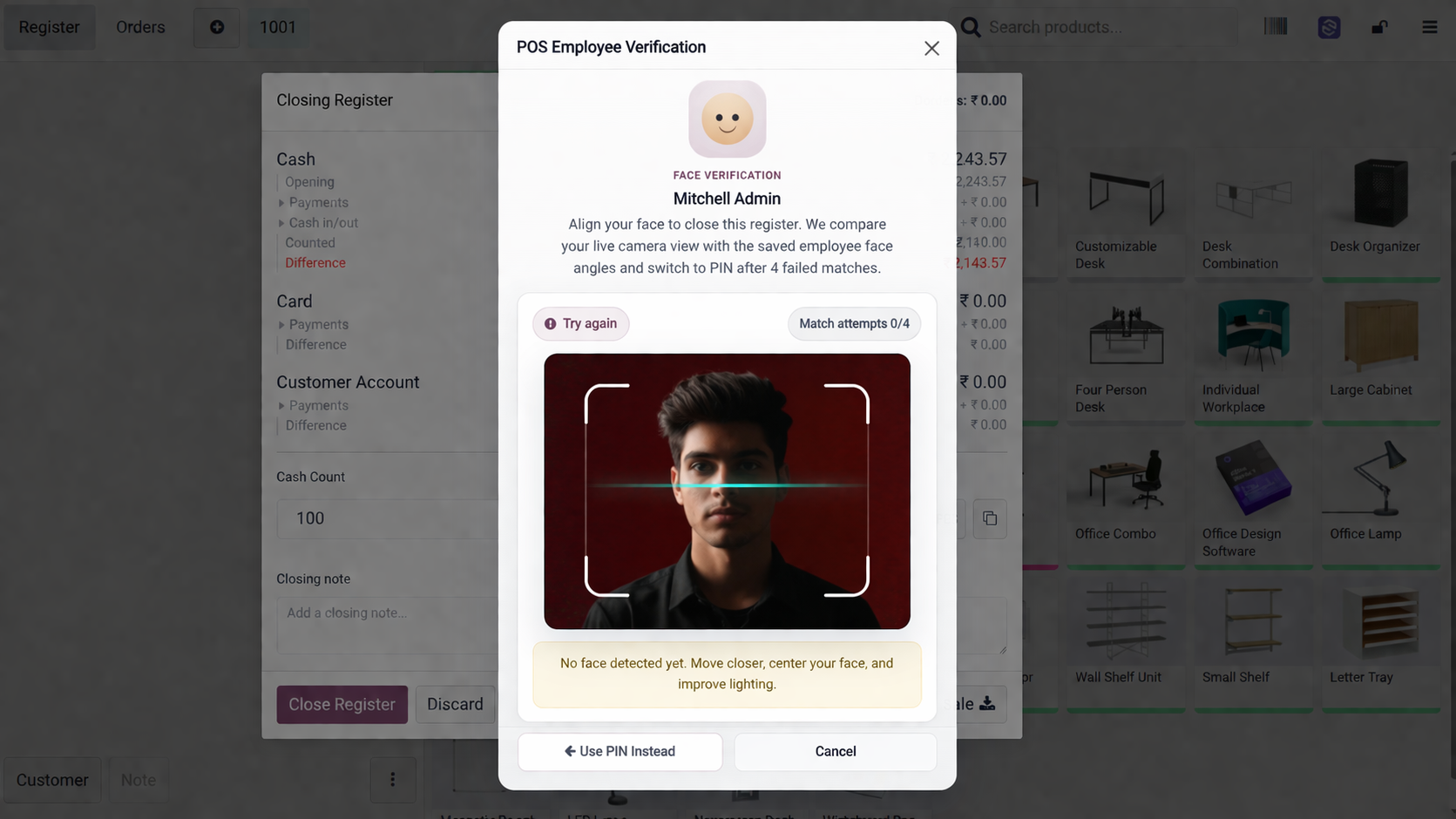
If enabled, the currently logged-in cashier must verify identity again before closing the POS register. This close flow has its own authentication mode and can differ from cashier login rules.
What the POS Addon Actually Does
This addon strengthens Odoo POS with configurable employee verification, employee face references, live camera enrollment, image uploads, and safer cashier switching and register closing flows.
Cashier Login, Switch, and Barcode Security
The module protects the POS login screen, cashier switching from the navbar, and cashier barcode selection before the active cashier changes.
Optional Close Register Protection
The current cashier can be required to verify identity again before the register is closed, with its own security mode separate from cashier login.
Multi-Angle Face Enrollment
Employees can store front, left, right, and chin-up reference images to improve matching quality during live POS verification and help the system recognize the cashier more reliably.
Live Photo and Image Upload
Each face angle can be captured directly from the browser camera or uploaded manually, with built-in validation for image size and dimensions.
Four POS Authentication Modes
Each POS can use no extra verification, PIN only, face only, or PIN or face for cashier selection, while close register uses its own mode when enabled.
Face Match Tuning and PIN Fallback
Administrators can tune face match strictness and decide after how many failed face matches the dialog should fall back to employee PIN.
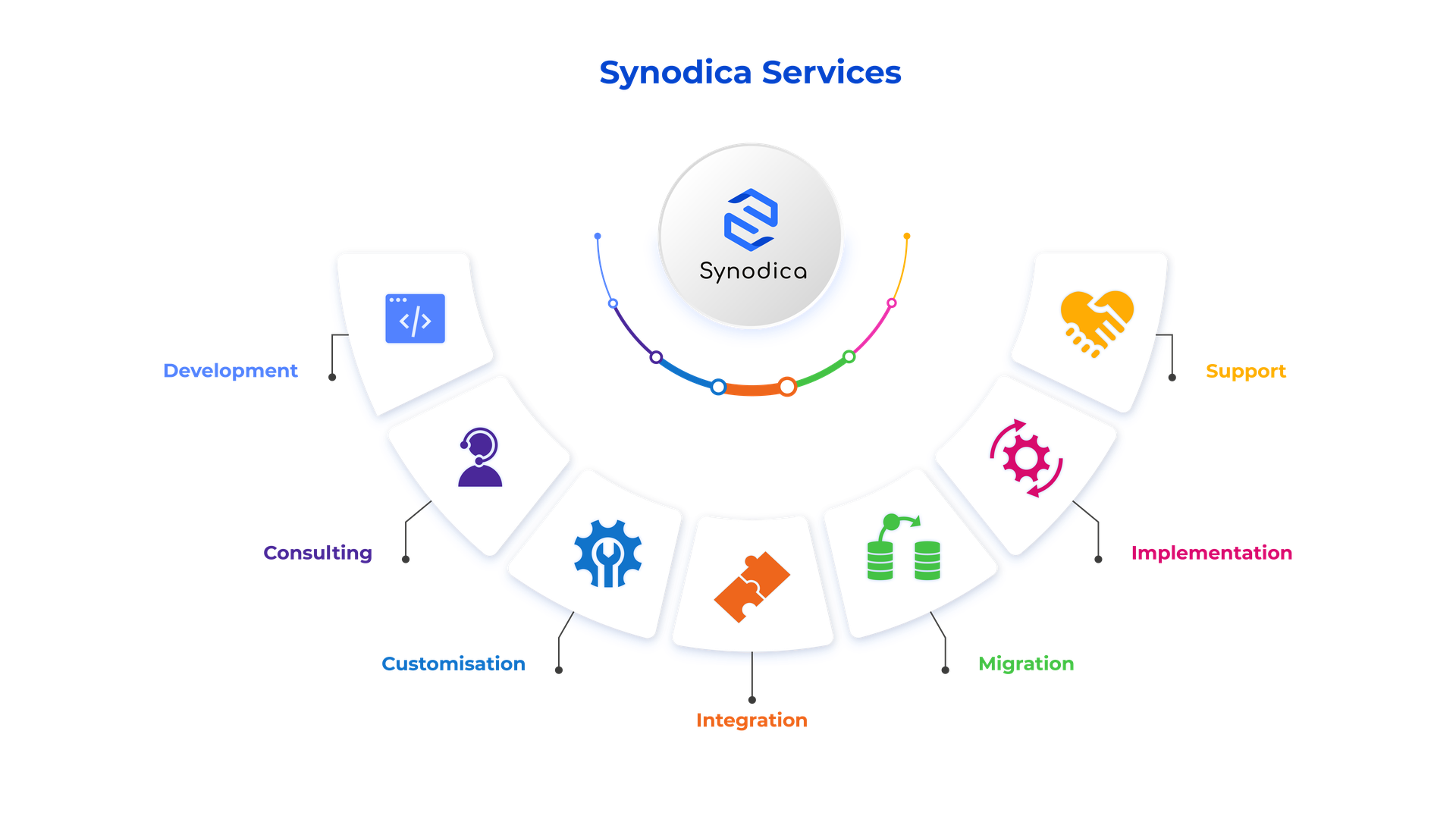
Specialized Odoo Services
We build, customize, and maintain Odoo solutions for businesses worldwide - from implementation to advanced integrations.
Secure Every POS Session
Add PIN and face verification to Odoo POS without slowing down cashier workflows. Protect cashier switching and register closing with clear configuration and employee-friendly face setup.
support@synodica.com© 2026 Synodica Solutions PVT. LTD. - POS Face Recognition & PIN Verification for Odoo
We create ERP solutions for you using Odoo ERP that will build a strong and efficient business for you. It's SYNODICA WAY