

Portal Expense Management
Portal Expense
Management
Submit, Edit, and Track Claims
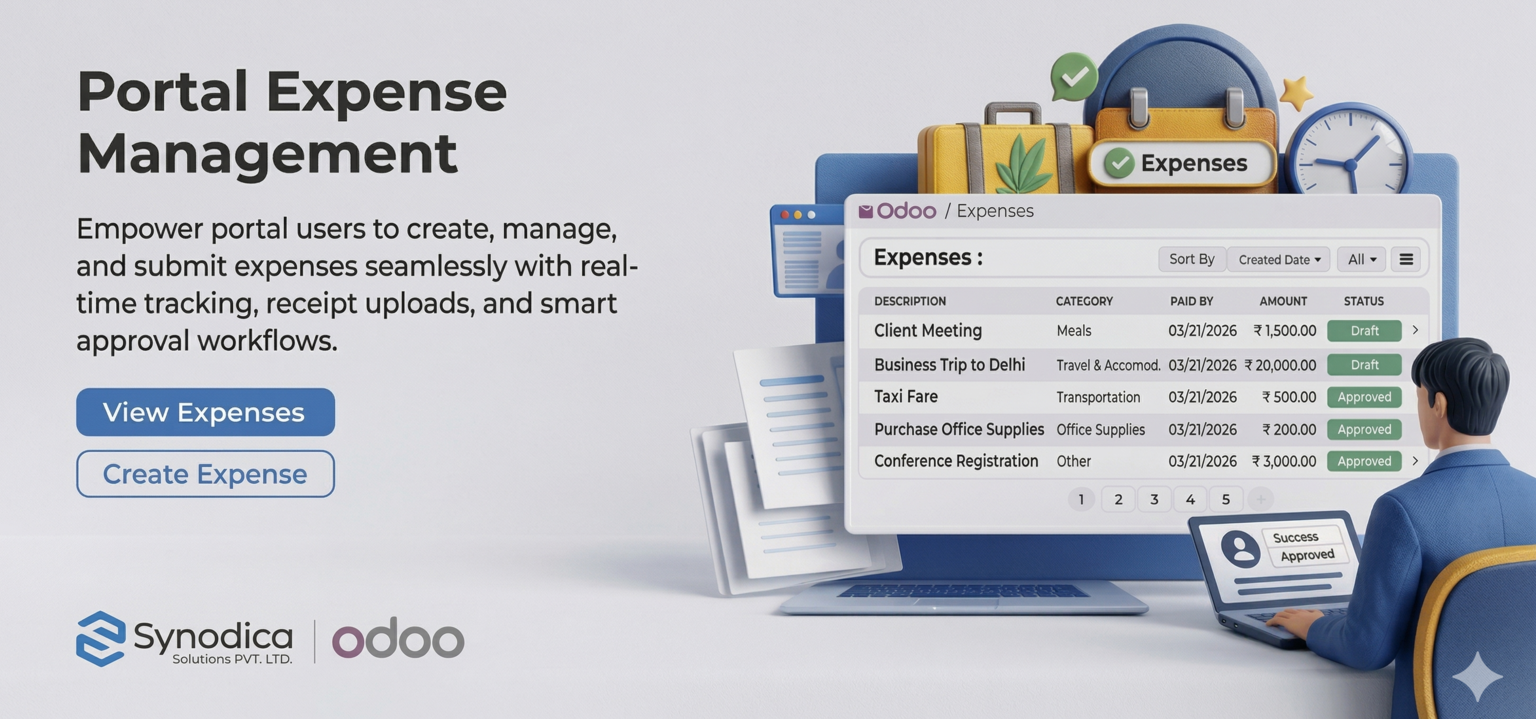
Give employees a complete self-service expense workflow directly from the Odoo portal. Create expense drafts, attach receipts, switch between employee-paid and company-paid modes, edit drafts before submission, and follow every expense from portal list to final review.
How It Works
A straightforward portal-first expense flow for employees and finance teams.
Grant Portal Access
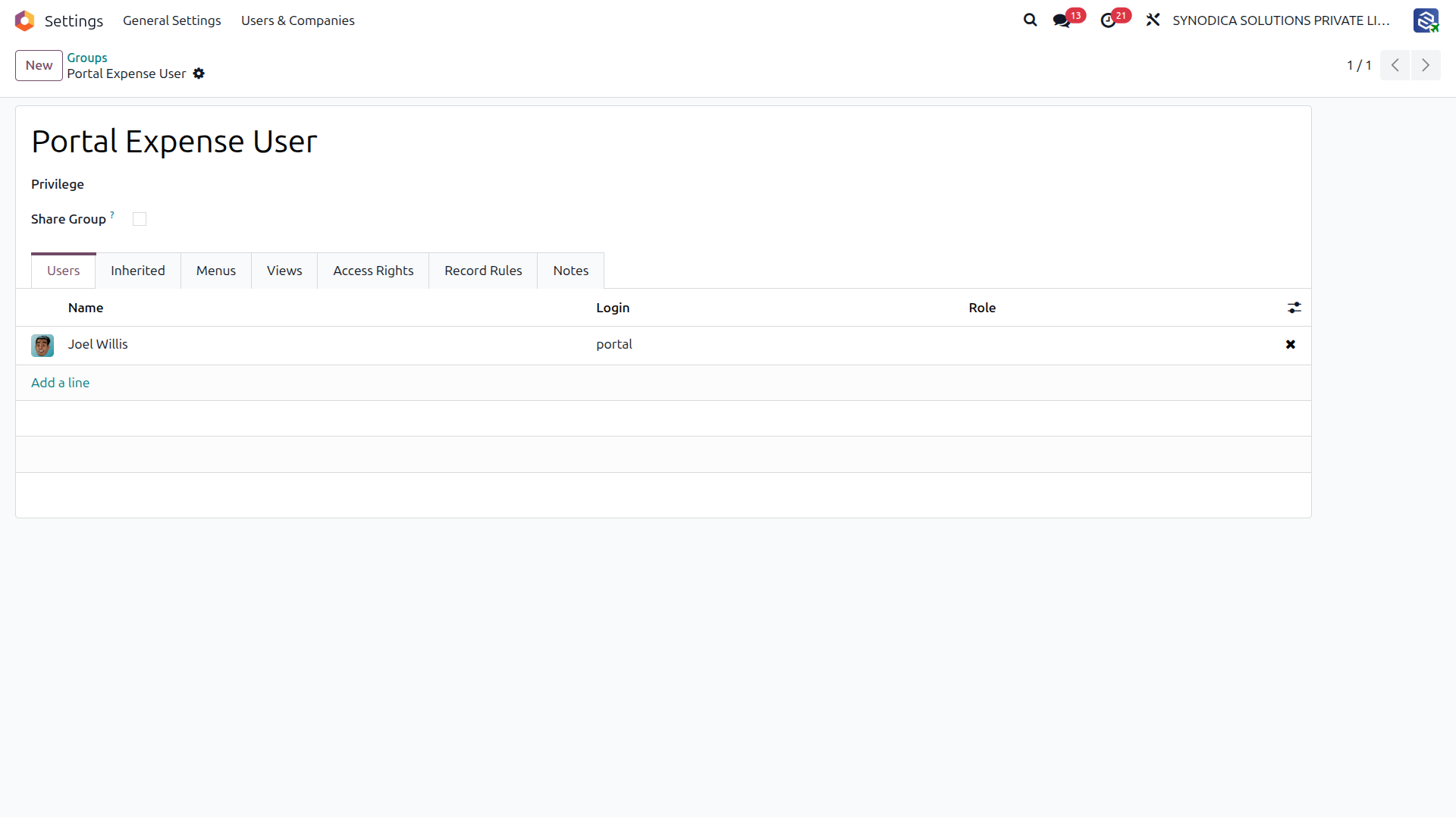
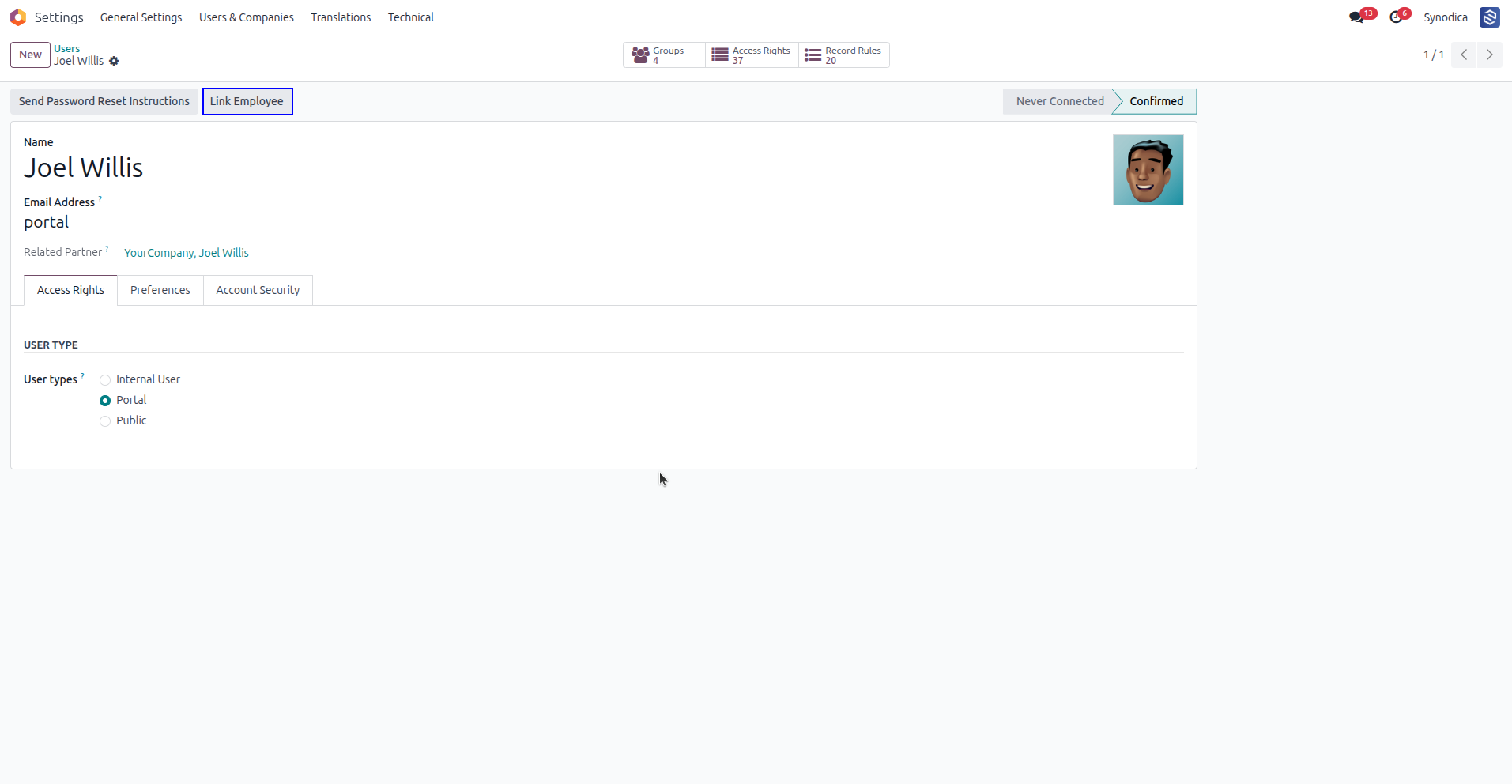
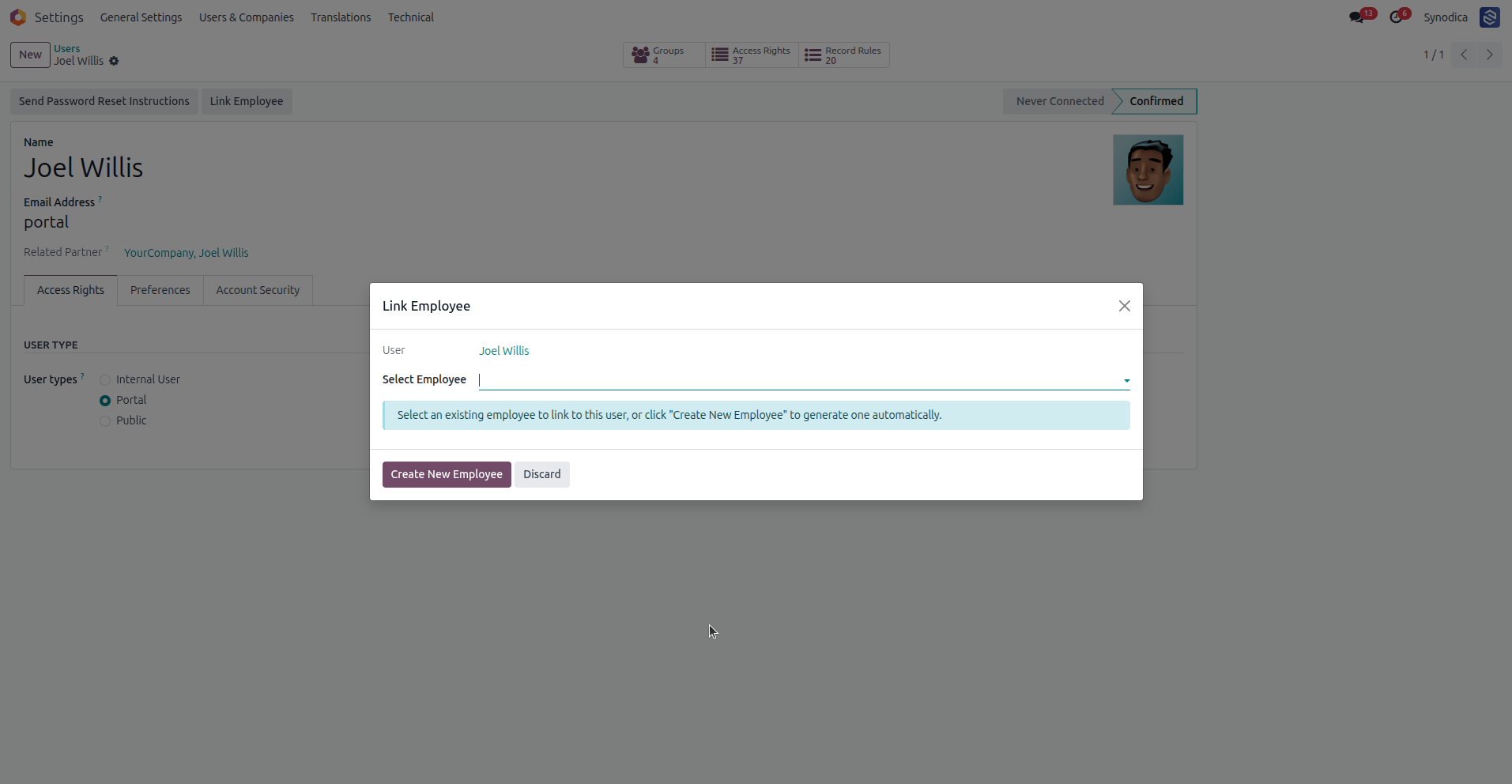
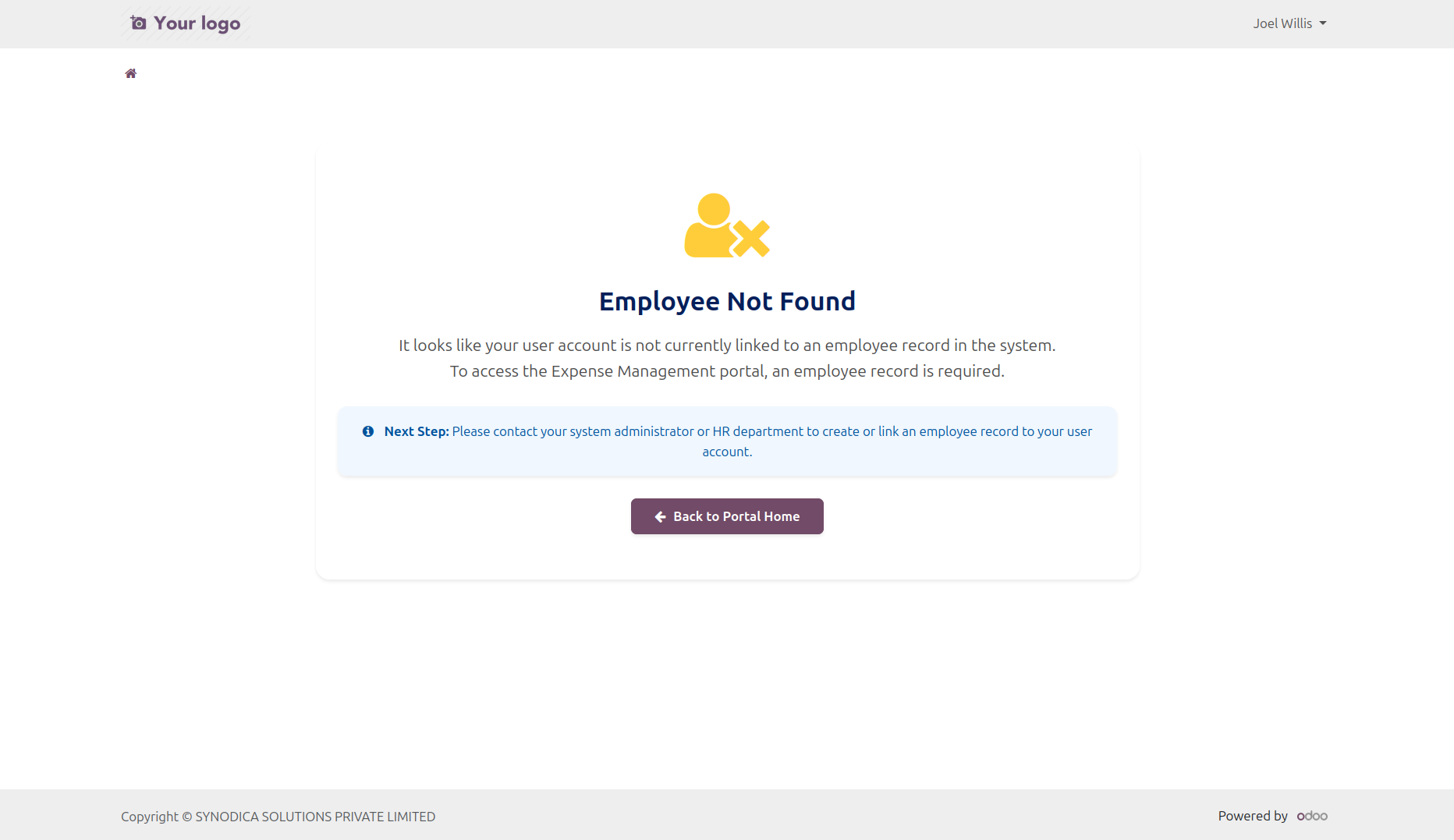
Assign the Portal Expense User group and make sure the portal user is linked to an employee record before using the expense pages.
Create Expense Drafts
Employees create new expenses from the portal with product, amount, payment mode, taxes, vendor details, and receipt attachments.
Submit and Track
Draft expenses can be edited, updated, and submitted from the portal while finance users track portal-created expenses from dedicated backend menus.
See It in Action
A visual walkthrough of the complete expense journey inside the Odoo portal.
Assign this group to users who should access personal expense pages from the portal.
Link portal users to an employee record using the "Link Employee" button in the user form.
Quickly select an existing unlinked employee or create a new one using the automated wizard.
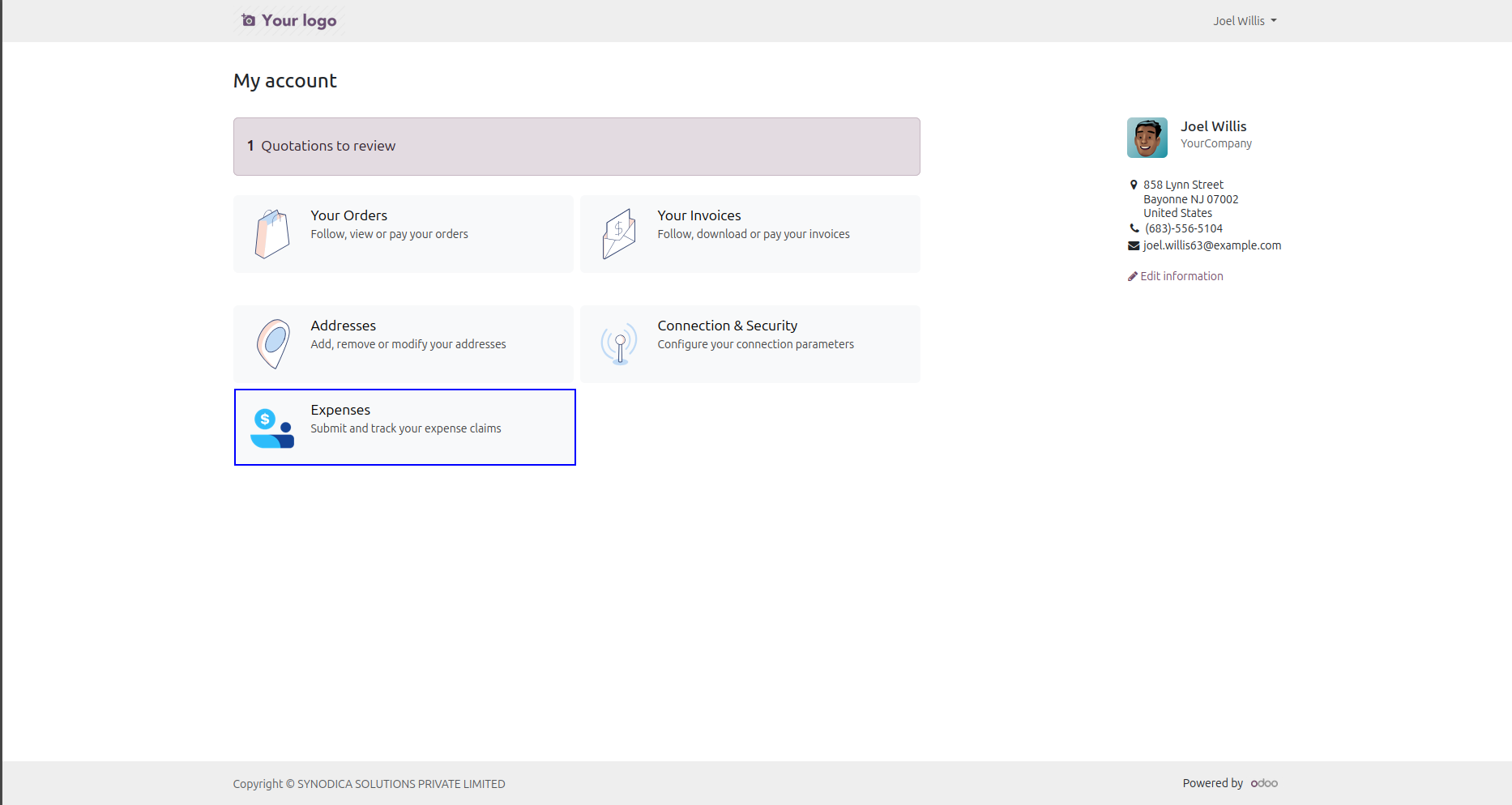
A dedicated Expenses card appears on the portal home page with the user expense counter.
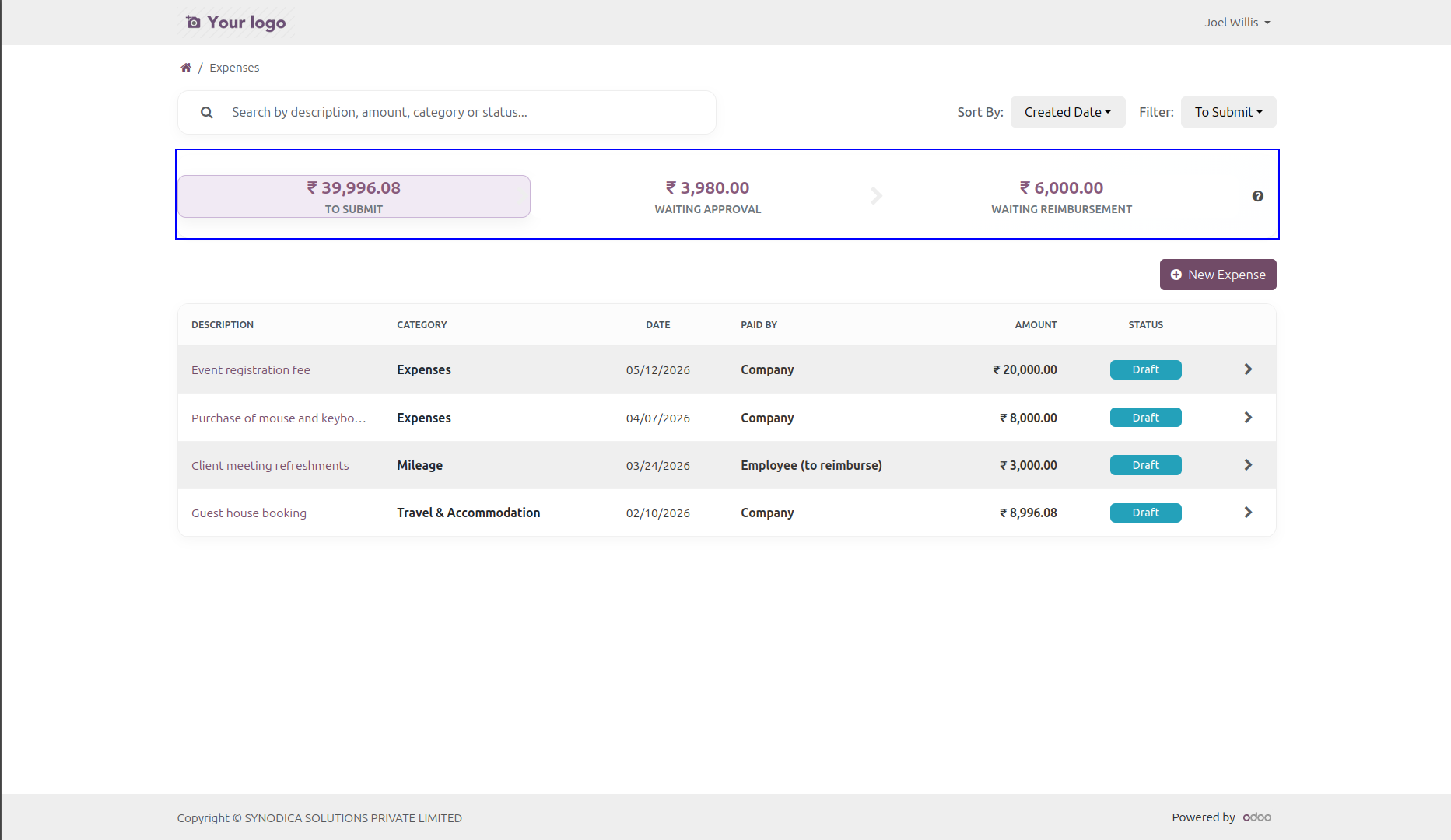
Interactive dashboard cards highlight To Submit, Waiting Approval, and Waiting Reimbursement totals.
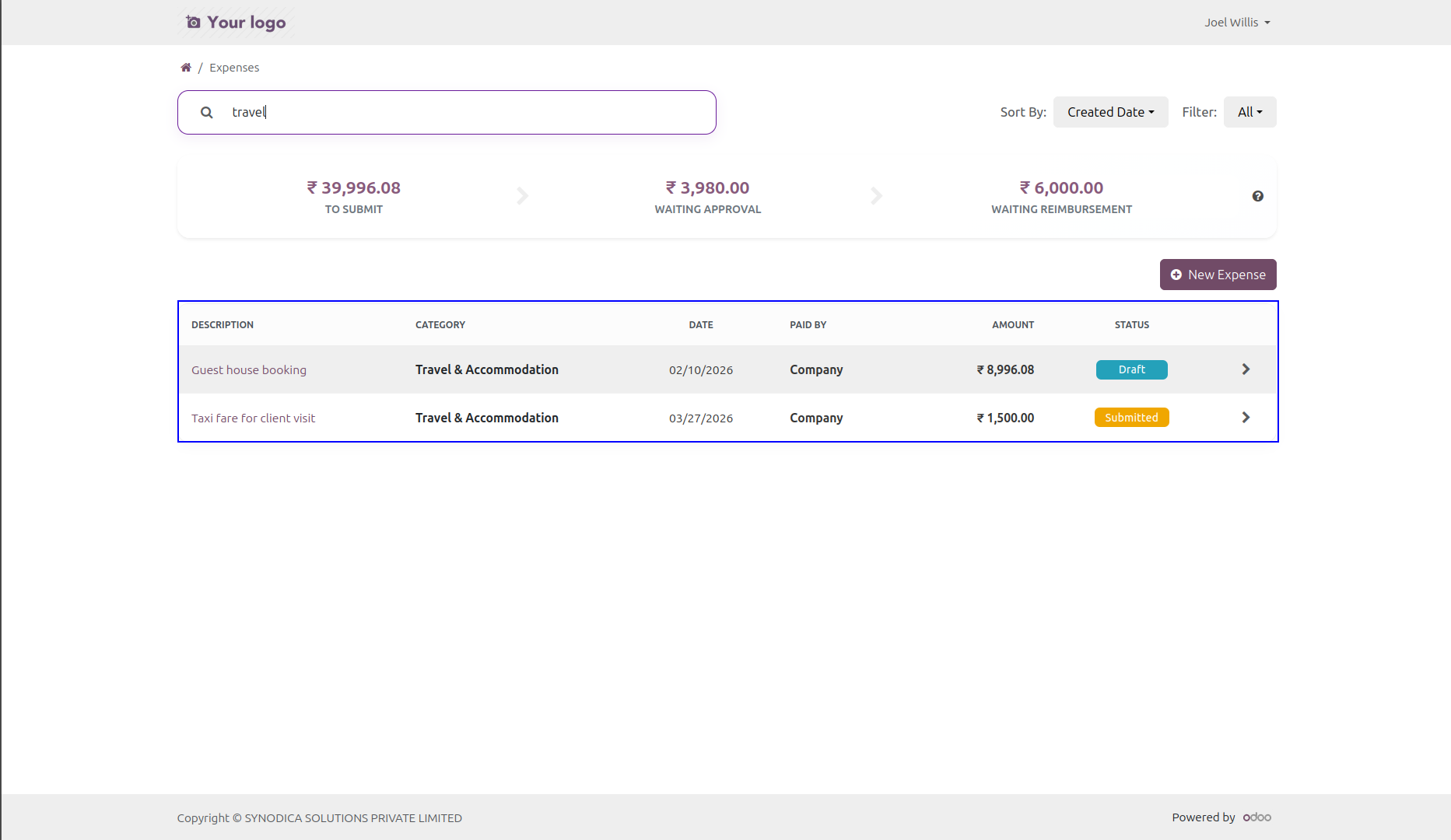
Portal users can search by description, category, amount, status, or created date while using filters and sorting options.
Employees can create expense drafts from a portal form with category, date, notes, amount, and receipt fields.
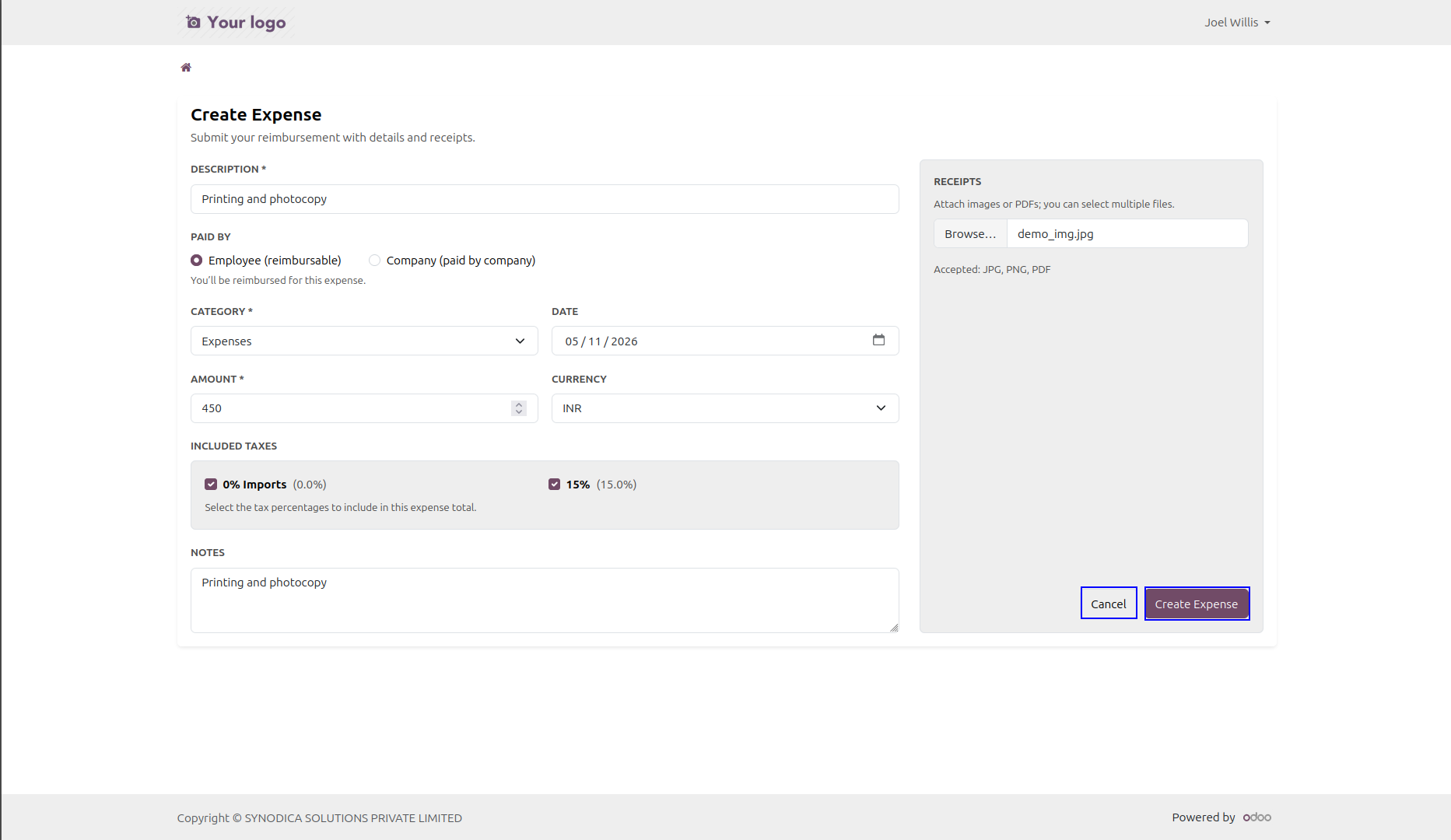
Switch between reimbursable employee-paid expenses and company-paid expenses with optional vendor input.
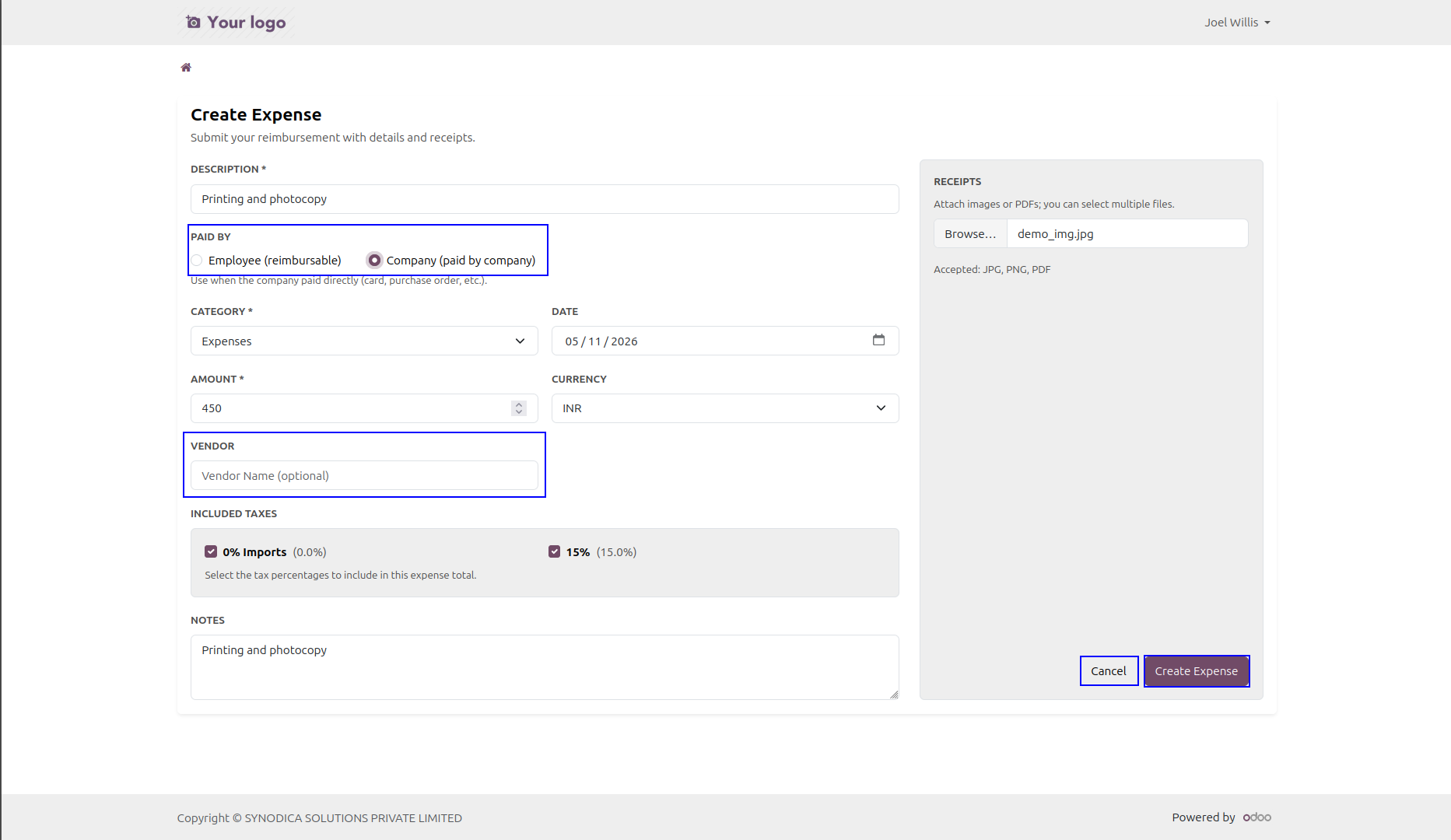
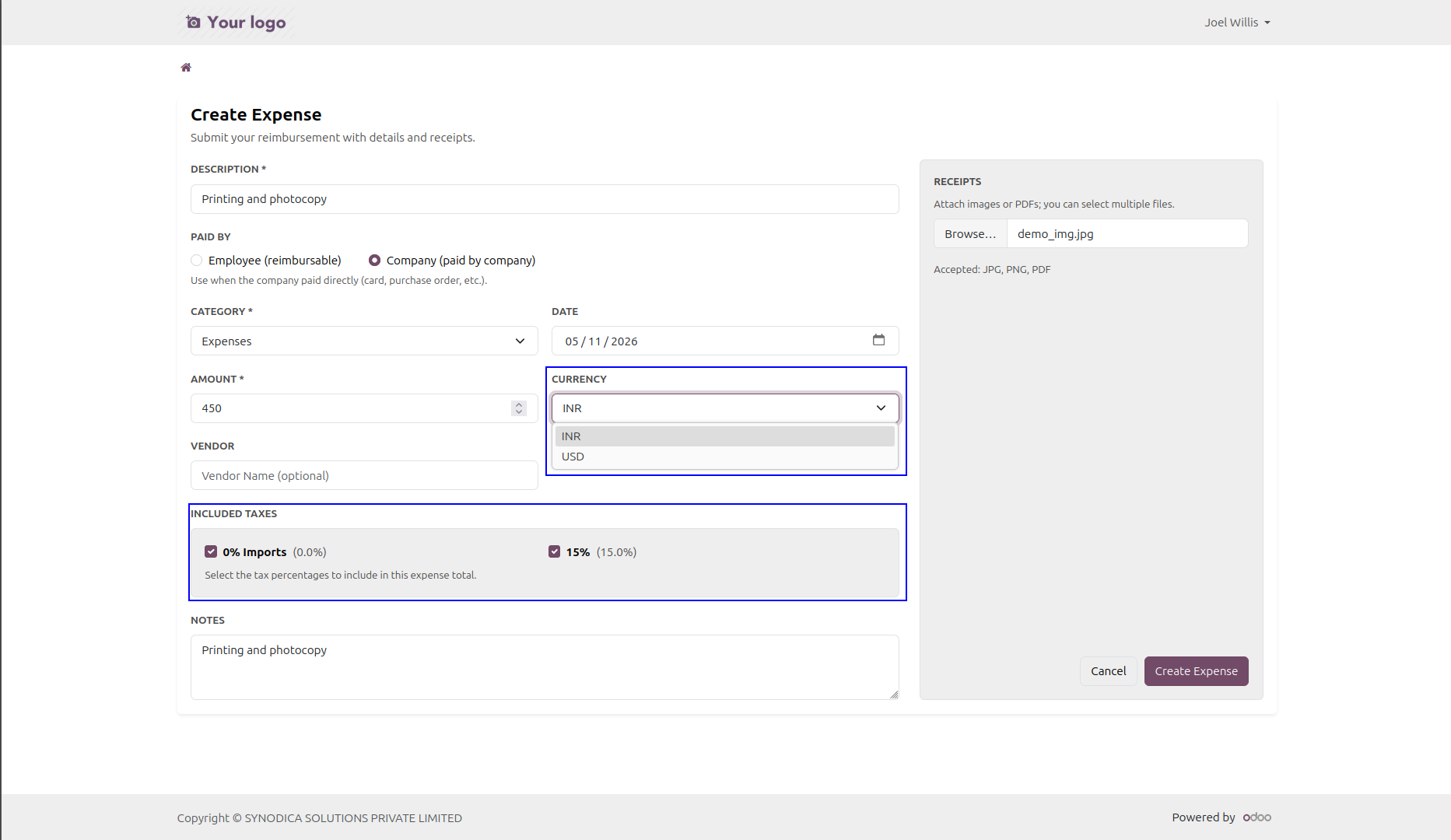
The form adapts between quantity-based and total-based expenses, while supporting purchase taxes and currencies.
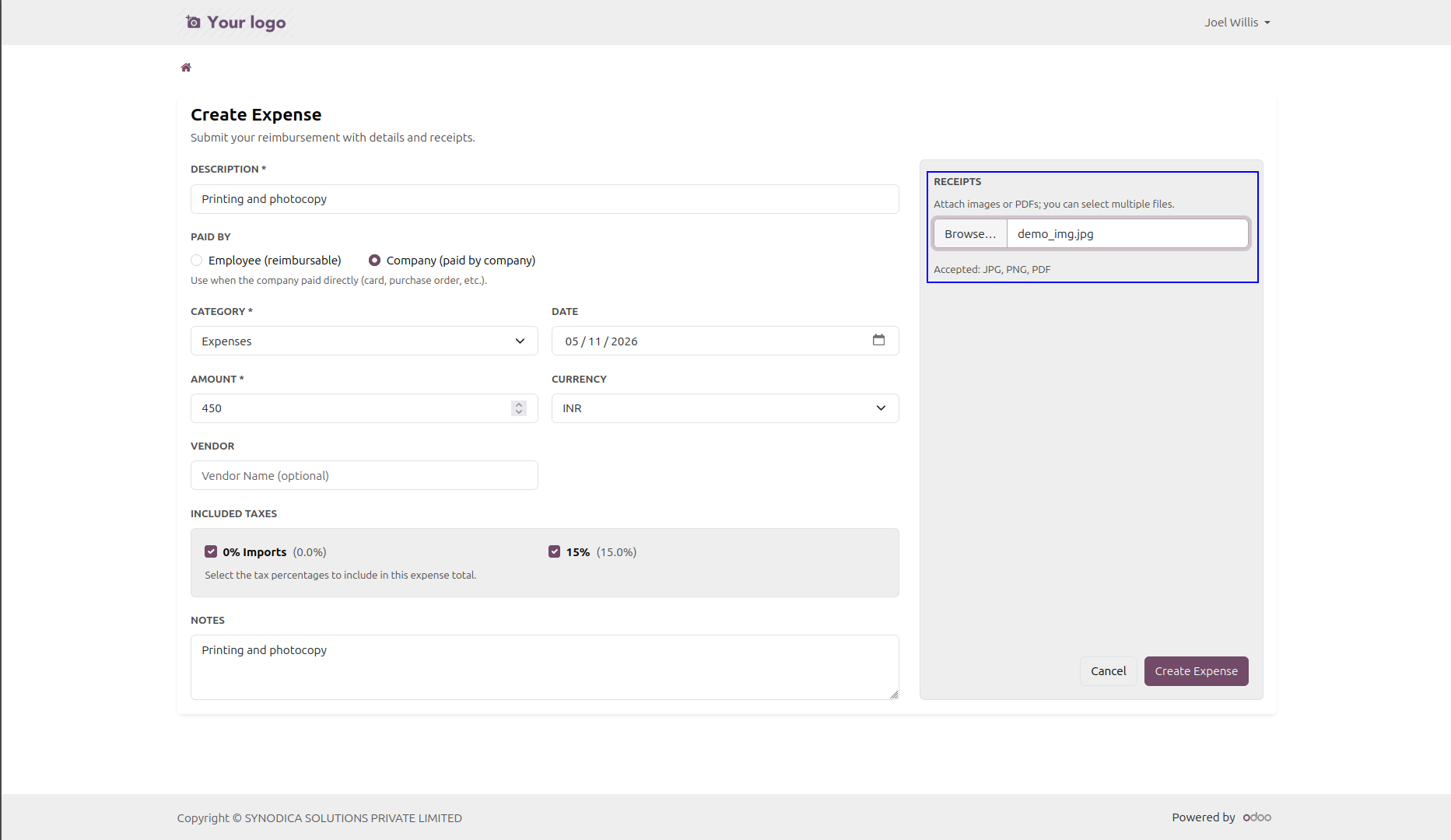
Attach multiple images or PDF receipts while creating a new expense from the portal.
Open a full detail page with amount, category, employee, manager, company, notes, receipts, and chatter.
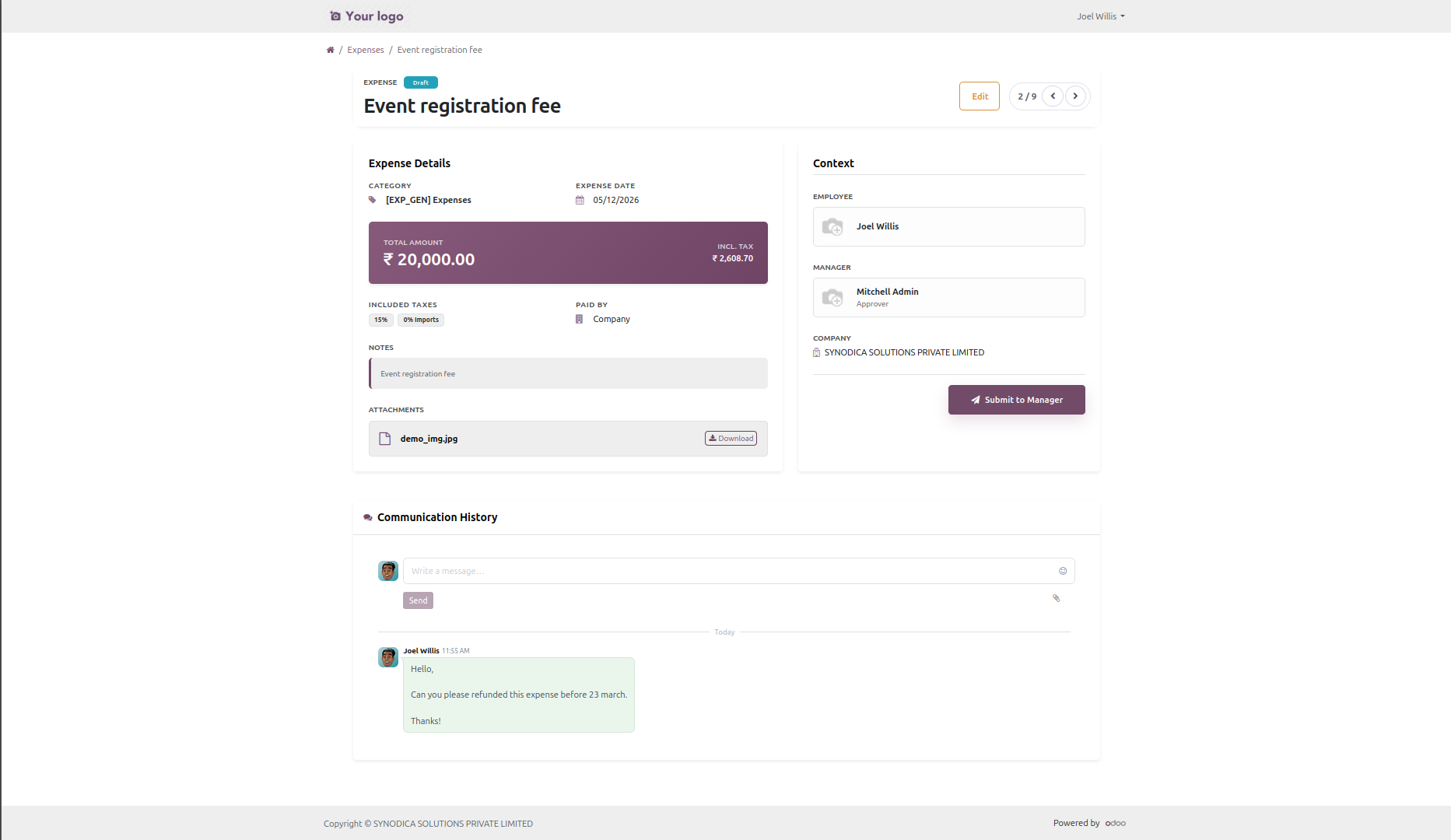
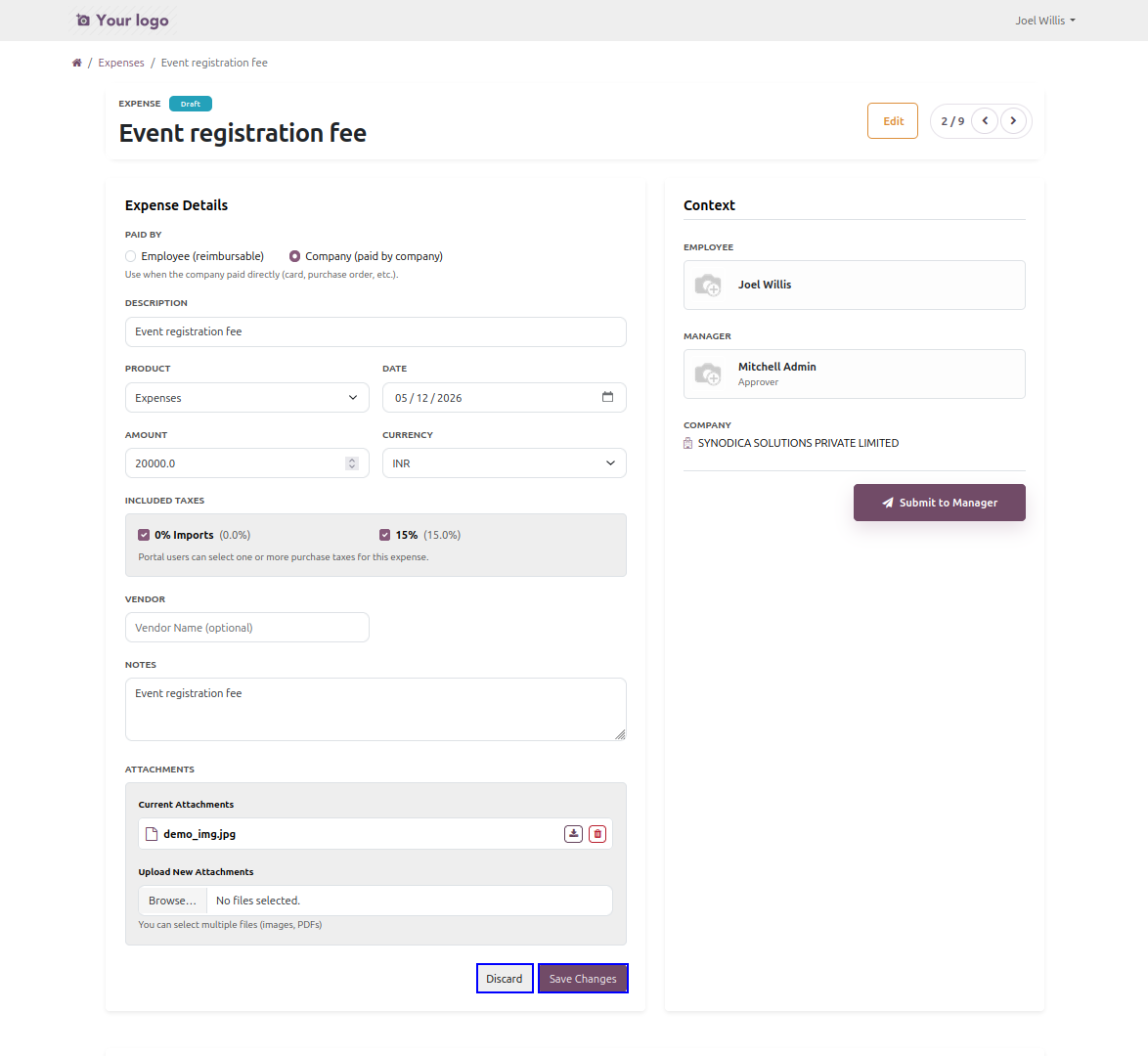
Draft expenses can be edited from the same detail page without returning to the backend.
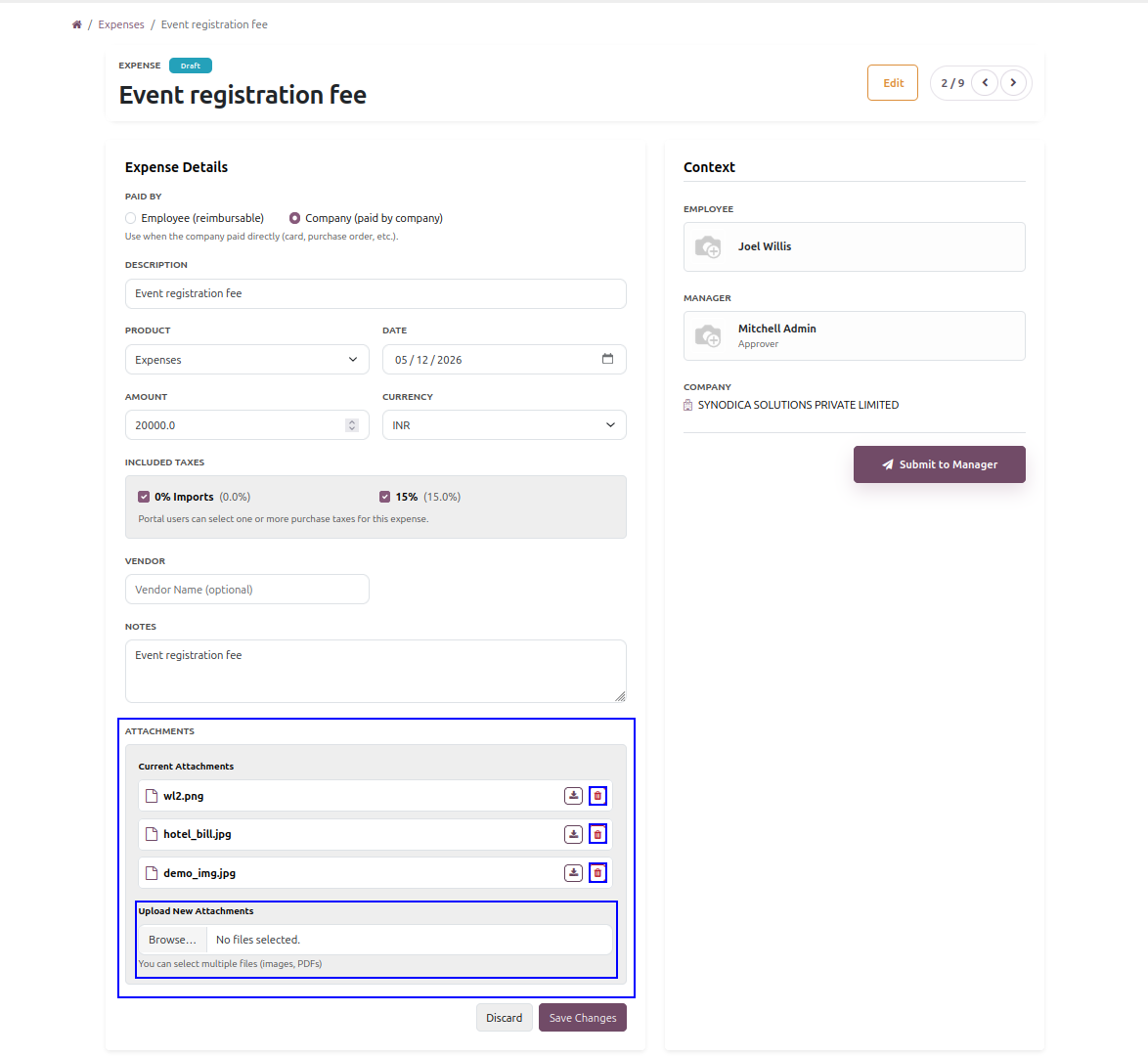
Portal users can remove old receipts and upload fresh files while an expense remains in draft state.
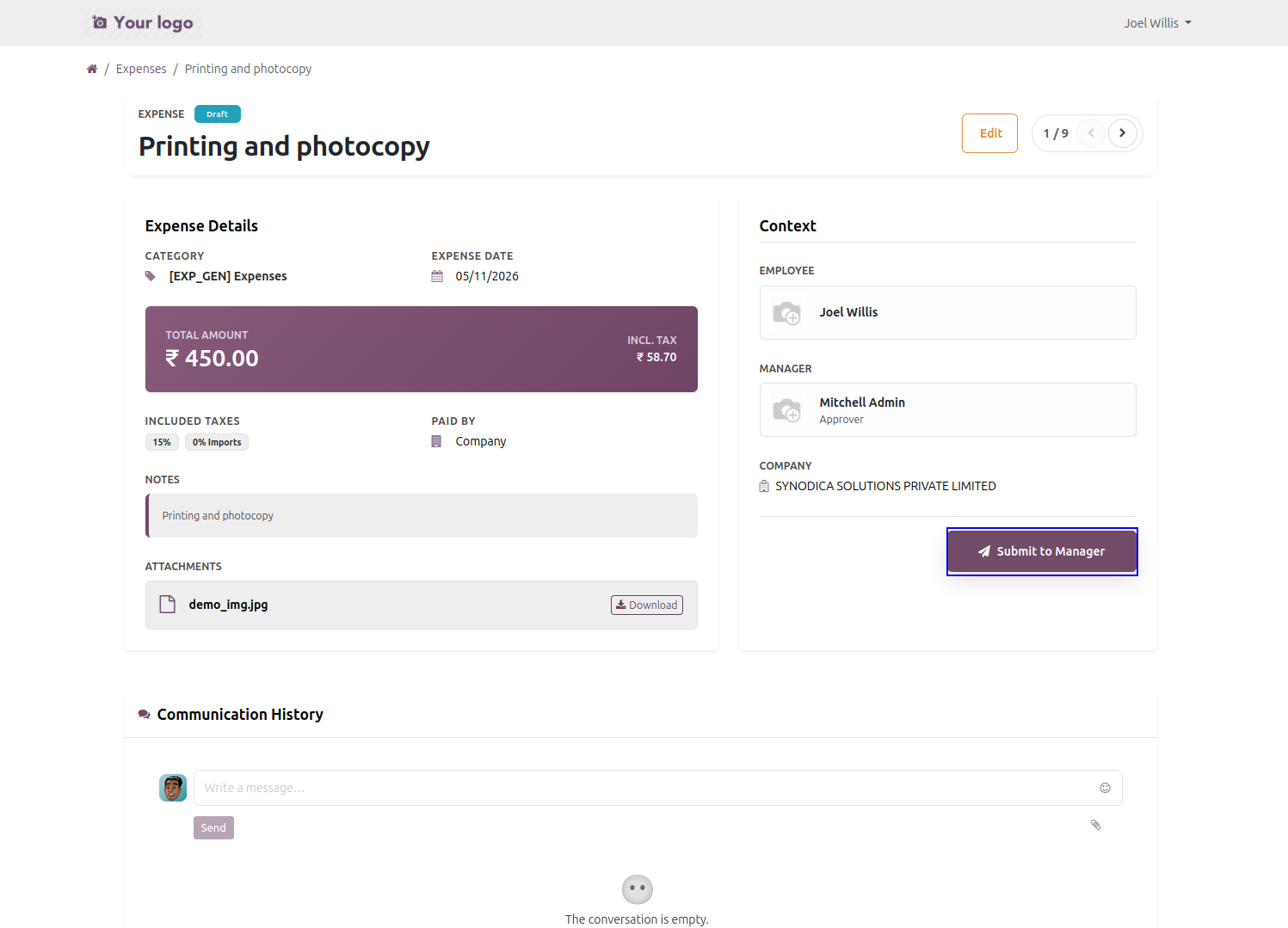
Draft expenses can be submitted for approval directly from the portal detail page.
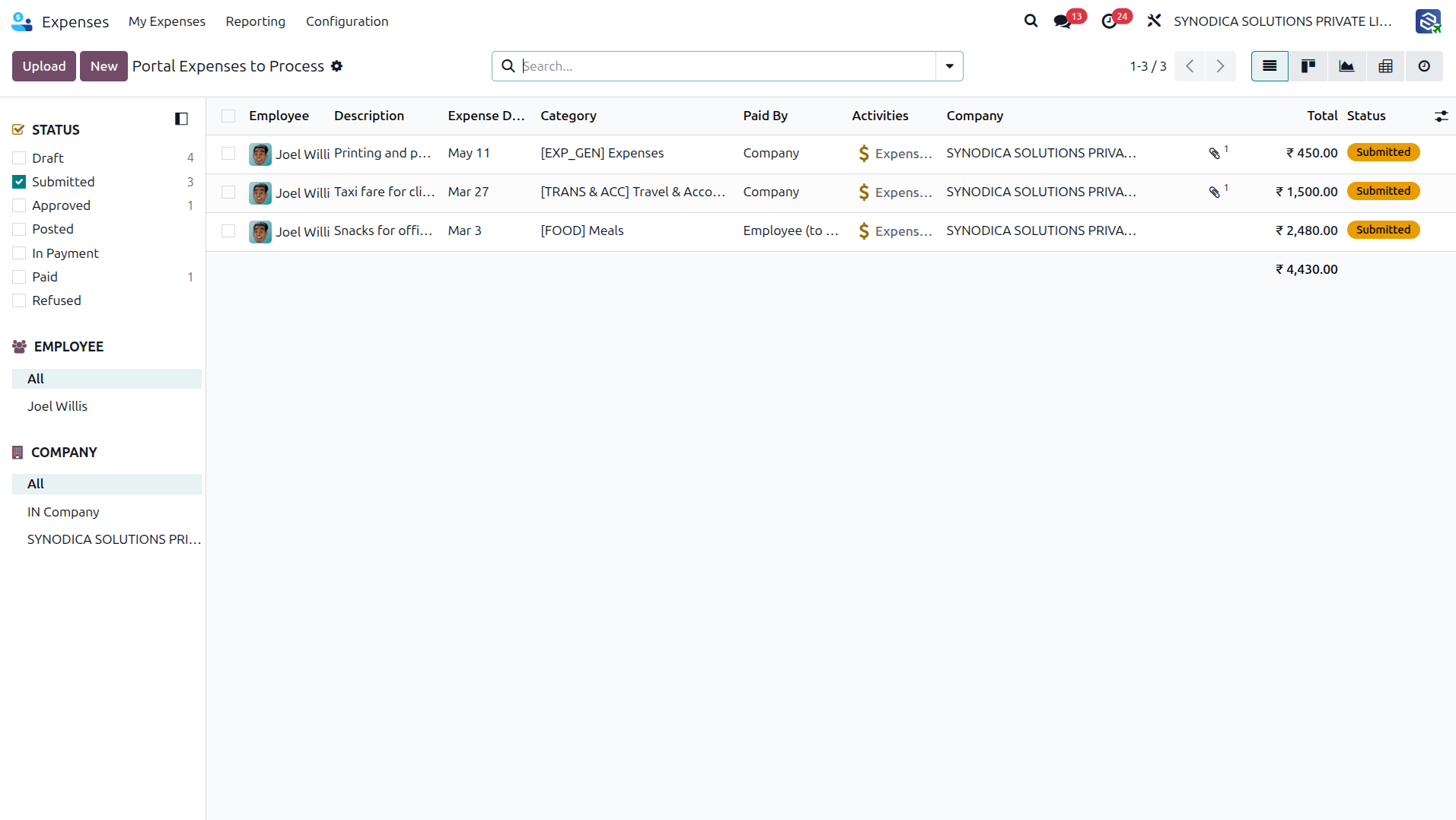
Internal users can open a dedicated backend action showing expenses created from the portal only.
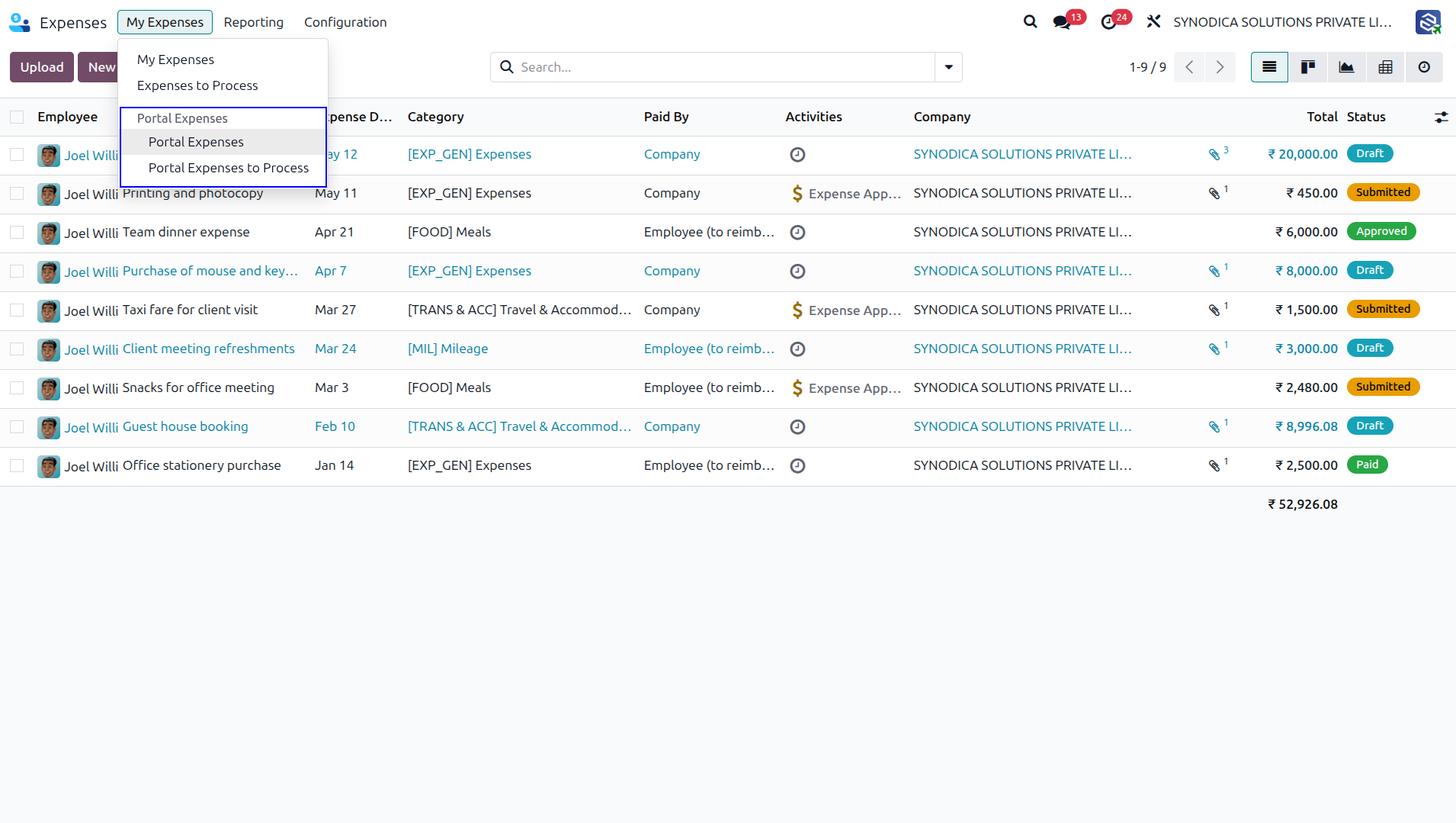
Finance and HR teams can monitor submitted portal expenses from a dedicated processing menu.
If a portal user is not linked to an employee, the module shows a clear informational page instead of an empty portal flow.
Everything You Need
A practical feature set for portal-first expense management.
Search and Filtering
Quickly find expenses by description, amount, category, status, or created date with live portal filters and sorting.
Draft Editing
Update draft expenses, adjust product or amount behavior, and keep attachment sets current without opening the backend.
Receipt and Vendor Support
Upload multiple receipts, select taxes, manage currencies, and capture vendor details for company-paid purchases.
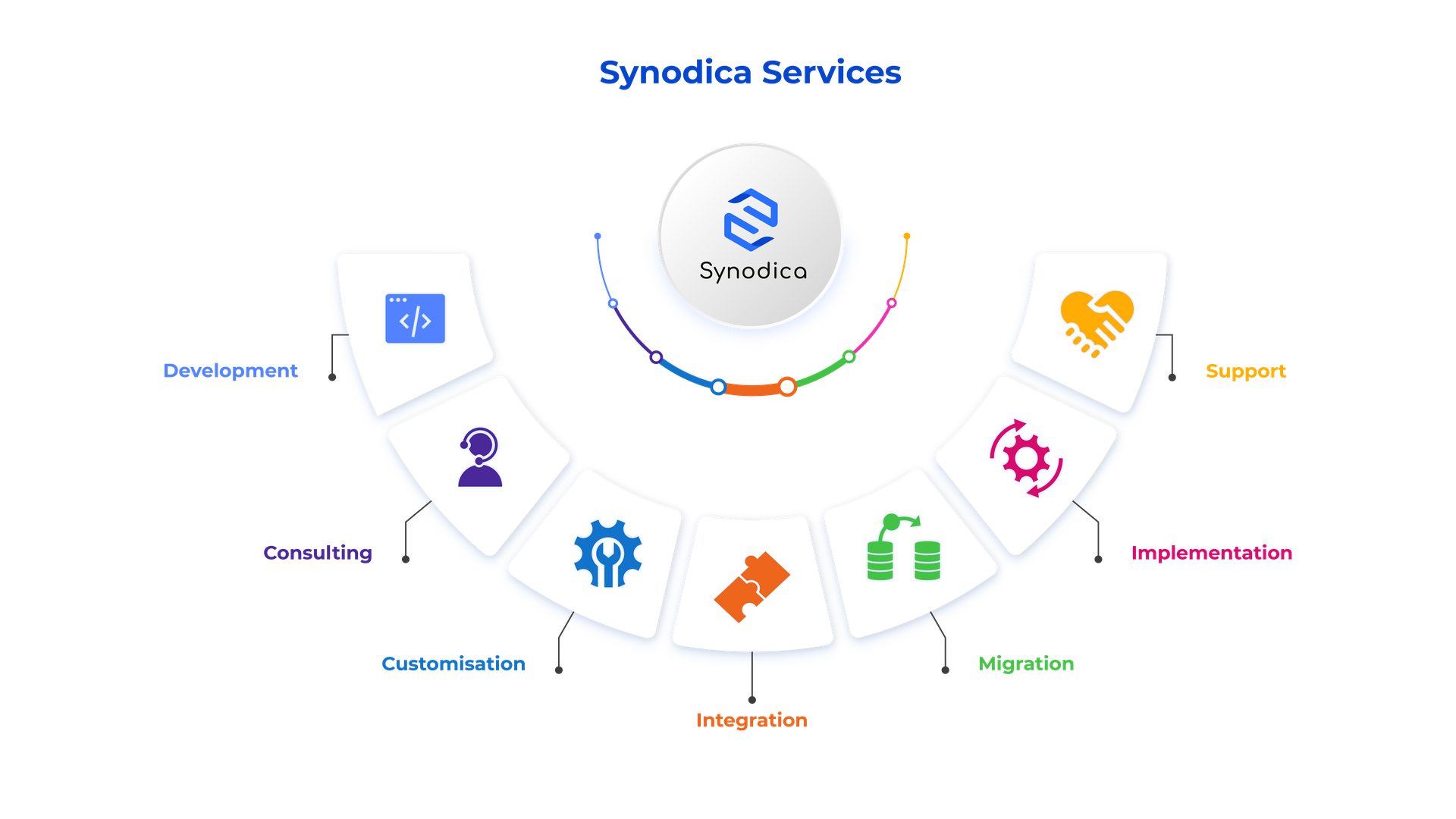
Specialized Odoo Services
We build, customize, and maintain Odoo solutions for businesses worldwide - from implementation to advanced integrations.
Need Custom Expense Workflow?
Our experts can customize expense portal forms, approval routing, receipt handling, and finance review flows to match your business process.
support@synodica.com© 2026 Synodica Solutions PVT. LTD. - Portal Expense Management for Odoo
We create ERP solutions for you using Odoo ERP that will build a strong and efficient business for you. It's SYNODICA WAY