

Wipay Payment Provider

Wipay PAYMENT PROVIDER
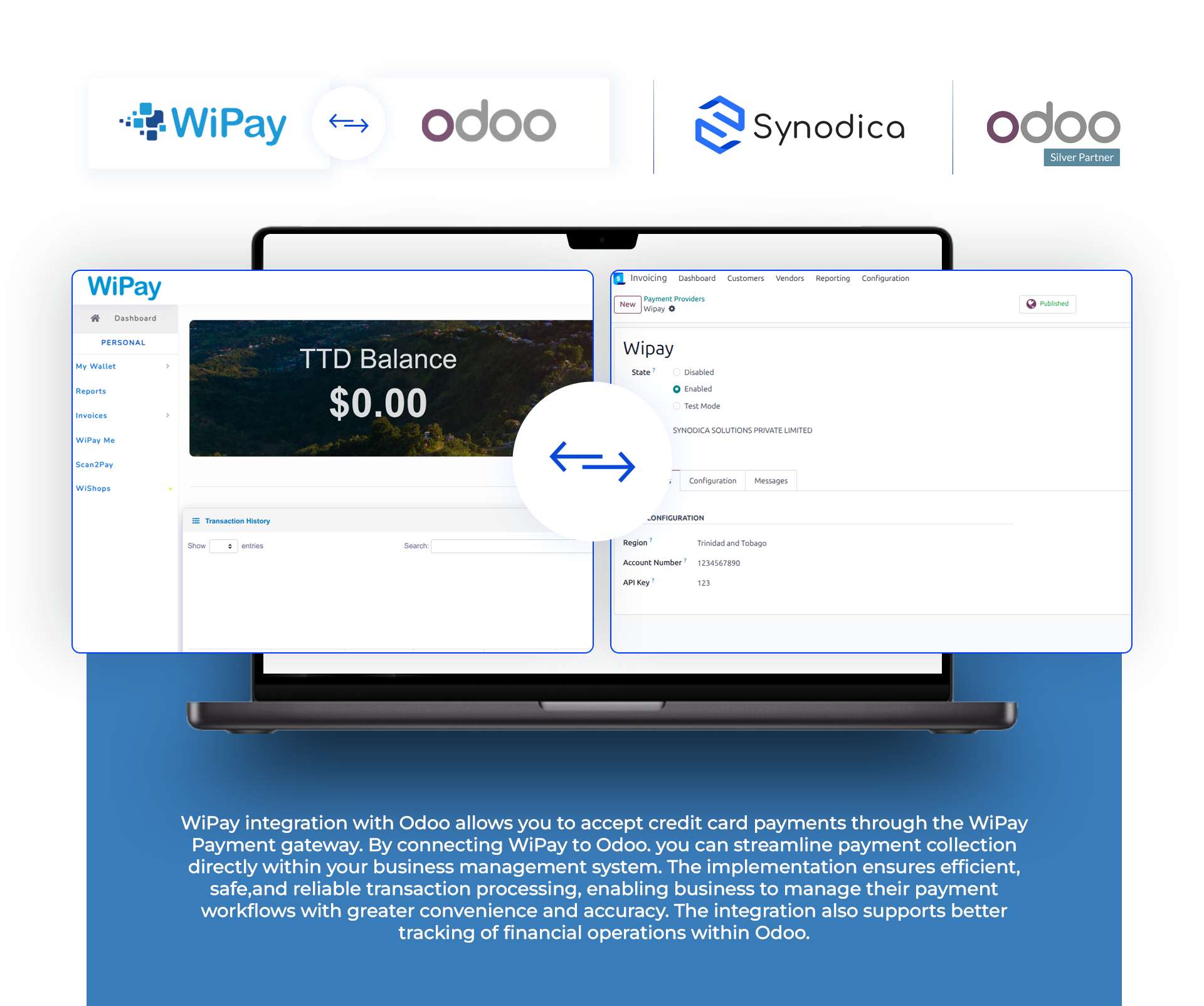




Easily set up Wipay integration in Odoo with our straightforward configuration steps outlined in the Wipay module.
Stay informed with real-time updates on payment statuses, seamlessly integrated into your Odoo dashboard.

Ensure smooth integration with Wipay payment gateway, enabling secure and reliable transactions for your customers.
Ensure secure transactions between Odoo and the Wipay payment gateway.

Seamlessly process payments across Odoo portal, sales, and invoices for a unified user experience.

Accept payments in different currencies including USD, JMD, and TTD, where applicable.

Payment From Website
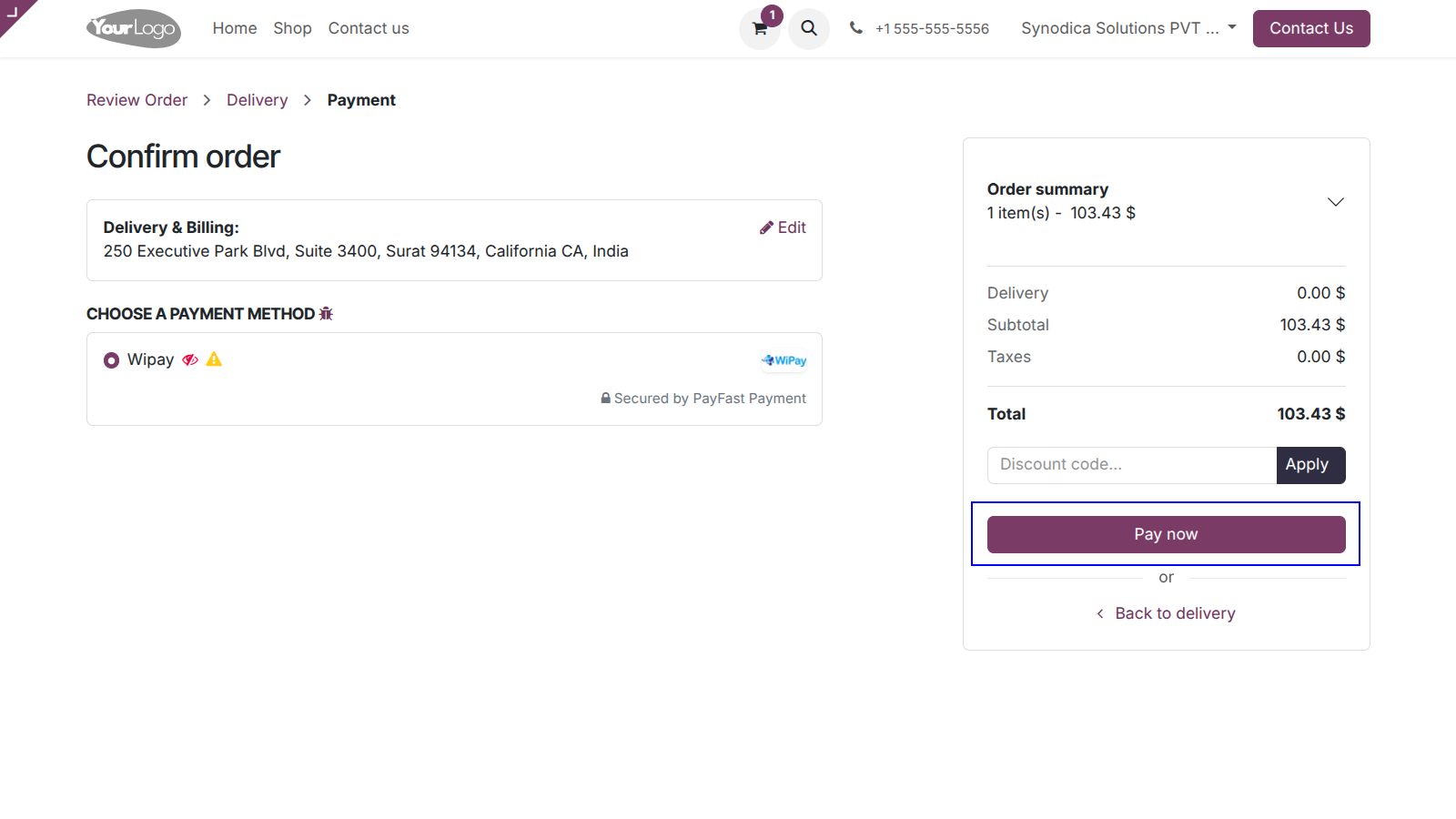
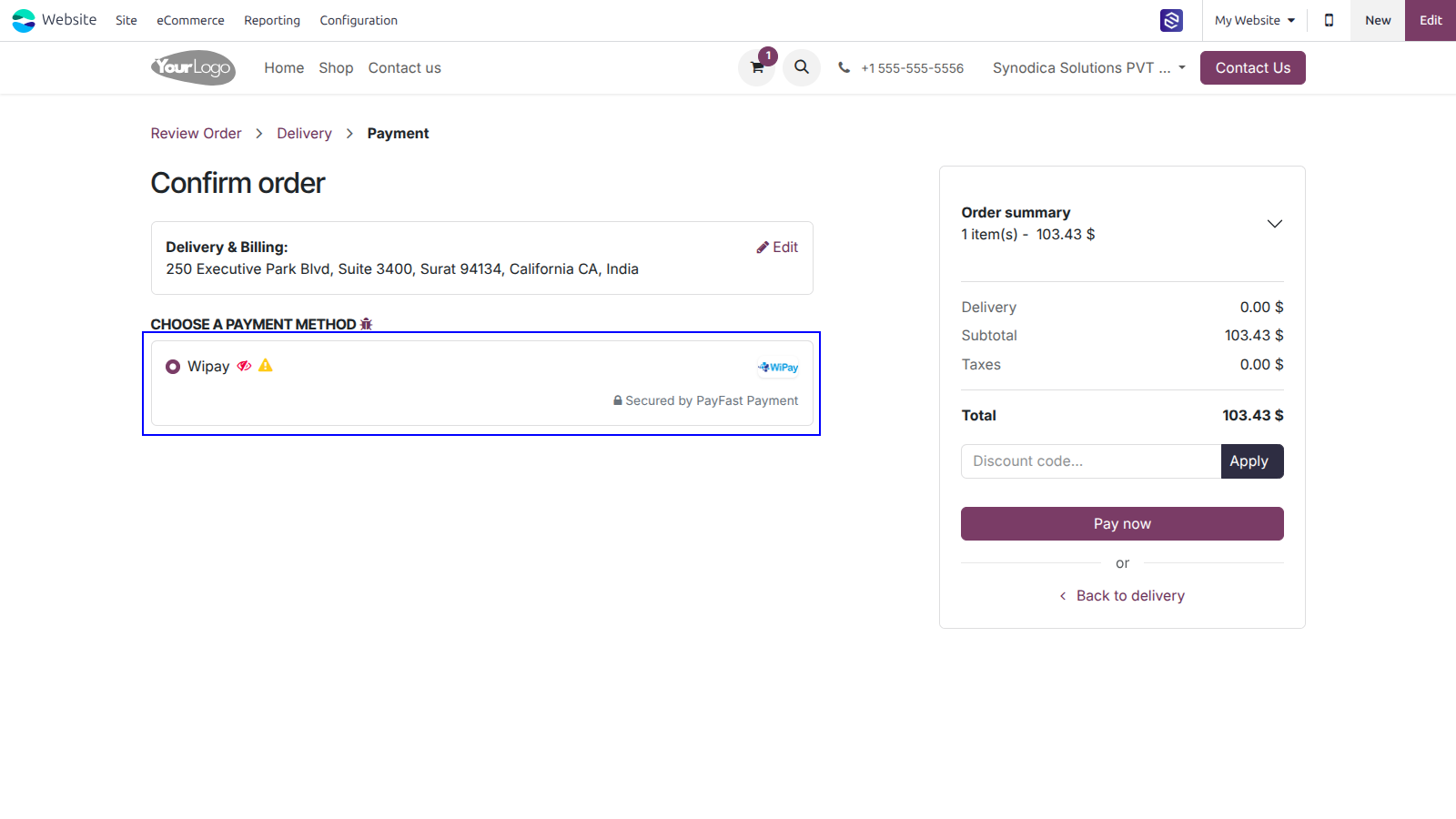
To pay with Wipay, select Wipay as payment method and Click Pay Now button. You will be redirected to Wipay payment page.
You will redirect the payment page. Fill the required details and click Secure Pay button.
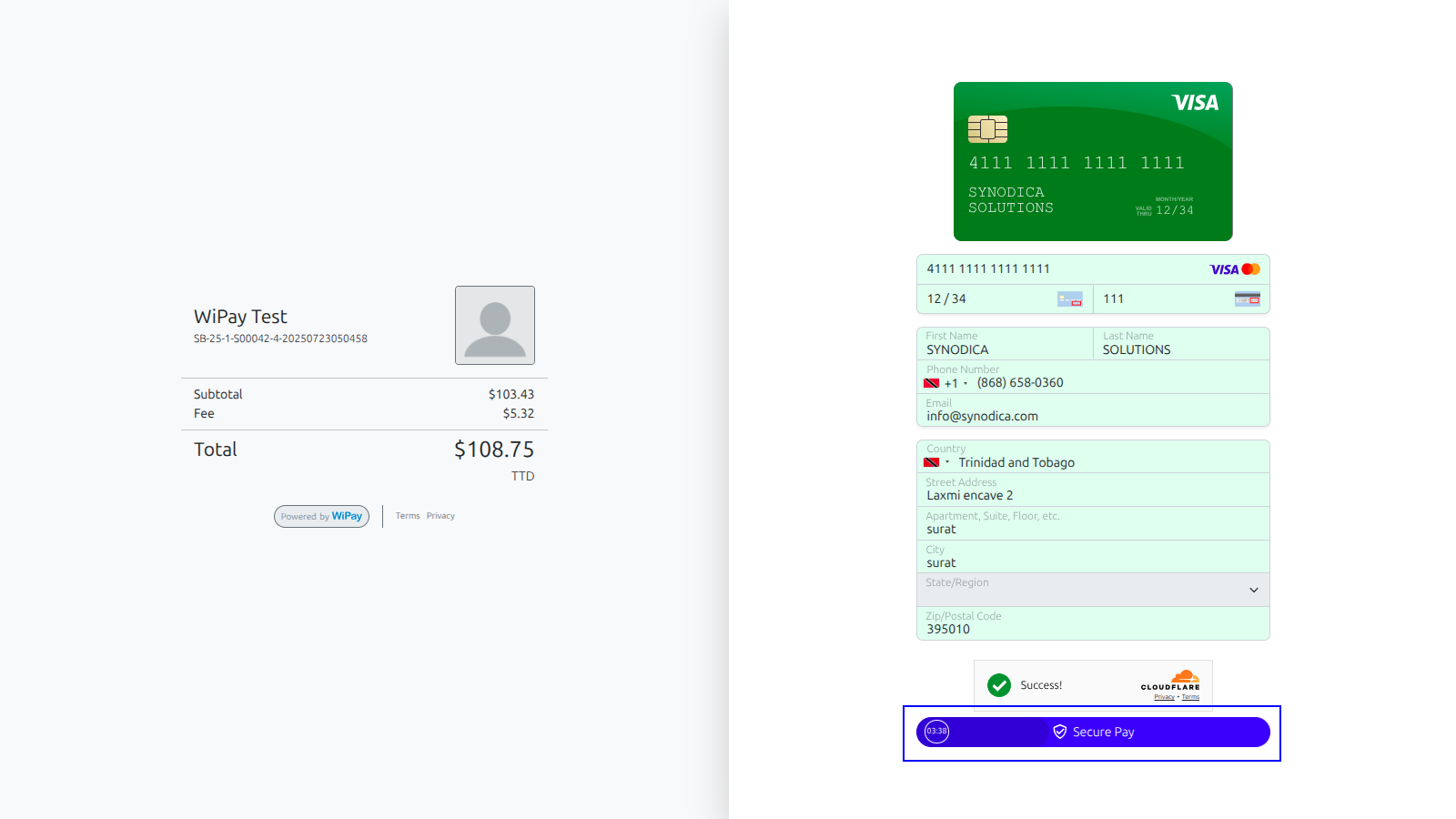
Upon successful payment, you will be directed to the Odoo confirmation screen.
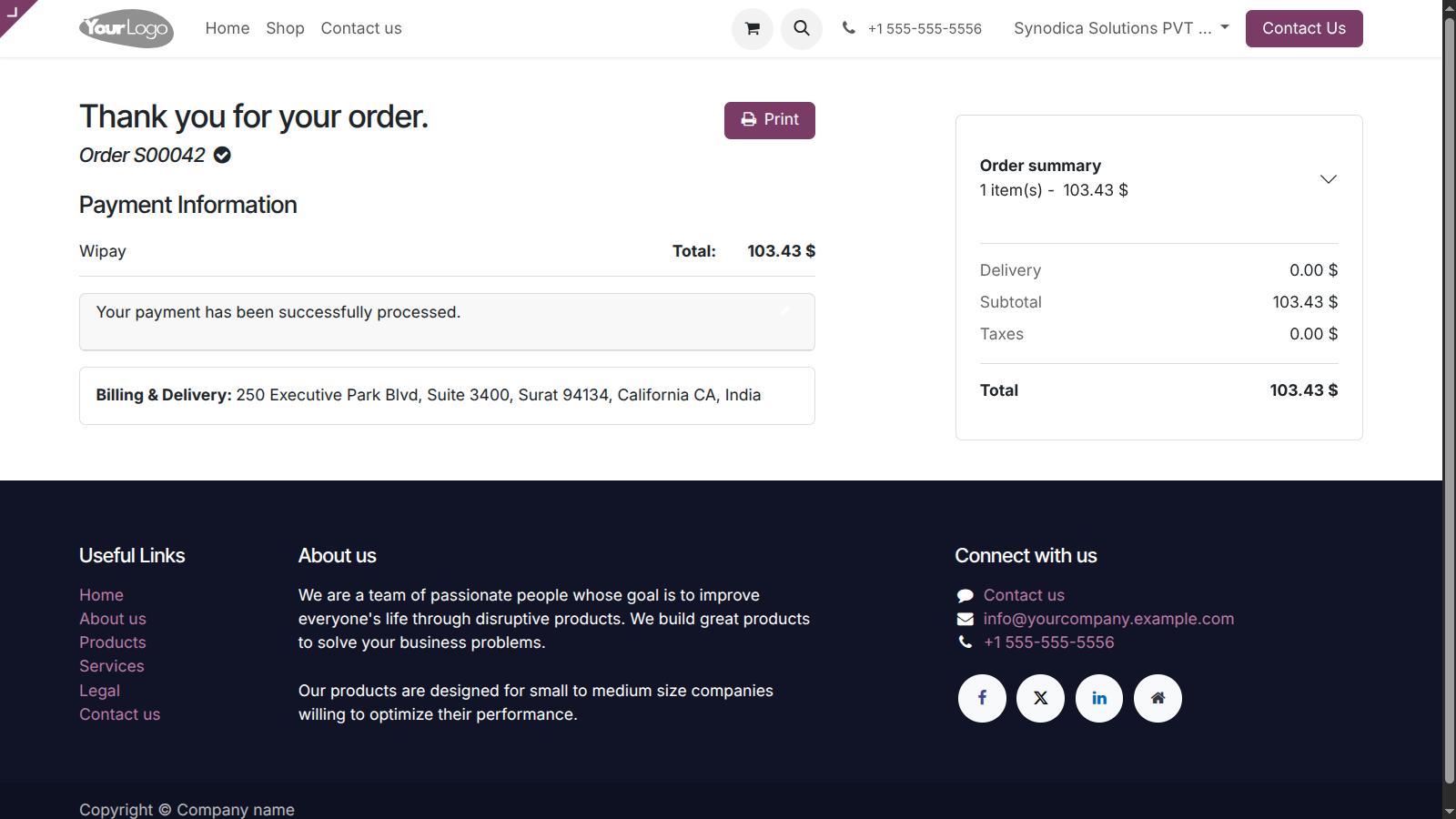

Payment From Sale Order
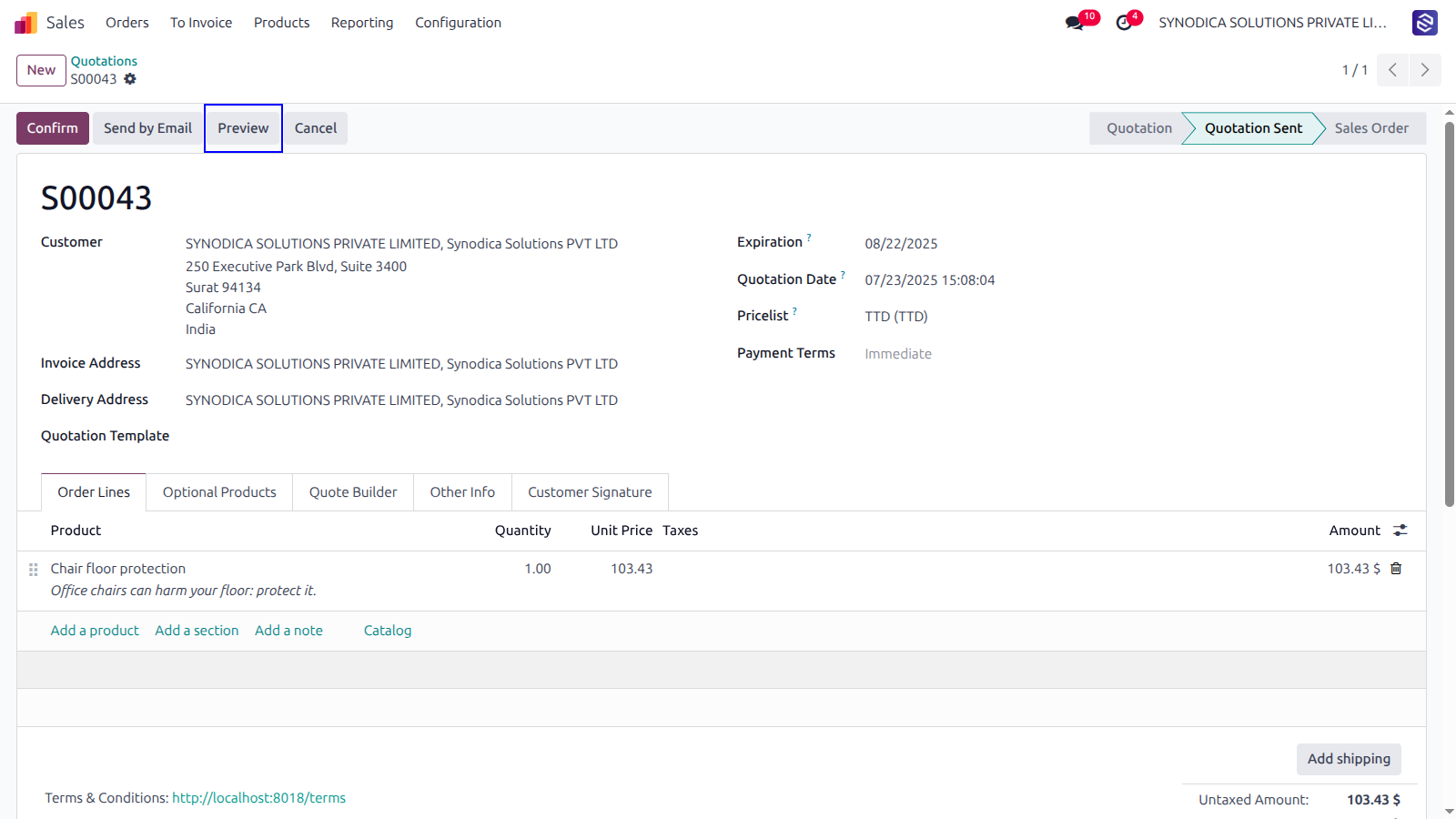
To pay with sale order, create sale order and click Preview button
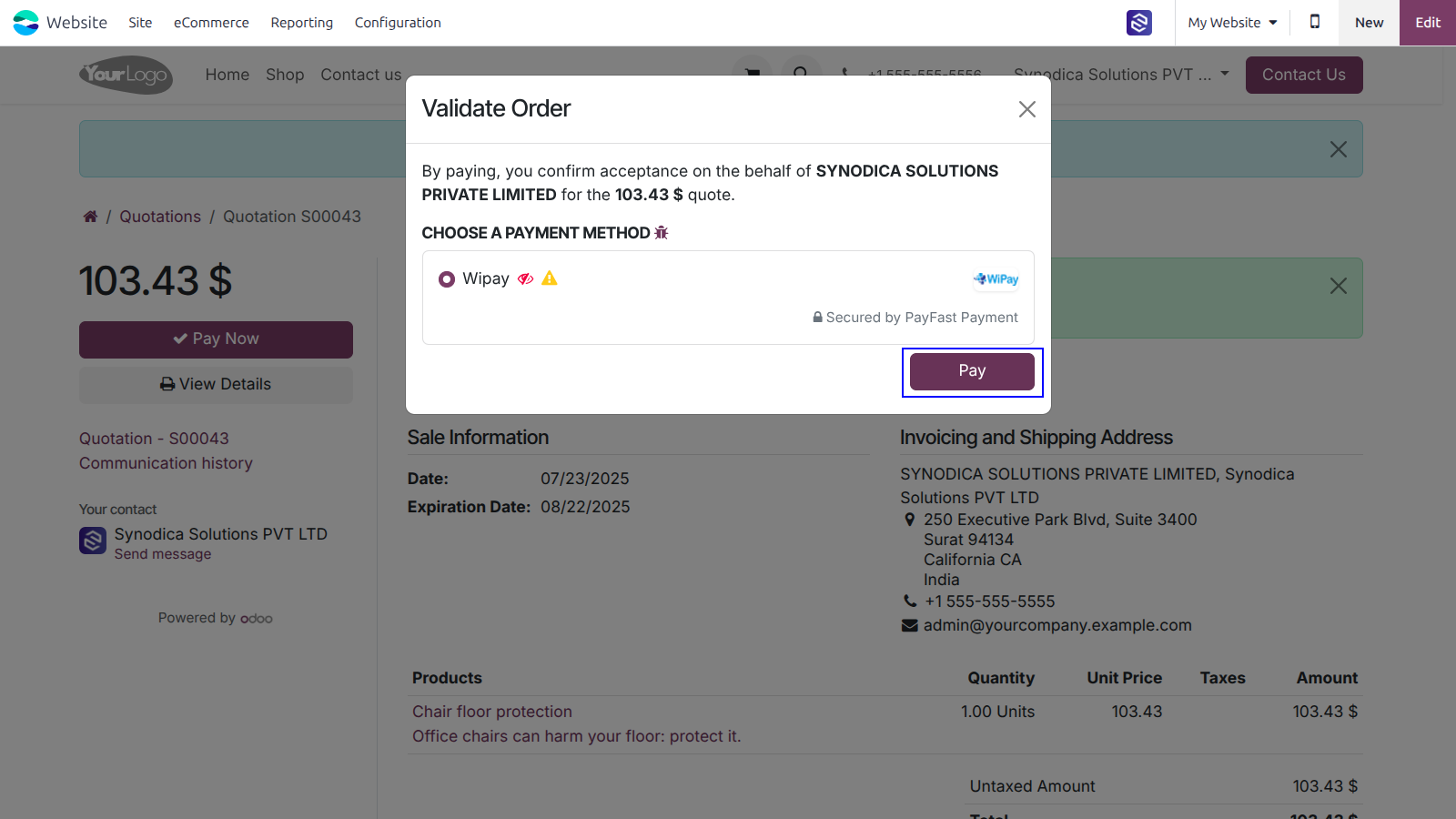
Now click Sign & Pay, Sign document and select Wipay as payment method. Then click Pay. You will be redirected to Wipay payment page.
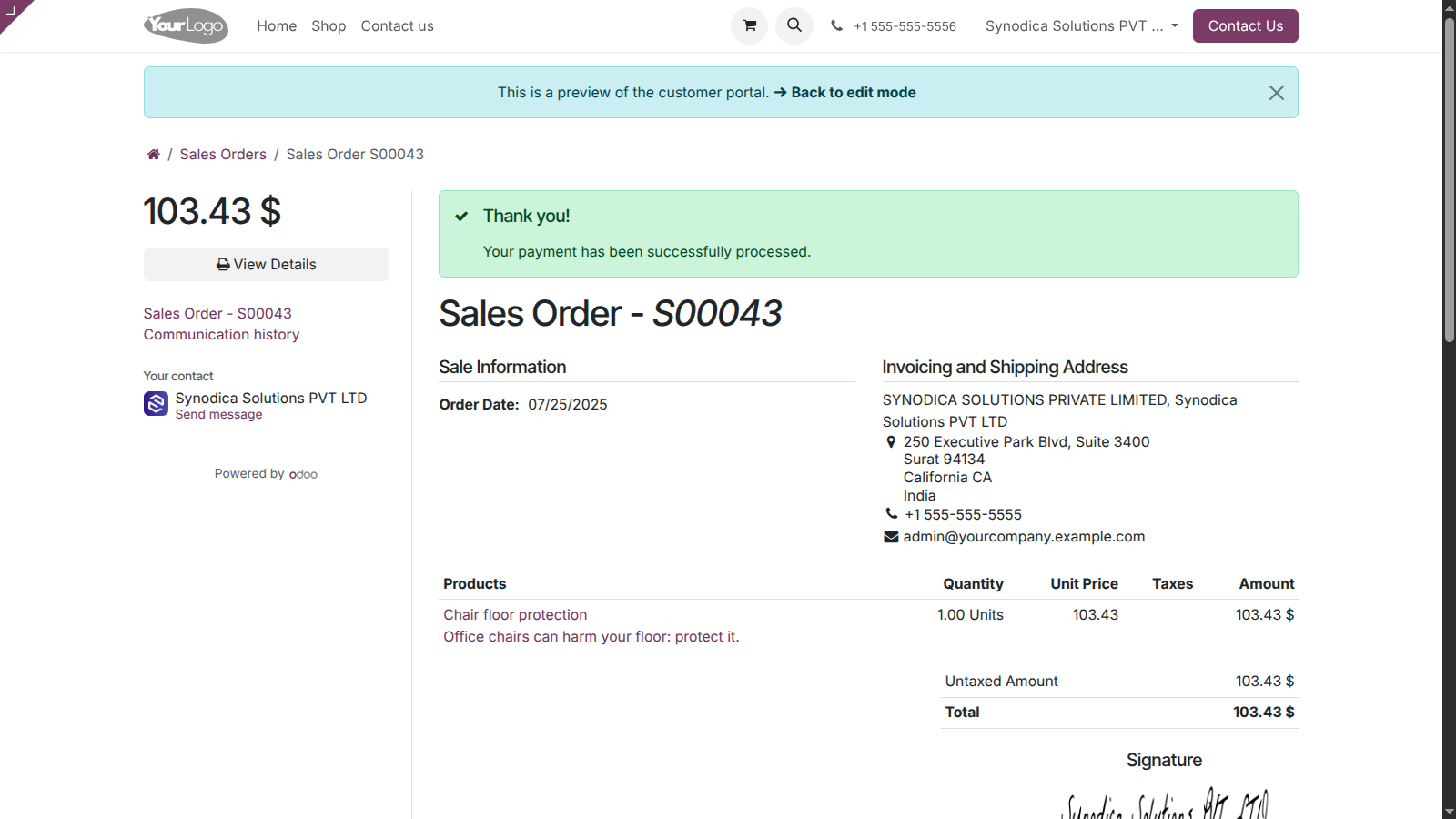
Complete the payment, and on the order preview screen, you will see a confirmation that your order has been successfully paid.

Payment From Invoice
To pay with invoice, create invoice and click Preview button
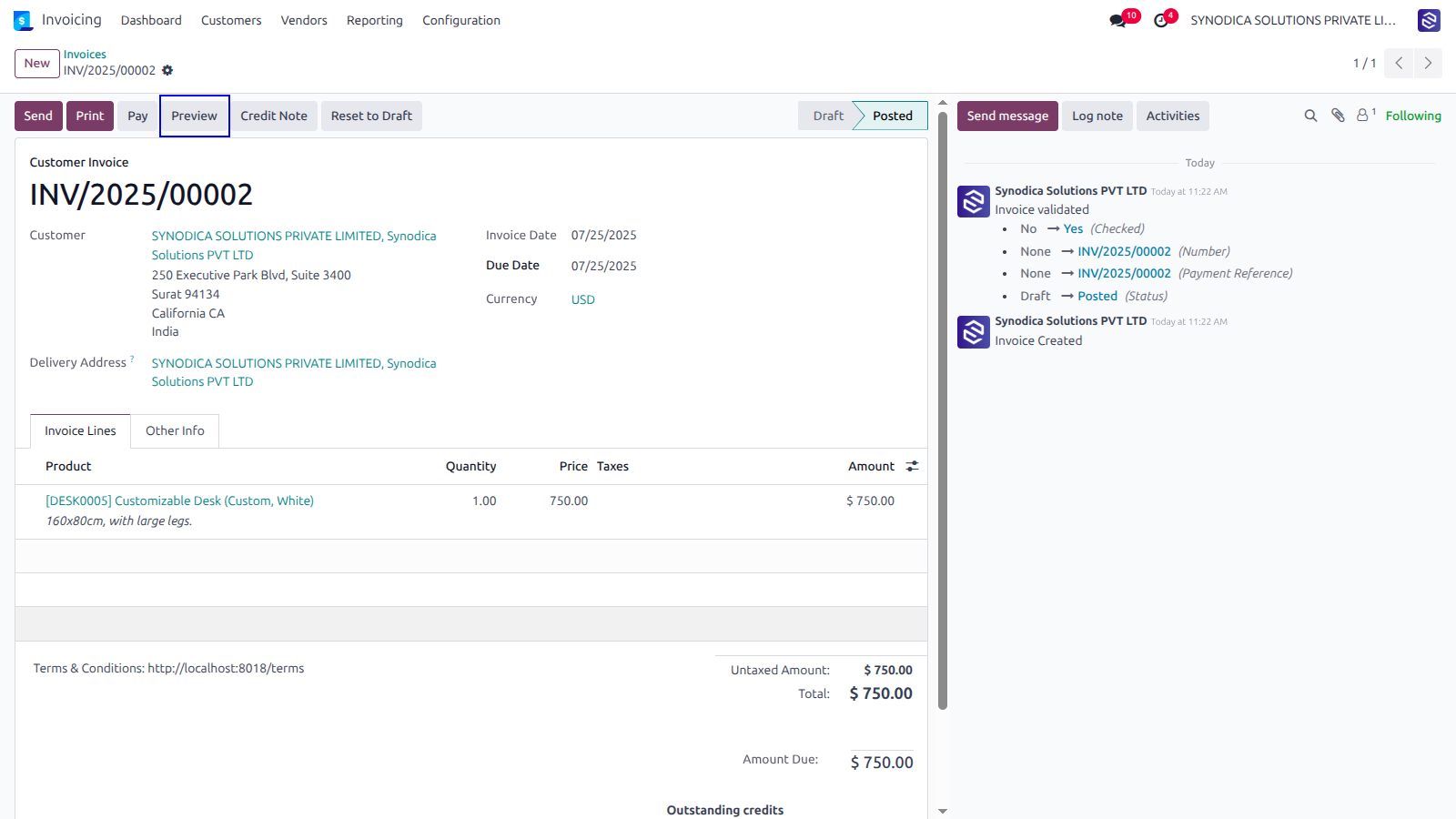
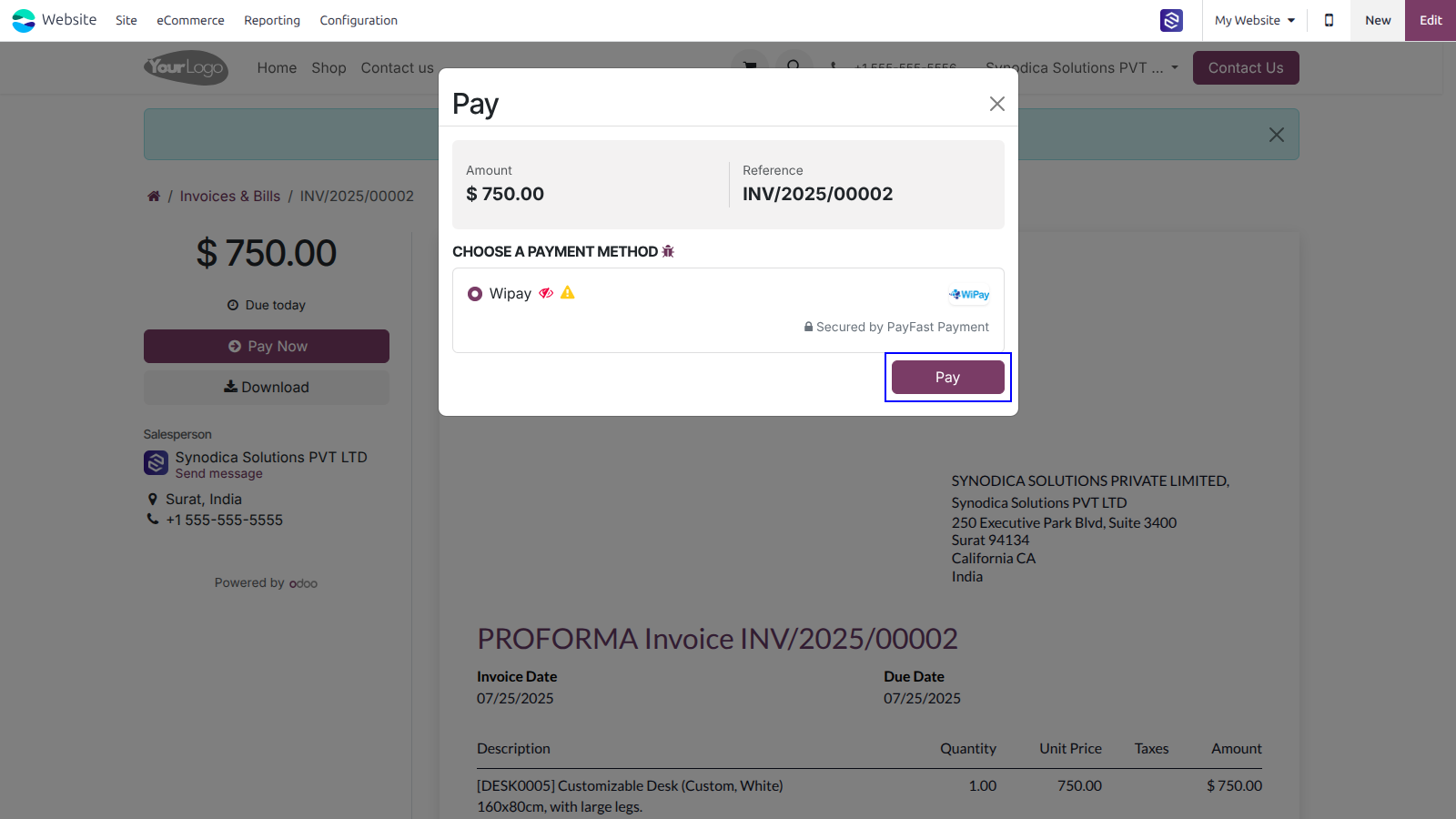
Now click Pay Now, There select Wipay as payment method. Then click Pay.
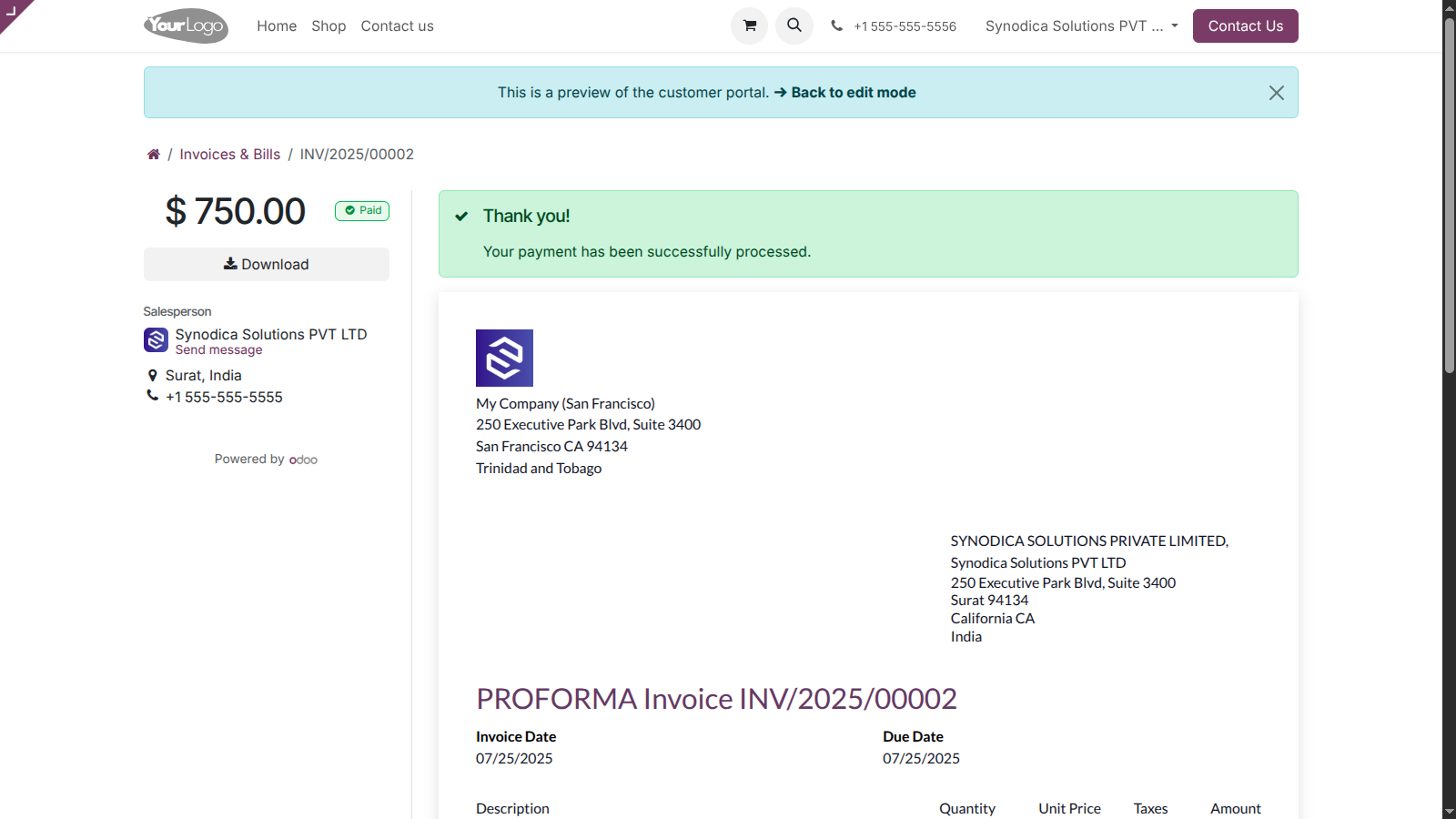
Complete the payment, and on the order preview screen, you will see a confirmation that your invoice has been successfully paid.

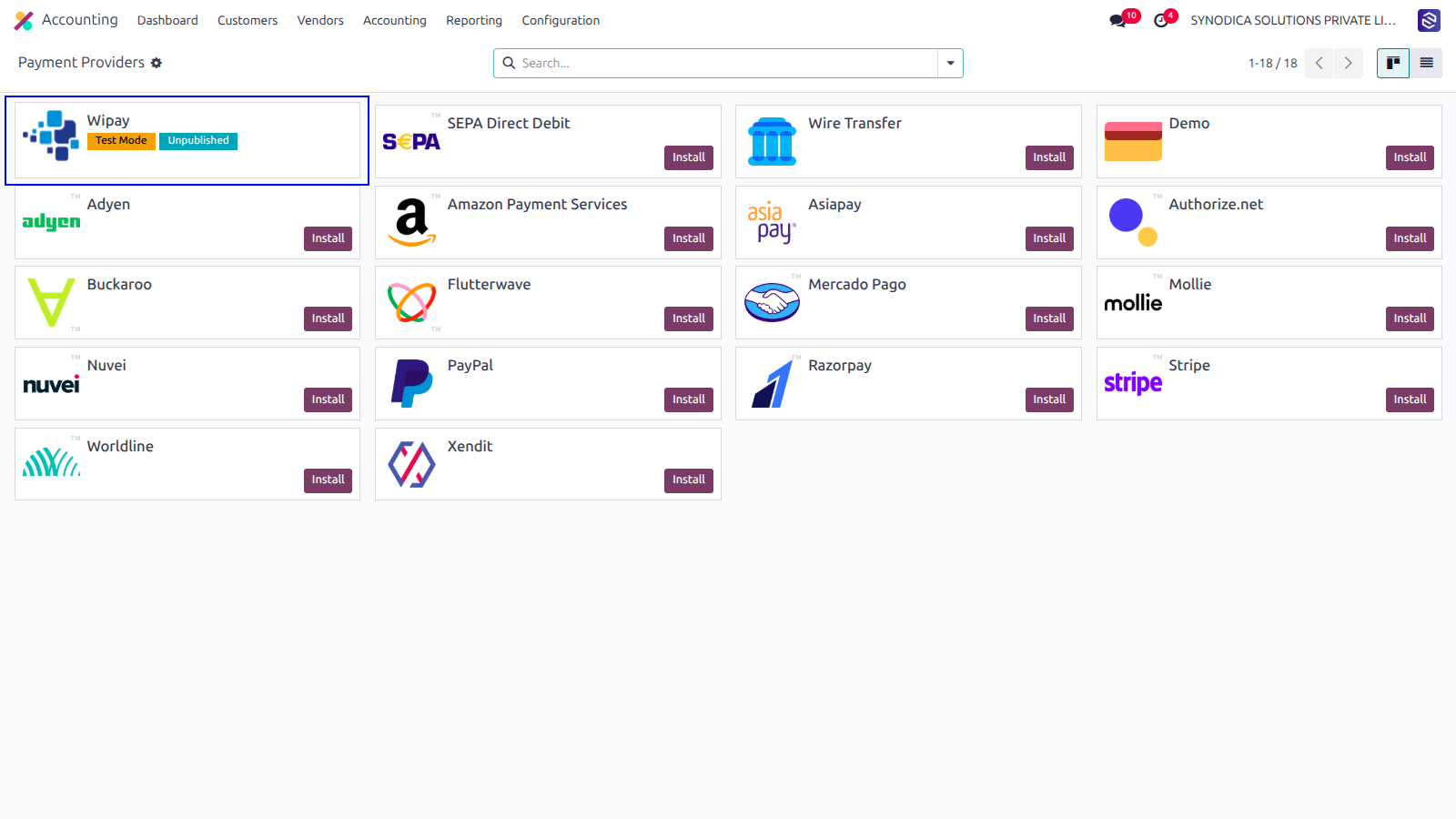
After installing app, you will be able to see Wipay payment options in Accounting >> Configuration >> Payment Providers menu
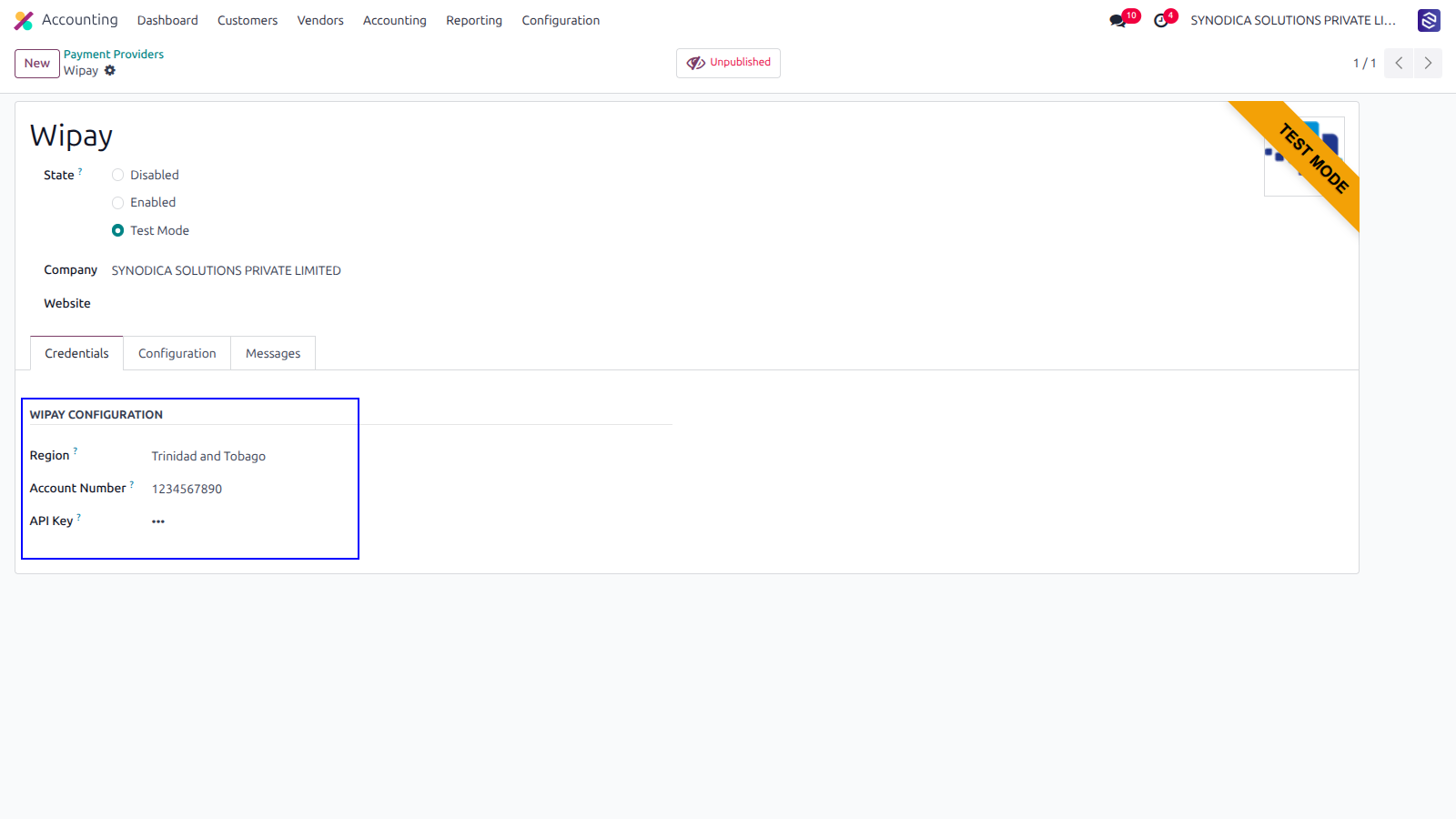
Setup Wipay configurations like Region, Account Number and API Key.
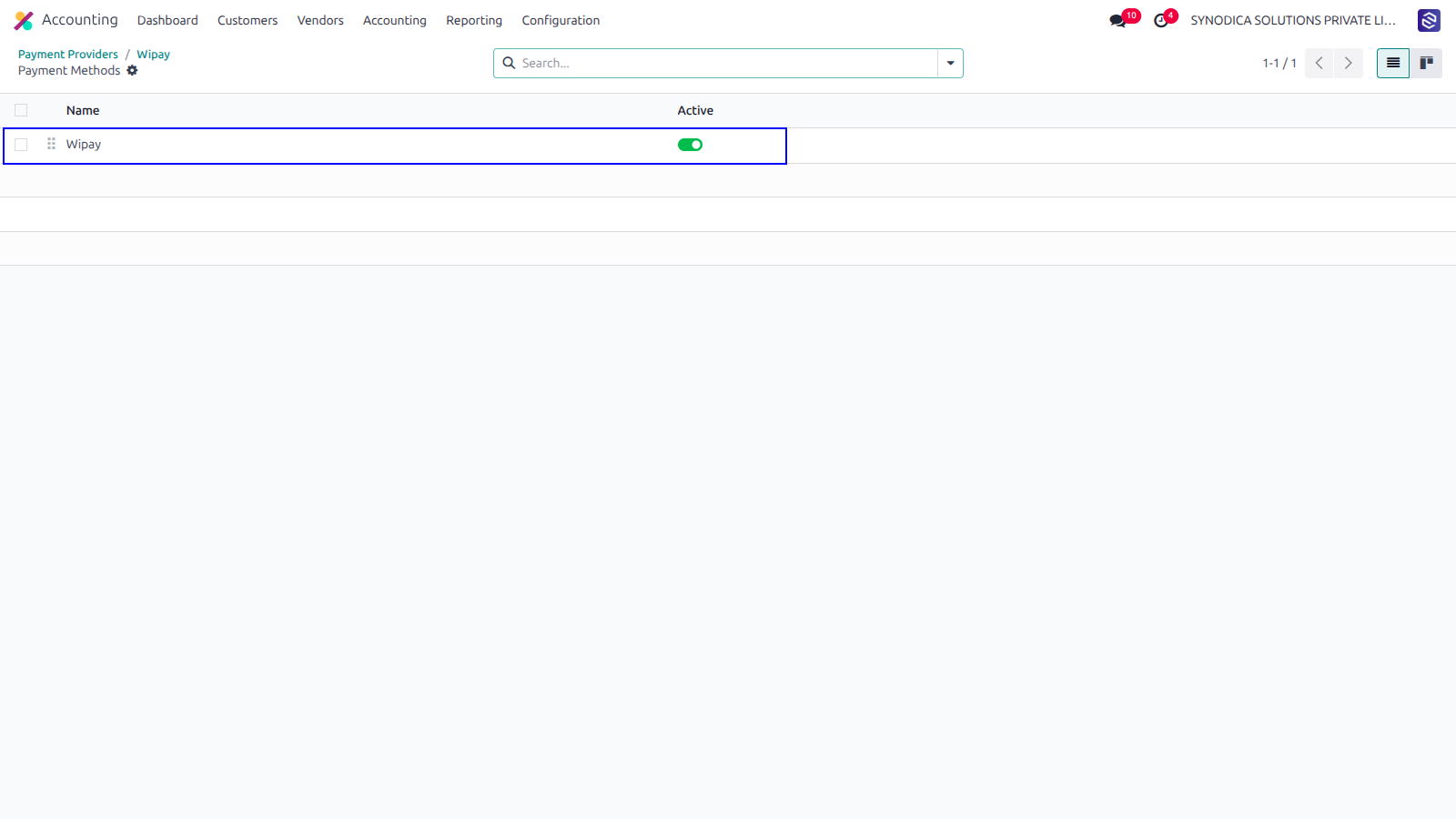
To activate the payment method go to Accounting > Configuration > Payment Methods.
Now Wipay payment option will be available for payment.
Contact Us

We create ERP solutions for you using Odoo ERP that will build a strong and efficient business for you. It's SYNODICA WAY