

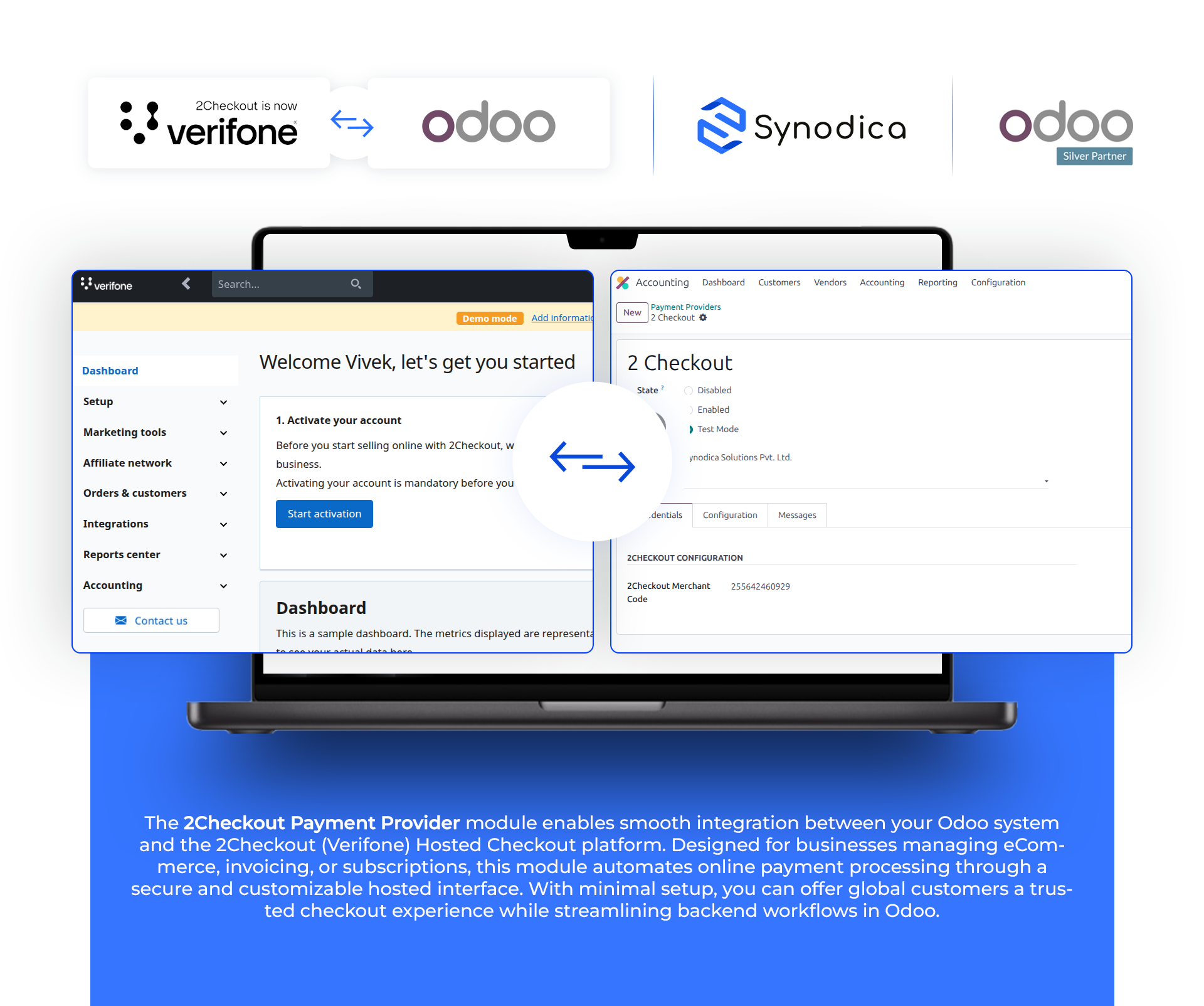
2Checkout Payment Acquirer

2CHECKOUT PAYMENT PROVIDER




Redirects customers from Odoo to 2Checkout’s secure hosted payment page with all order details pre-filled.
Process transactions instantly and ensure immediate confirmation for a smooth checkout experience.
Supports payments in over 90+ currencies, allowing global transactions using 2Checkout.
Sends detailed product line items (name, quantity, price, etc.) to 2Checkout, improving transaction clarity.

Adds 2Checkout to the Payment Acquirer configuration with merchant code input and seamless back-office managemen

Automatically detects and handles both Sale Orders and Invoices using a unified reference system.

Payment From Website
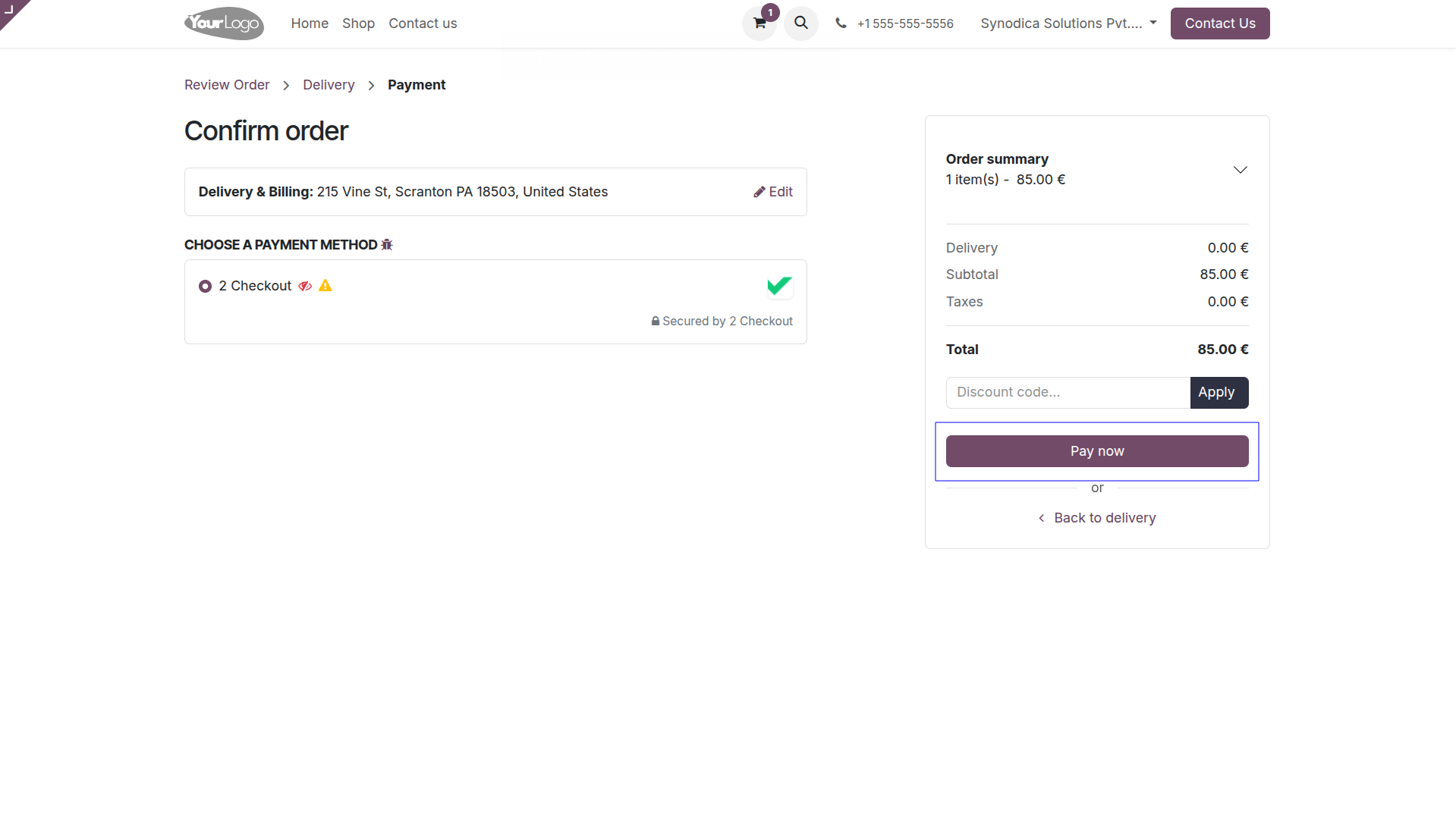
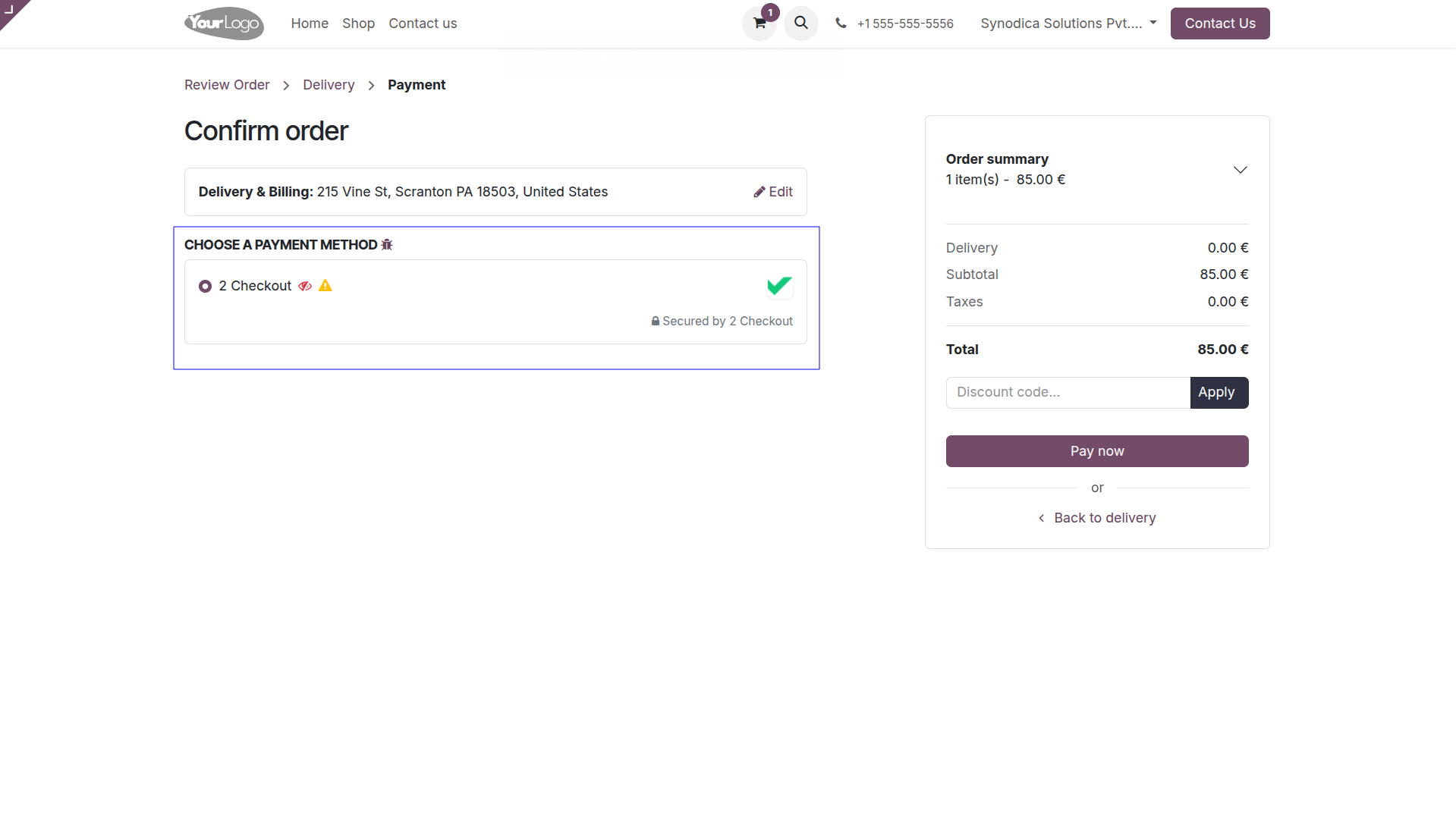
To pay with 2checkout, select 2checkout as payment method and Click Pay Now button. You will be redirected to 2checkout payment page.
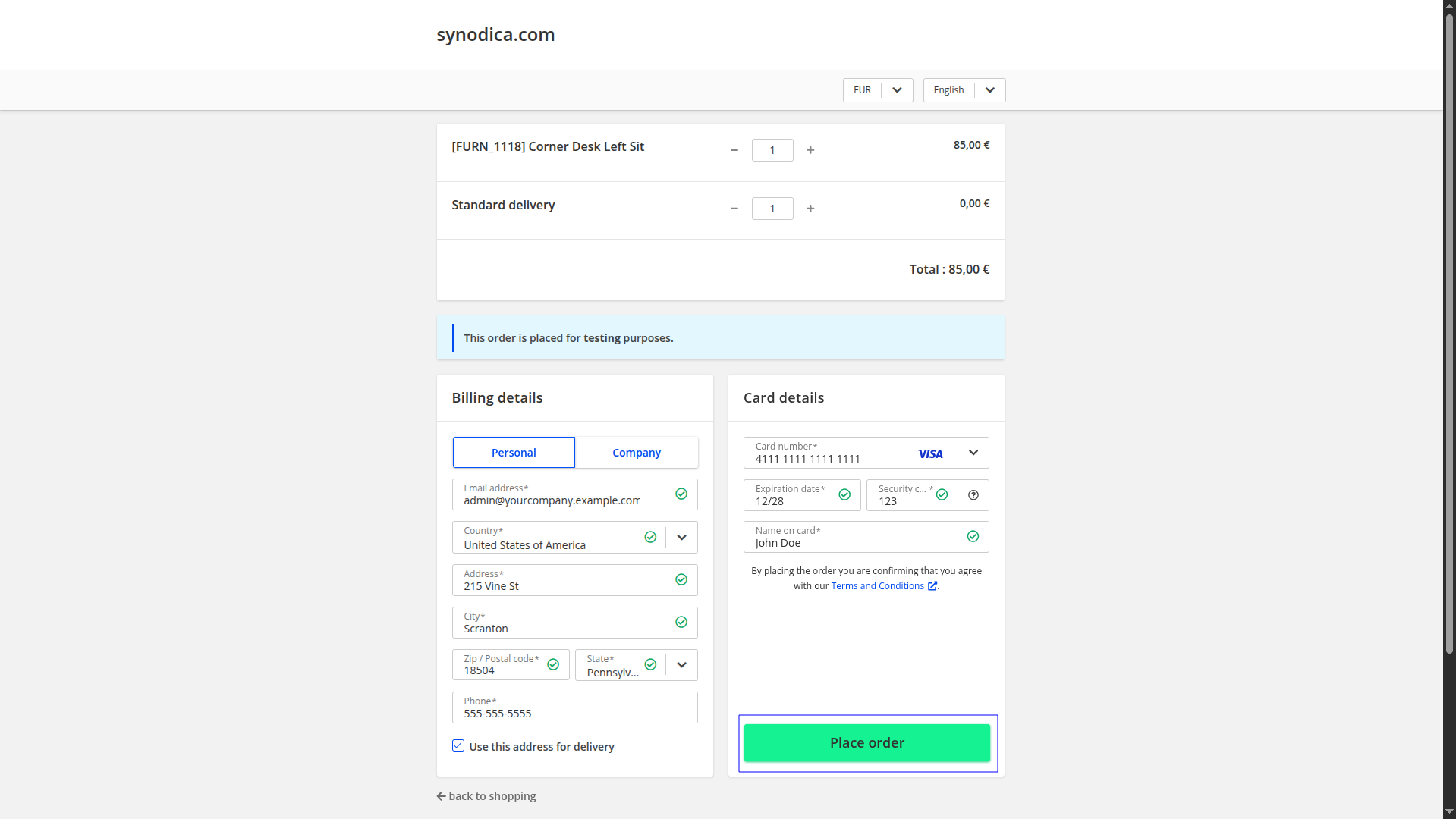
You will redirect the payment page. Fill the required details and click Secure Place Order button.
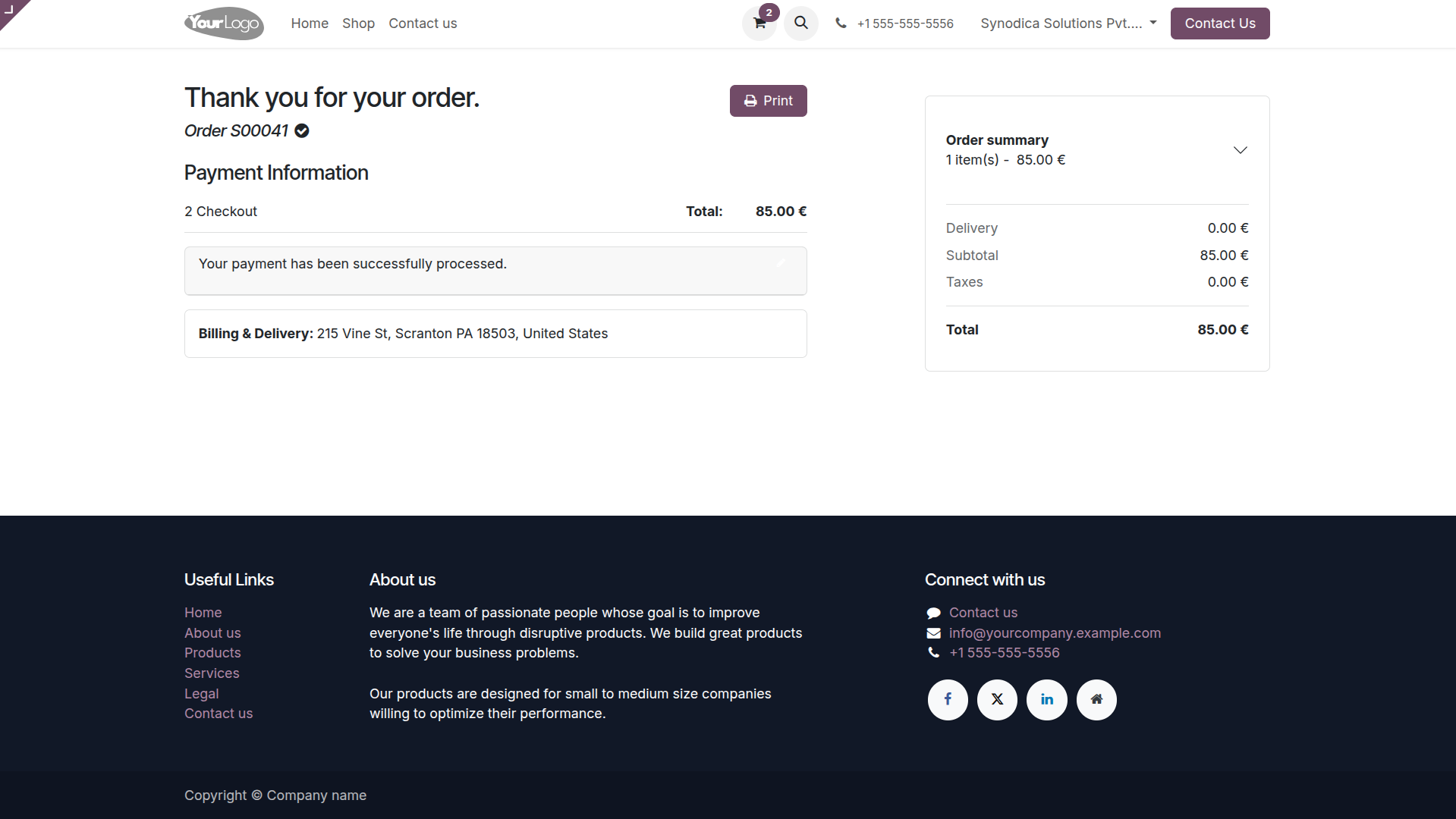
Upon finishing payment, you will be directed to the Odoo confirmation screen.

Payment From Sale Order
To pay with sale order, create sale order and click Preview button
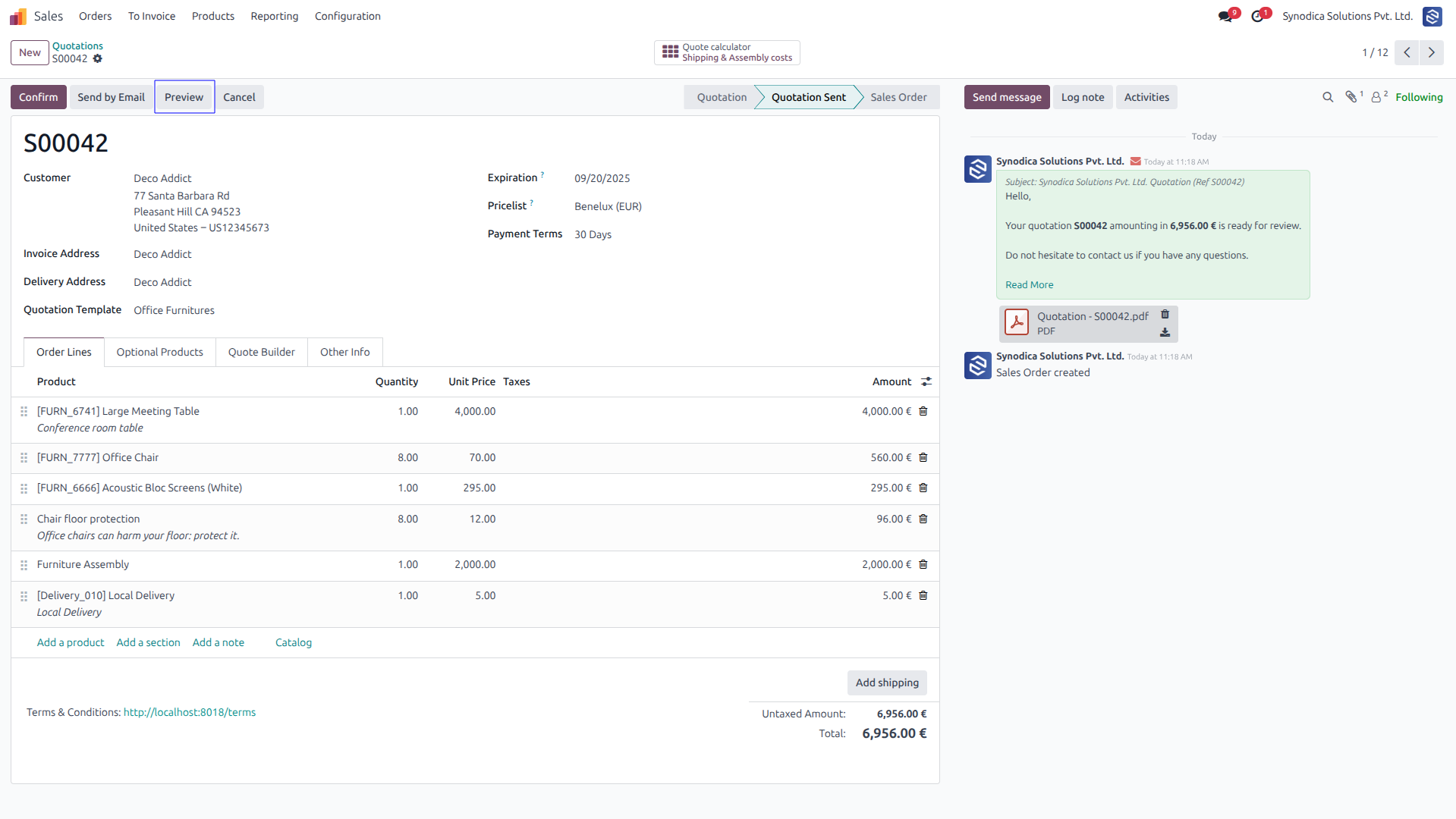
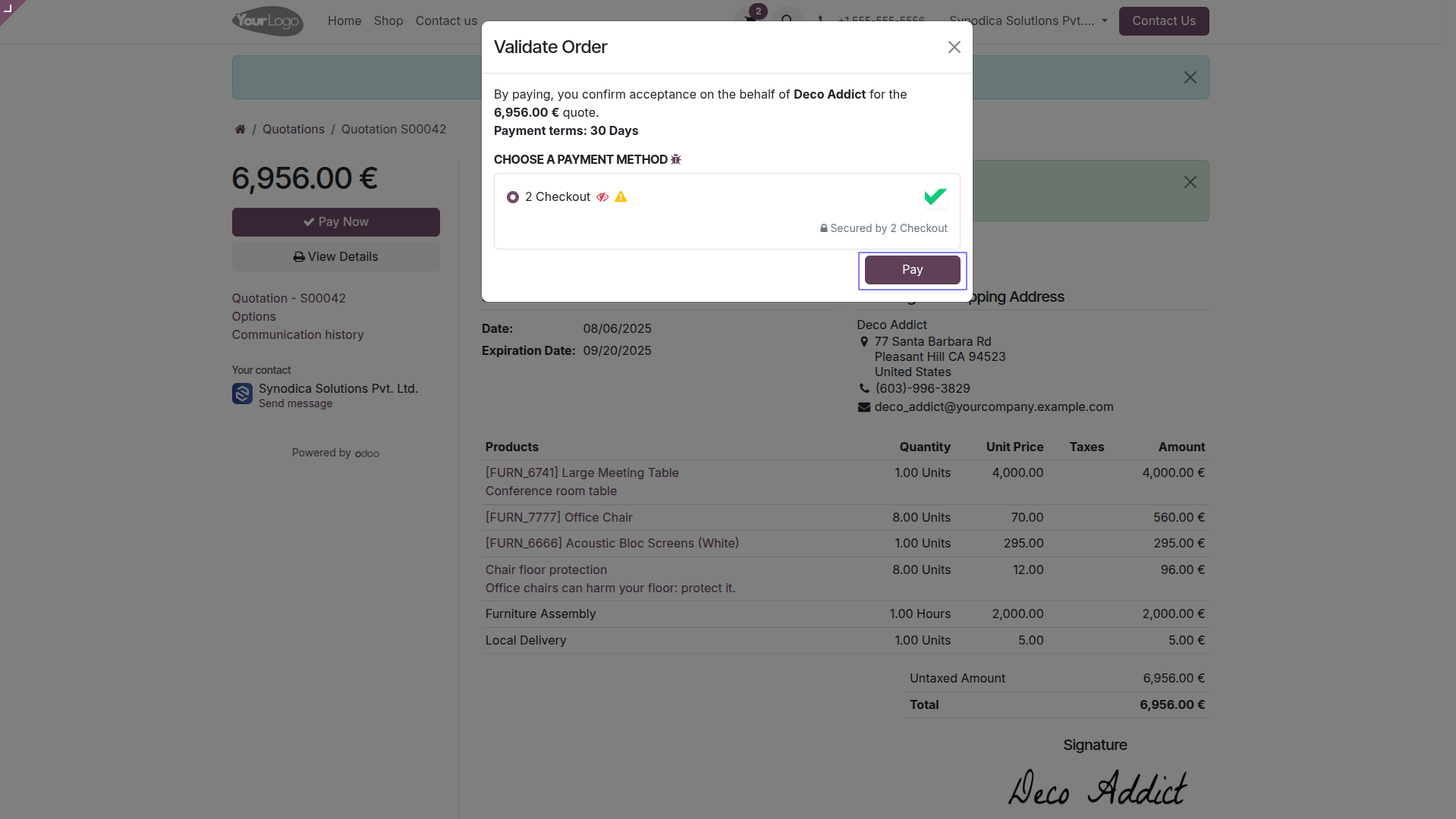
Now click Pay Now, Sign document and select 2checkout as payment method. Then click Pay. You will be redirected to 2checkout payment page.
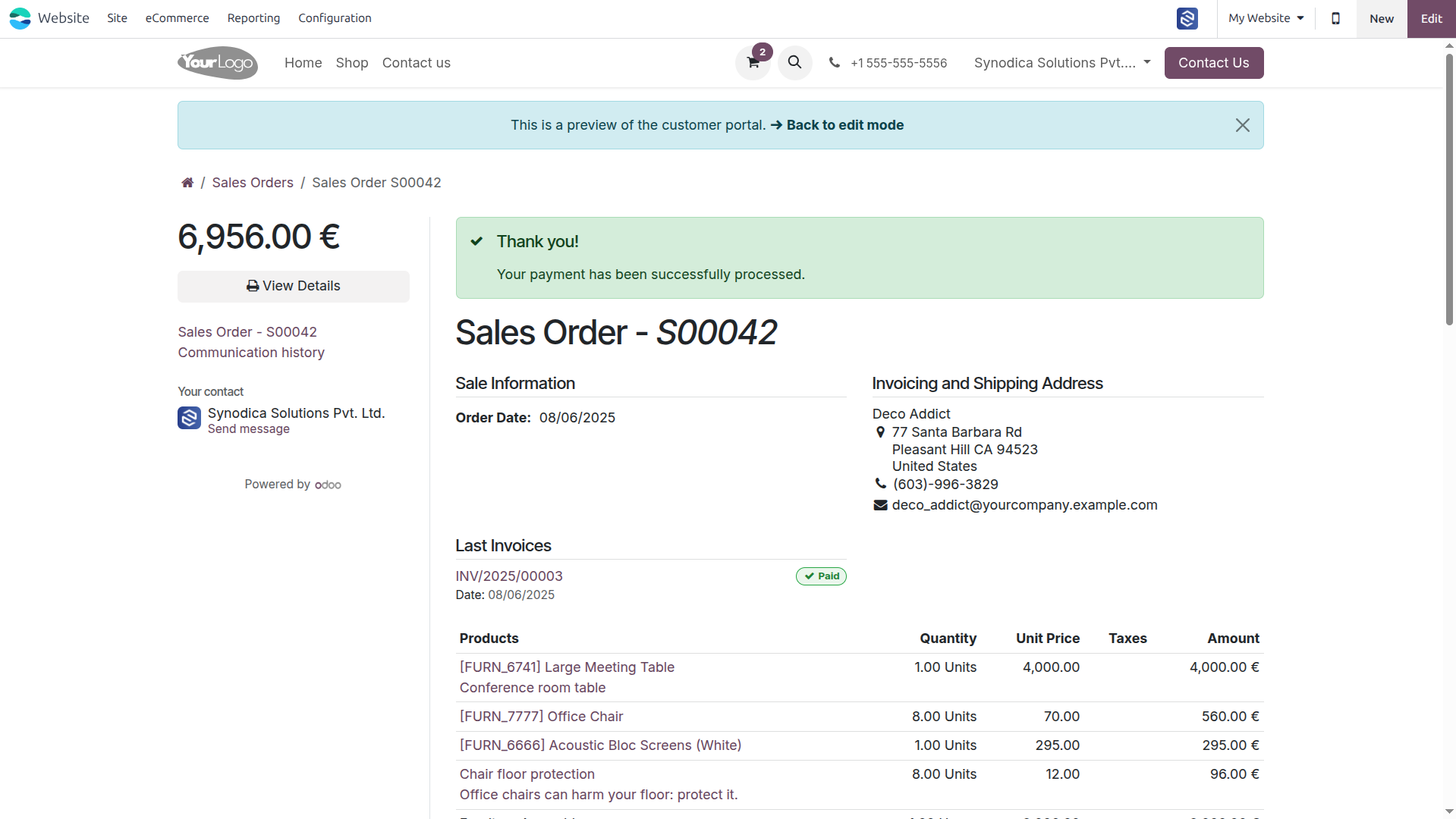
Complete the payment, and on the order preview screen, you will see a confirmation that your order has been successfully paid.

Payment From Invoice
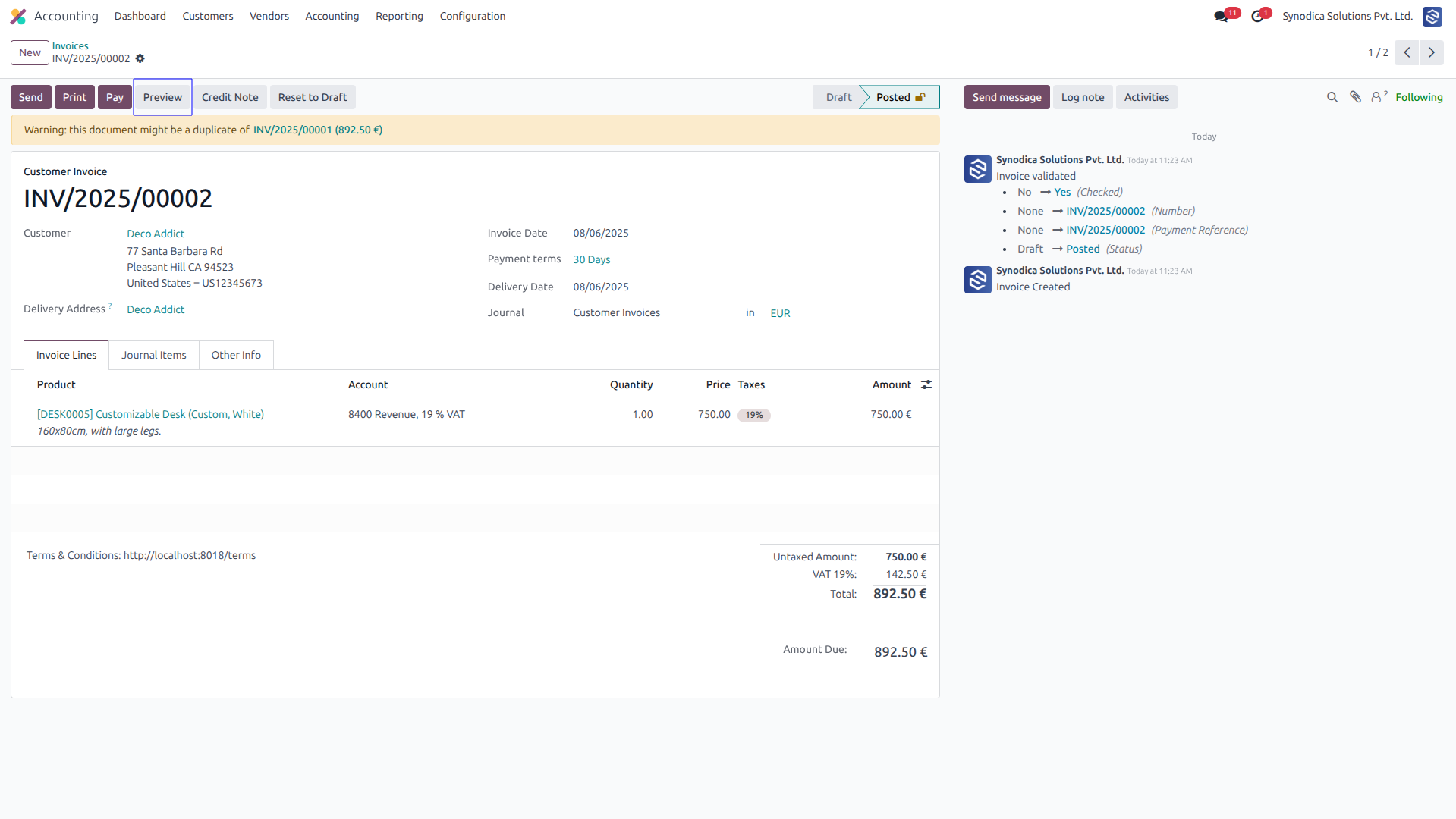
To pay with invoice, create invoice and click Preview button
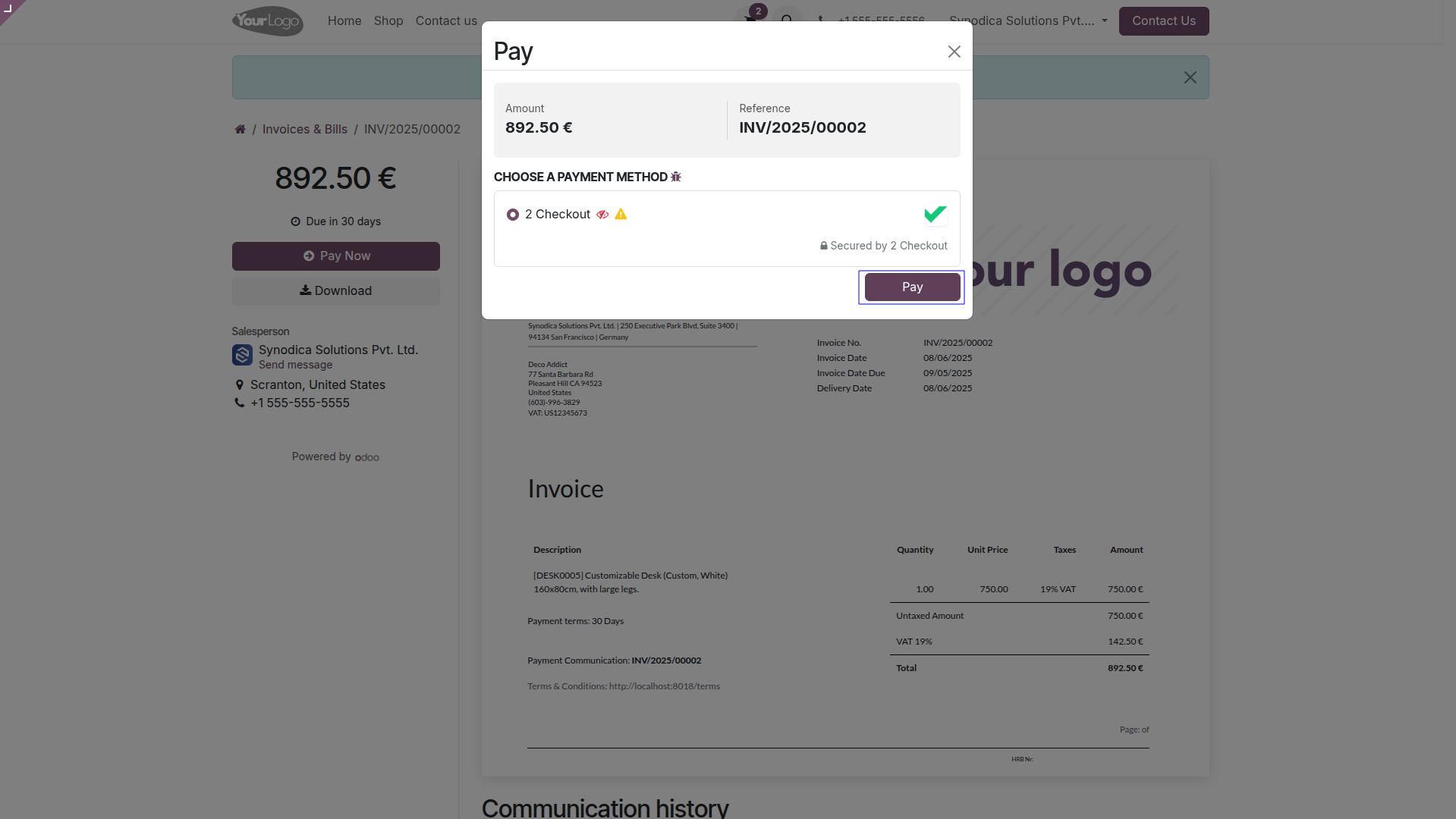
Now click Pay Now, There select 2checkout as payment method. Then click Pay.
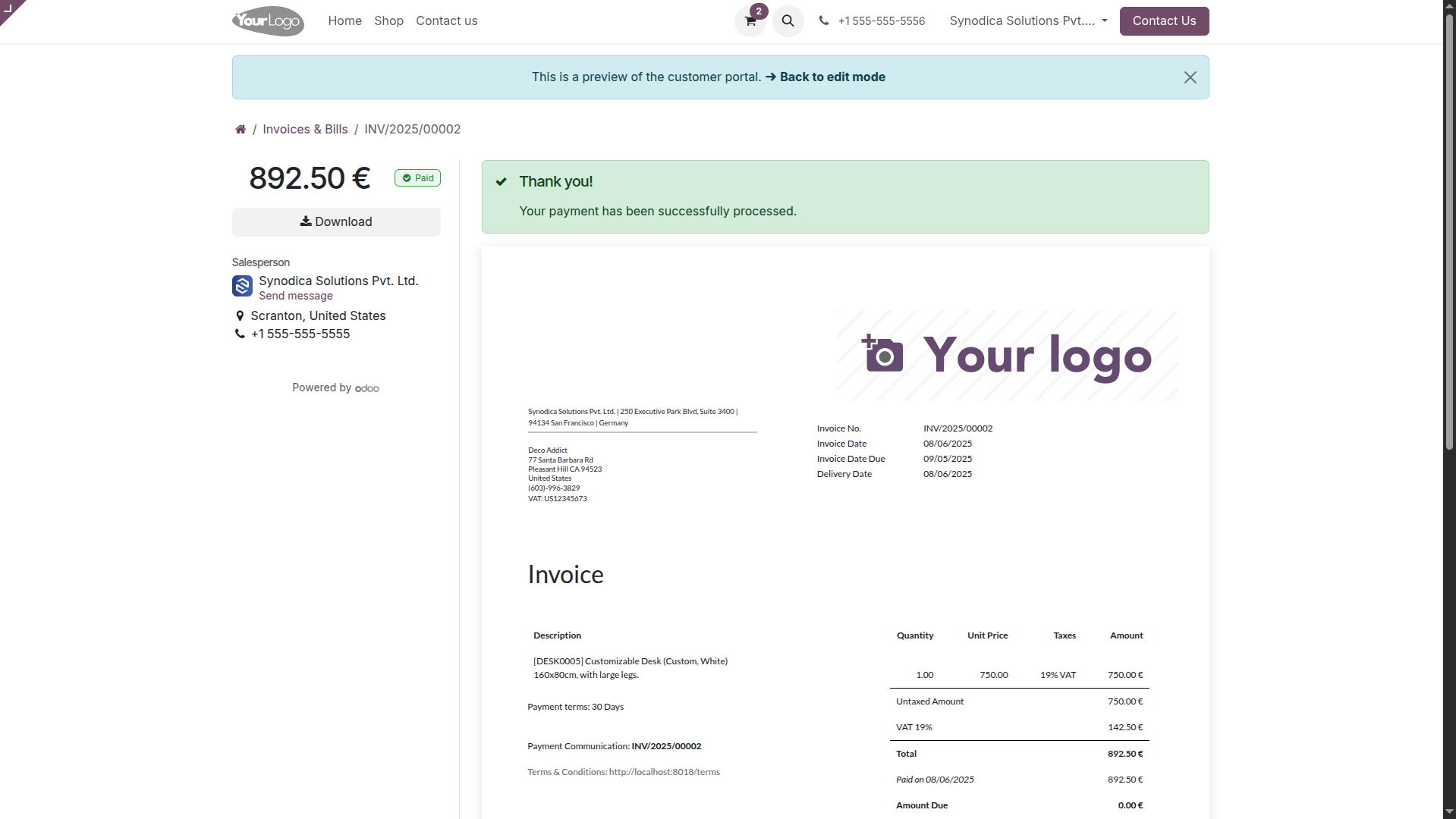
Complete the payment, and on the order preview screen, you will see a confirmation that your invoice has been successfully paid.

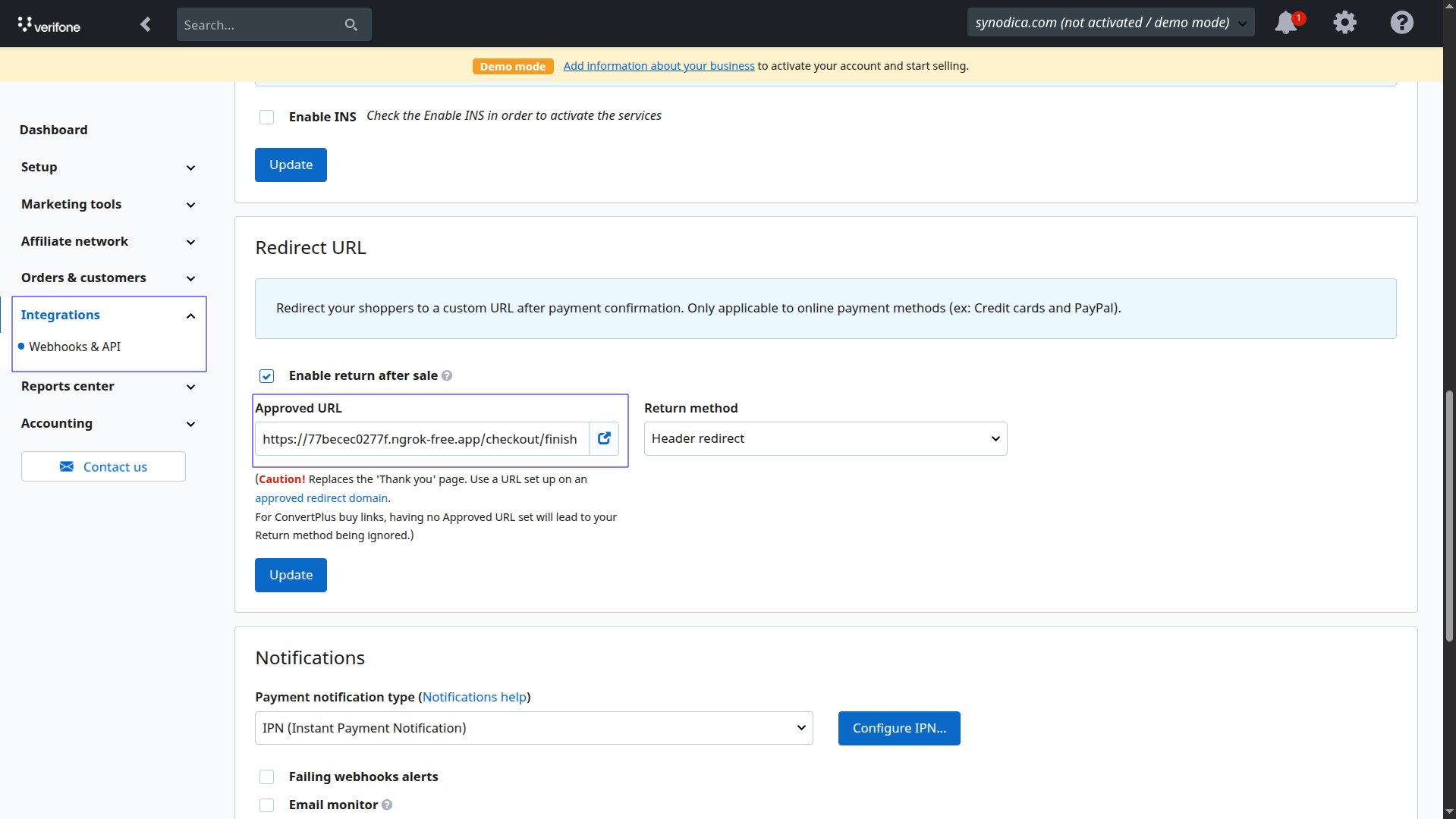
Redirect URL Configuration (Mandatory)
To ensure successful redirection and payment validation, you
must append /checkout/finish at the end of your Odoo URL
when configuring the redirect URL in your 2Checkout account.
Integrations
>> Webhooks & API >> Redirect URL
For example, if your Odoo URL is https://yourdomain.com, the redirect URL should be https://yourdomain.com/checkout/finish
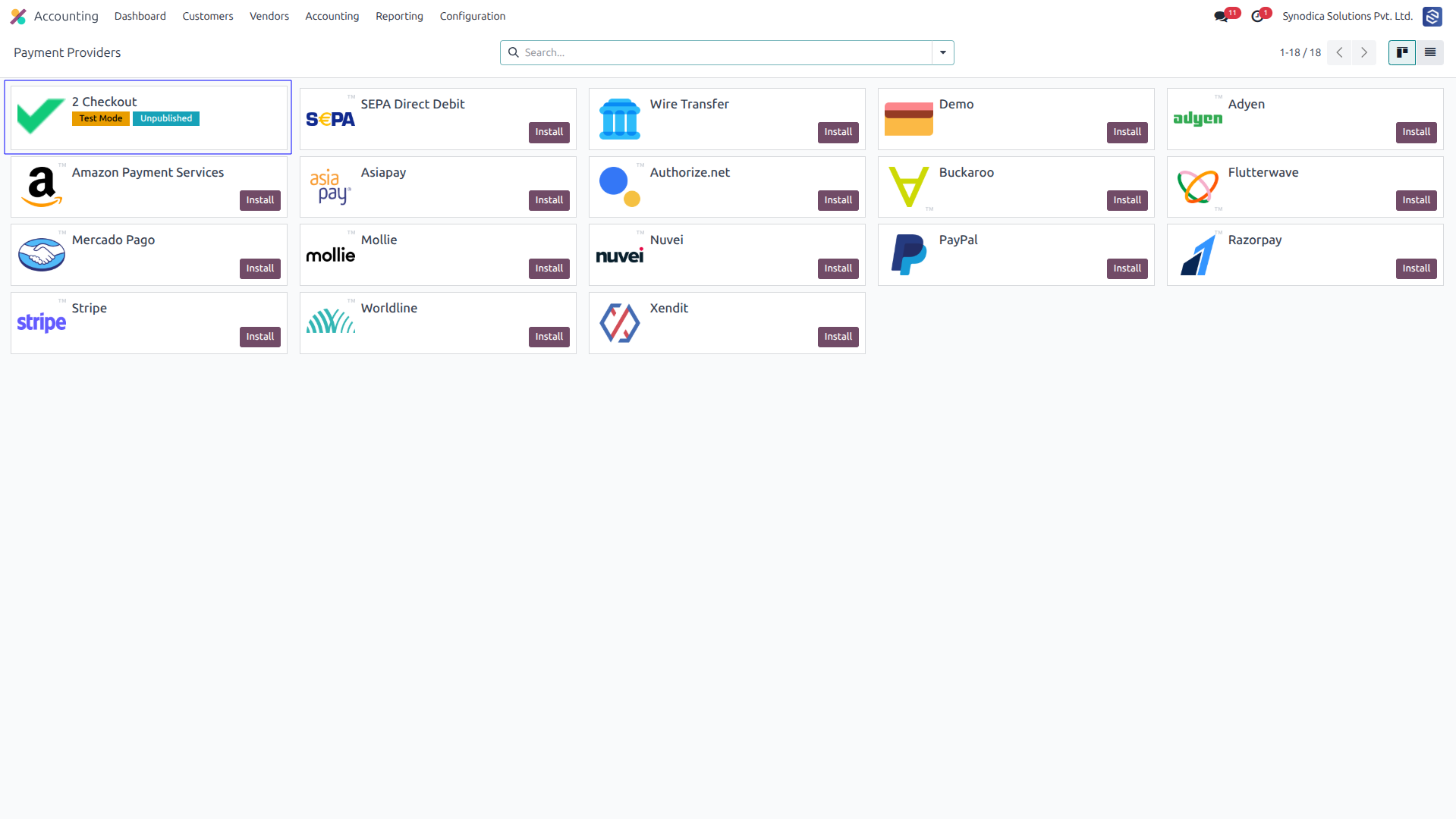
After installing app, you will be able to see 2checkout payment options in Accounting >> Configuration >> Payment Providers menu
Setup 2checkout configurations like Merchant ID.
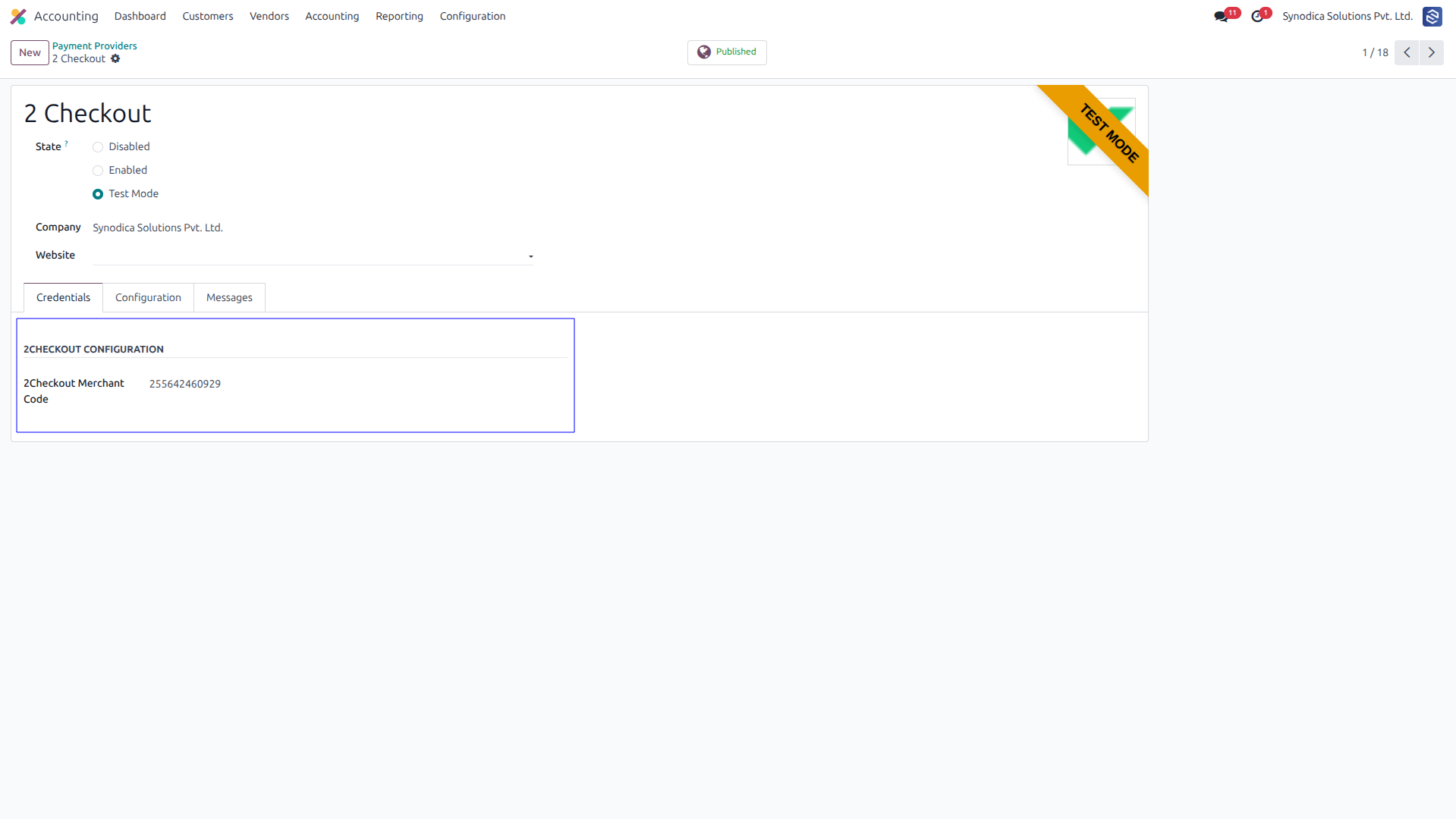
To activate the payment method go to Accounting > Configuration > Payment Methods.
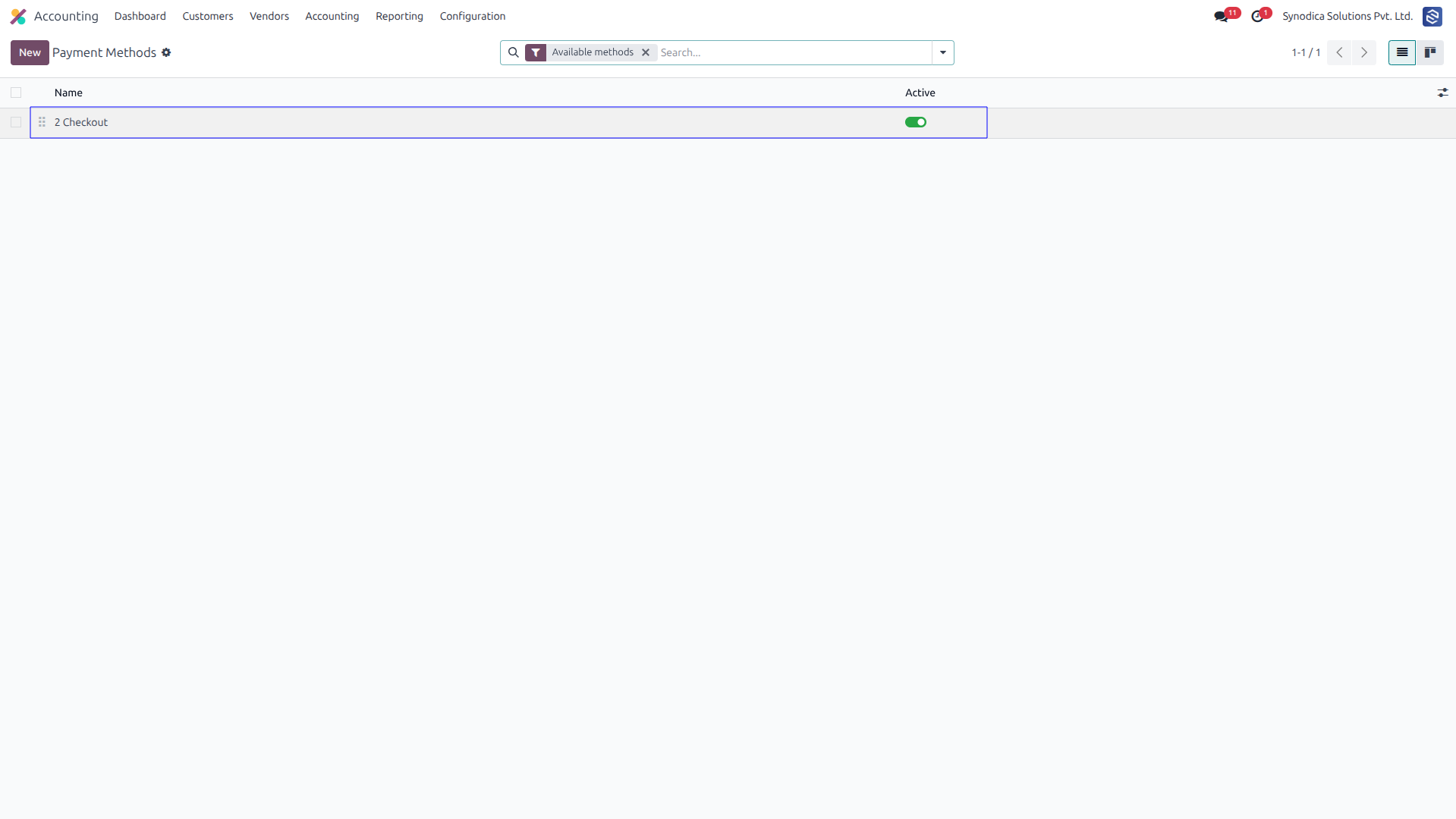
Now 2checkout payment option will be available for payment.
Contact Us
We create ERP solutions for you using Odoo ERP that will build a strong and efficient business for you. It's SYNODICA WAY