



BigCommerce Odoo Integration
USD 199.00

Why BigCommerce Integration App from Synodica?
You will never have to
worry about manual data transfers again.
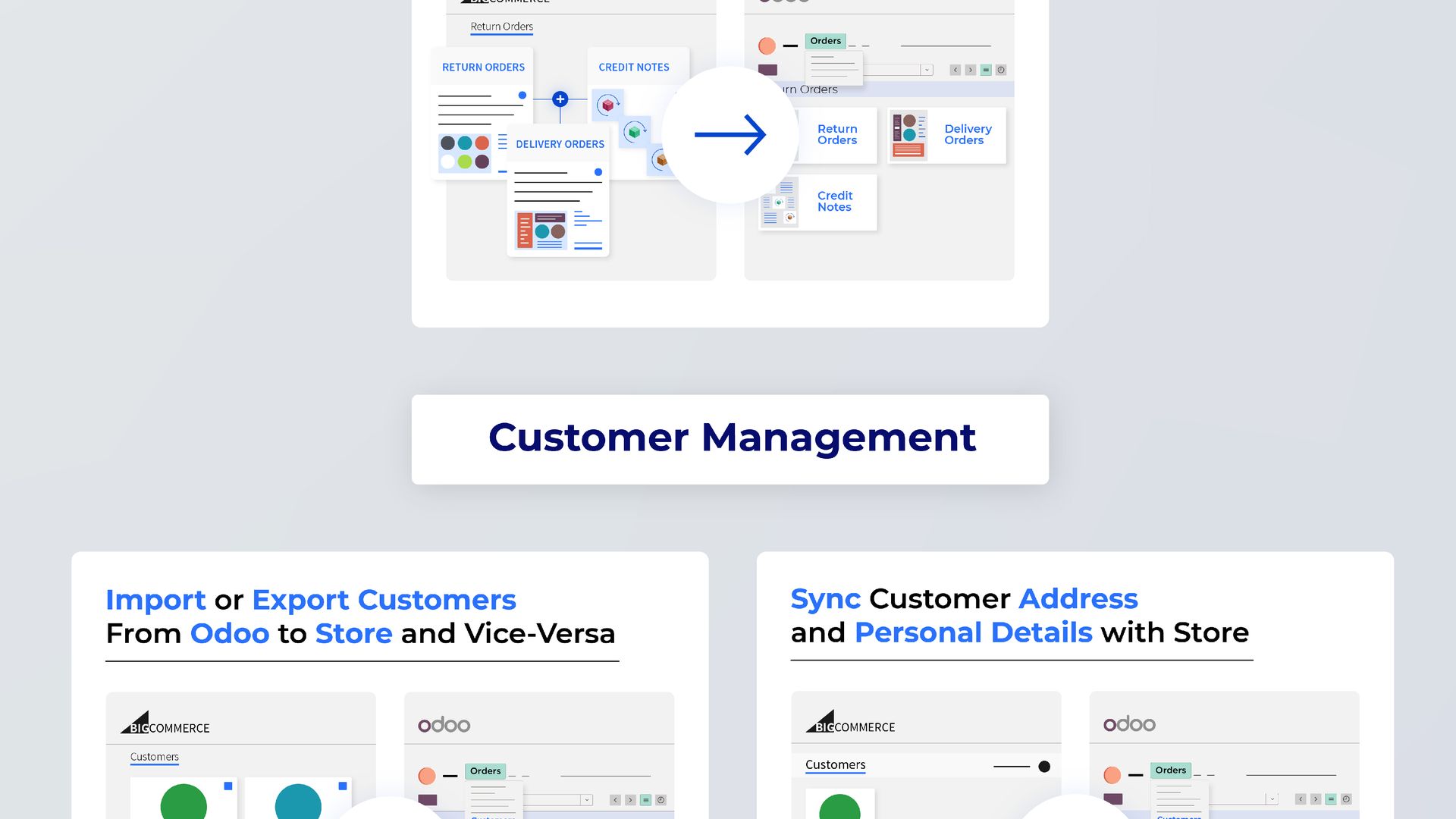
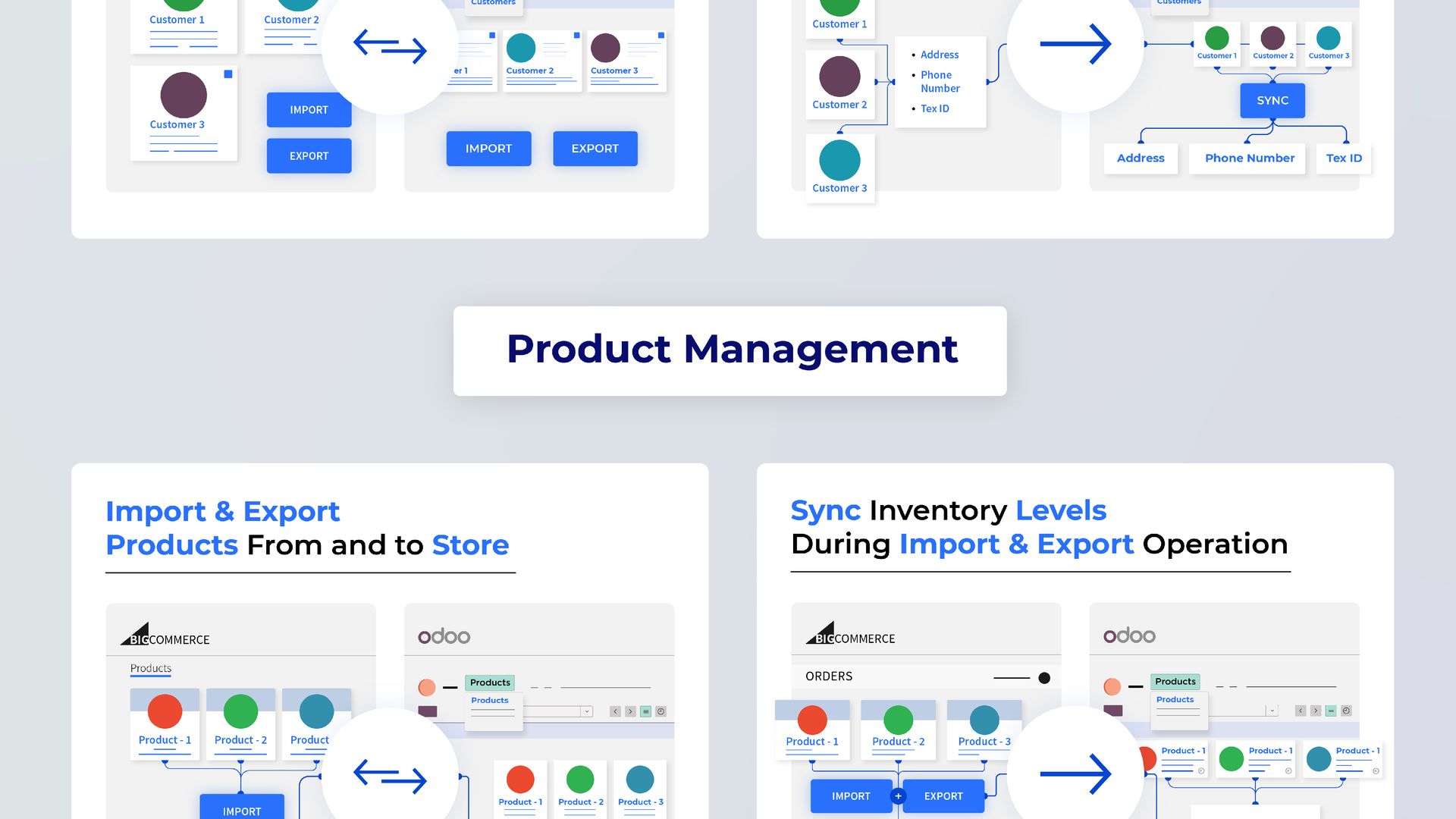
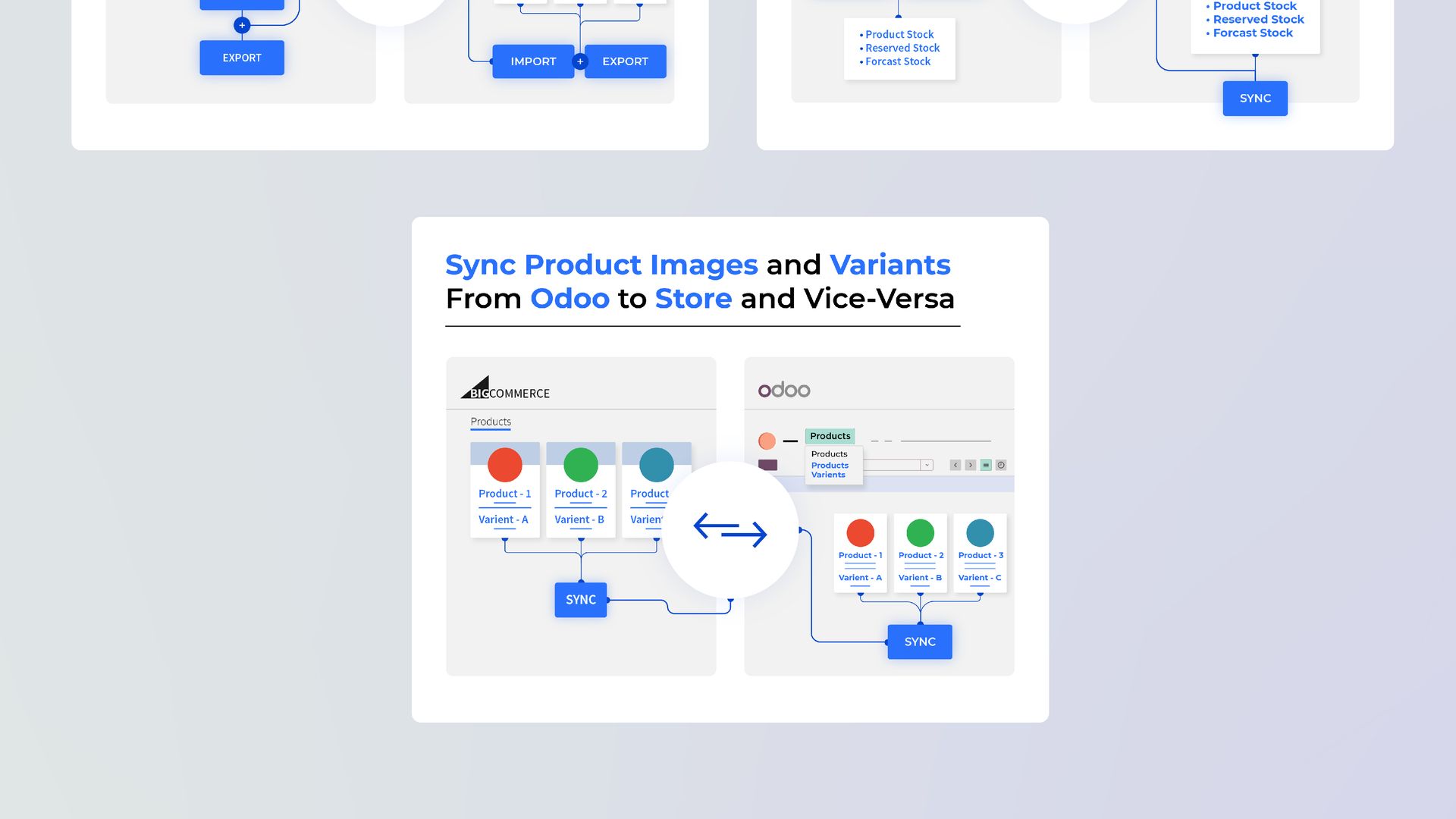
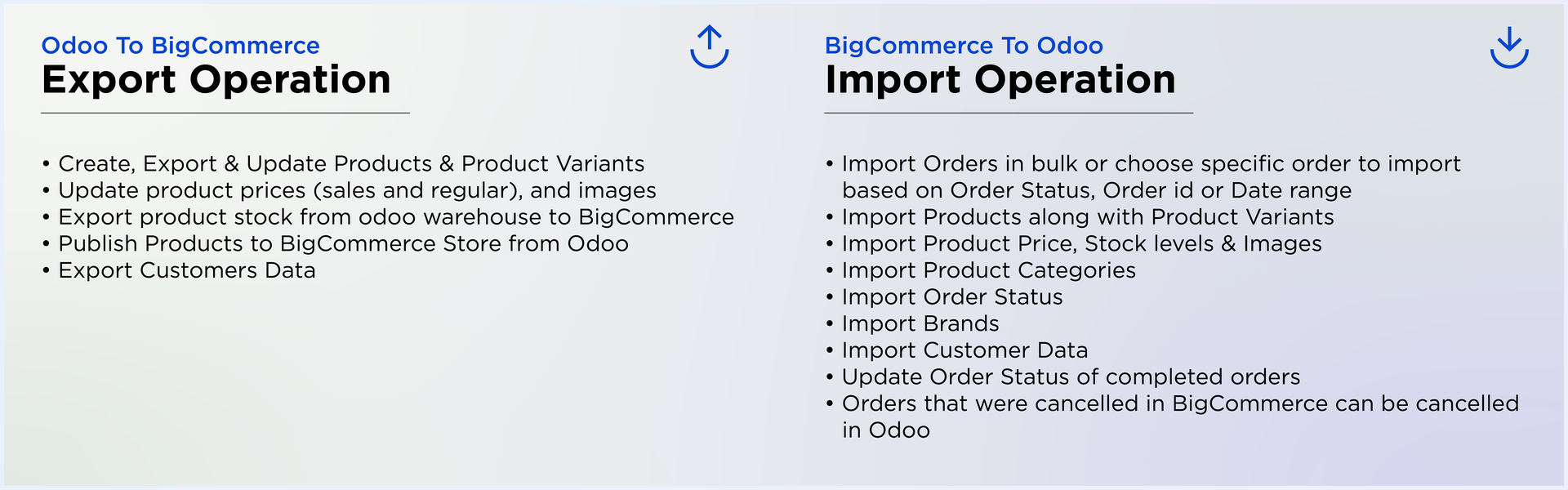
Our connector seamlessly flows orders, customers, and products between both platforms, completely
automating the process.
Gain invaluable analytical insights for all your BigCommerce stores with our integrated solution.
WATCH QUICK DEMO HERE

 Screenshots
 Support
 Configuration
Instance Creation
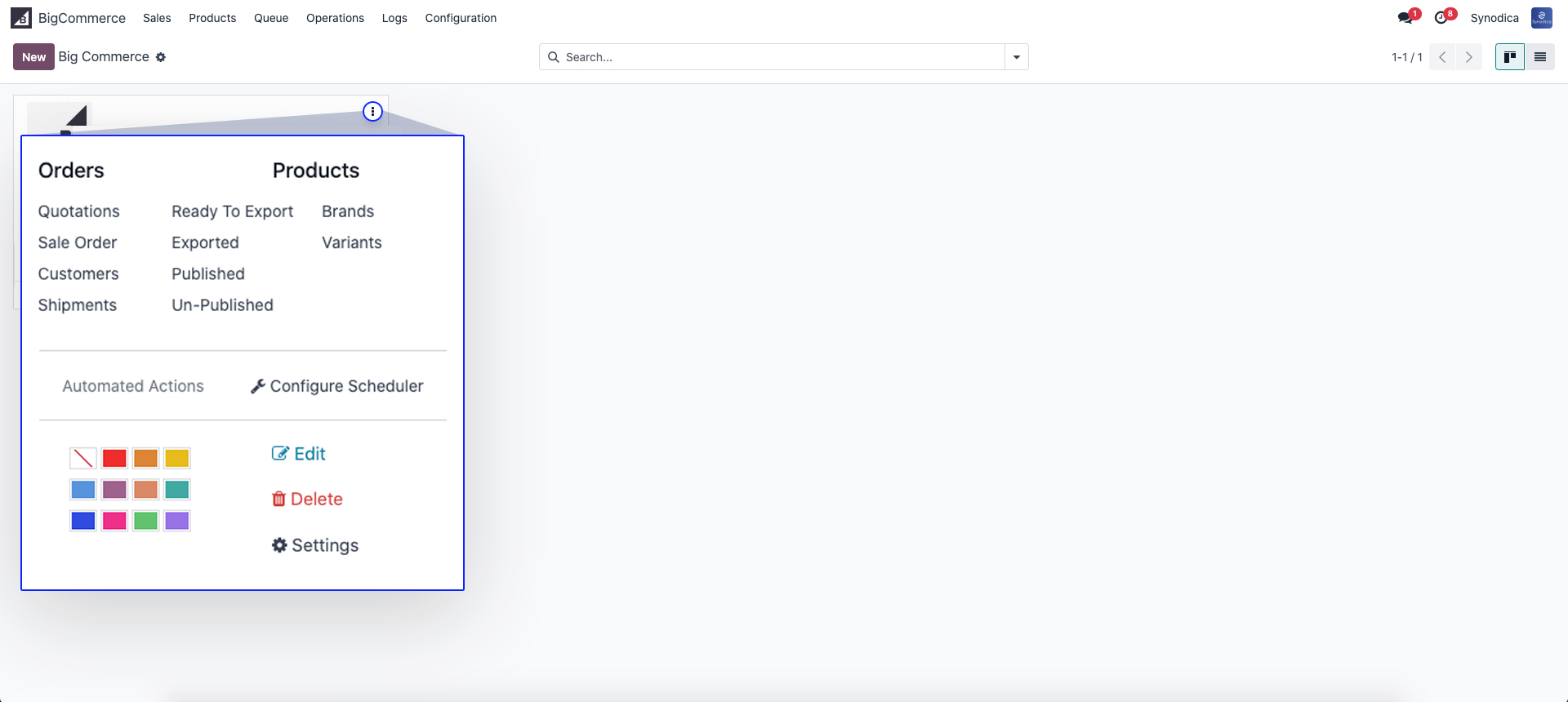
Manage Multiple Stores
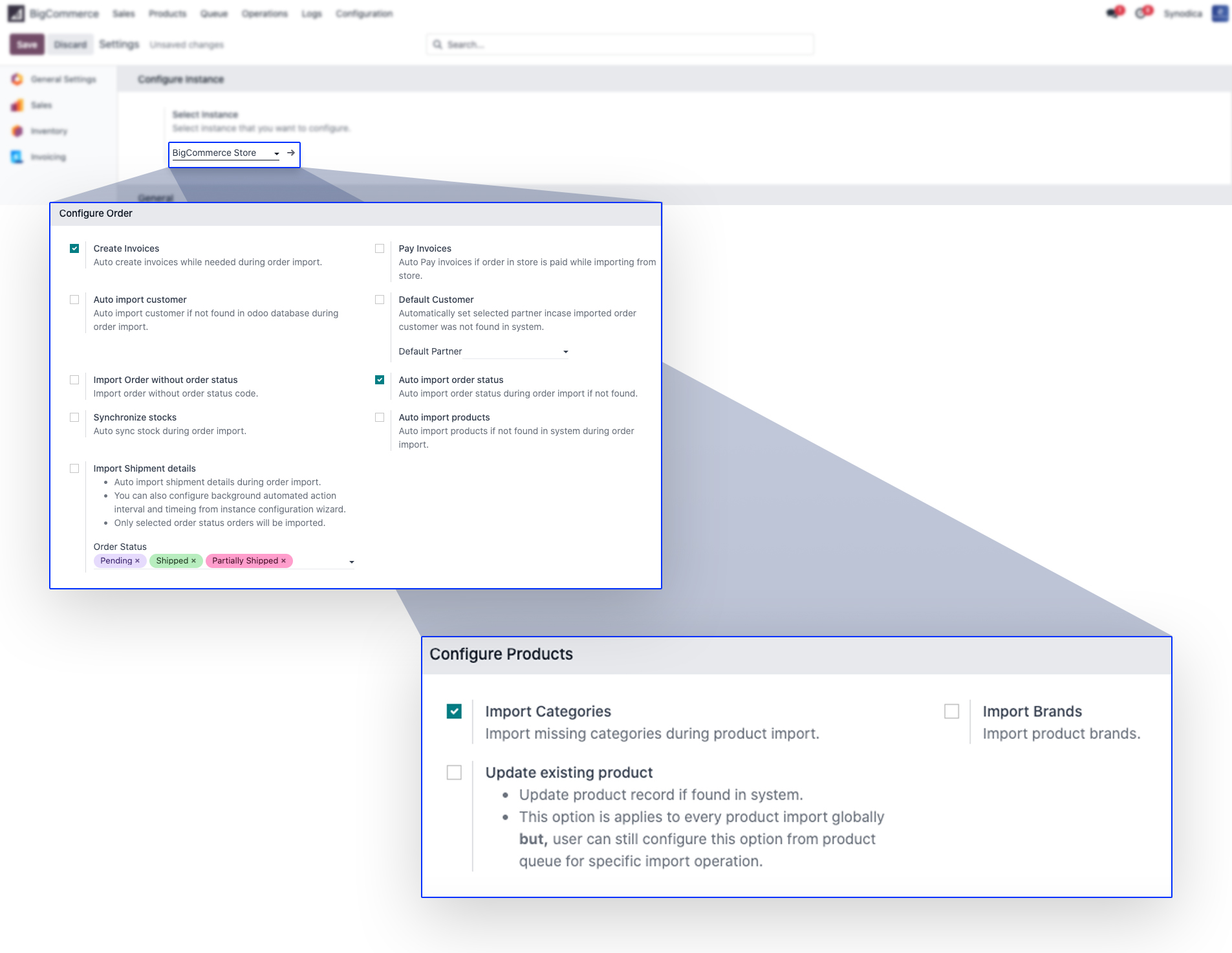
Configure Instance
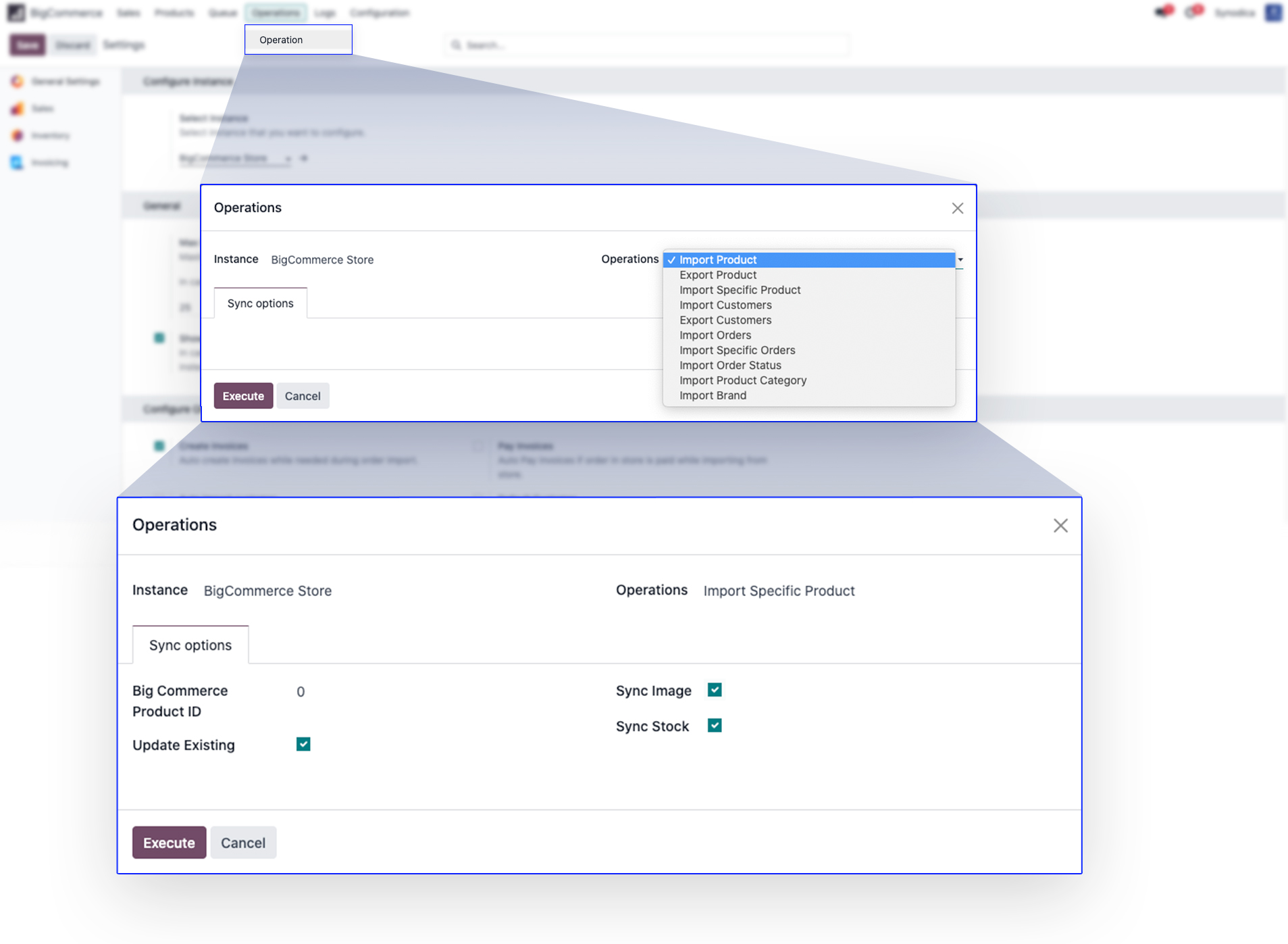
Operations
Queue Management
Processing Queue Manually
Mismatch Log
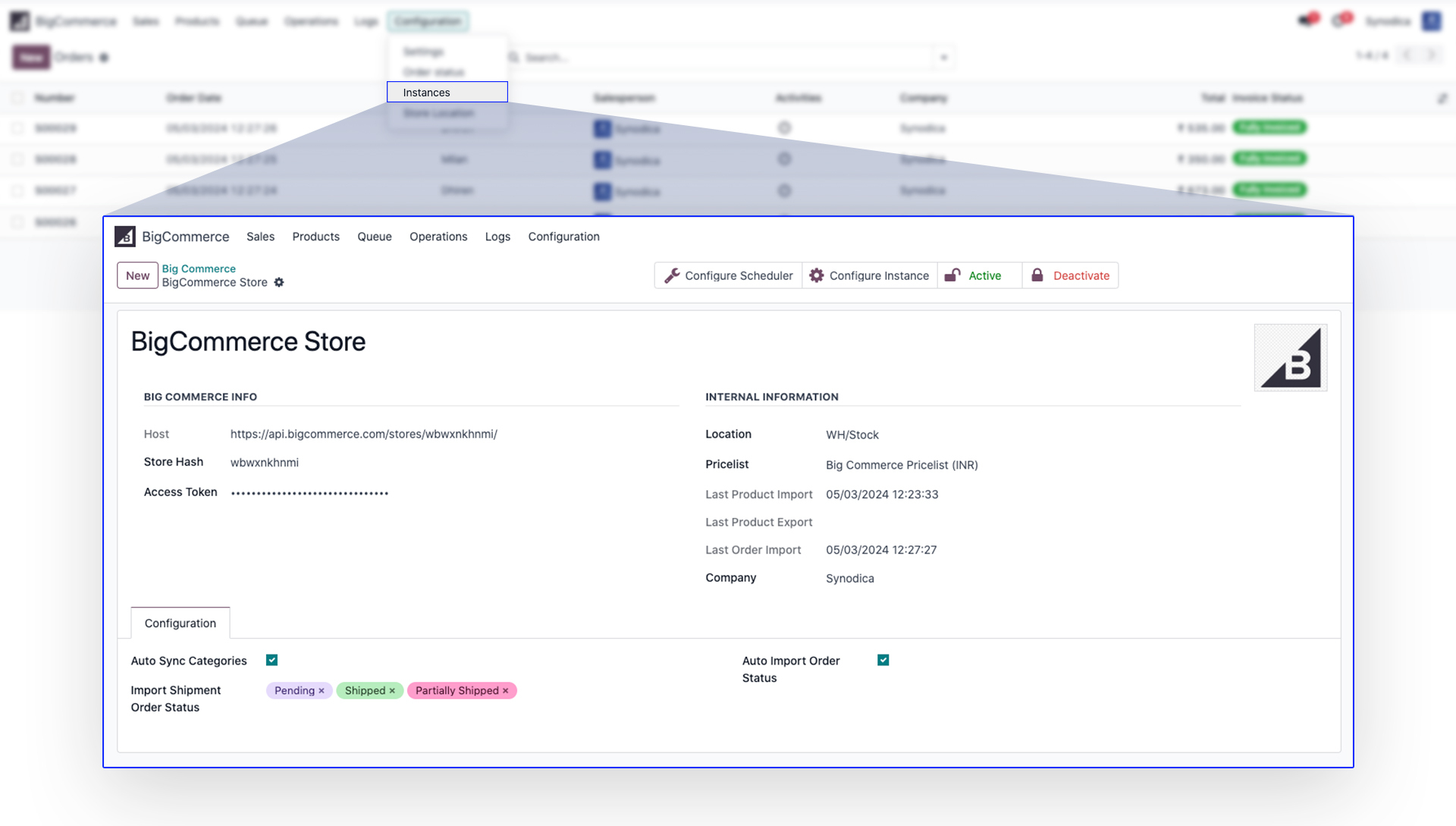
Instance Creation
Create
Instance for your BigCommerce store. It will
automatically import store
location and images.
Manage Multiple Stores
Configure Instance
Operations
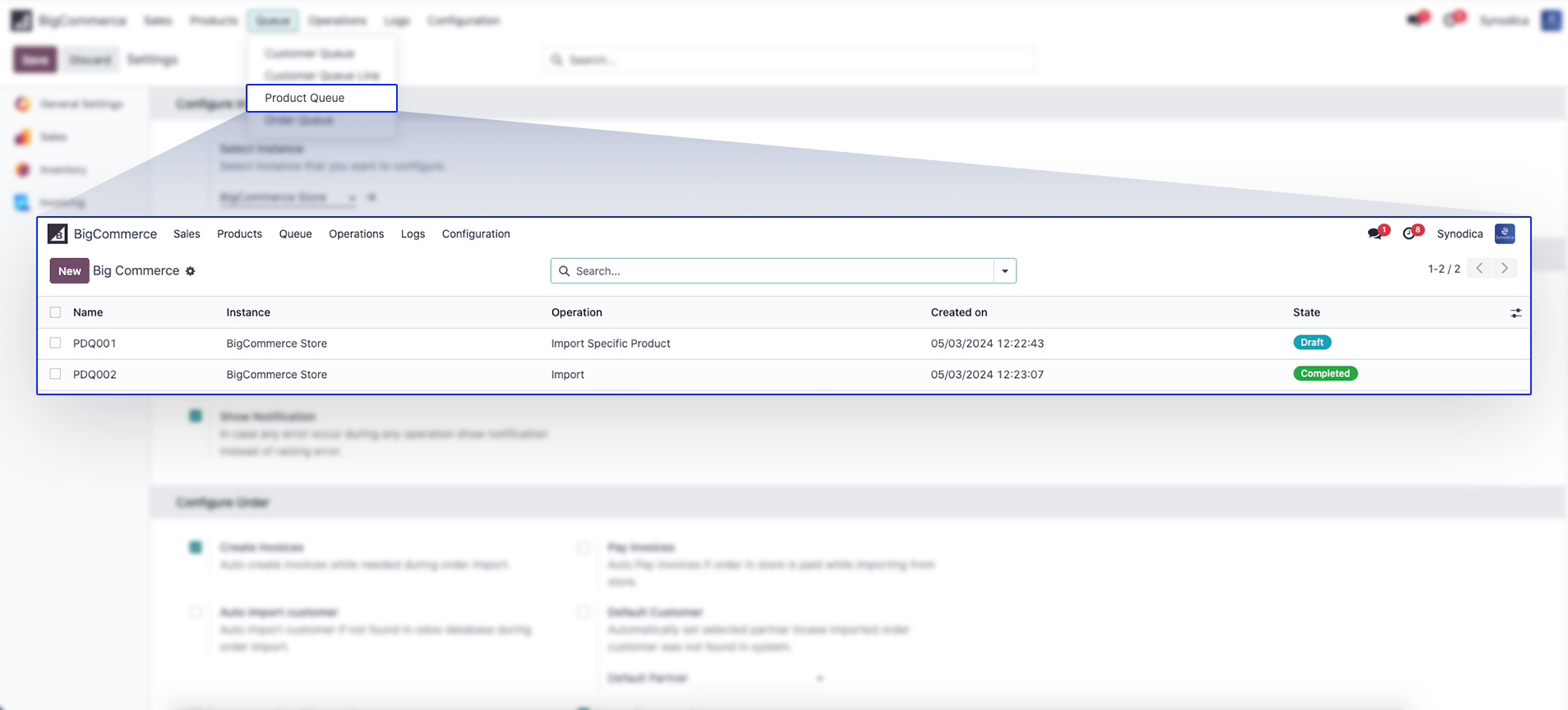
Display Queues
This
queue is processed automatically via scheduler every 5
minutes or as
configured by user.
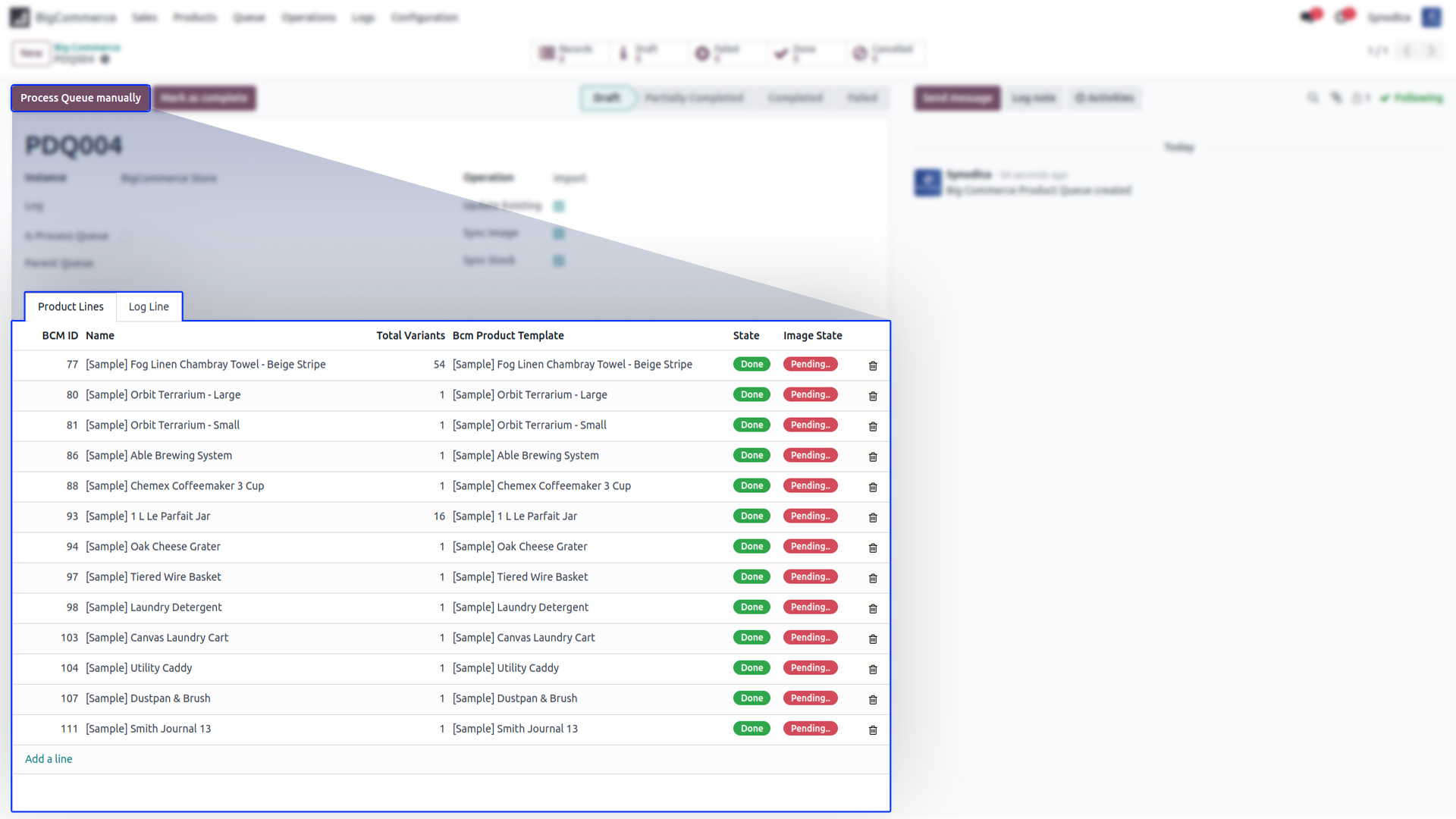
Processing Queue Manually
We can process queue manually also.
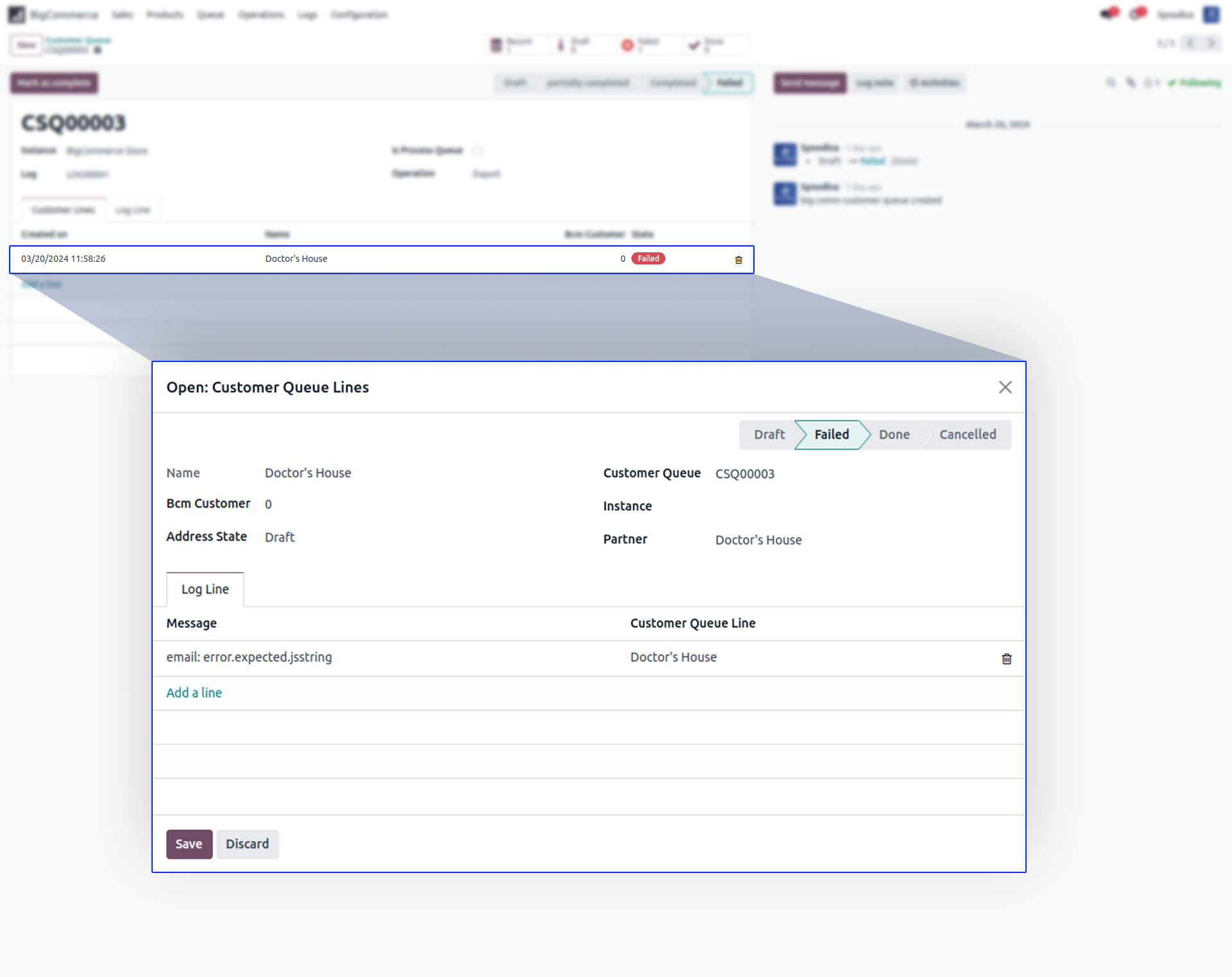
Mismatch Log
If any operation fails due to any reason, Log is
maintained for every operation.


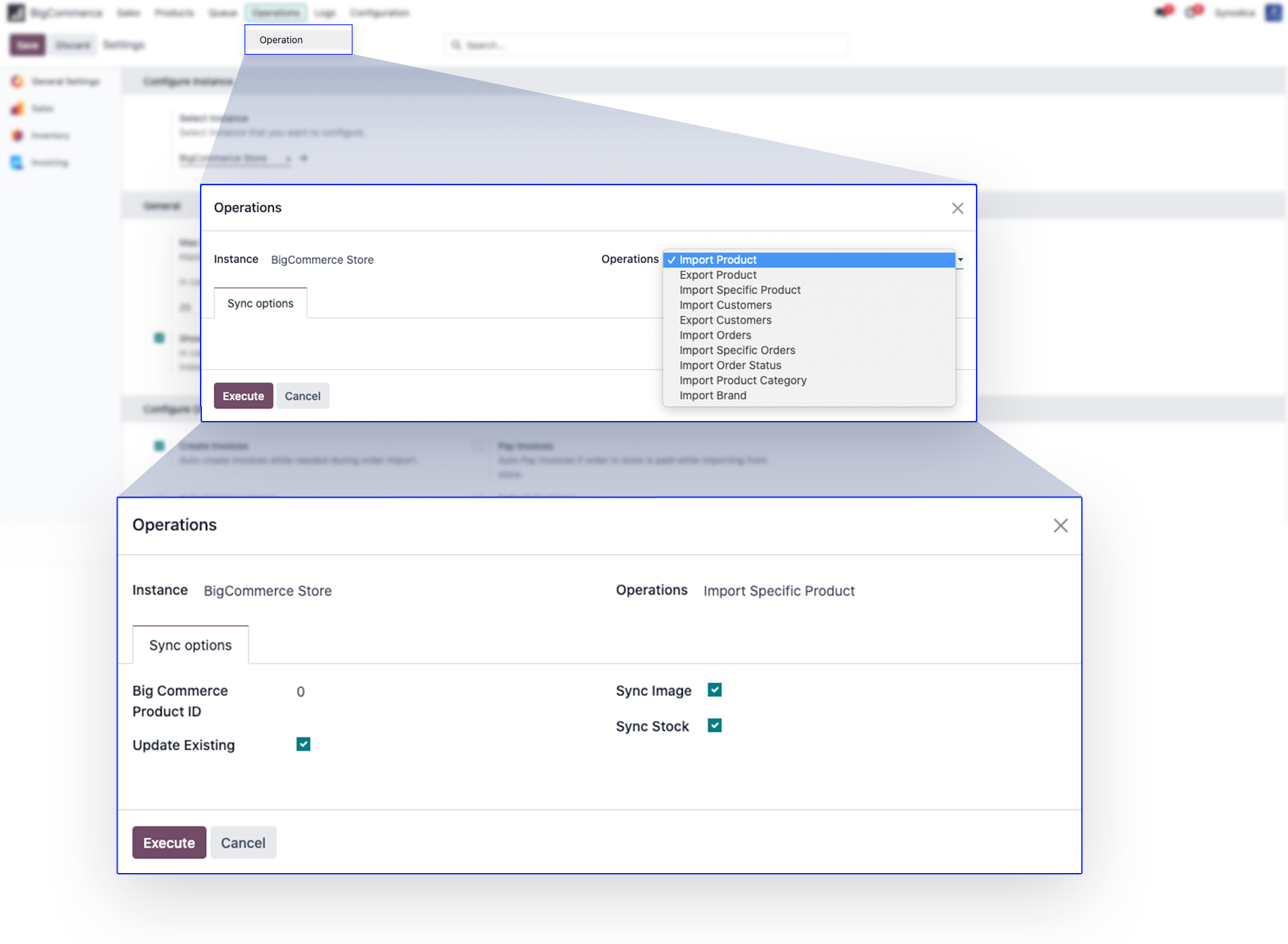
Import Products
You can
import all products or specific products also.
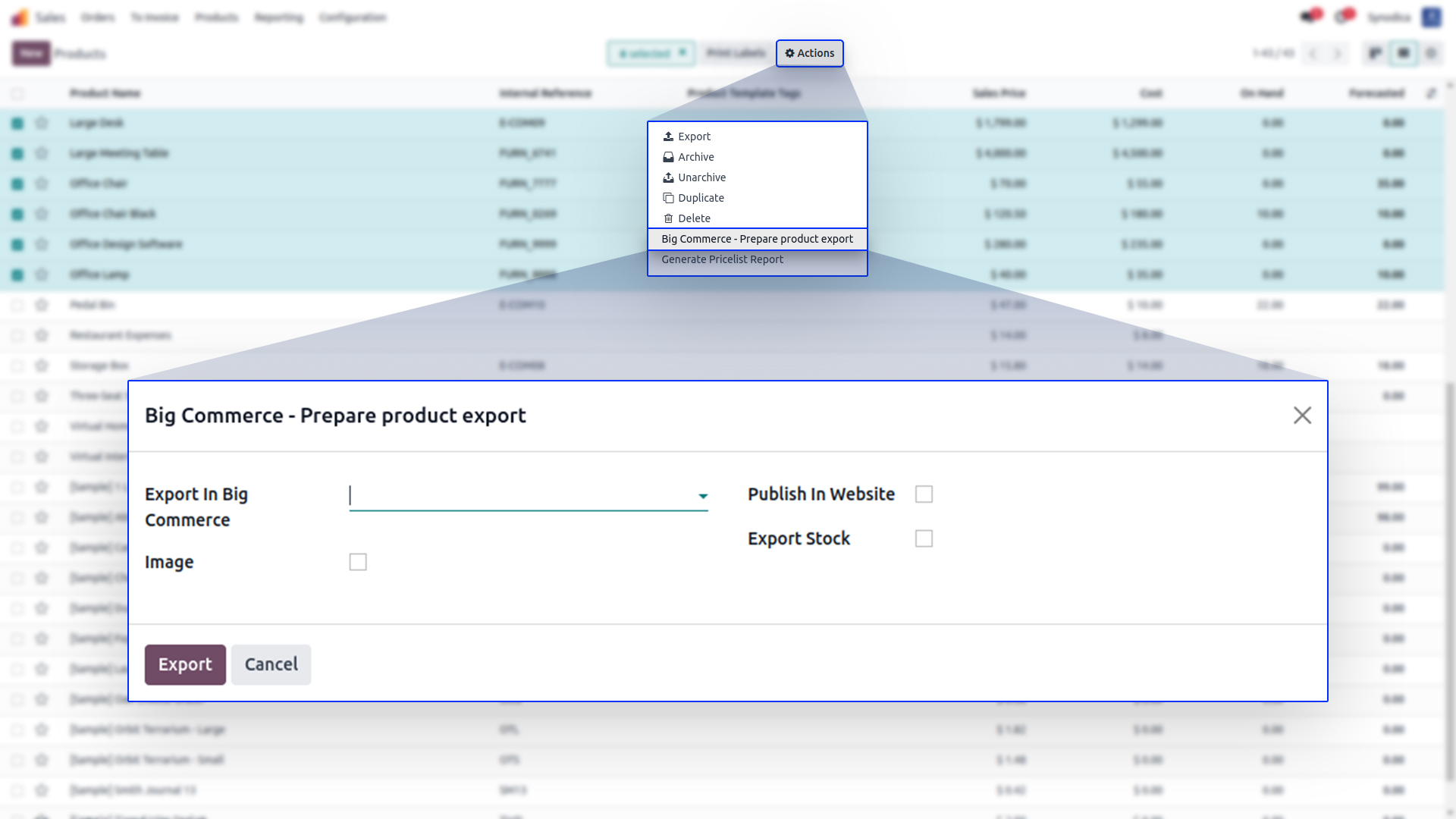
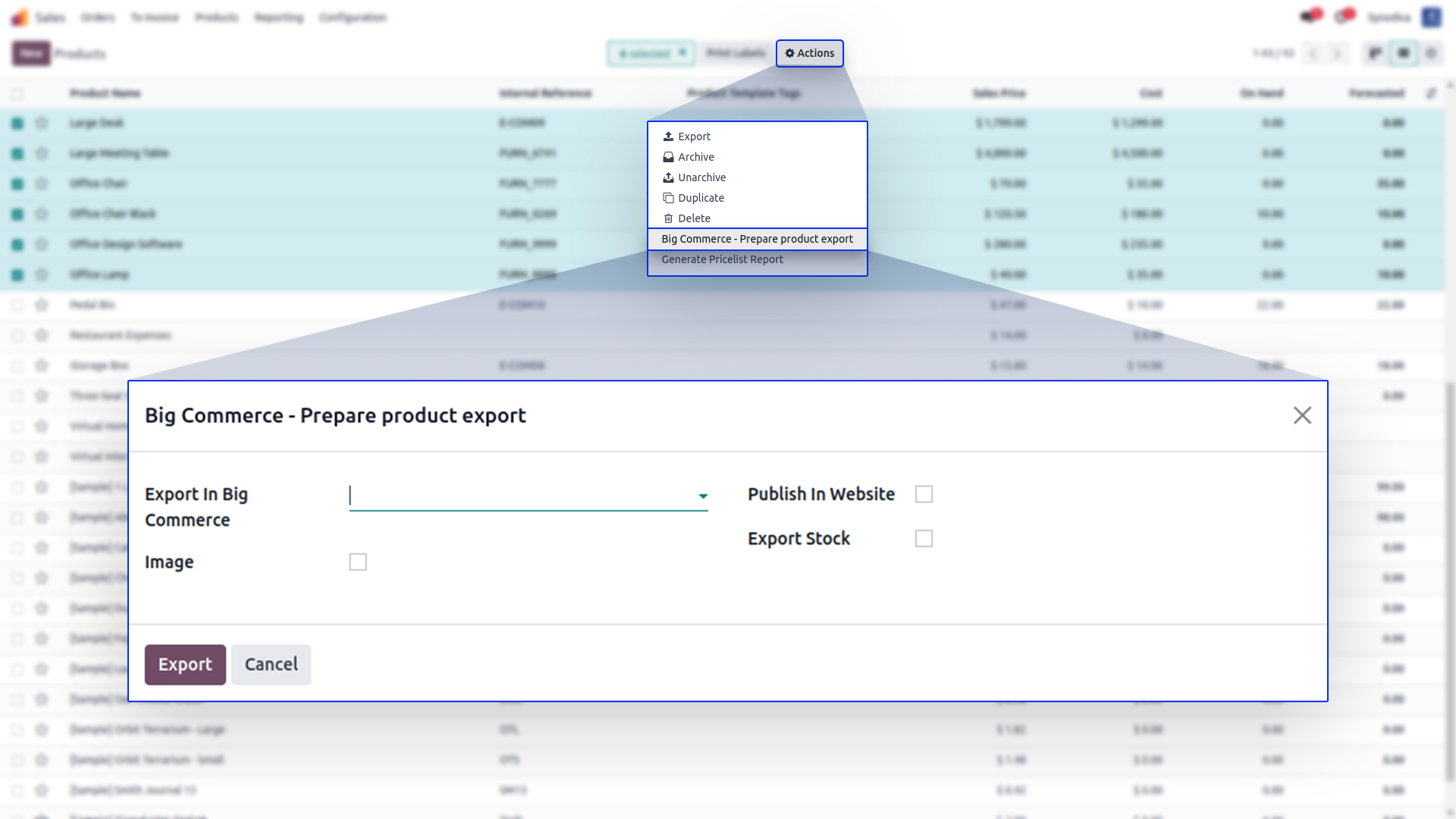
Prepare Product Export
To
export products, you can select products and prepare a
layer to export
products to BigCommerce.
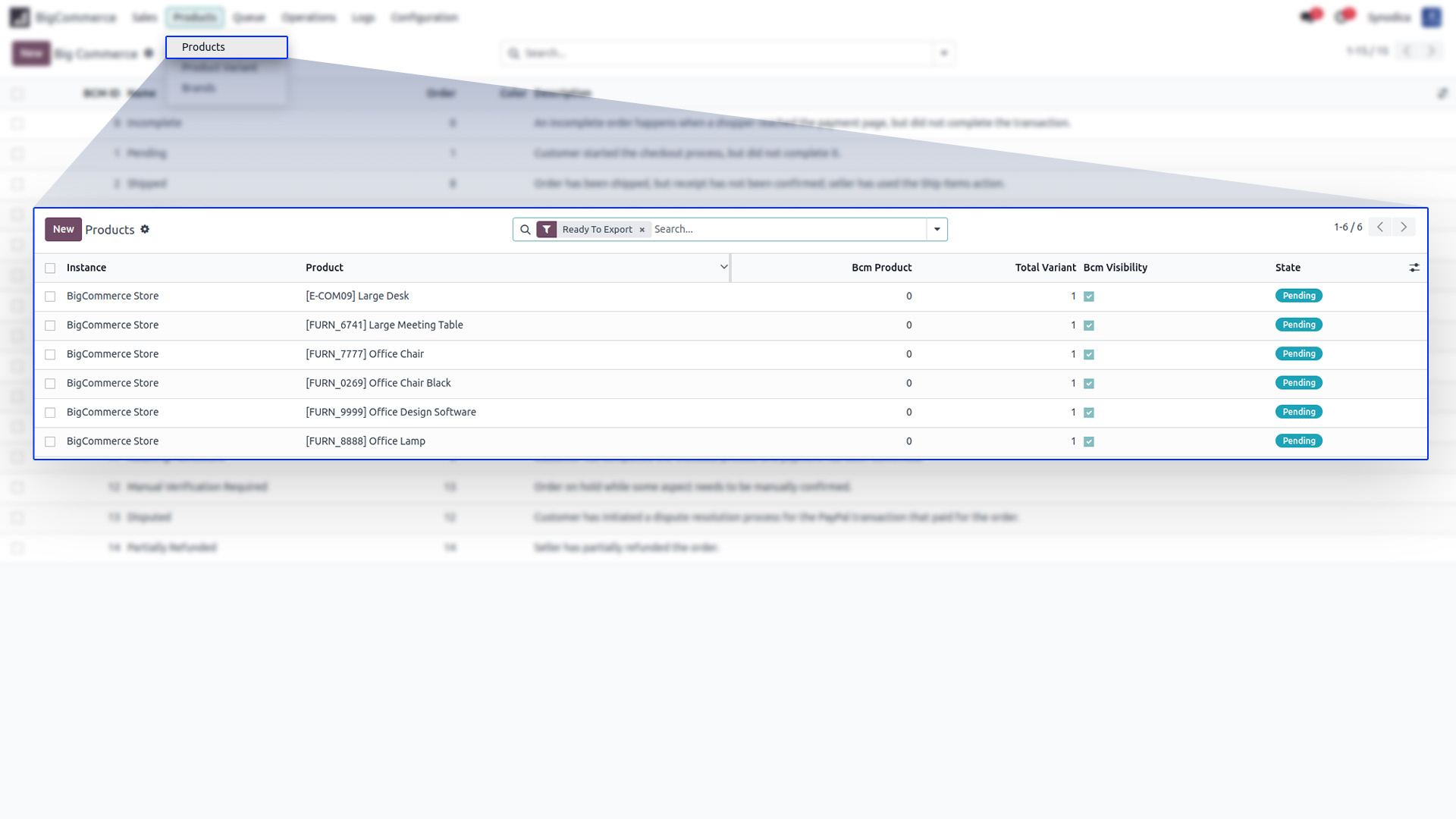
BigCommerce Products
Here you
can see products which are ready to export or all
BigCommerce Products.
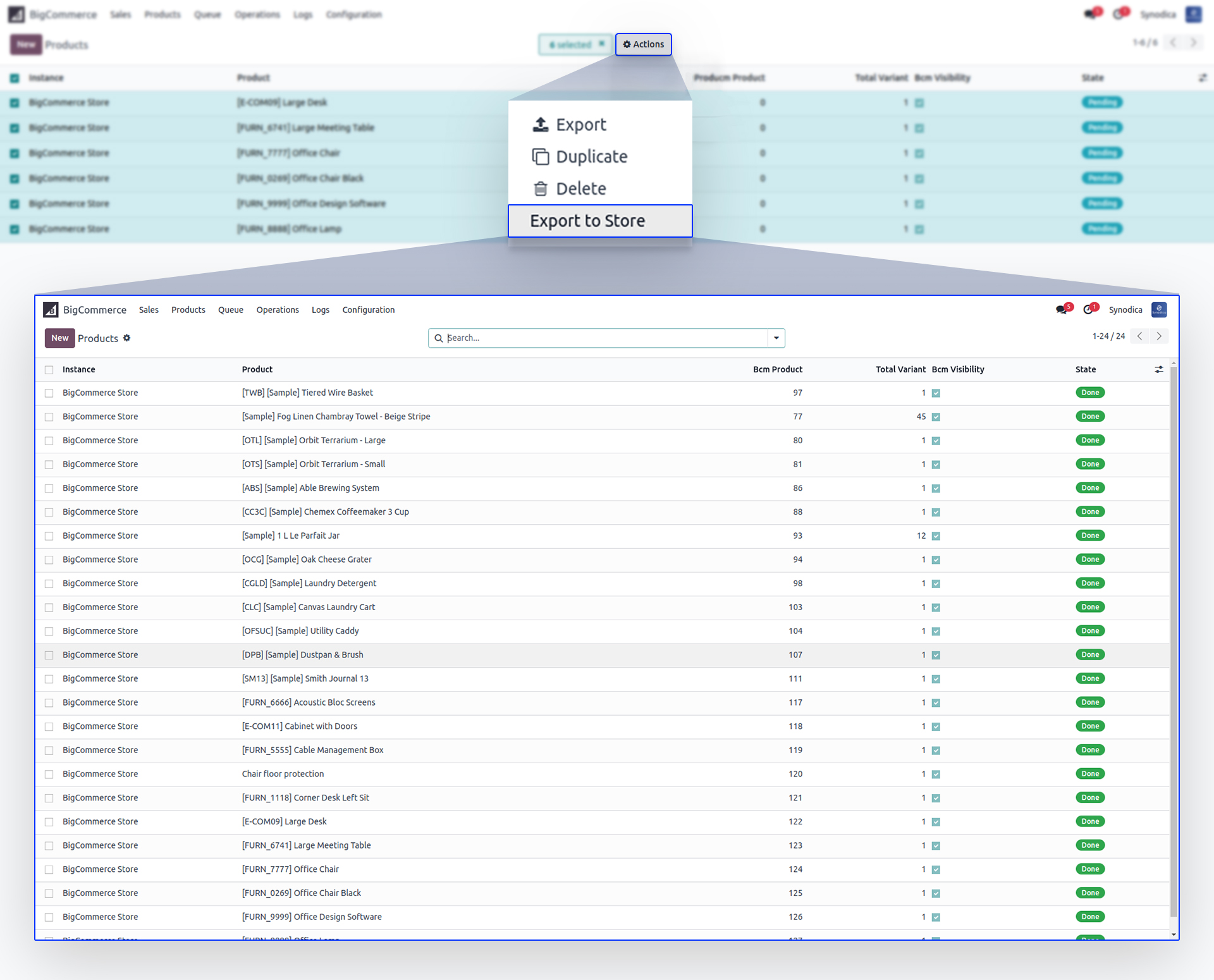
Export to Store
You can
select export products to your store on single click.


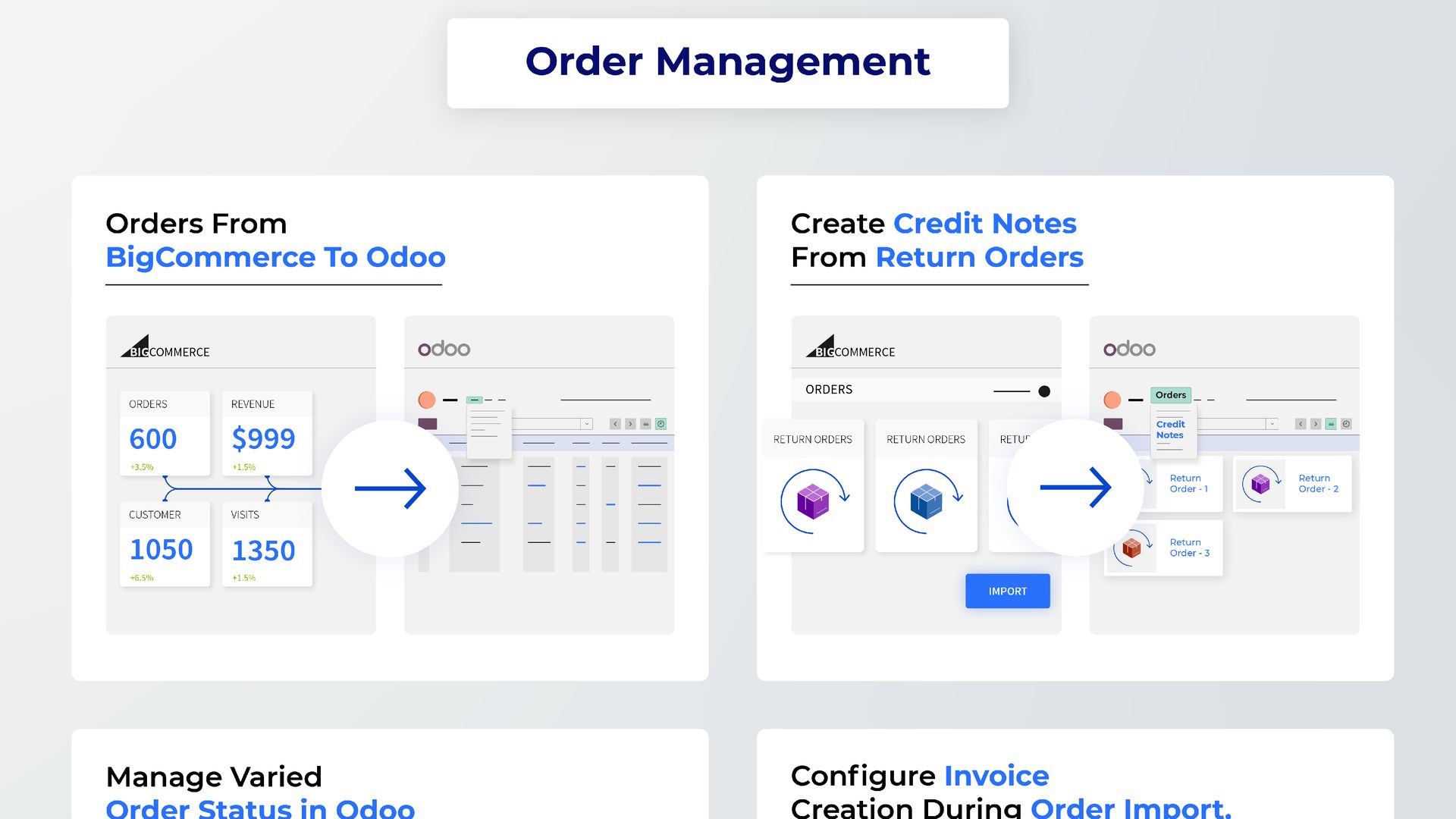
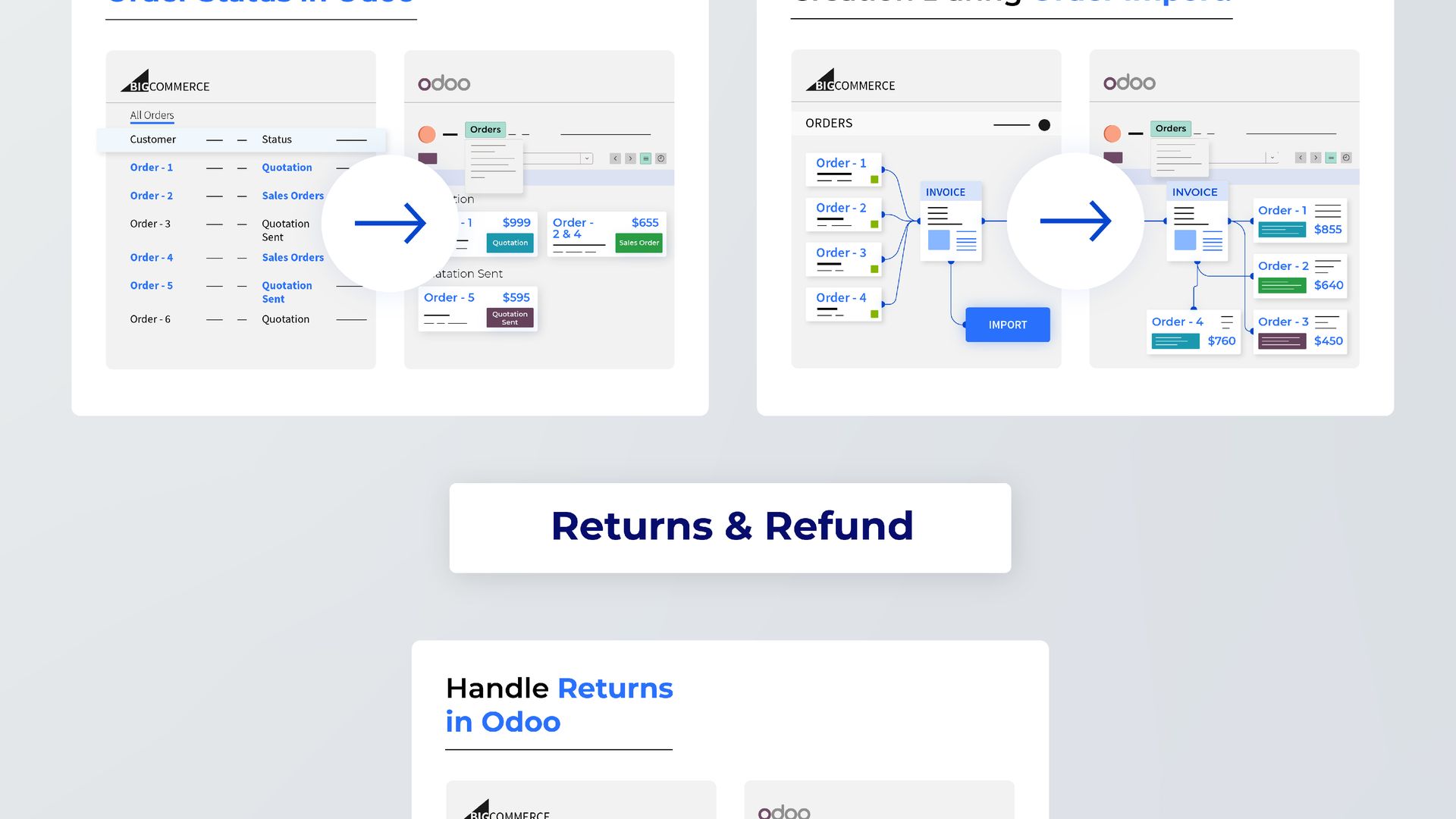
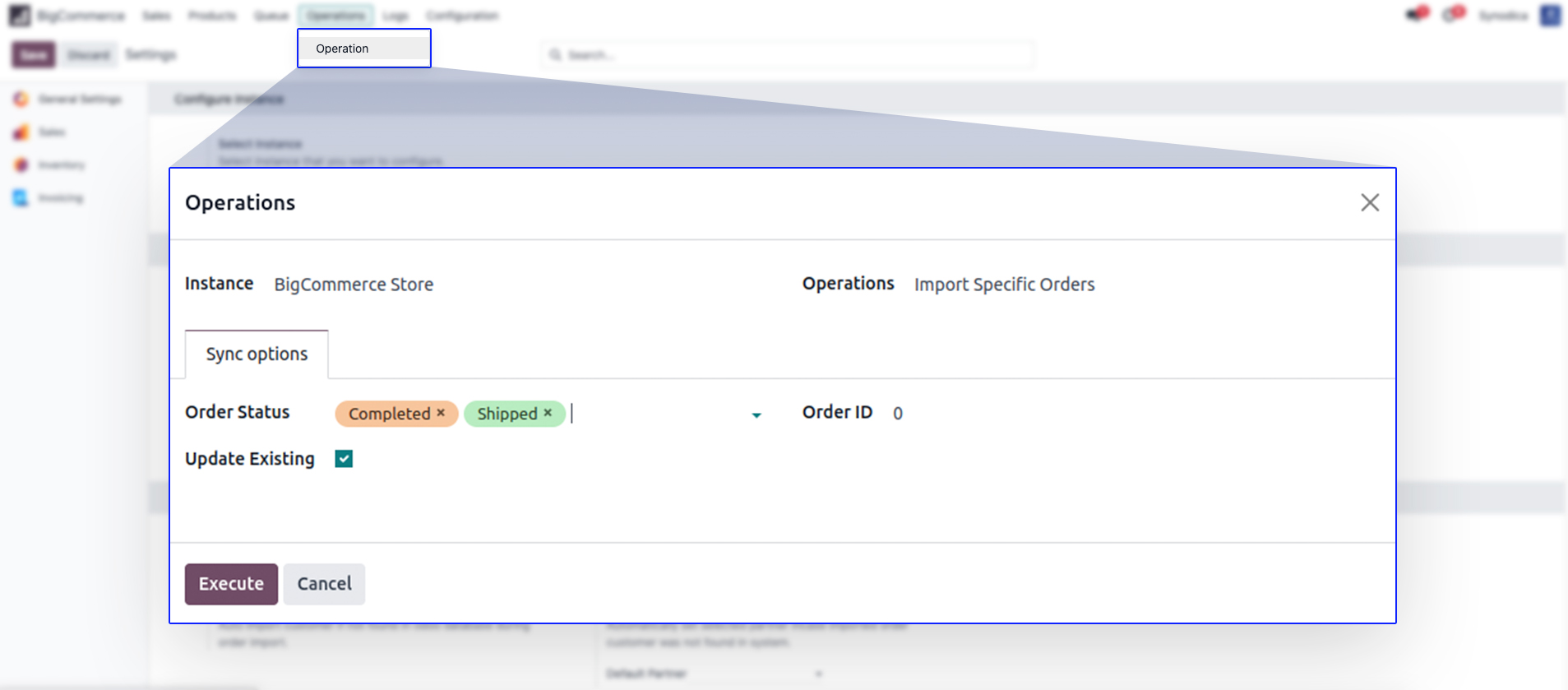
Import / Update Orders
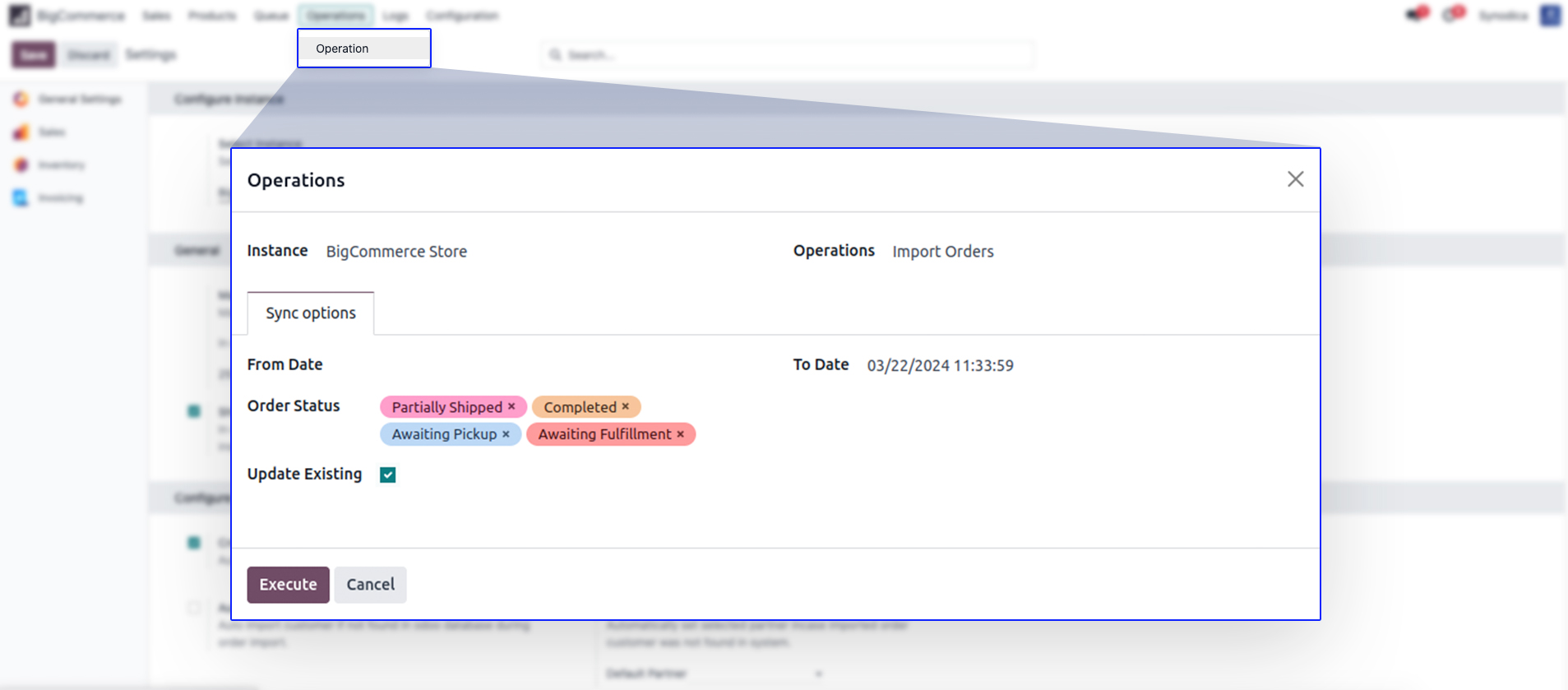
Import / Update Specific Orders
Easily
import orders based on order status or from order ID.
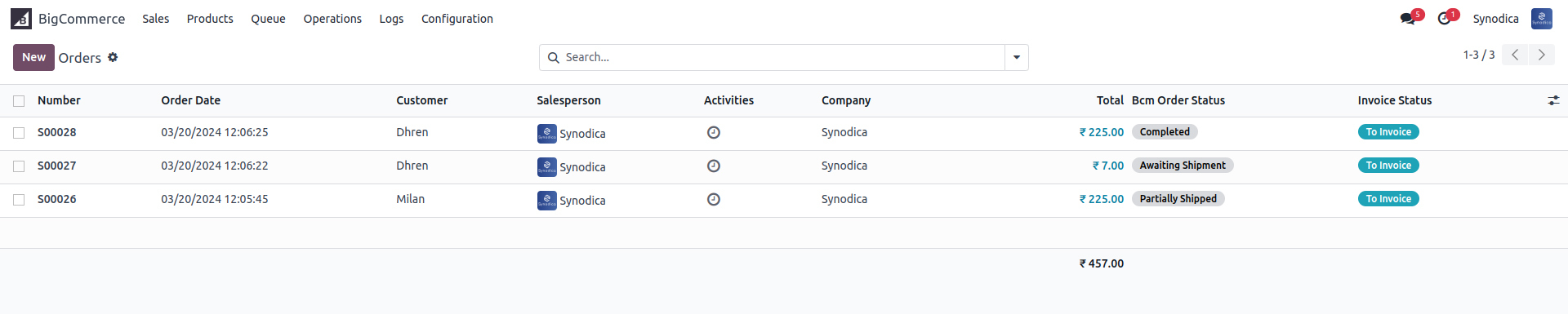
BigCommerce Orders
See all
bigcommerce orders in separate view also.


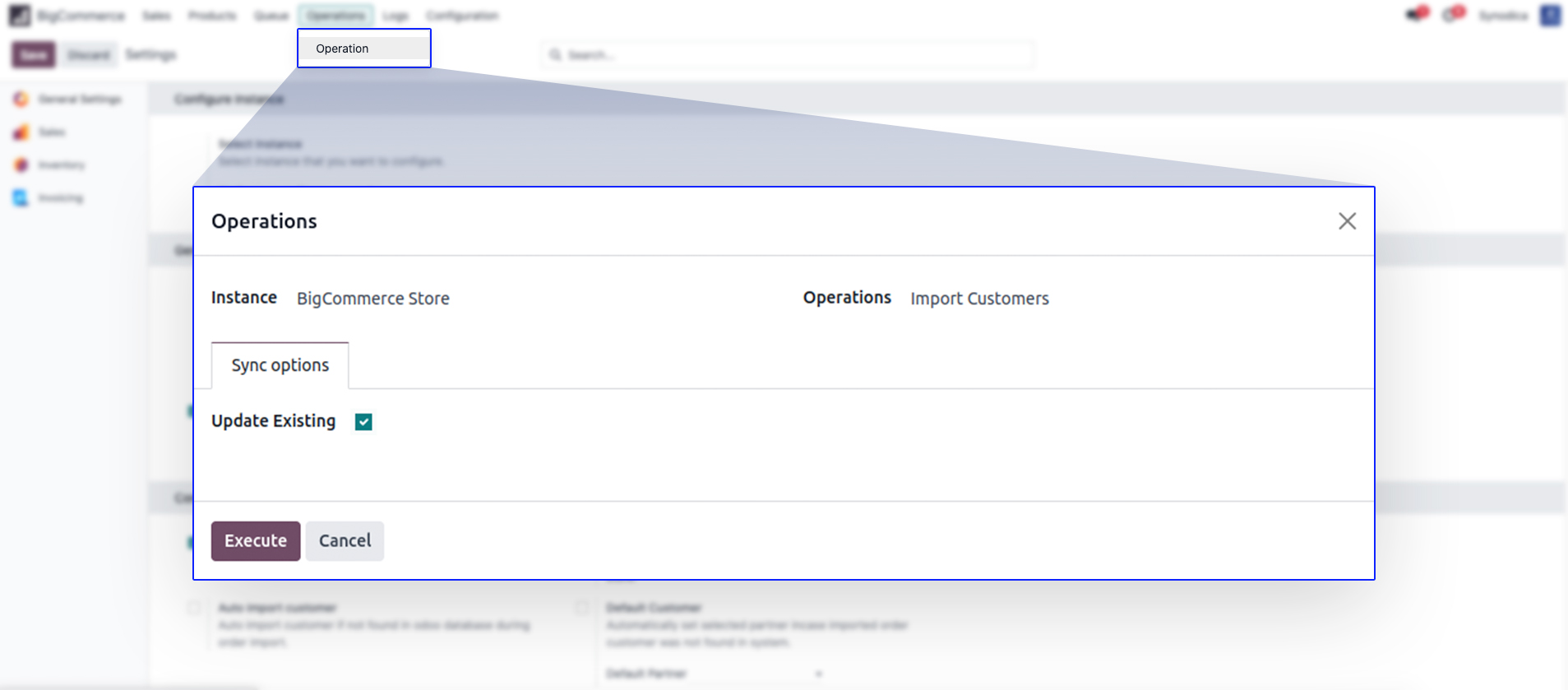
Import Customers
Import your BigCommerce customers in odoo.
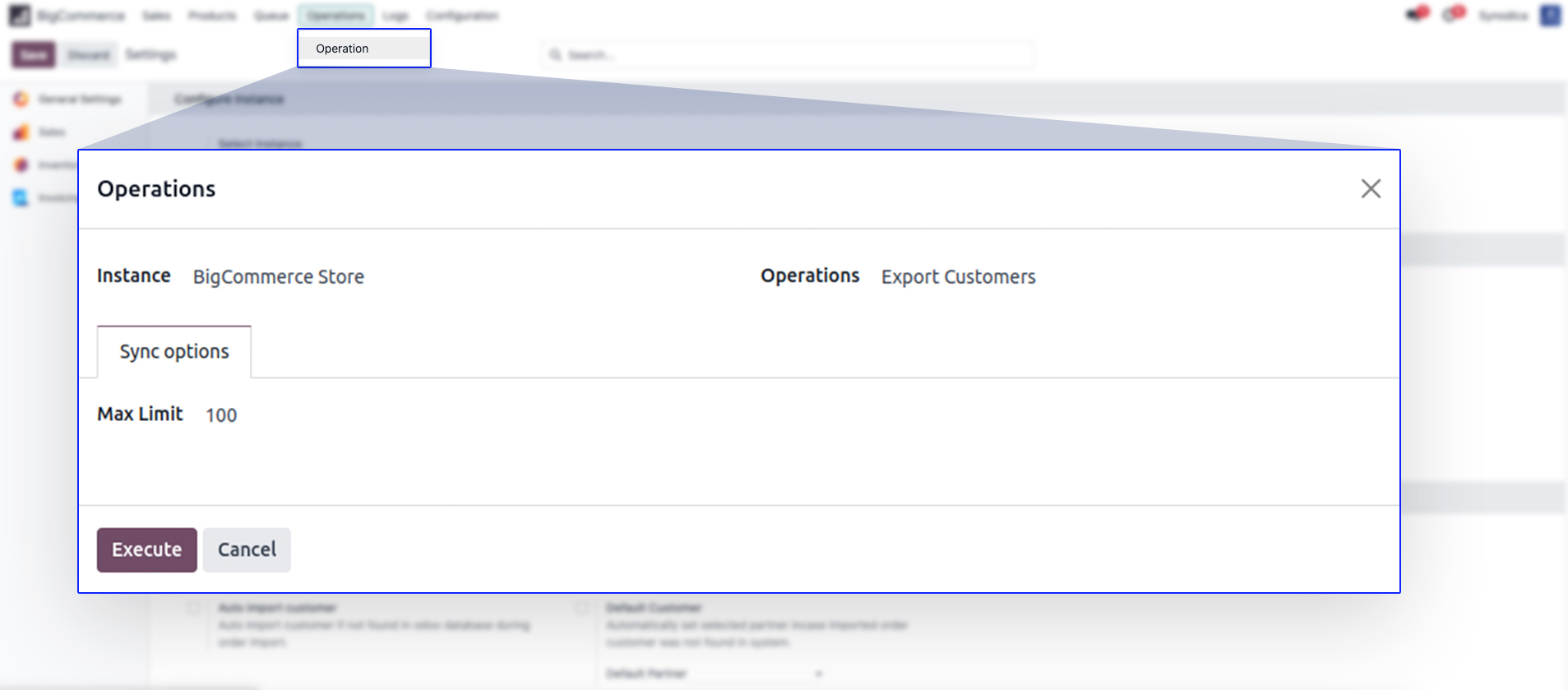
Import Customers
Export your Odoo customers to BigCommerce.
BigCommerce Customers
See all your BigCommerce customers in separate
view also

Contact Us

We create ERP solutions for you using Odoo ERP that will build a strong and efficient business for you. It's SYNODICA WAY