


Advanced Security Rules | Access Manager
Advanced Security Rules
The definitive no-code access control engine for Odoo. Granular security at every layer - menus, fields, buttons, records, and chatter - all from one intuitive interface.
Free to install
The most complete security engine for Odoo
Advanced Security Rules gives you surgical, no-code control over every layer of the Odoo interface. Hide buttons, lock fields, restrict records, and govern chatter-all from a single intuitive dashboard without writing a single line of XML or Python code.
Rules propagate instantly to all active sessions via the Odoo Bus Service. Changes take effect the moment you click save-no server restarts, no logouts, and no browser refreshes required.
What's Inside
Every capability in detail - configured once, enforced everywhere.
UI Component Control
Precisely control what users see and can do.
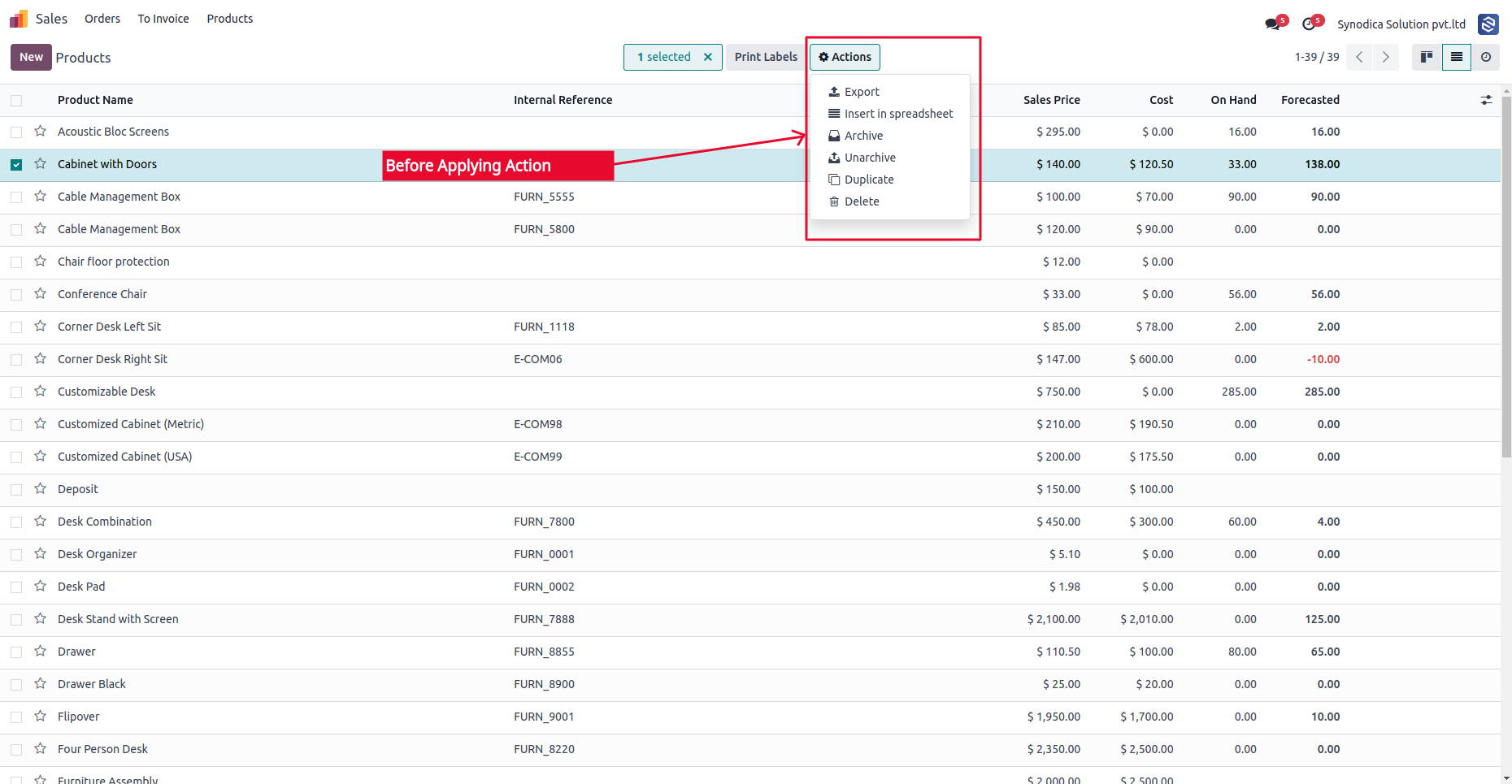
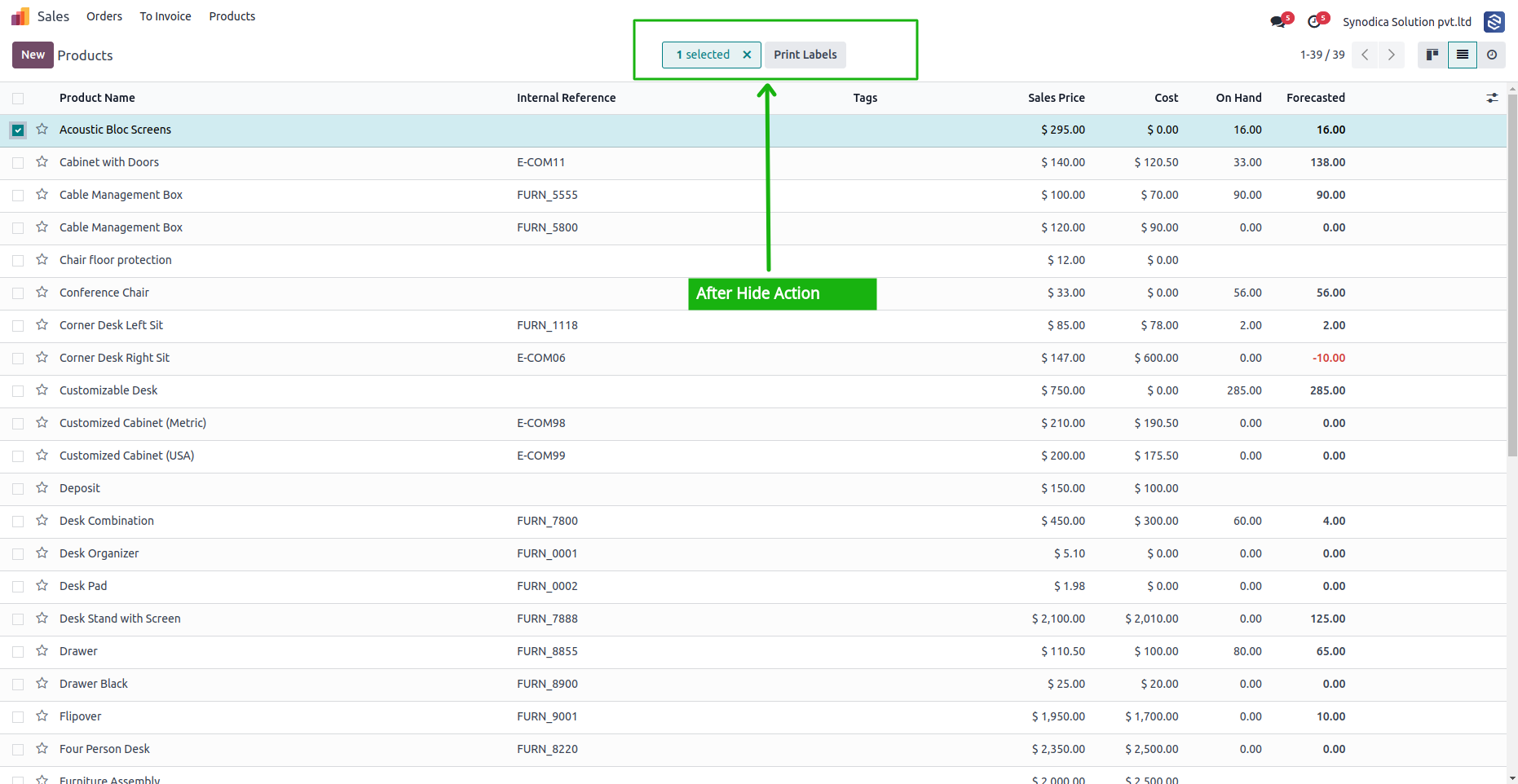
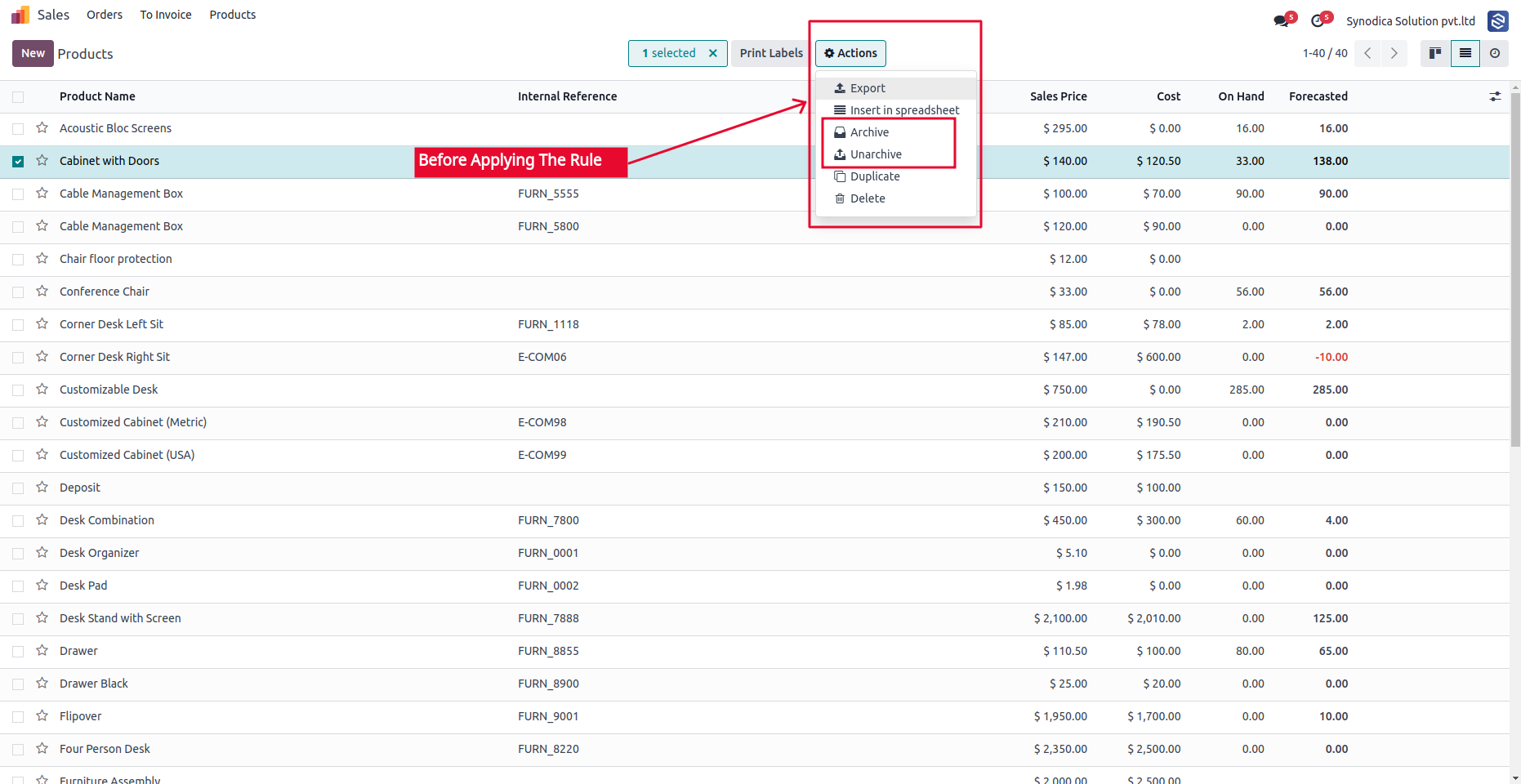
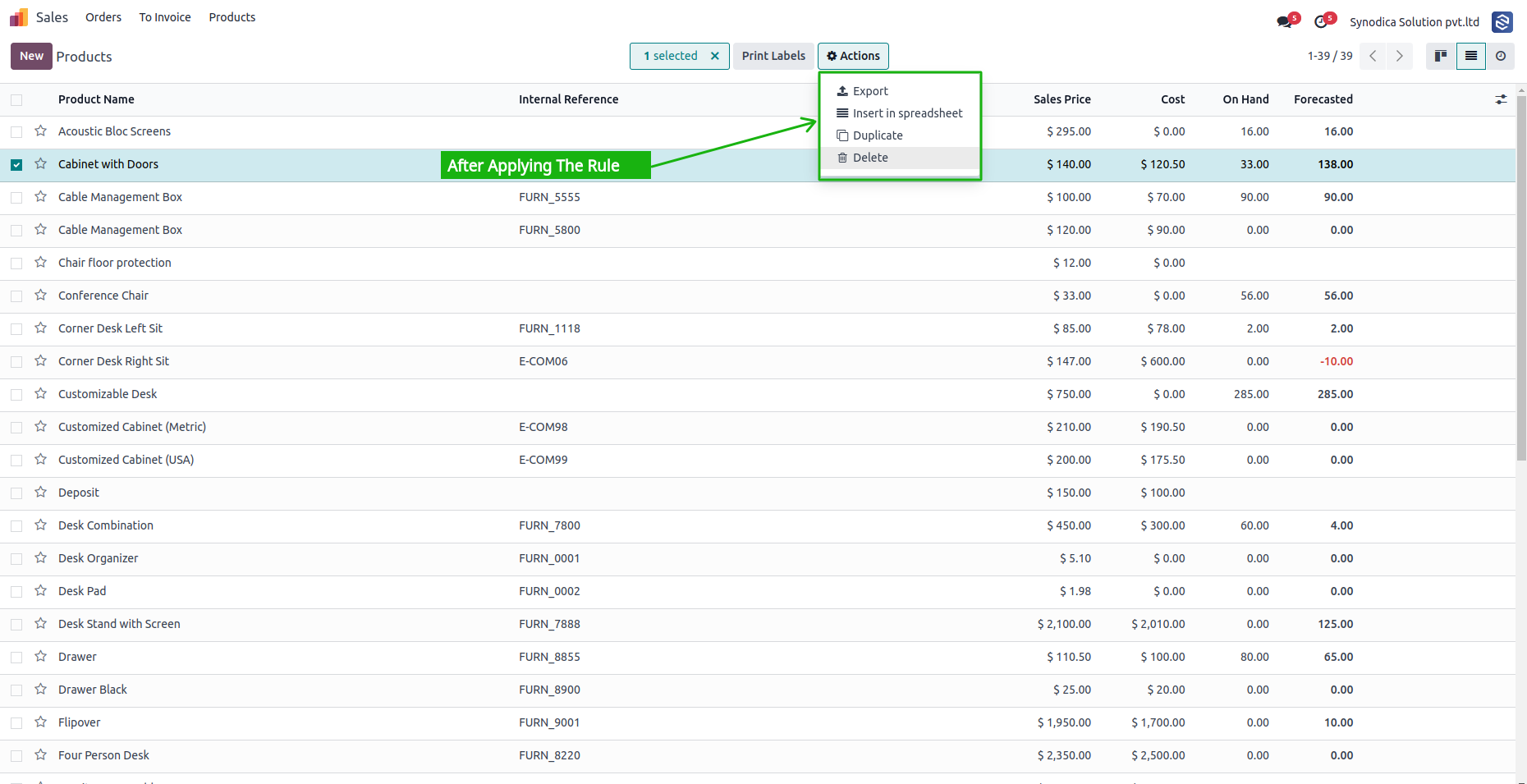
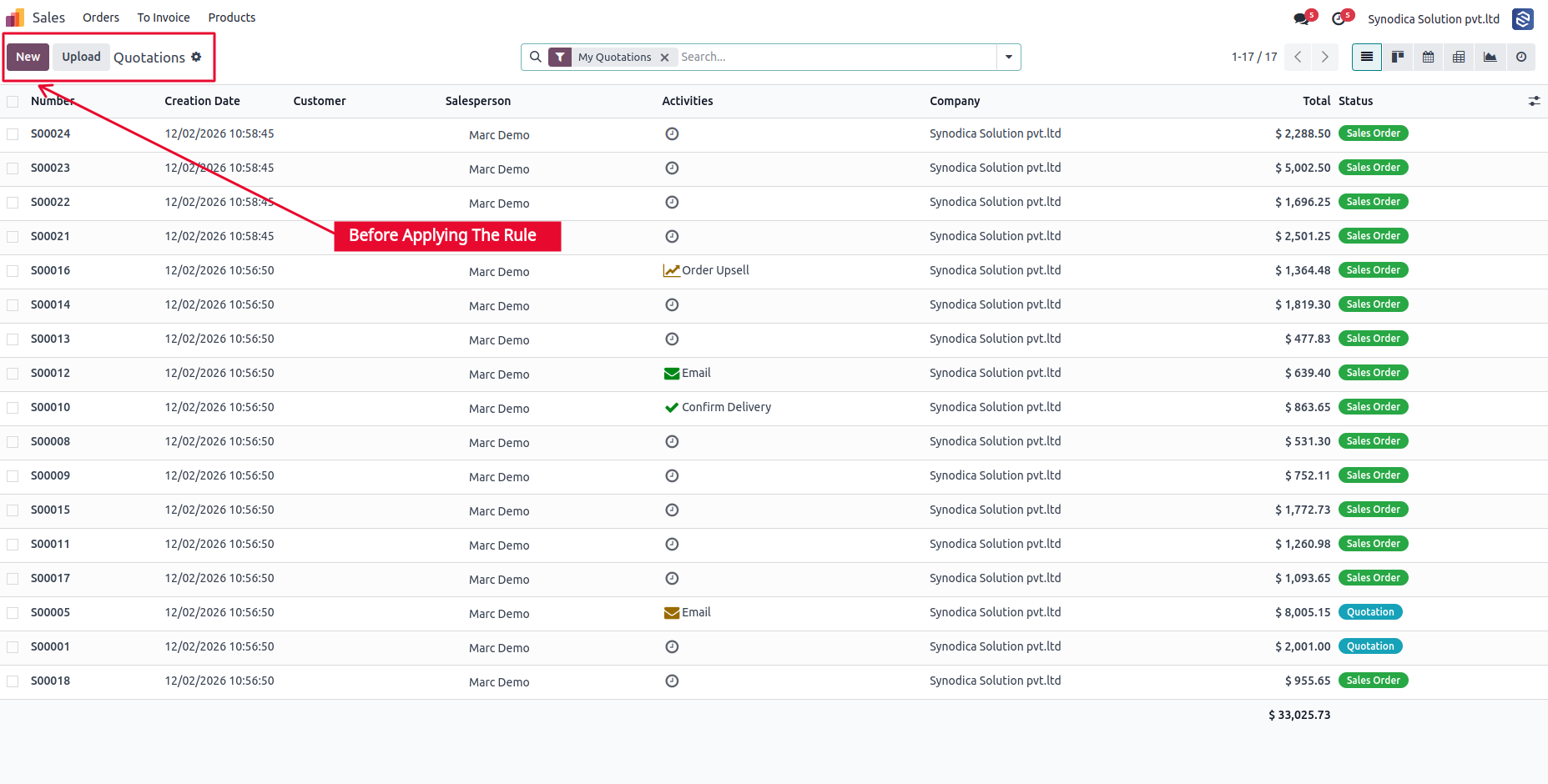
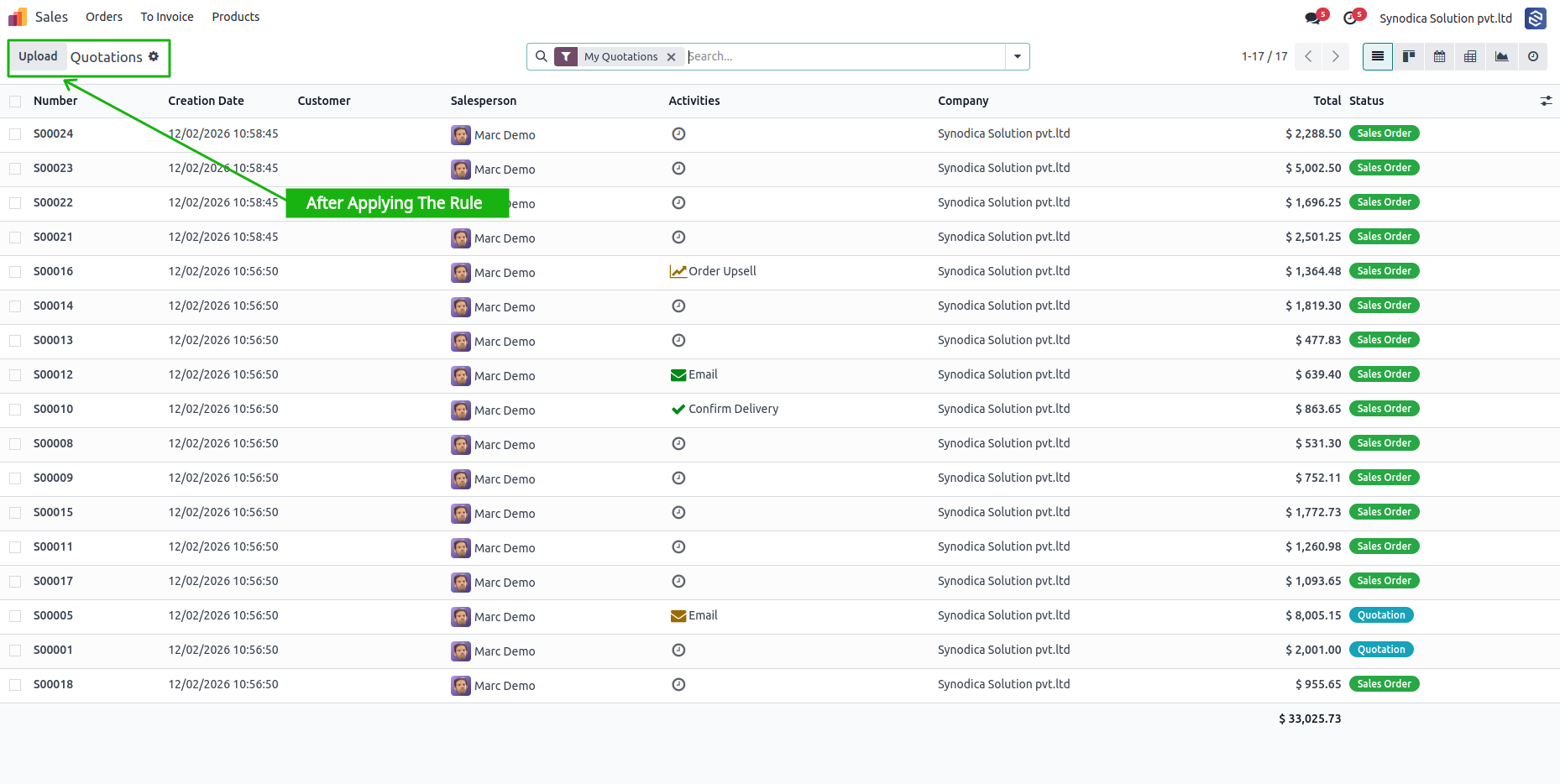
- Hide Create, Edit, Delete, Archive buttons
- Remove smart buttons and action menu items
- Restrict search panel filters
- Hide any toolbar or status bar button
Field-Level Security
Invisible, readonly, or required-per group.
- Make fields invisible in any view type
- Enforce read-only on sensitive fields
- Set fields as required for specific groups
- Works across list, form, kanban, and more
Record-Level Isolation
Domain-based filters for full record control.
- Visual domain builder - no code needed
- Separate read, write, create, delete domains
- Apply per model and per user group
- Complex multi-condition filter chains
Menu & App Access
Control the navigation for each role.
- Hide top-level app icons from launcher
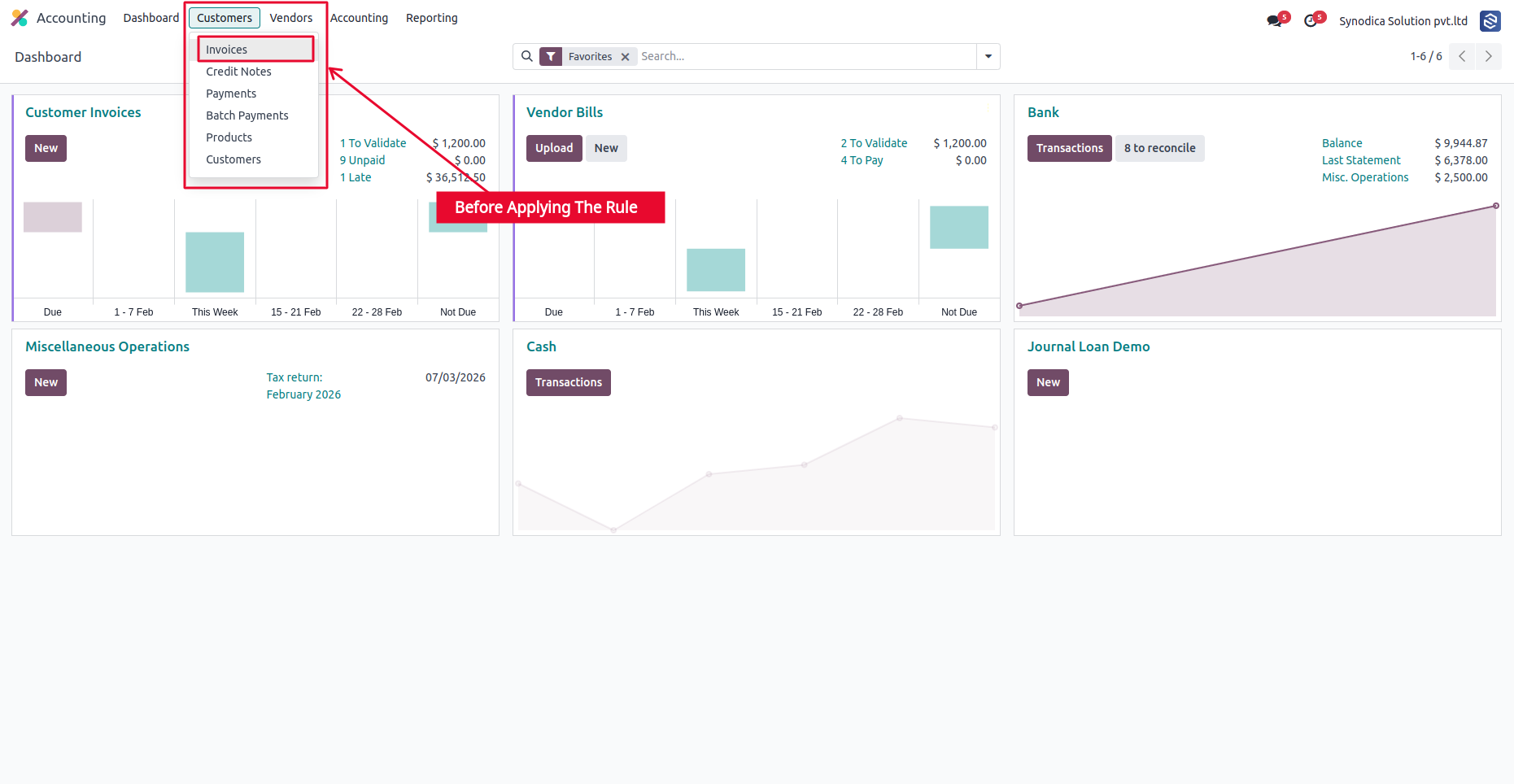
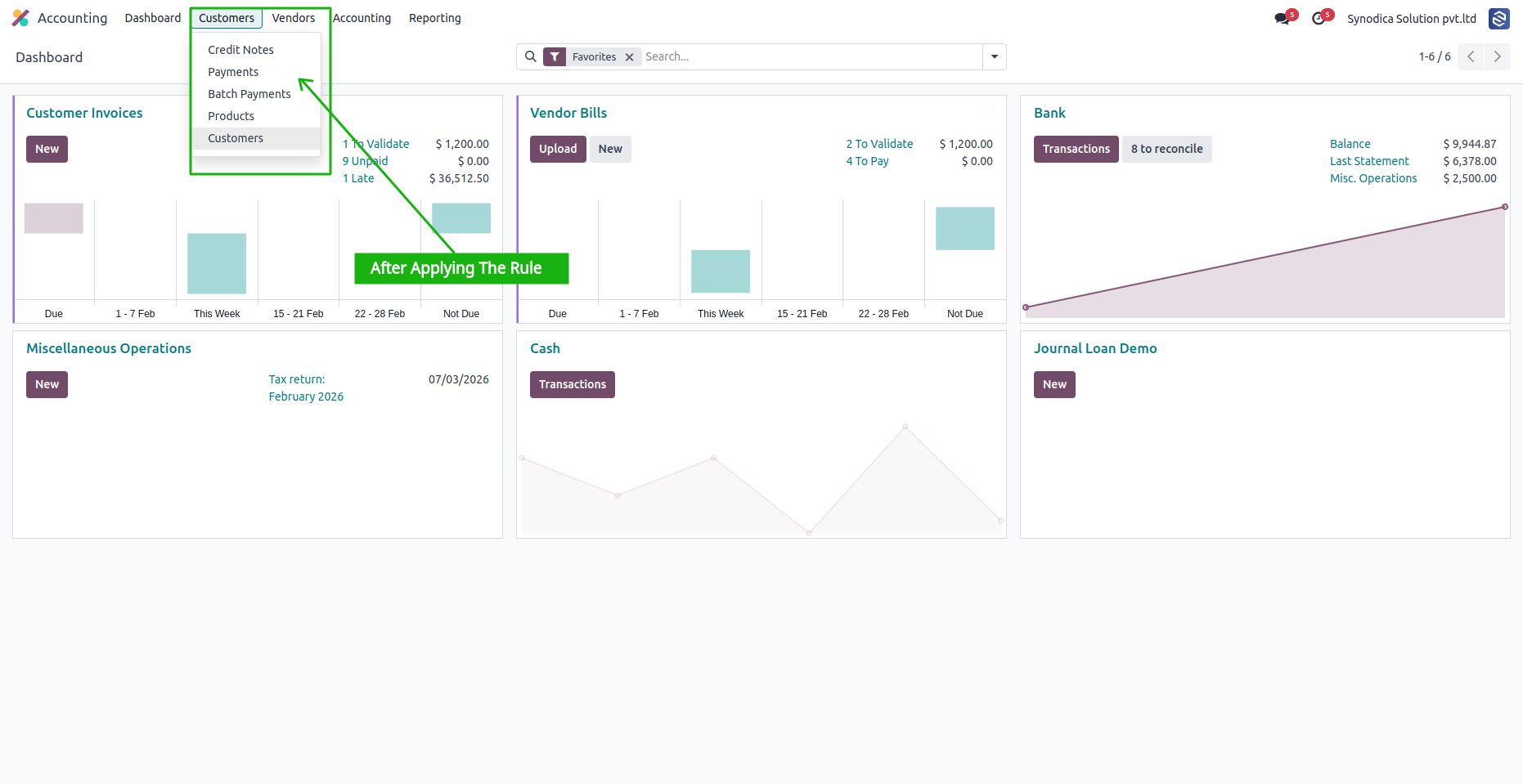
- Hide main menu items and submenus
- Cascading parent-to-child menu hiding
- No technical module dependency required
Chatter Governance
Control collaboration per model per group.
- Hide entire chatter section
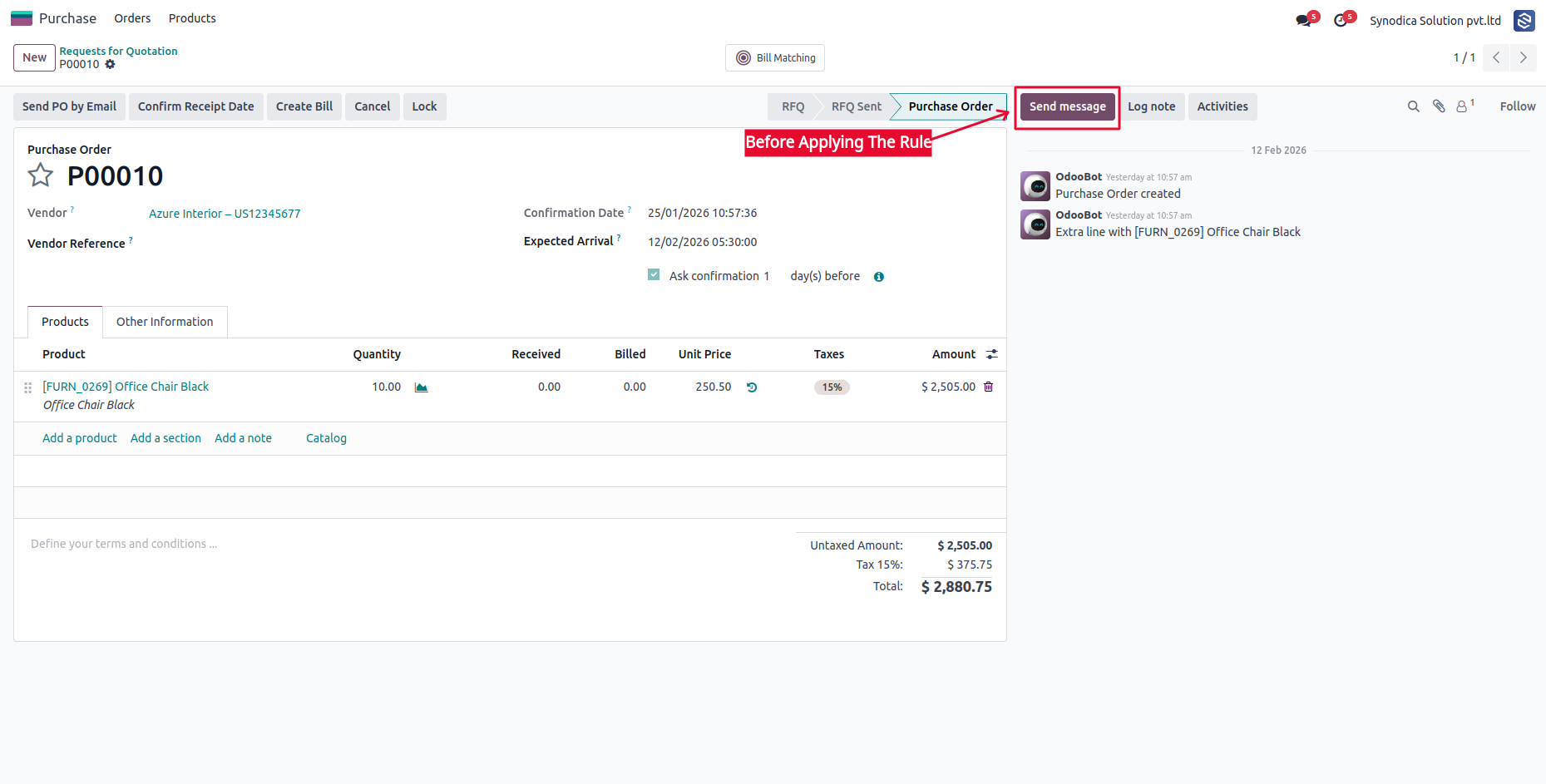
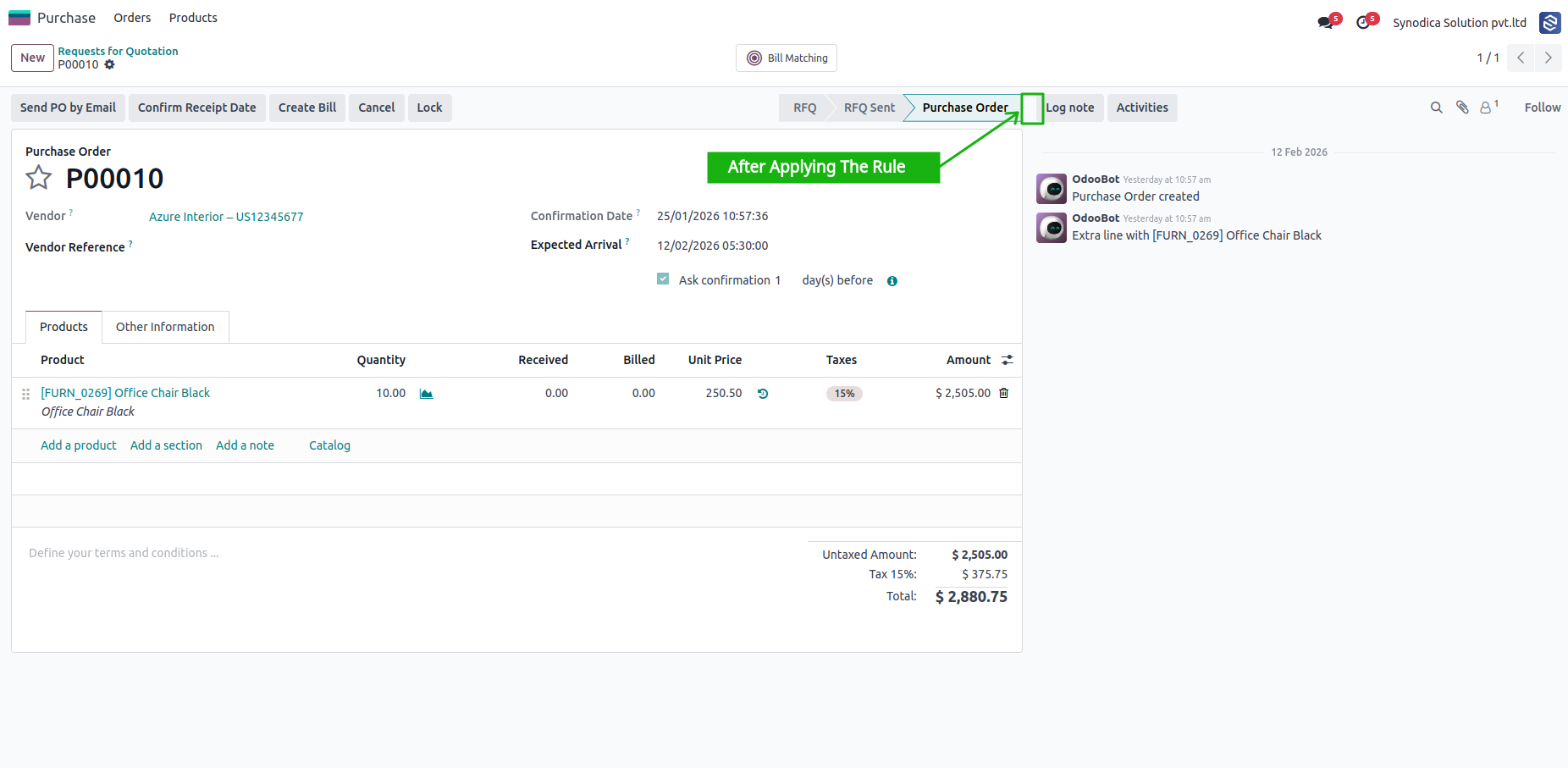
- Restrict Send Message button
- Restrict Log Note button
- Restrict Schedule Activity button
Notebook Tab Hiding
Clean forms without unused sections.
- Hide any notebook page/tab in any model
- No view XML modification needed
- Per group configuration
- Supports dynamic and inherited views
Developer Mode Block
Protect your production instance.
- Prevent debug mode activation
- Block URL-based debug access
- Per user group enforcement
- Transparent to restricted users
Real-Time Bus Updates
Changes apply without any restart.
- Powered by Odoo Bus Service
- Instant propagation to all sessions
- No user logout required
- Rule changes effective in under a second
The difference is immediate
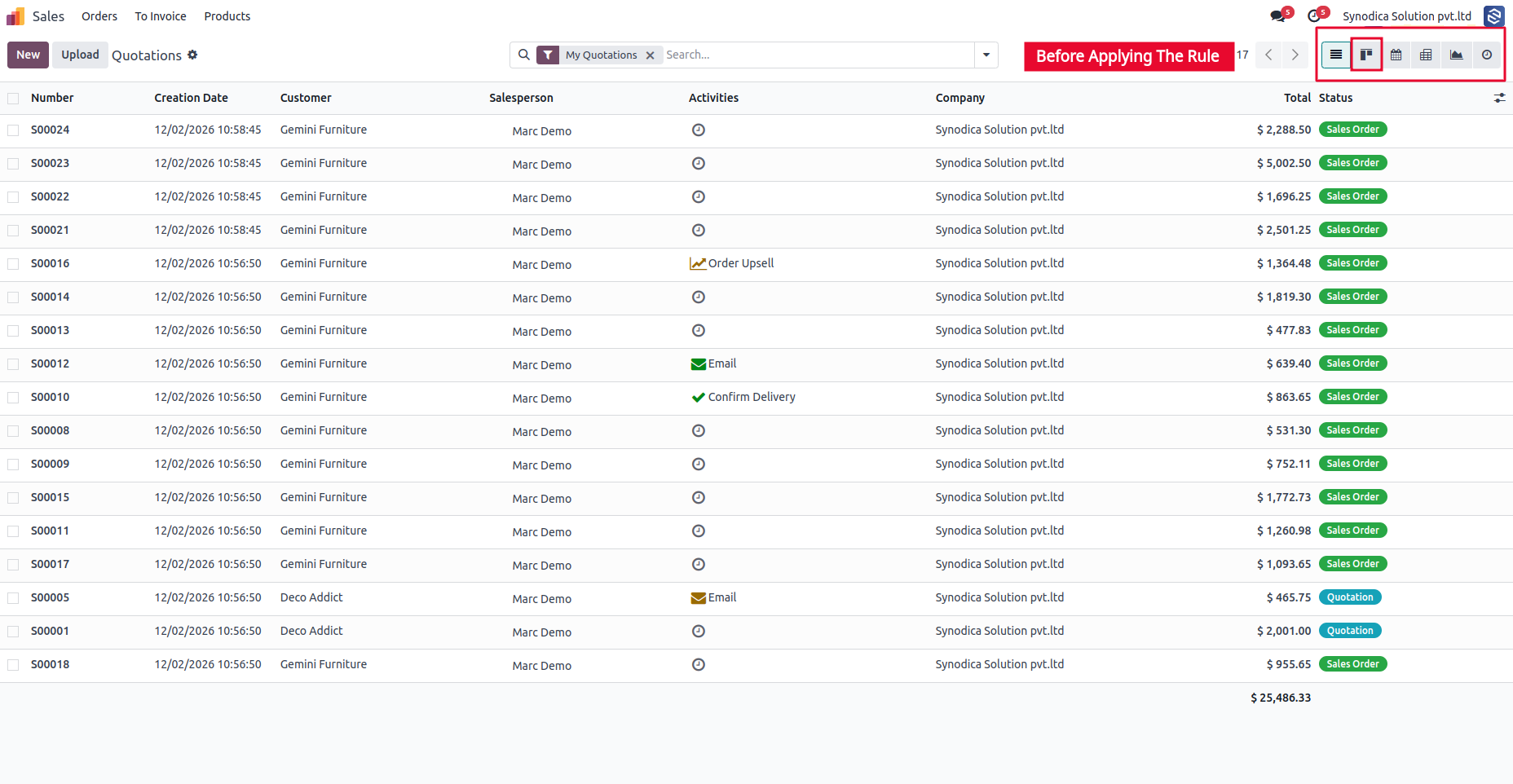
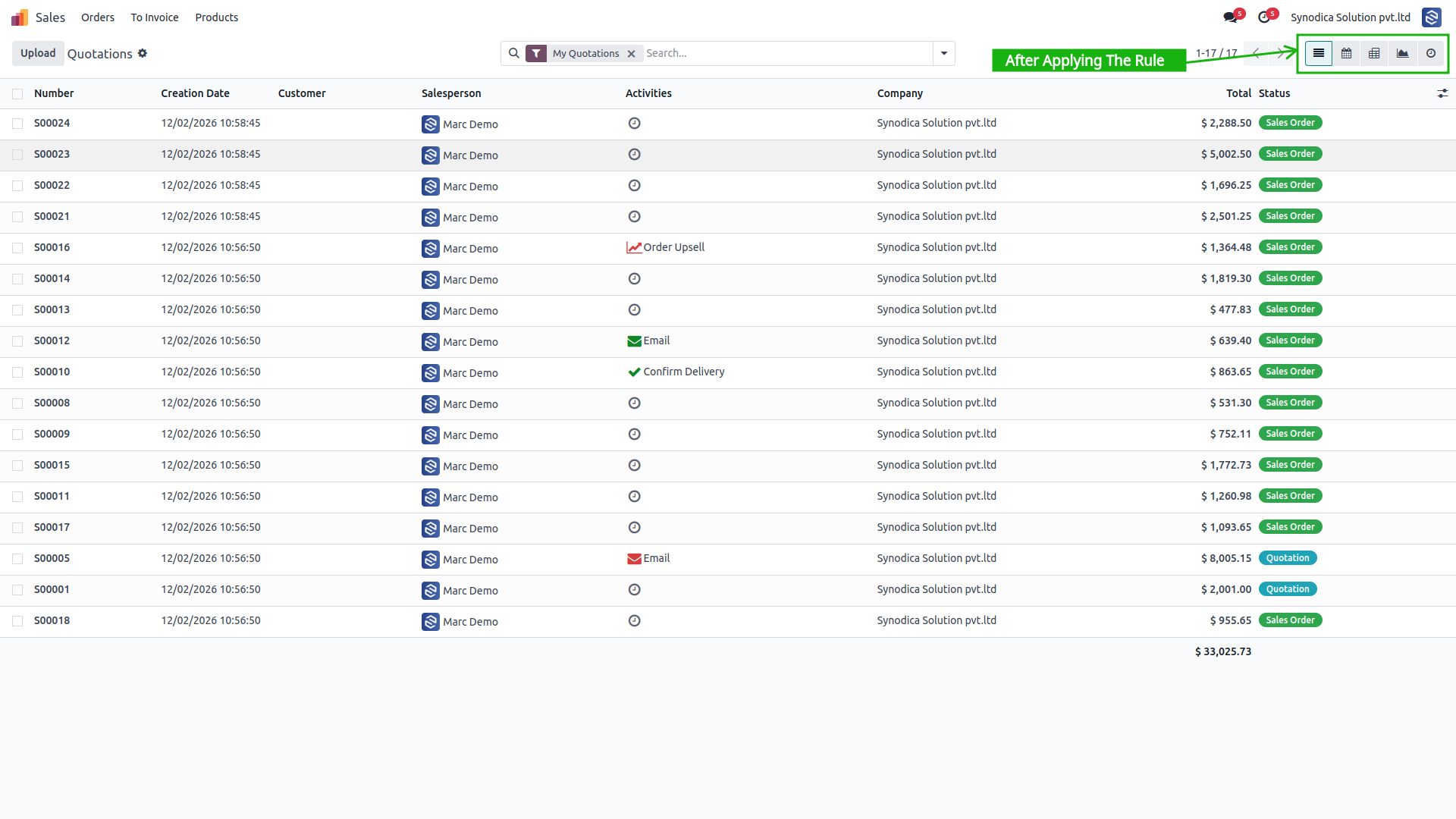
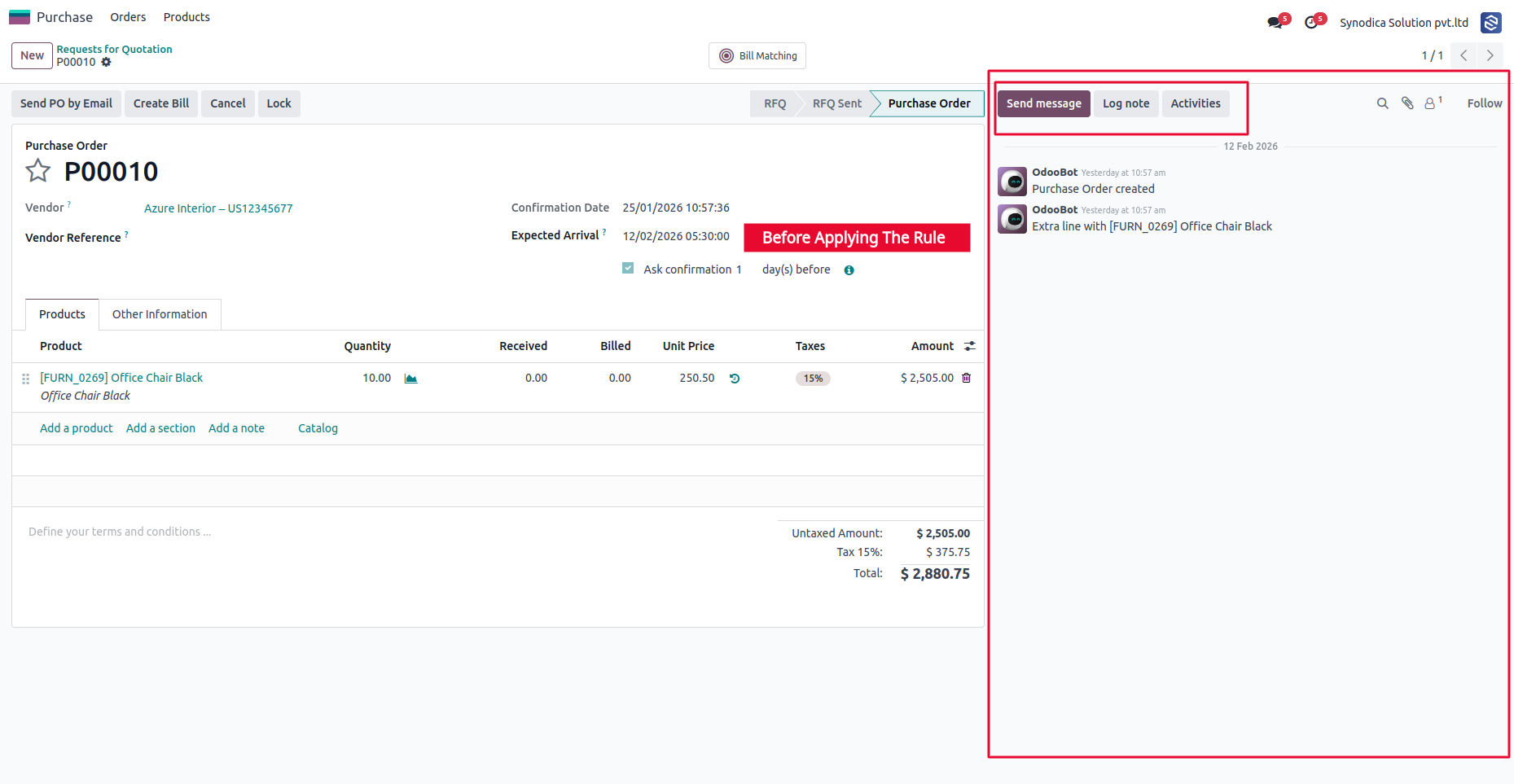
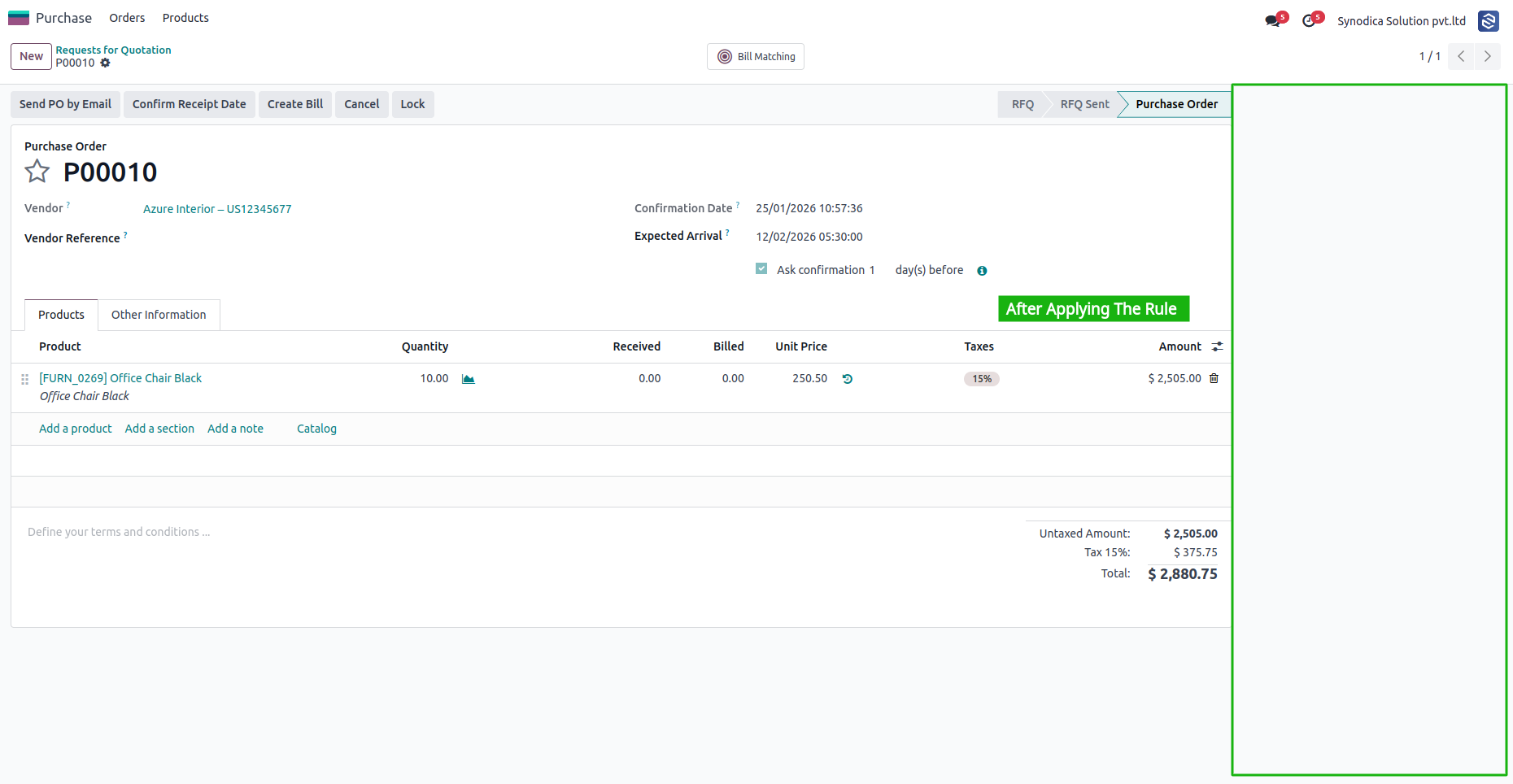
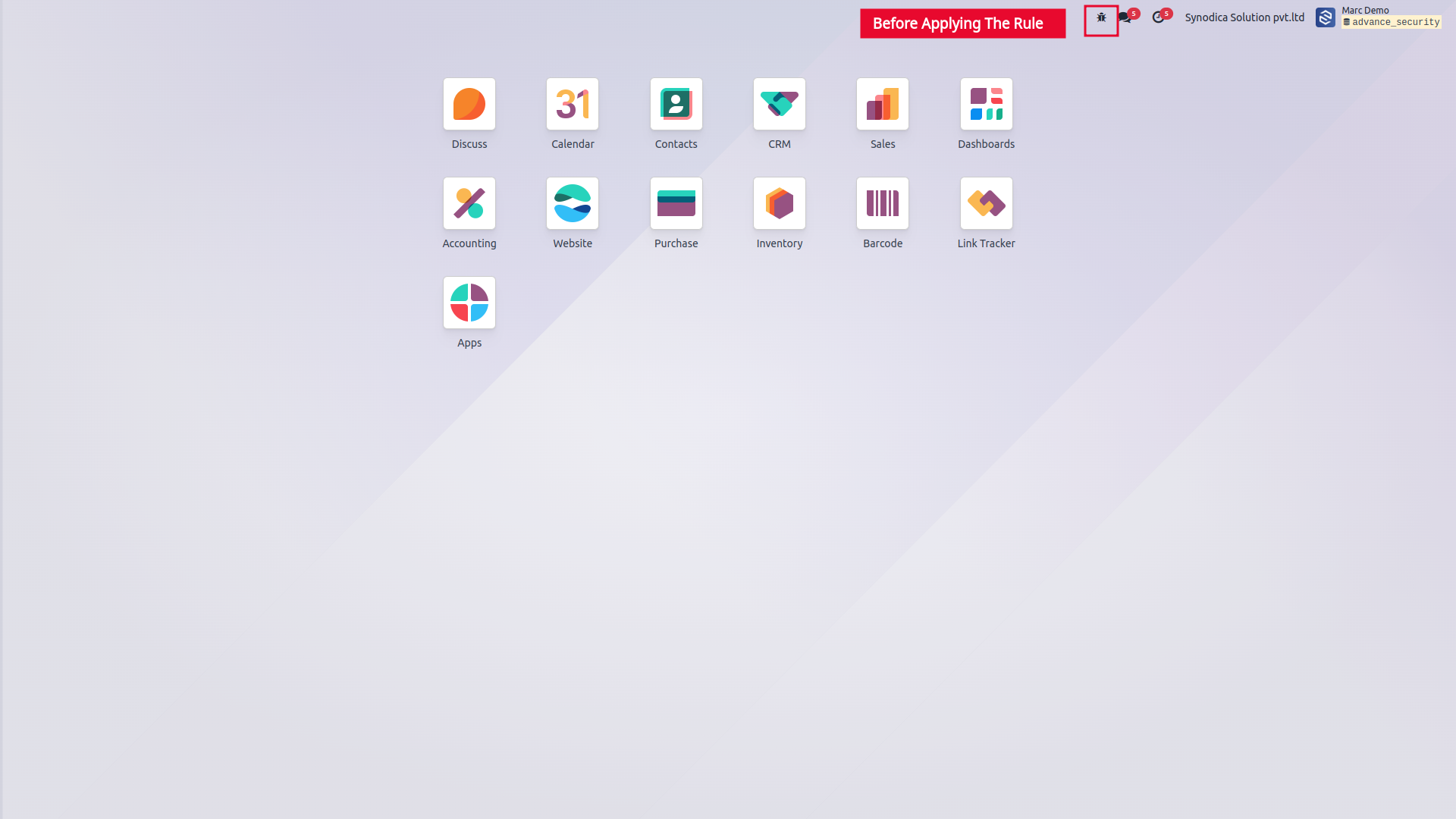
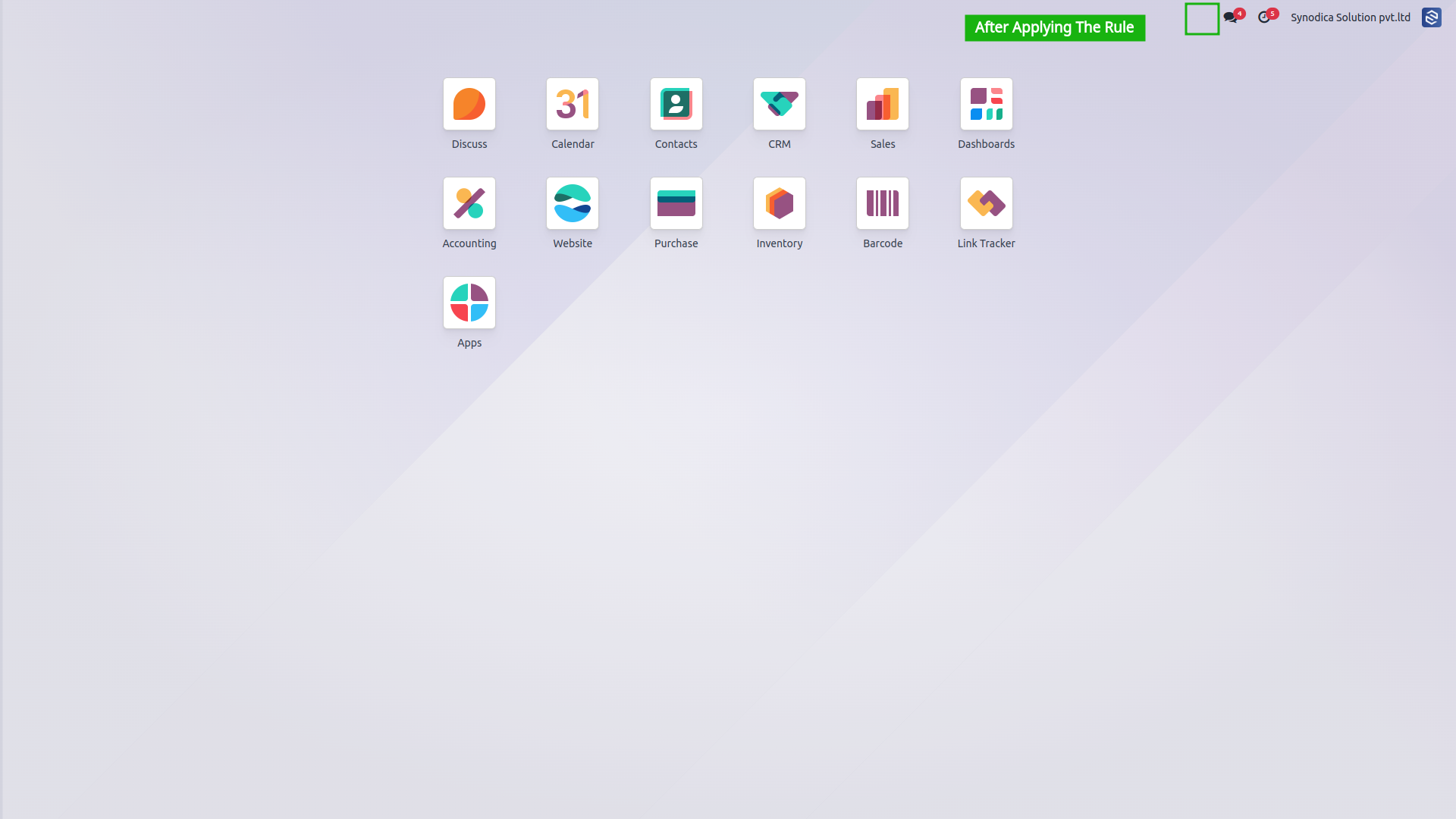
Click a rule on the left to see its before / after screenshots or setup reference.
Hide Actions
Hide Any Views (Kanban/List/Graph)
Field Visibility
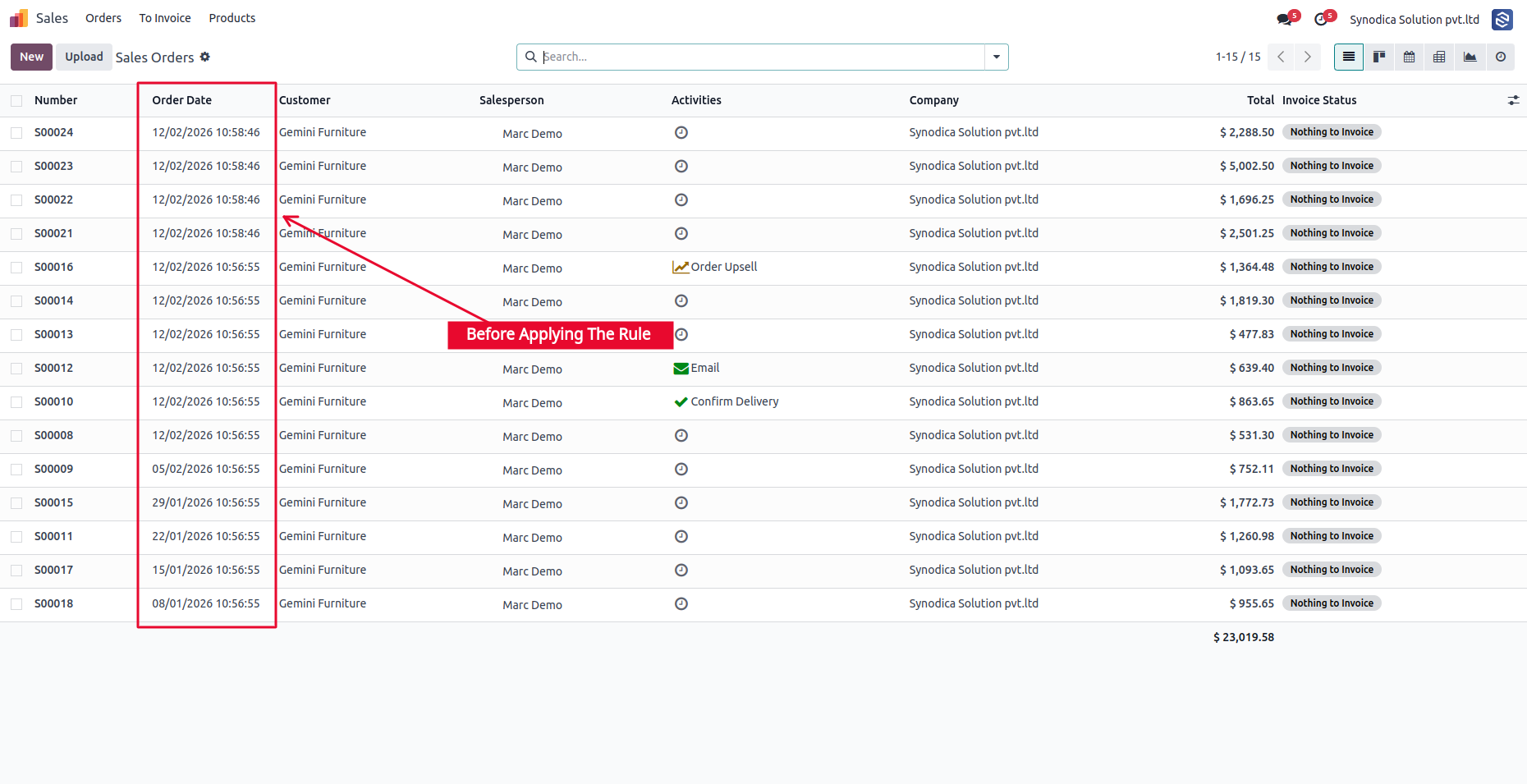
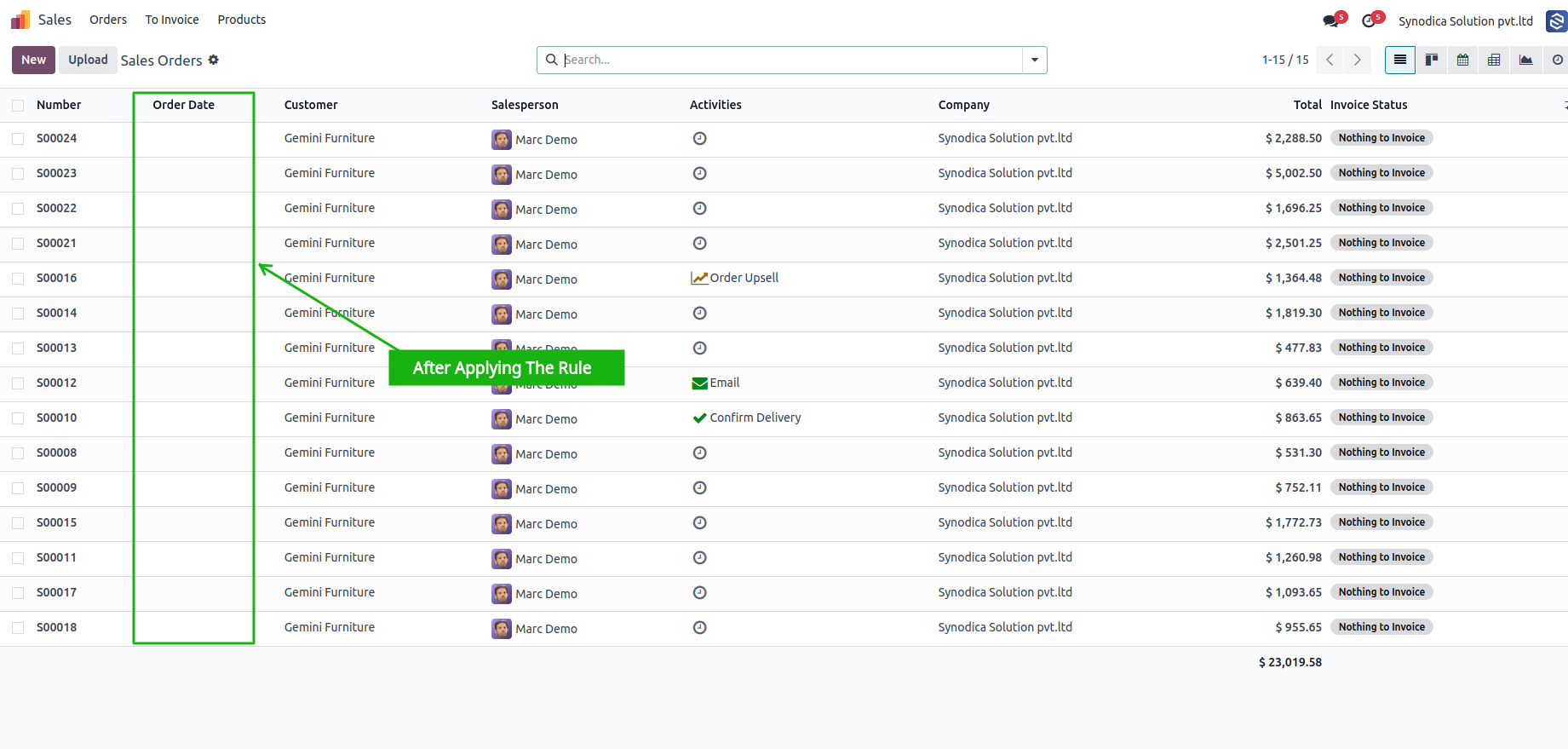
Read-Only Field Enforcement
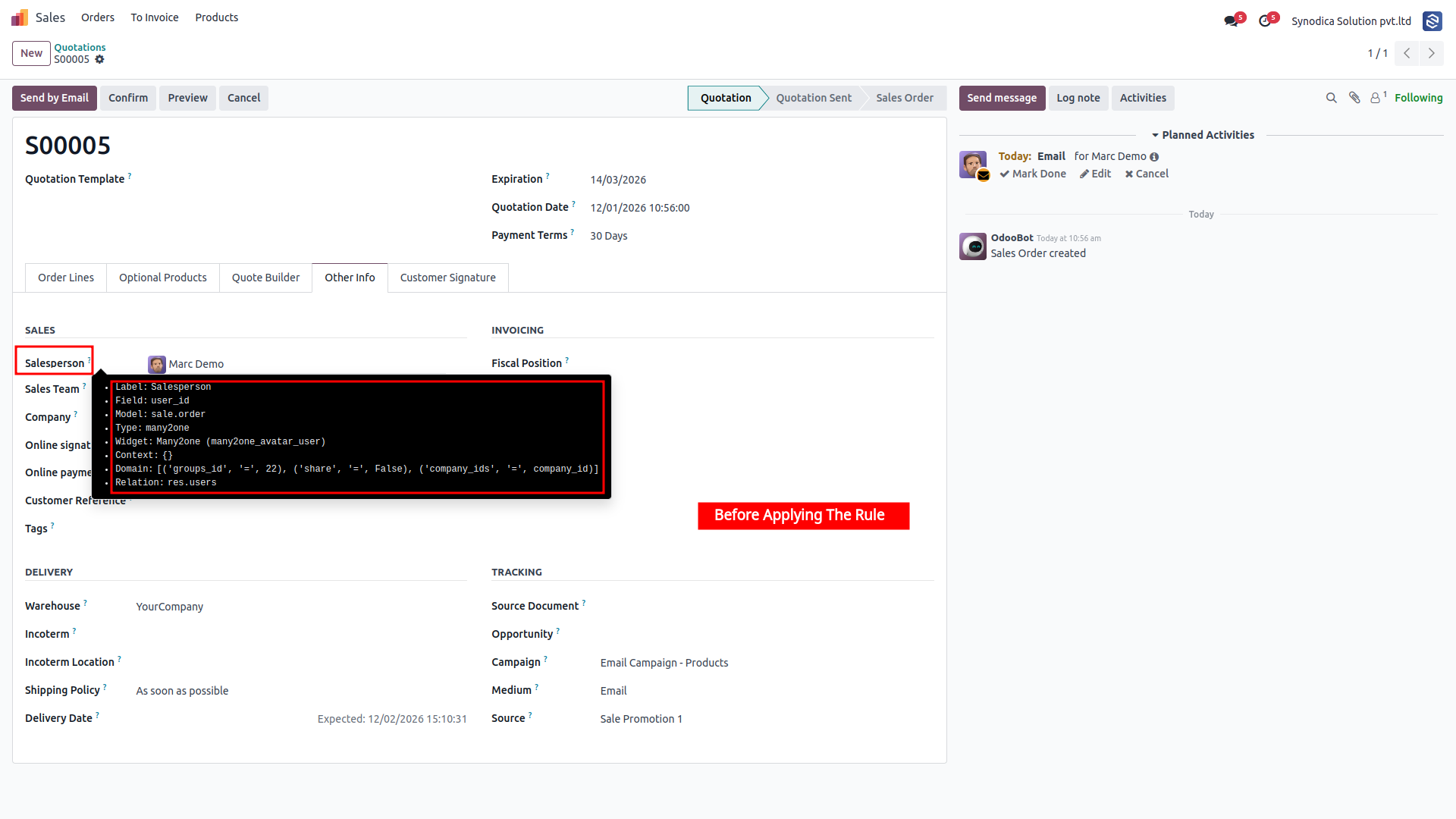
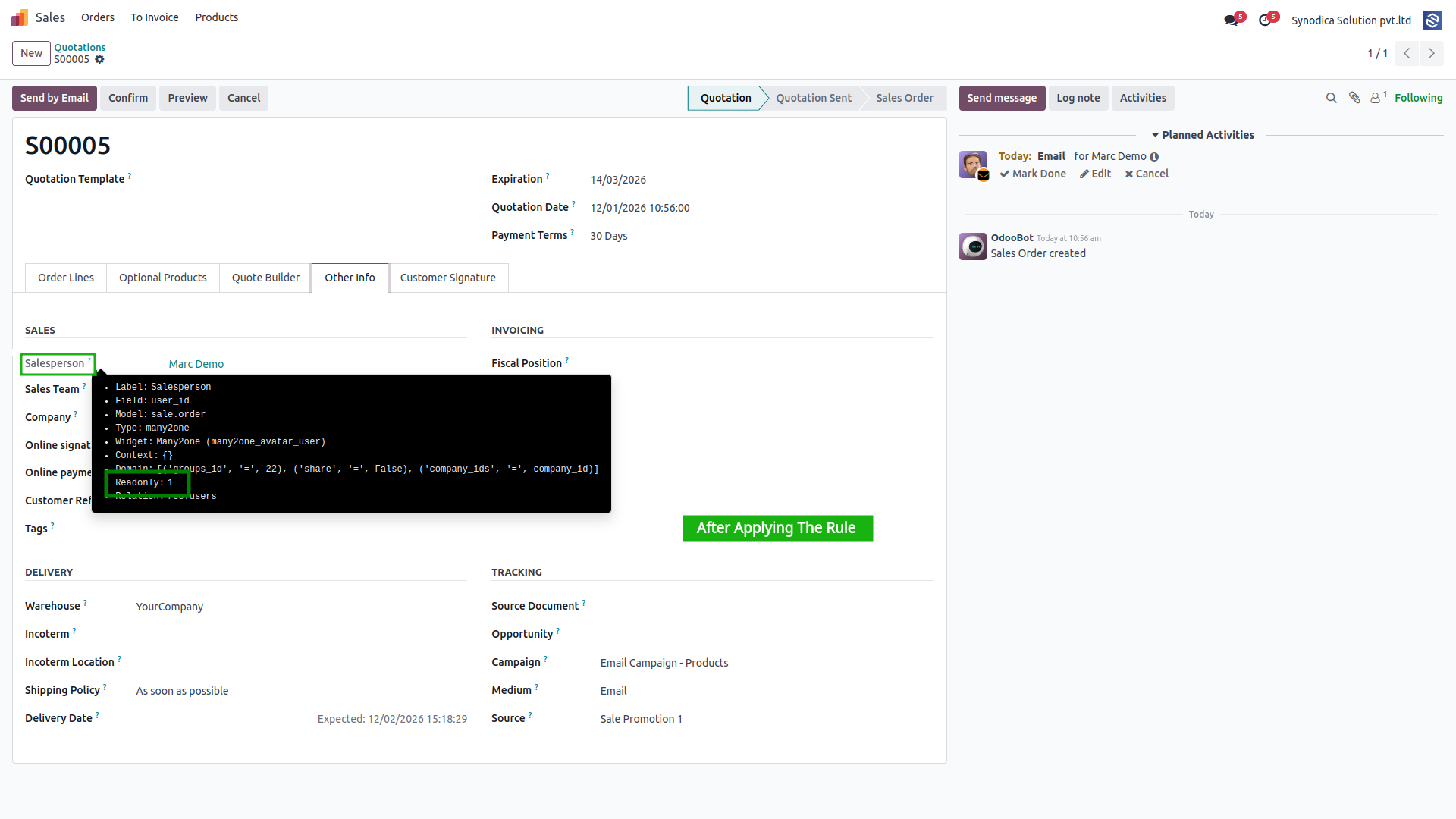
Hide Archive/Unarchive Action
Restrict Record Creation
Hide Any Functional Button
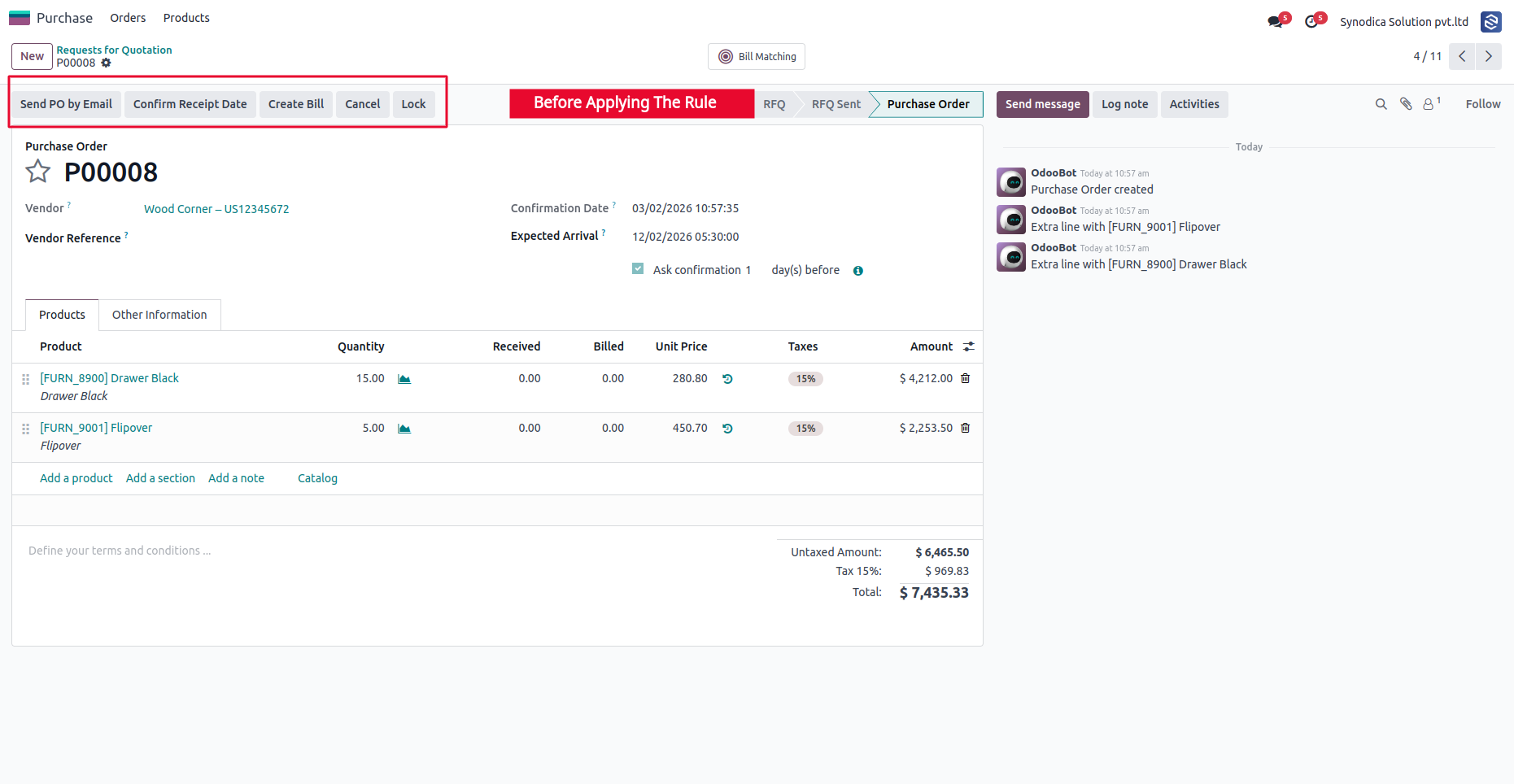
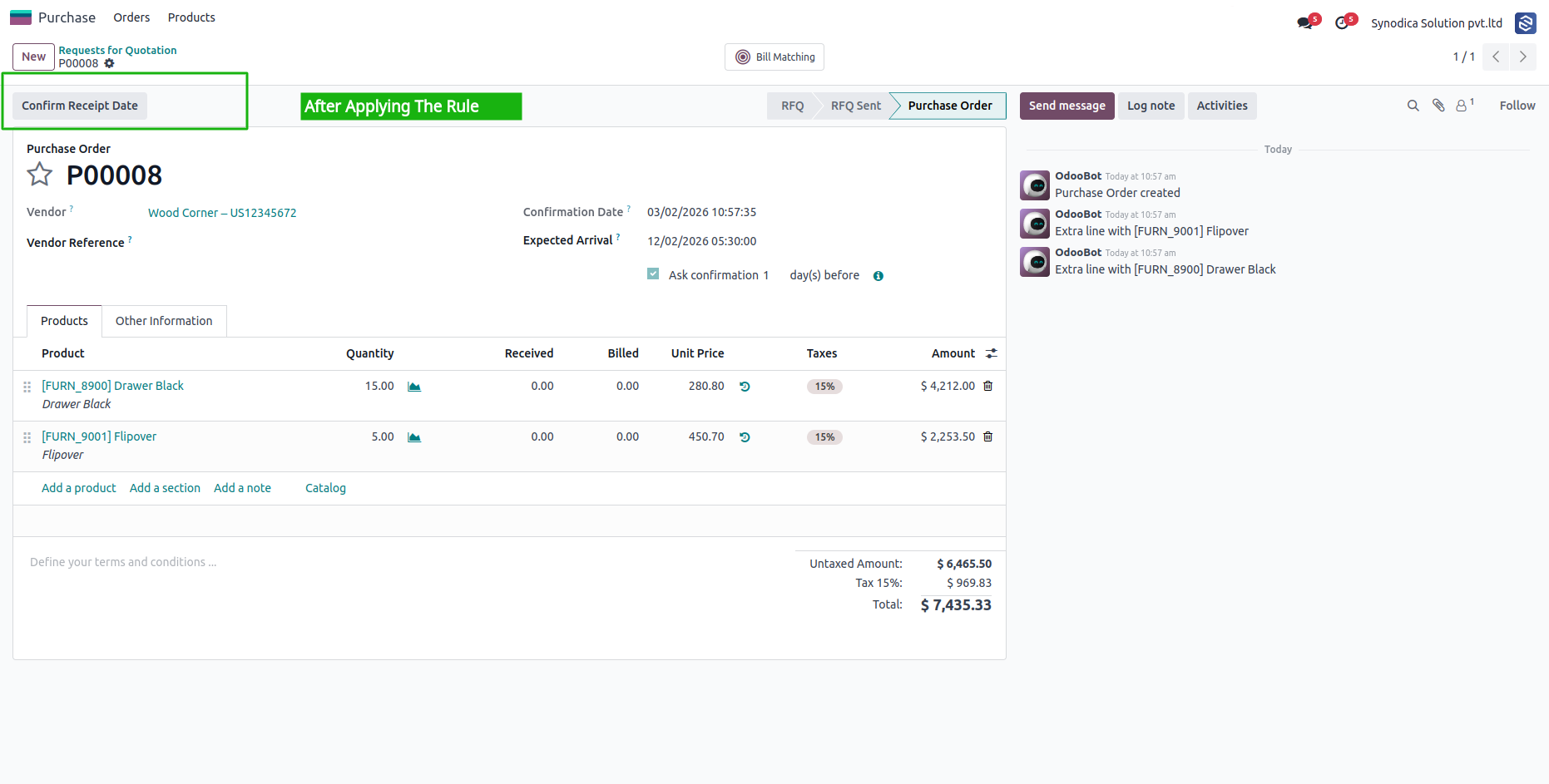
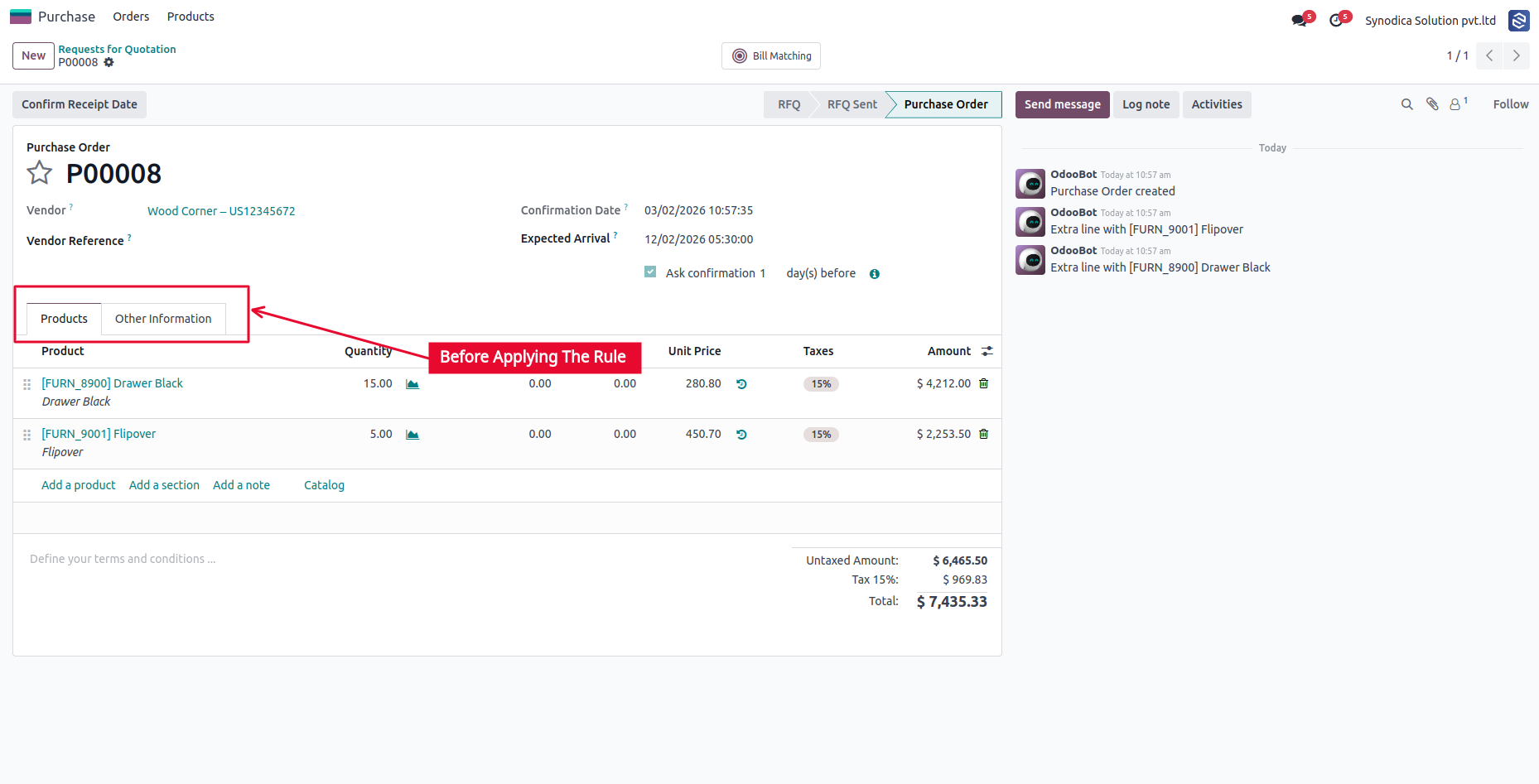
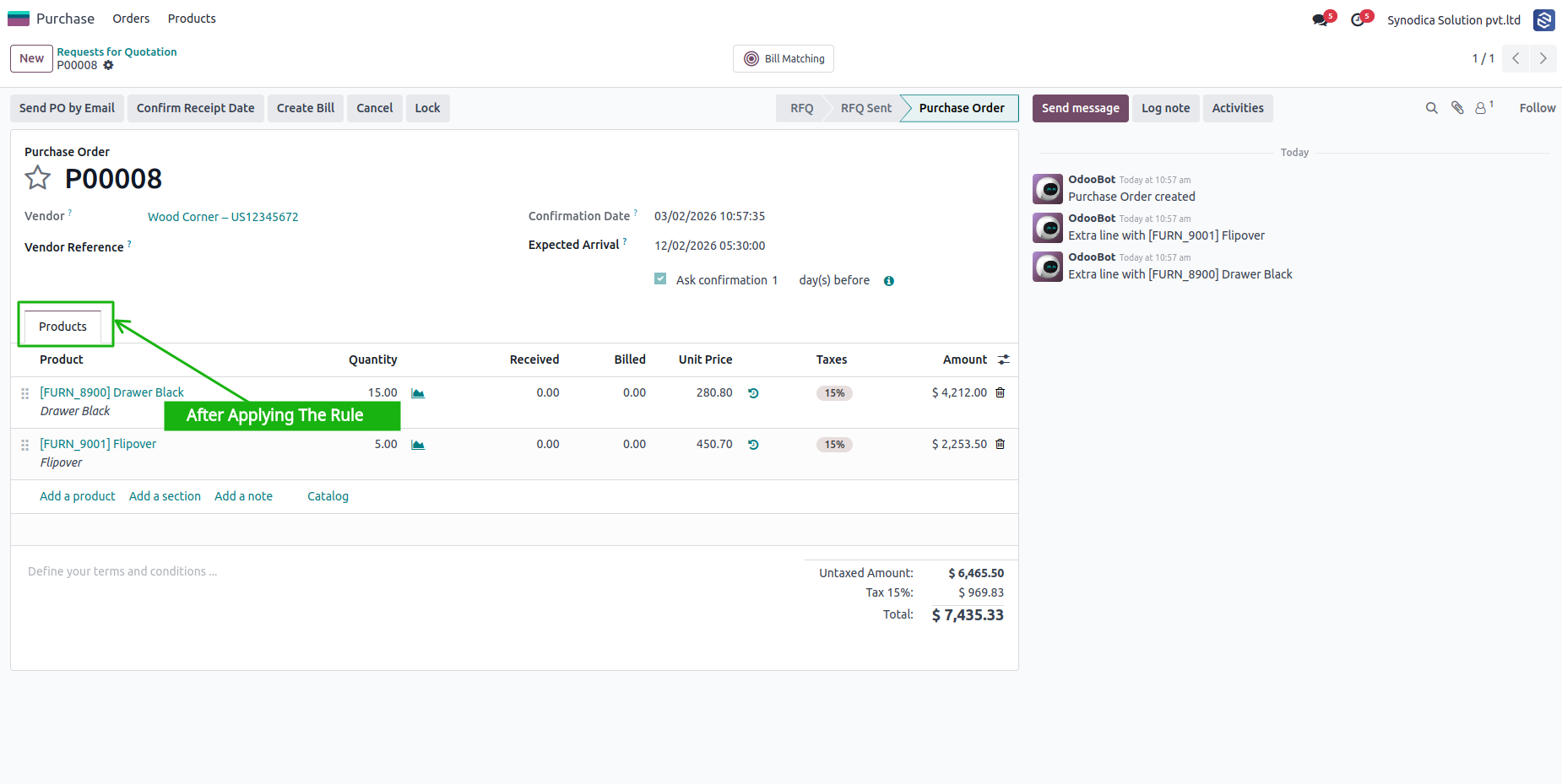
Hide Notebook Tabs / Pages
Hide Submenus / Child Menus
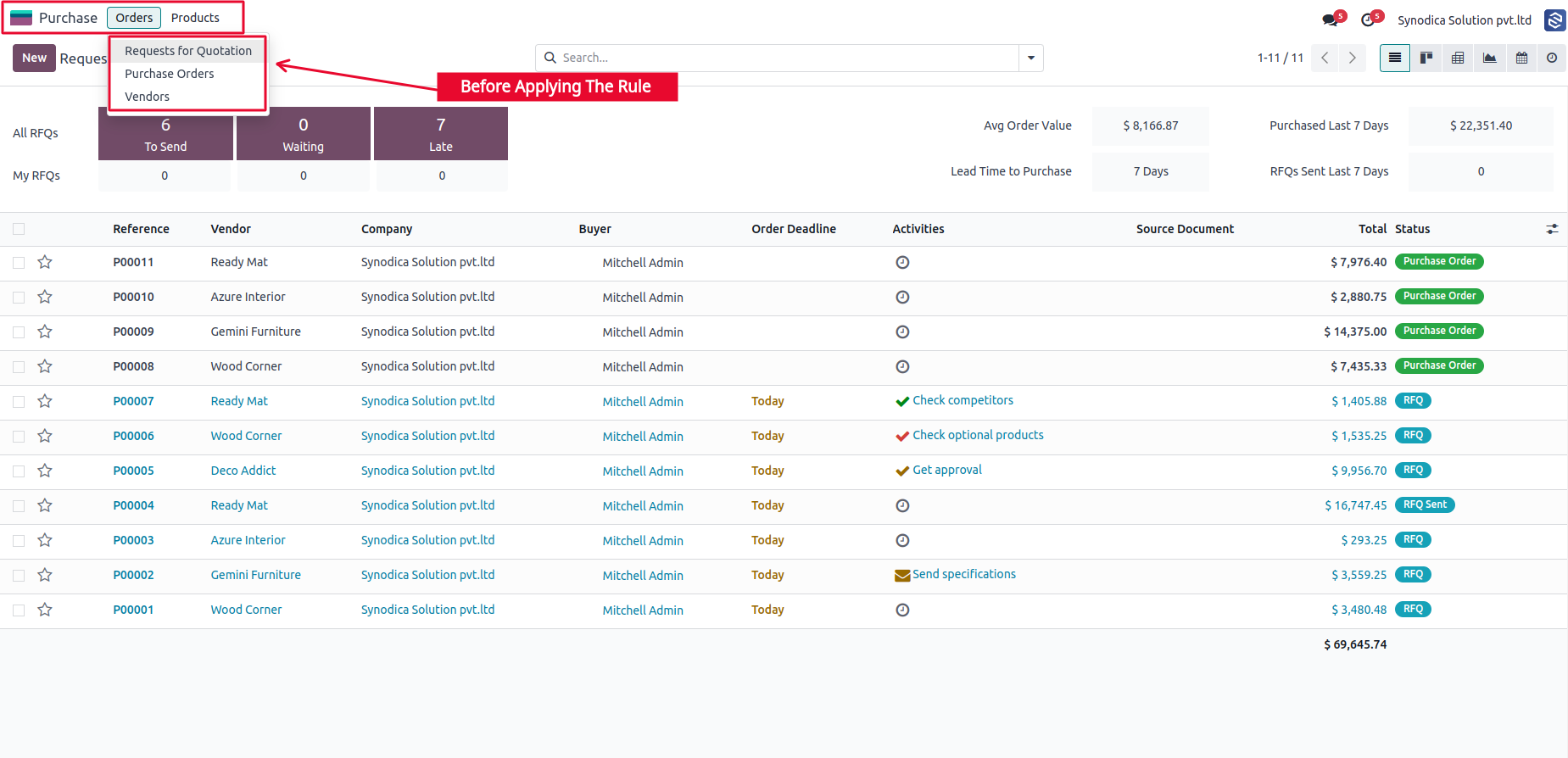
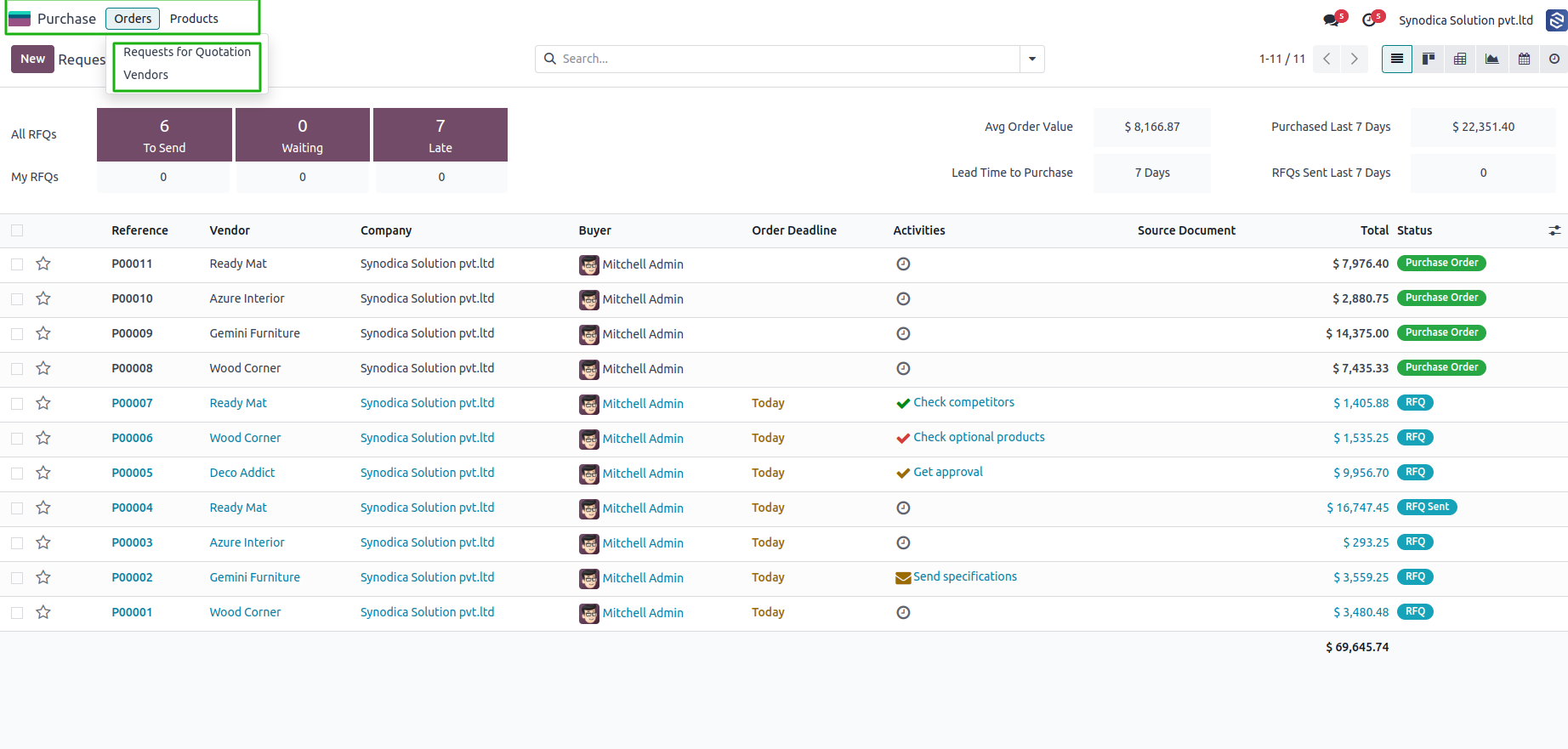
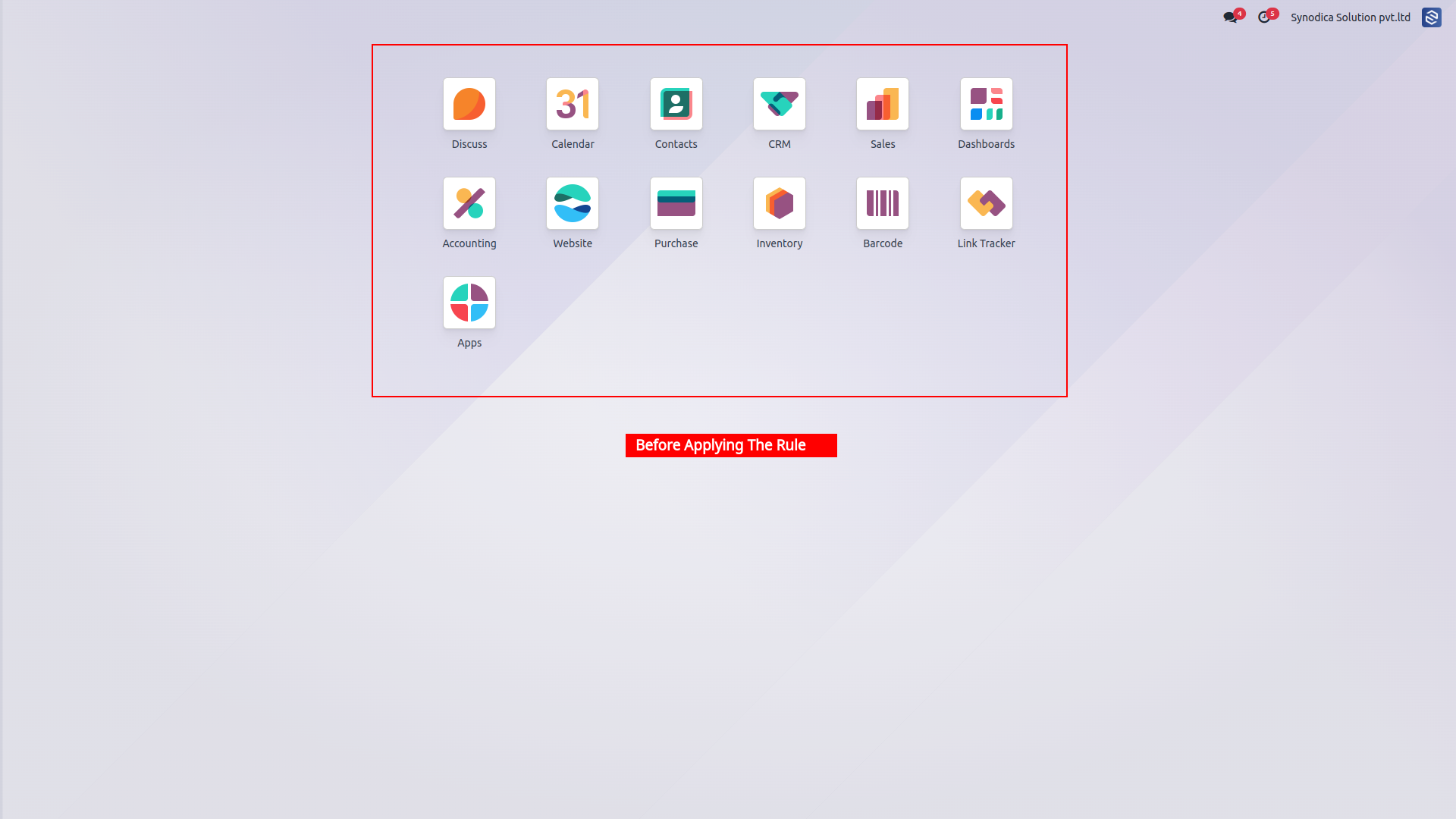
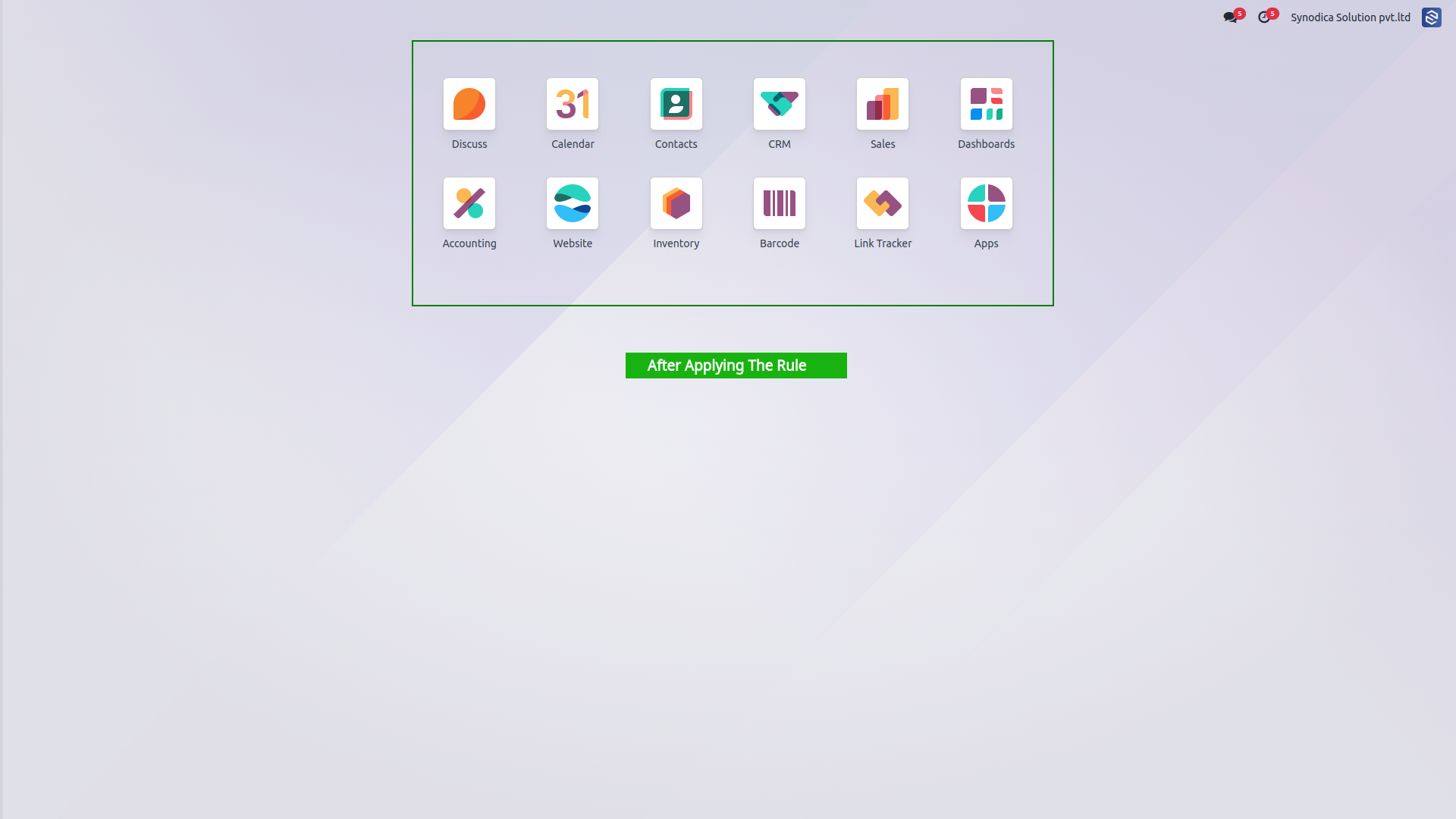
Hide Entire App from Launcher
Hide Chatter Section
Disable Developer Mode
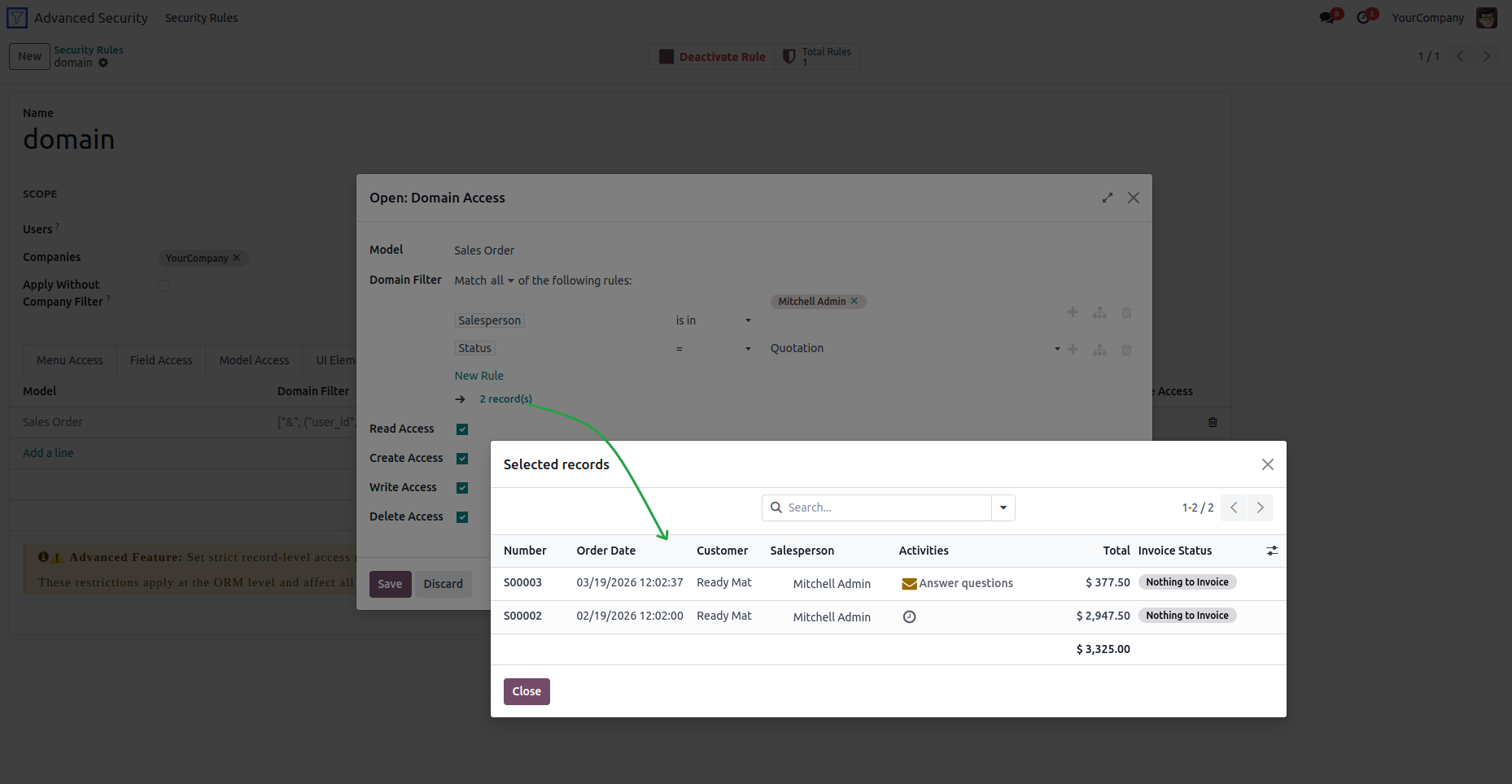
Custom Domain Rules
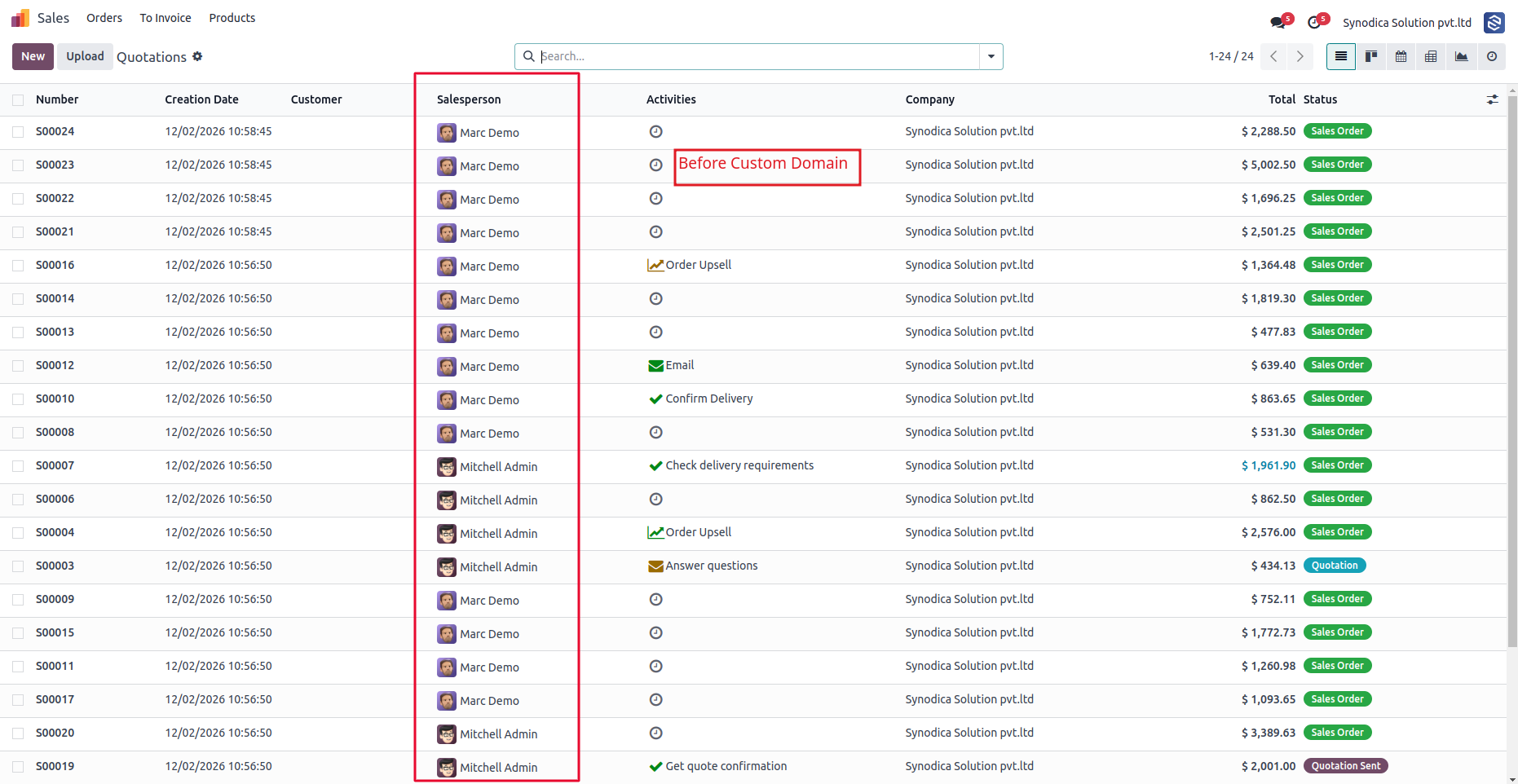
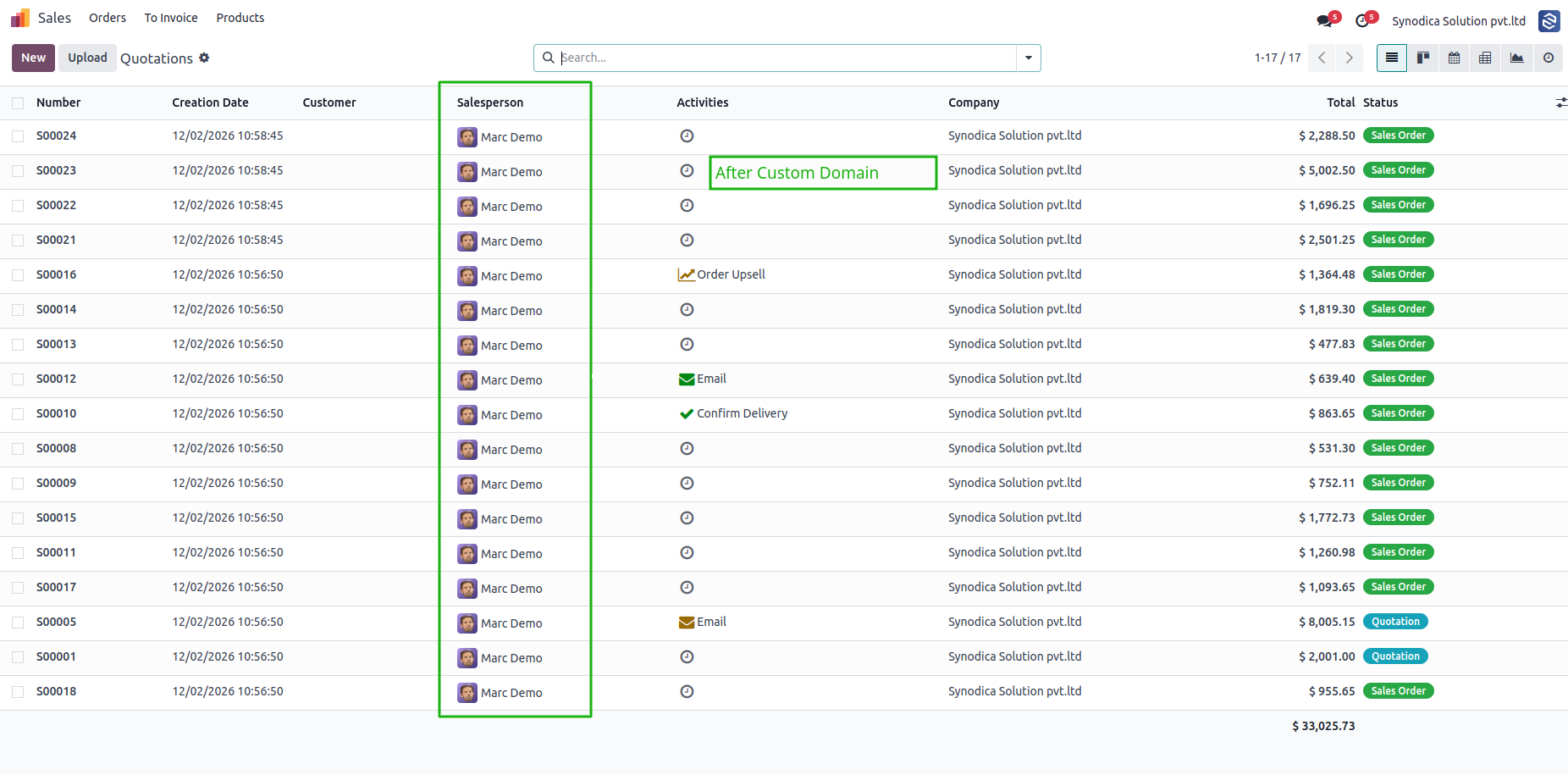
Data Filter Restrictions
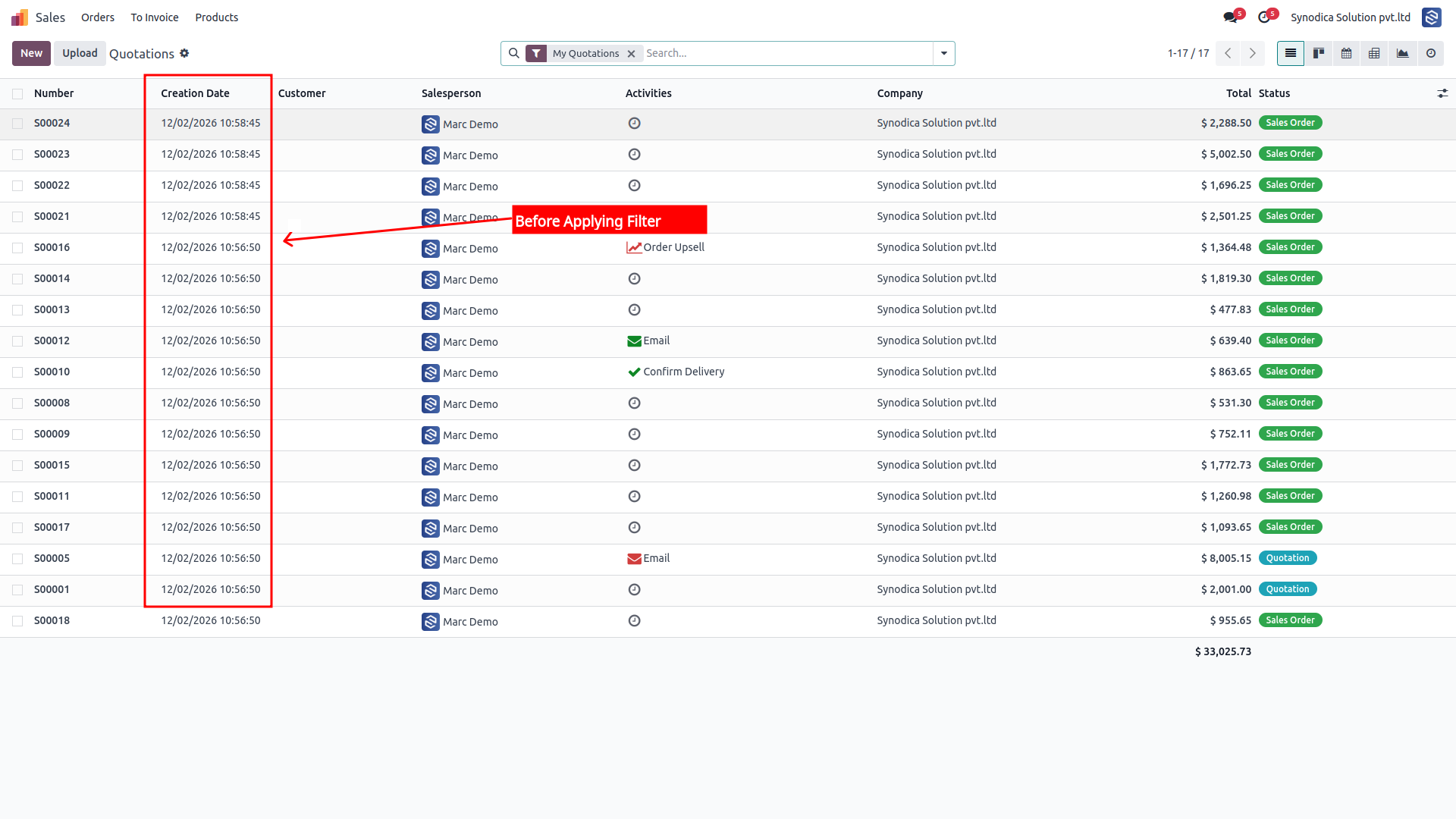
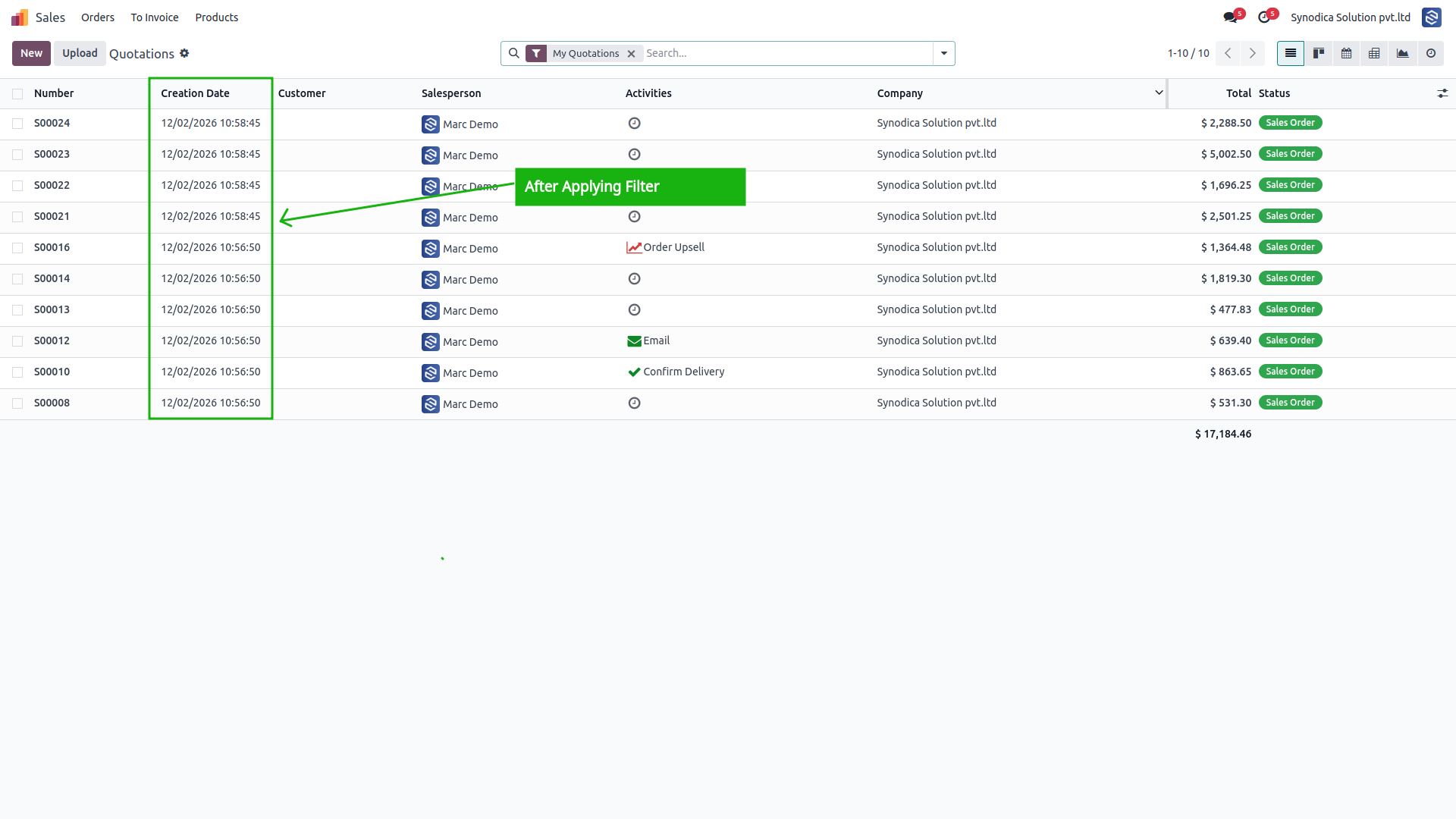
Hide Search Filters
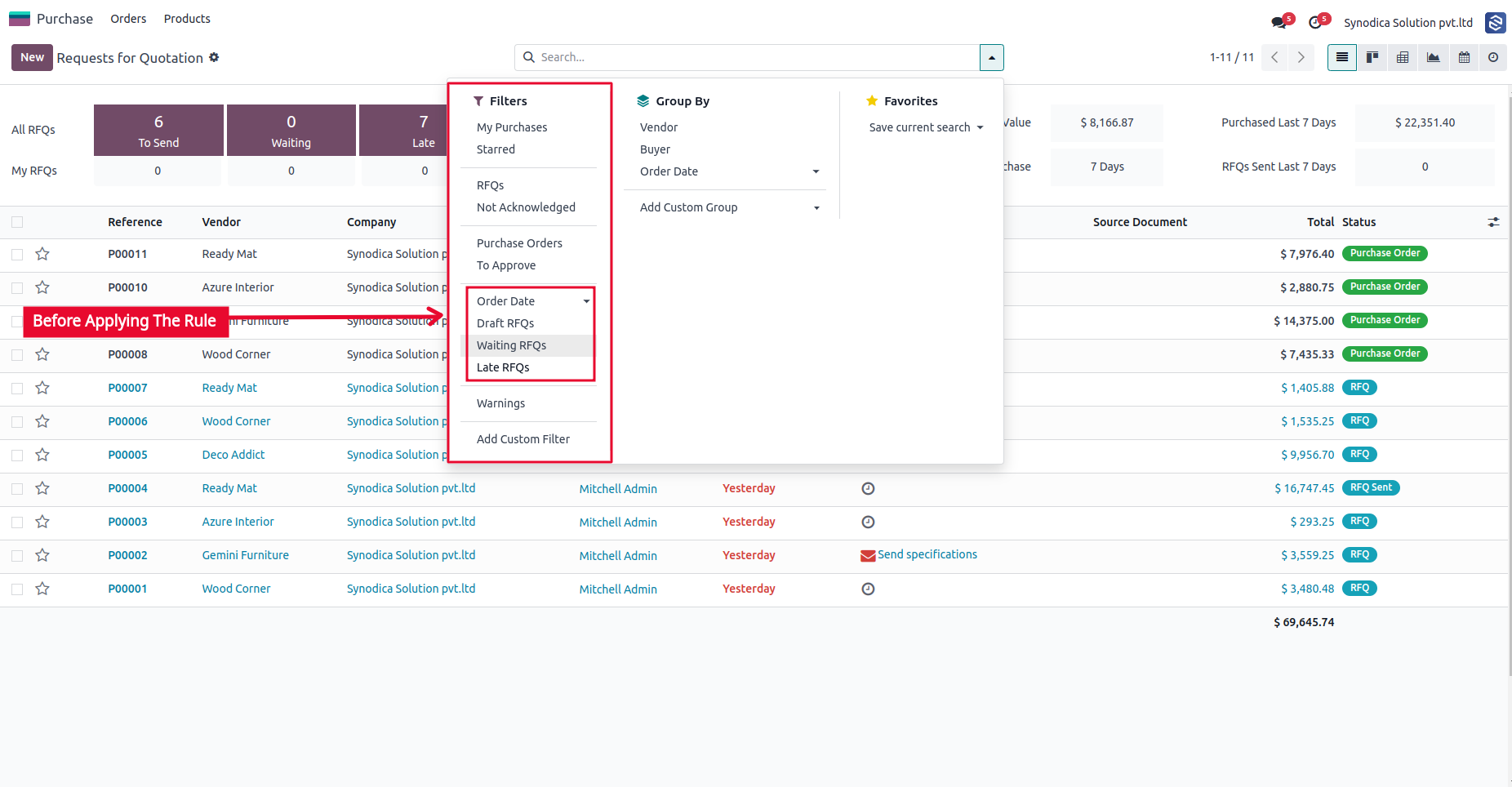
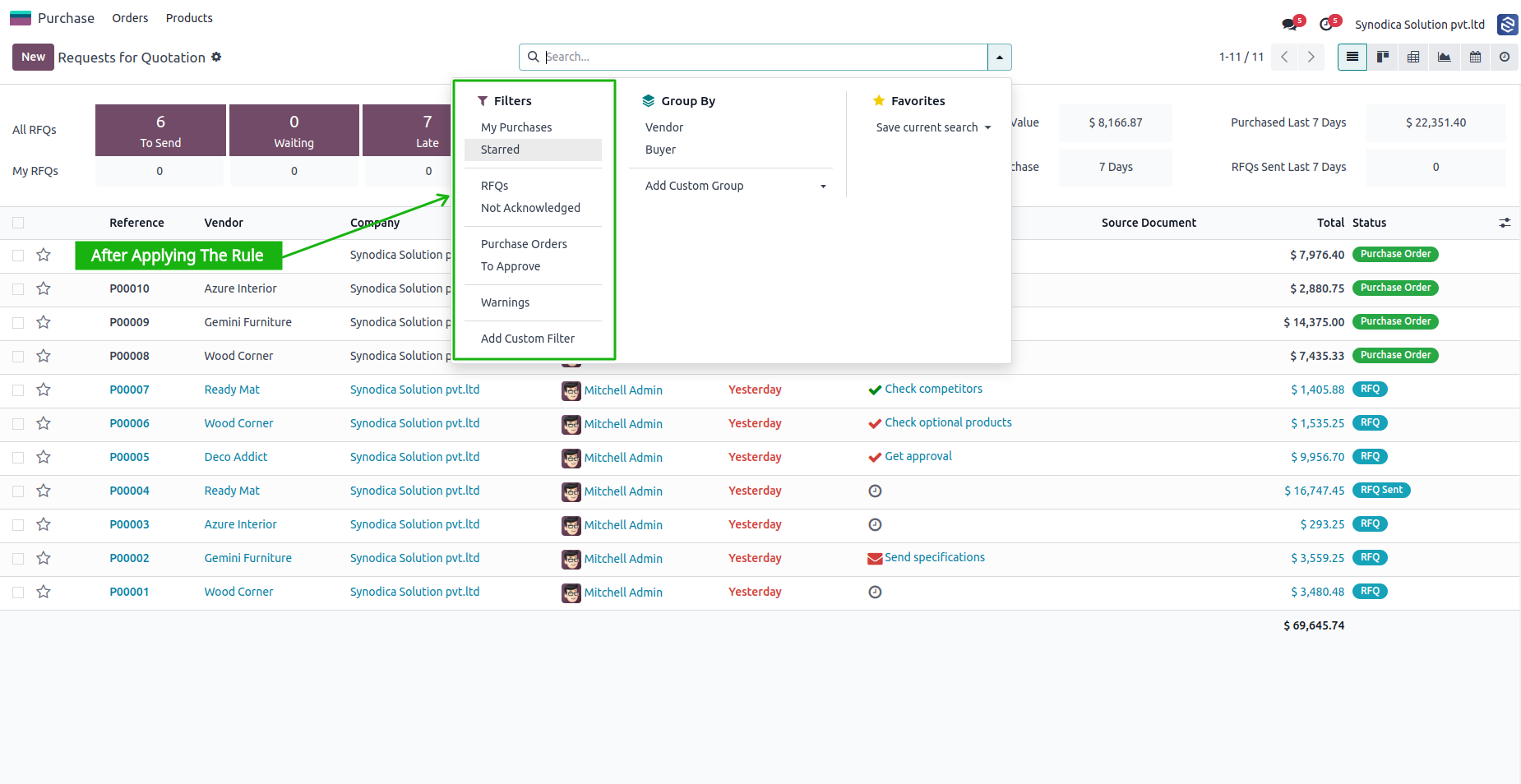
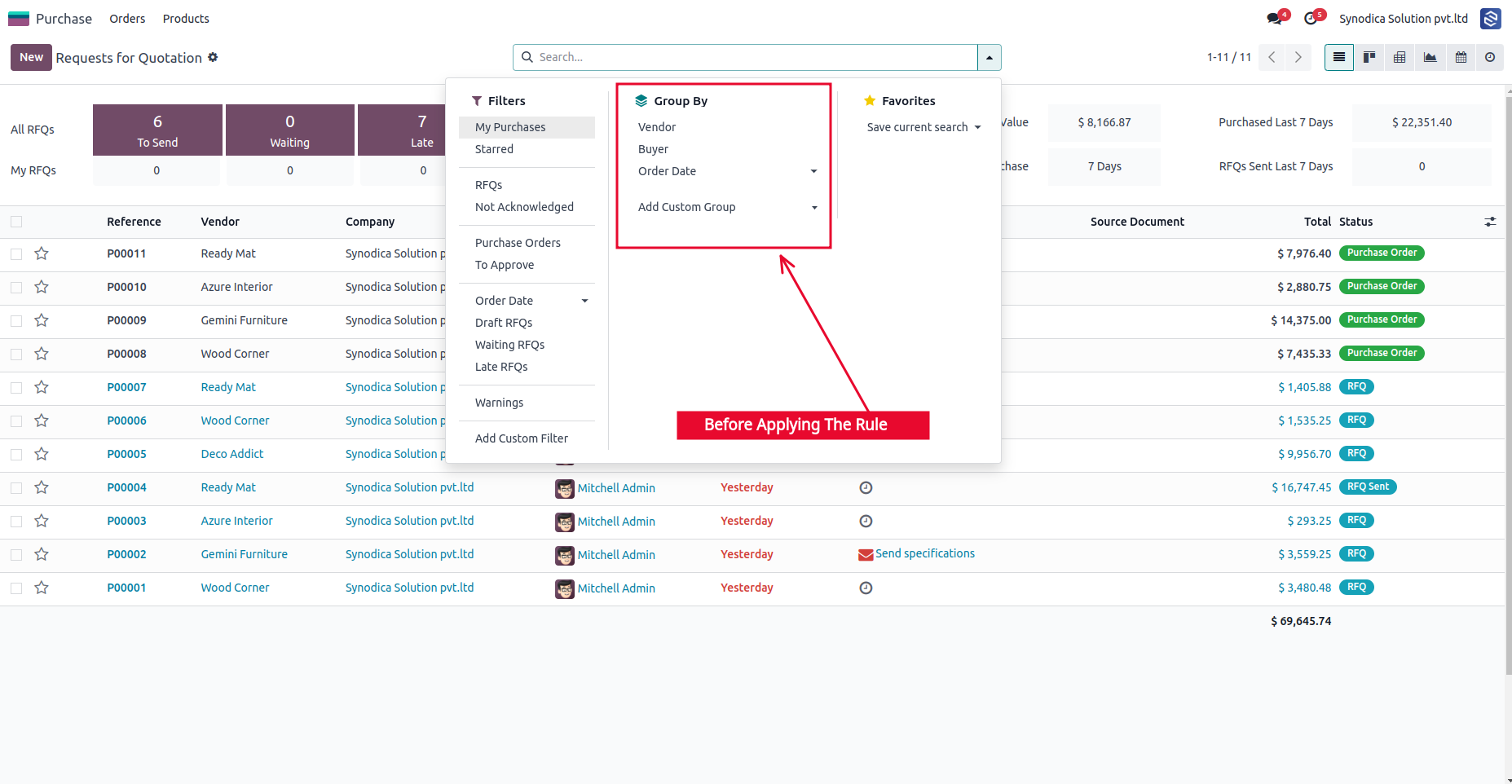
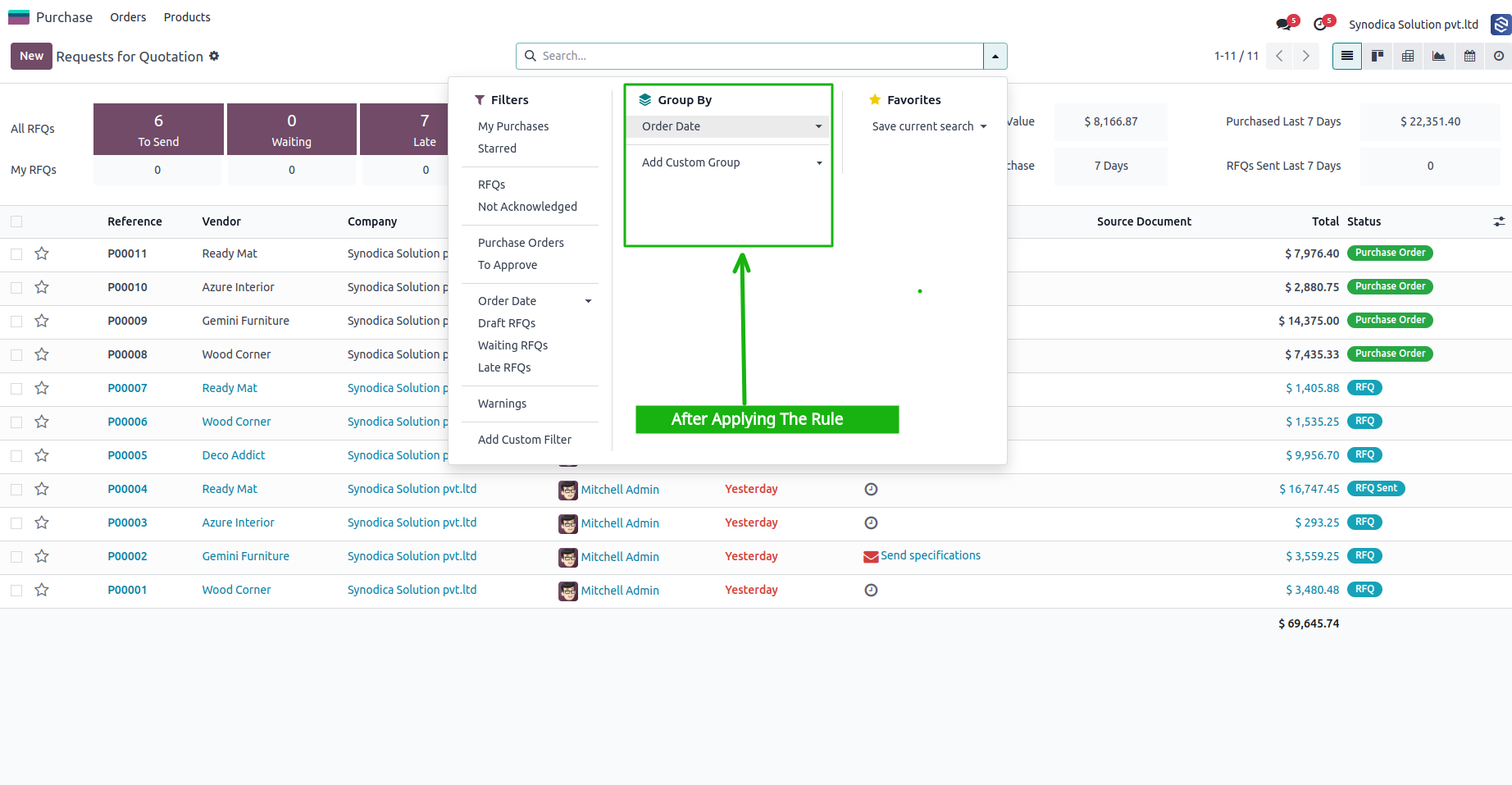
Hide Group By Options
Hide Send Message Action
Invoice View Restrictions
Sale Action Restrictions
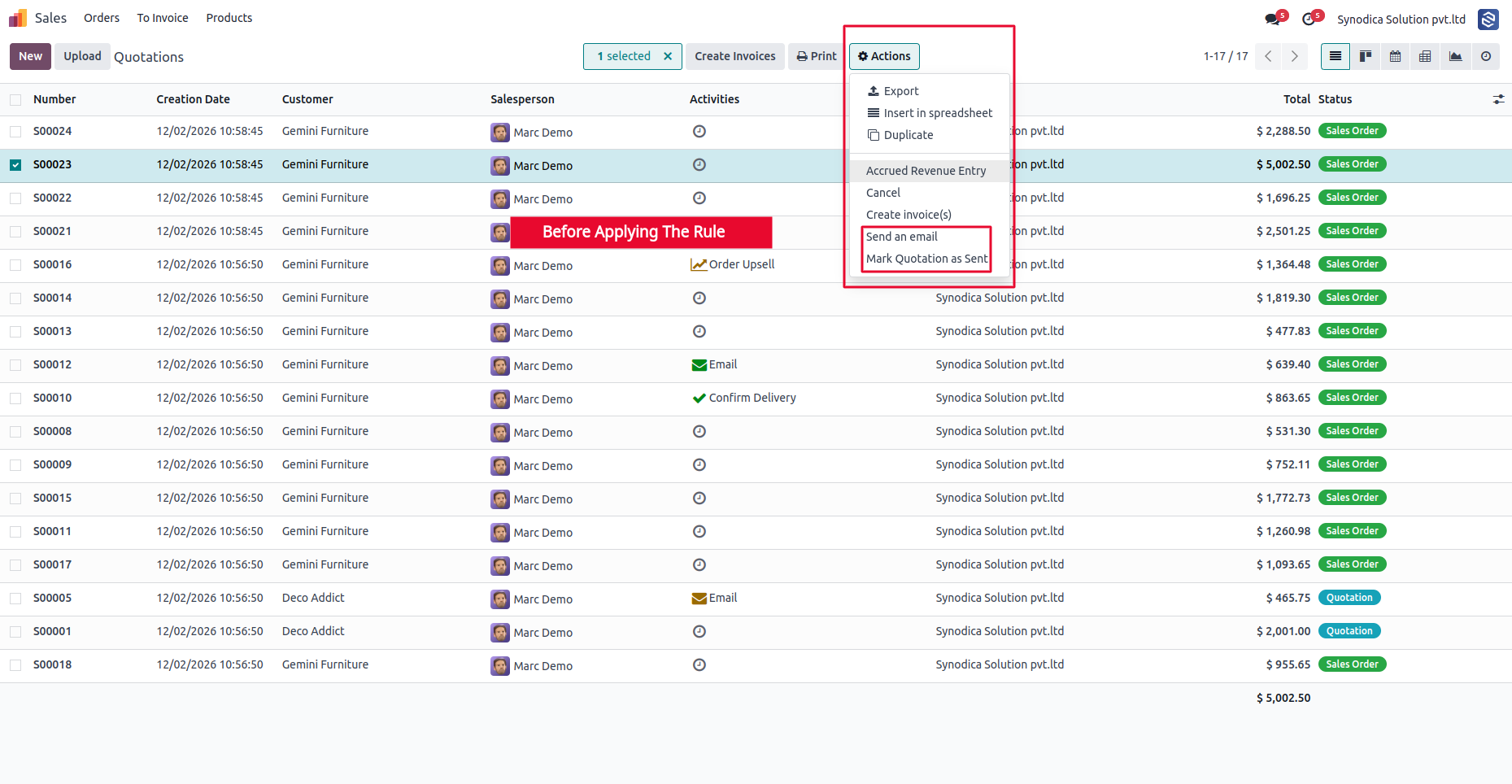
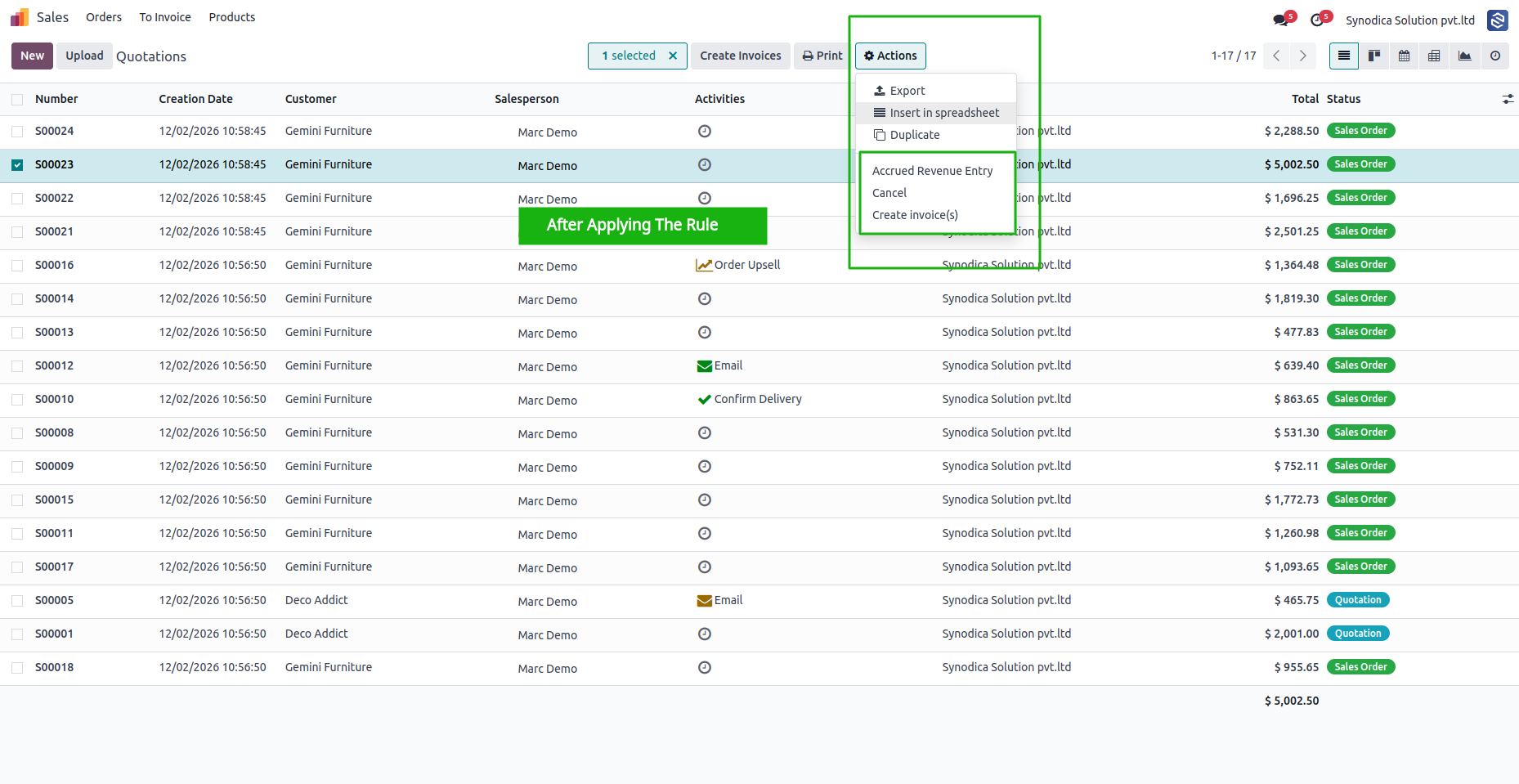
Required Field Enforcement
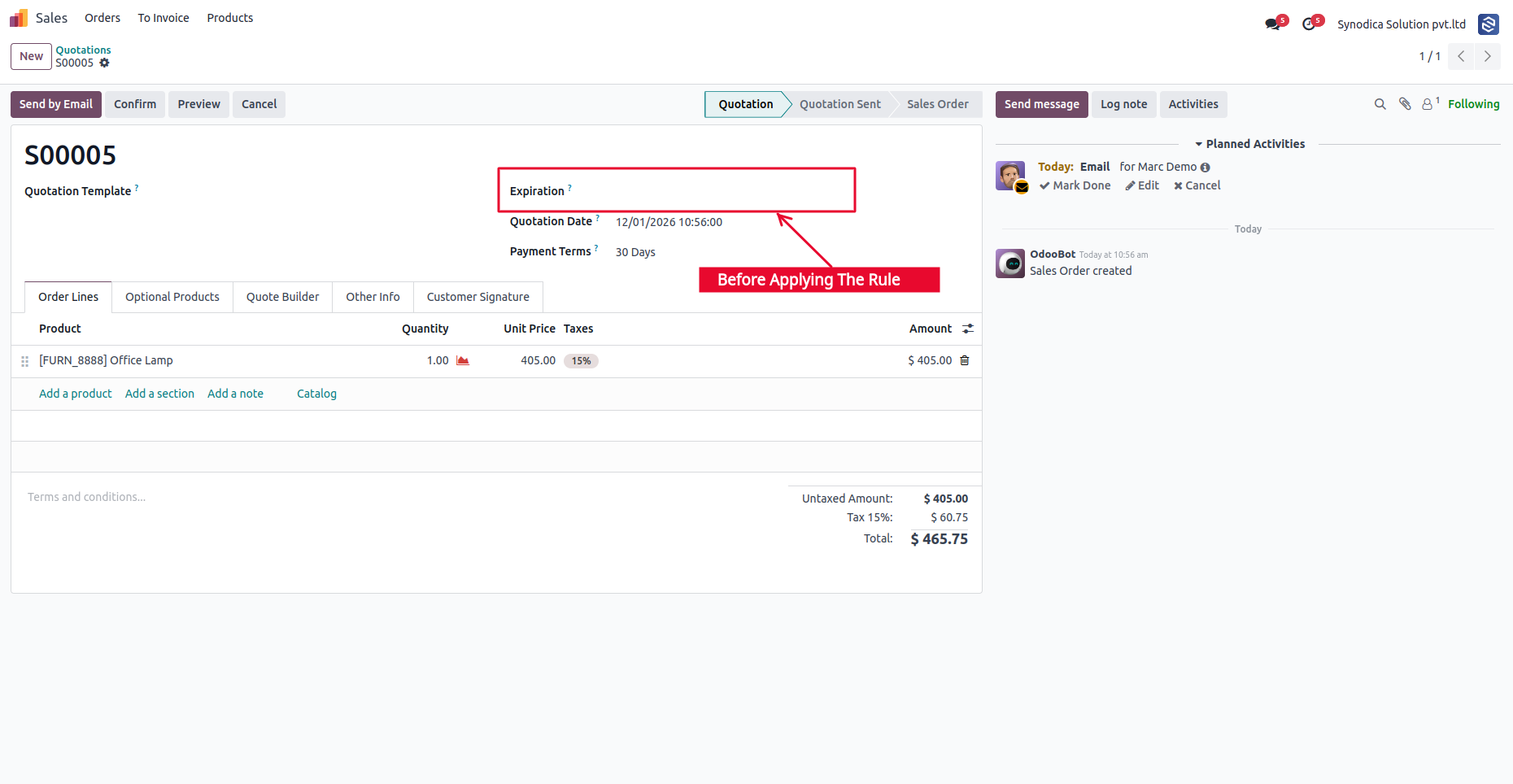
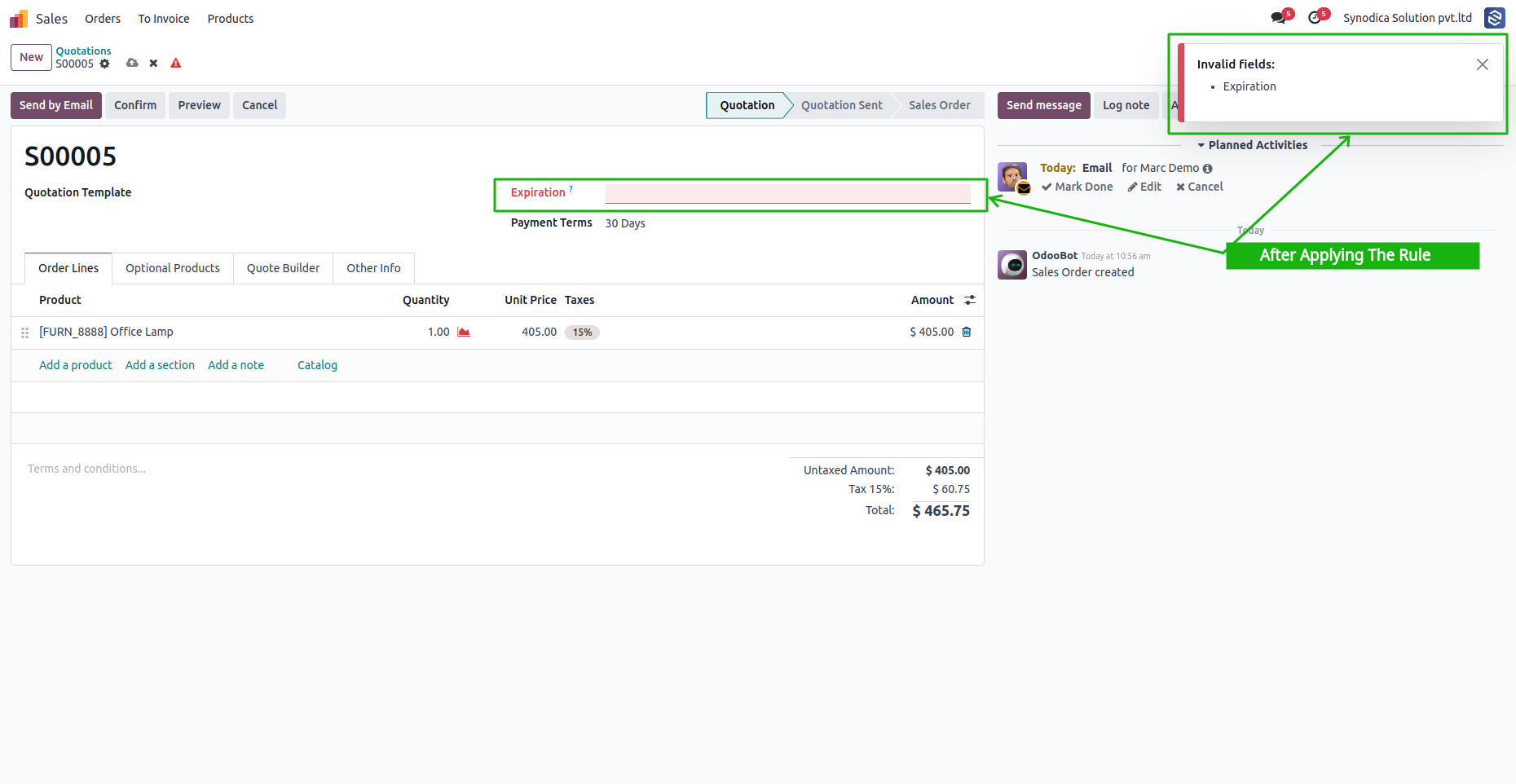
Form Field Visibility
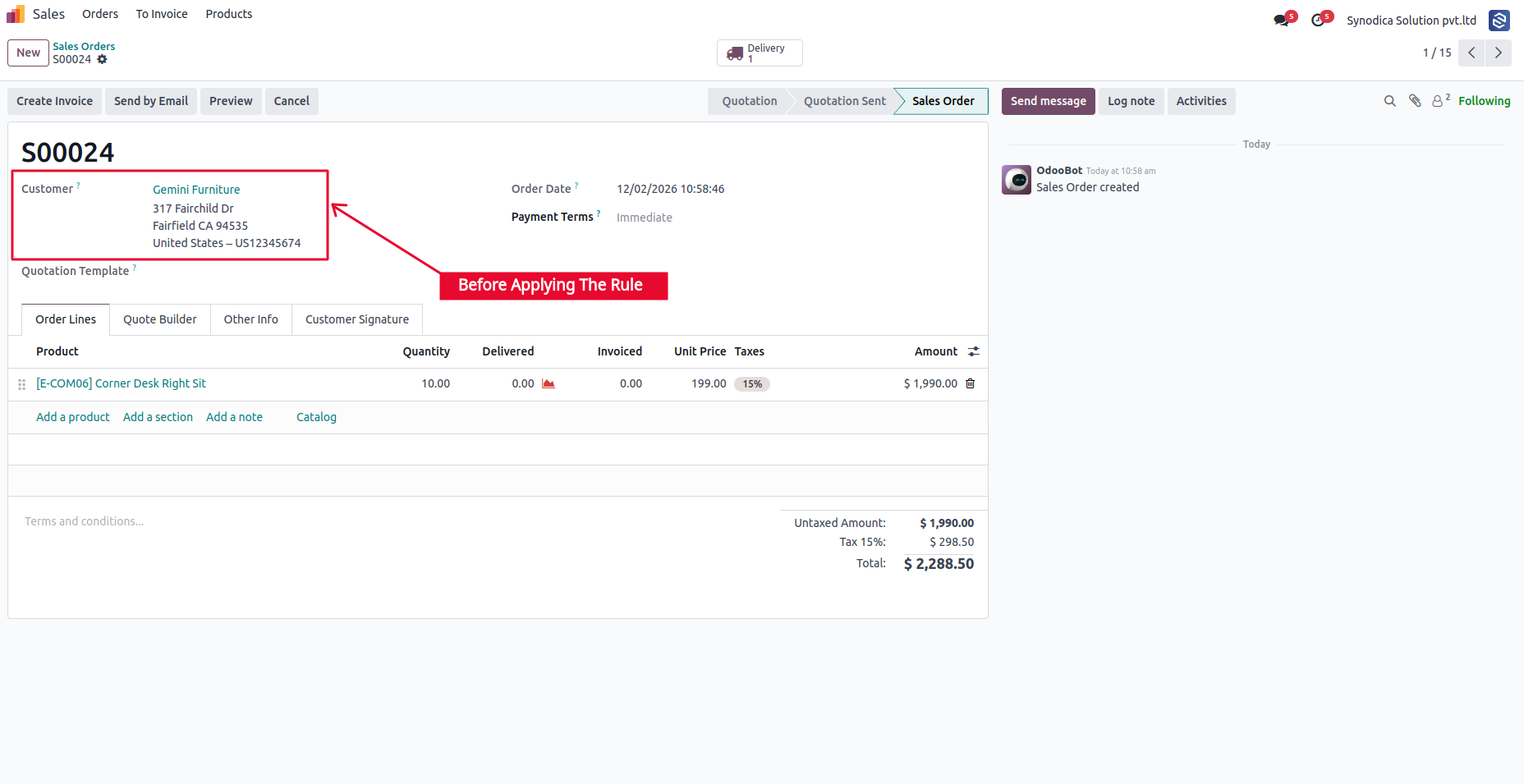
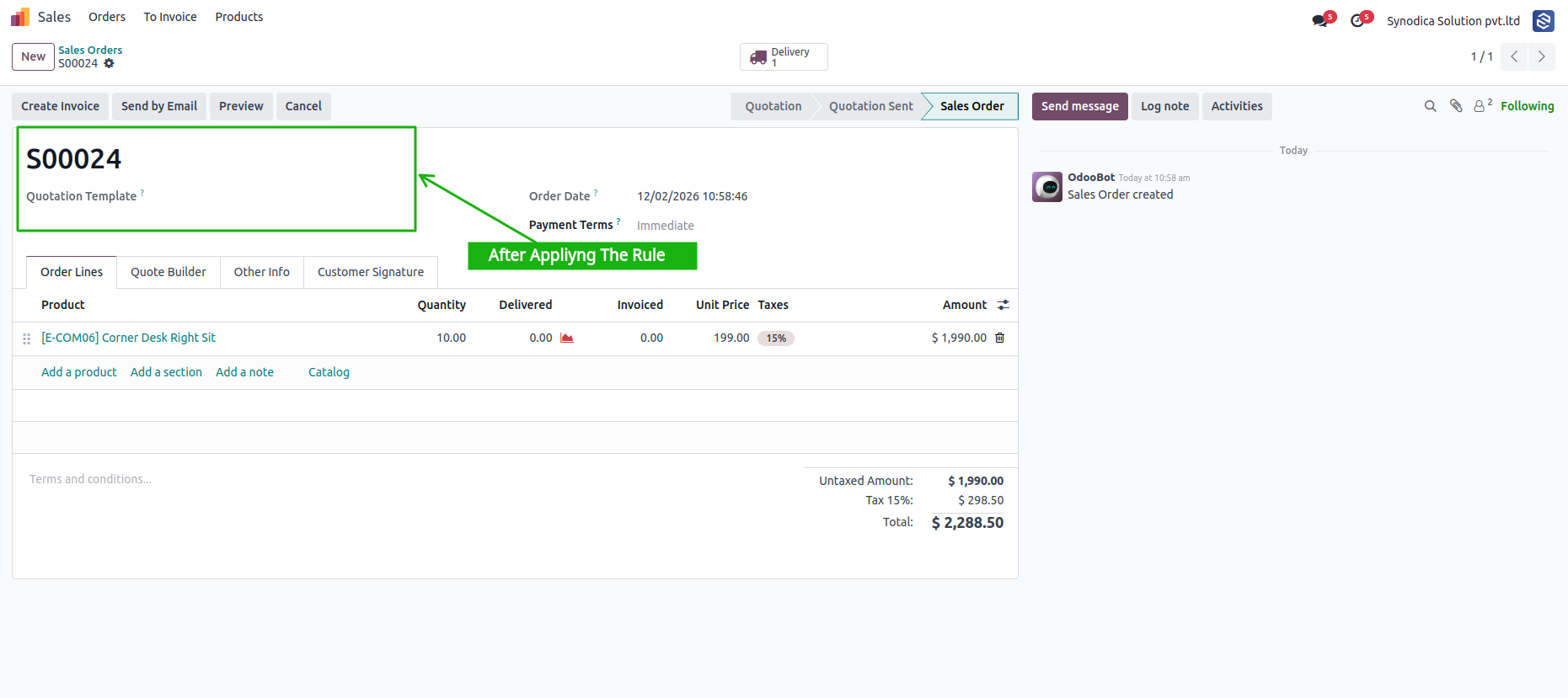
Read-Only Data Restrictions
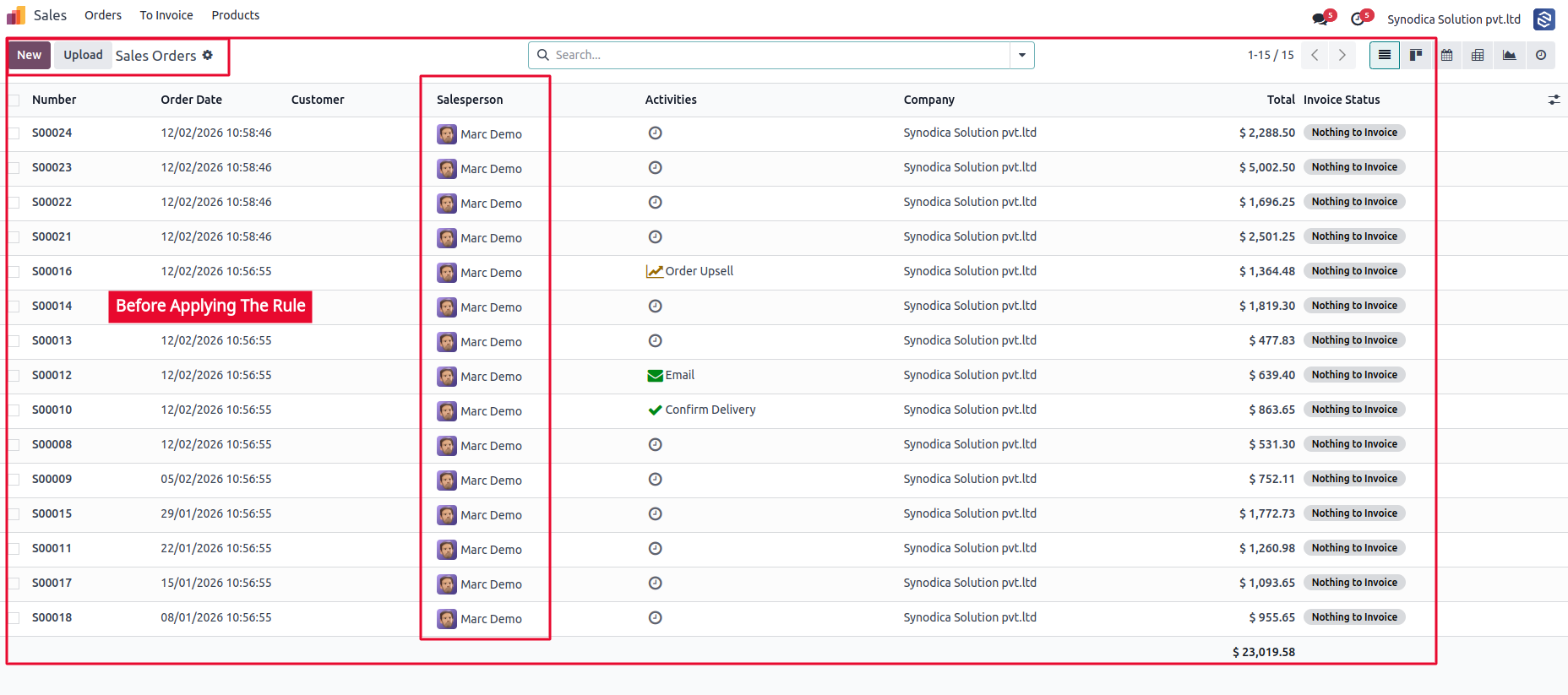
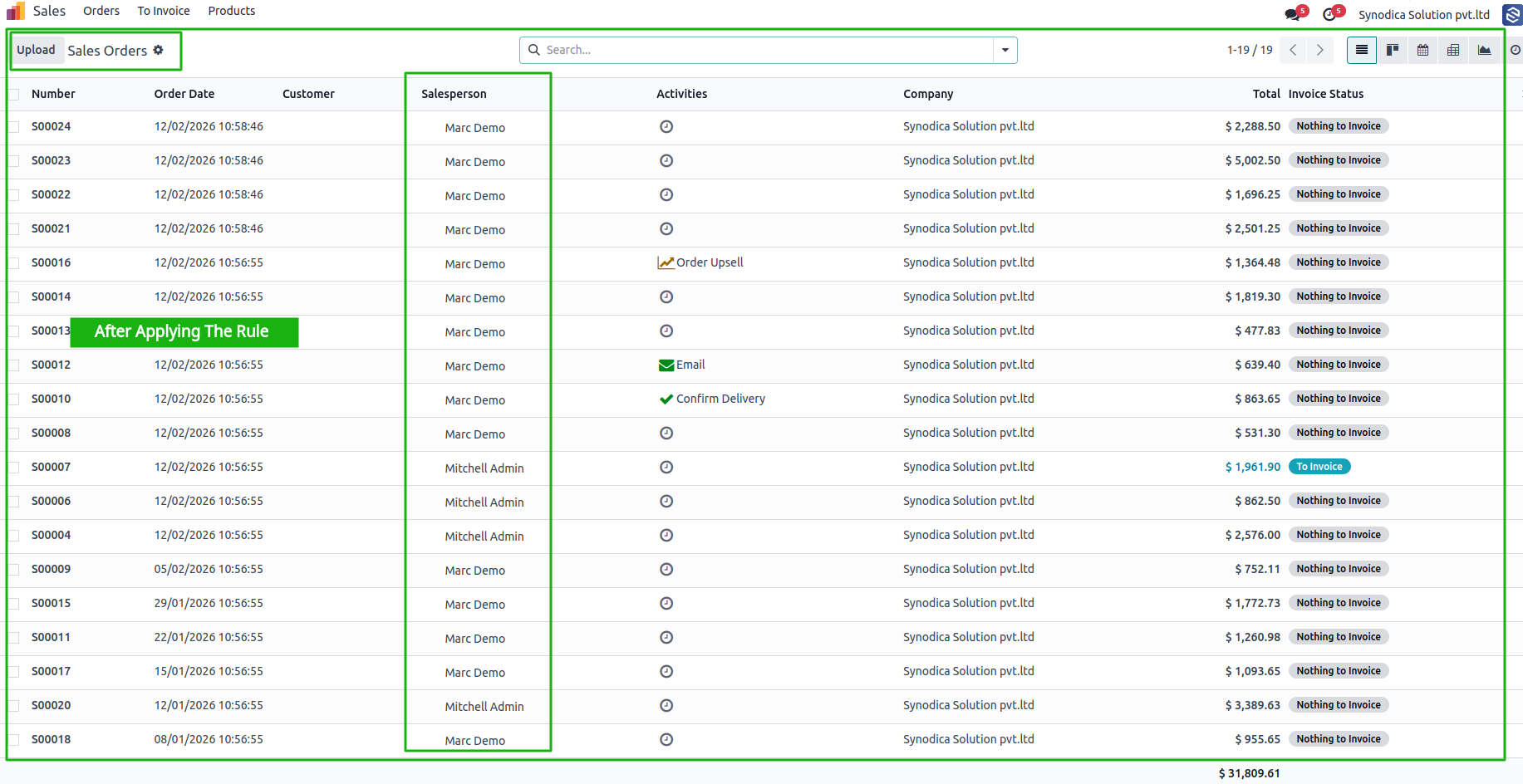
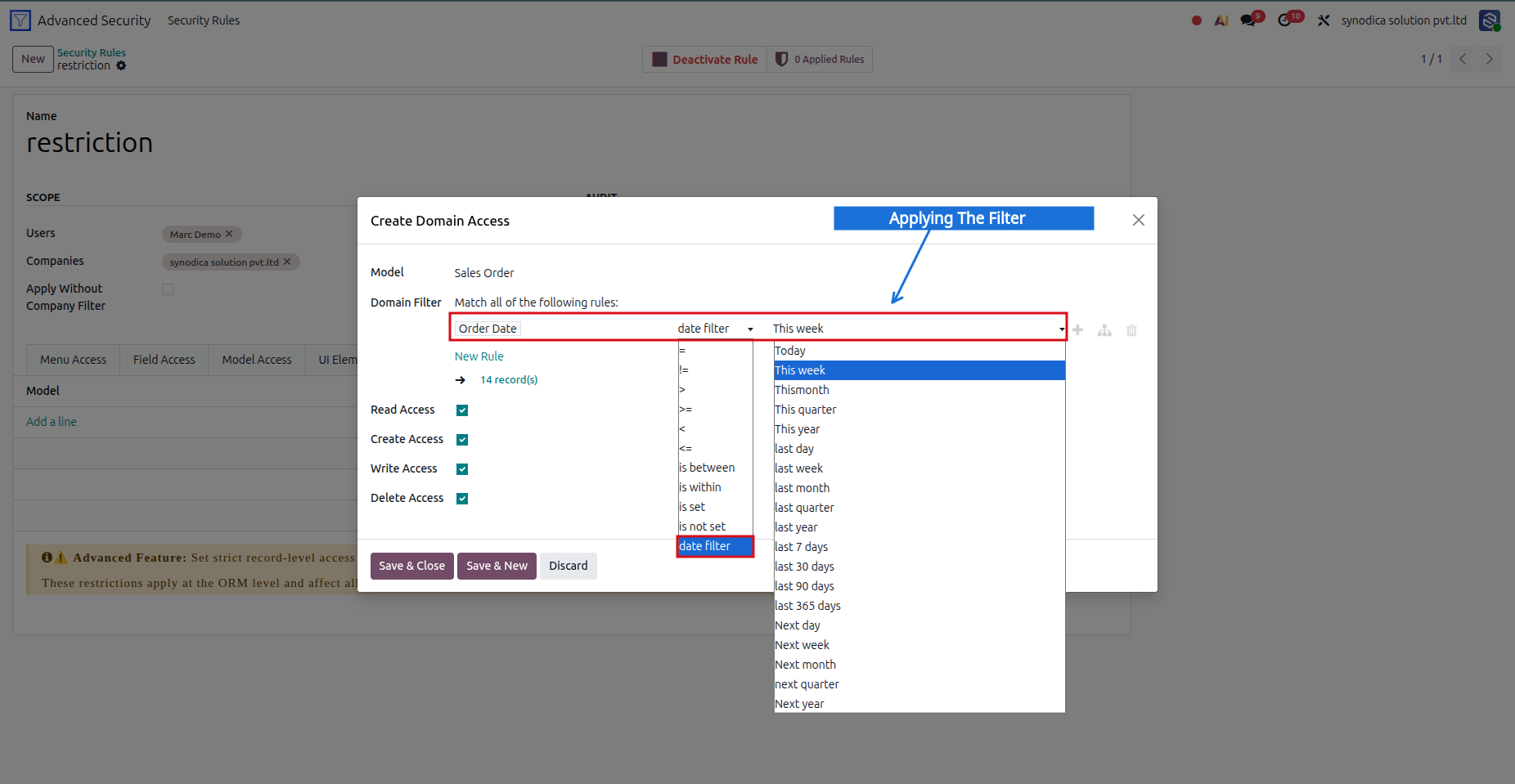
Date-Based Rule Setup
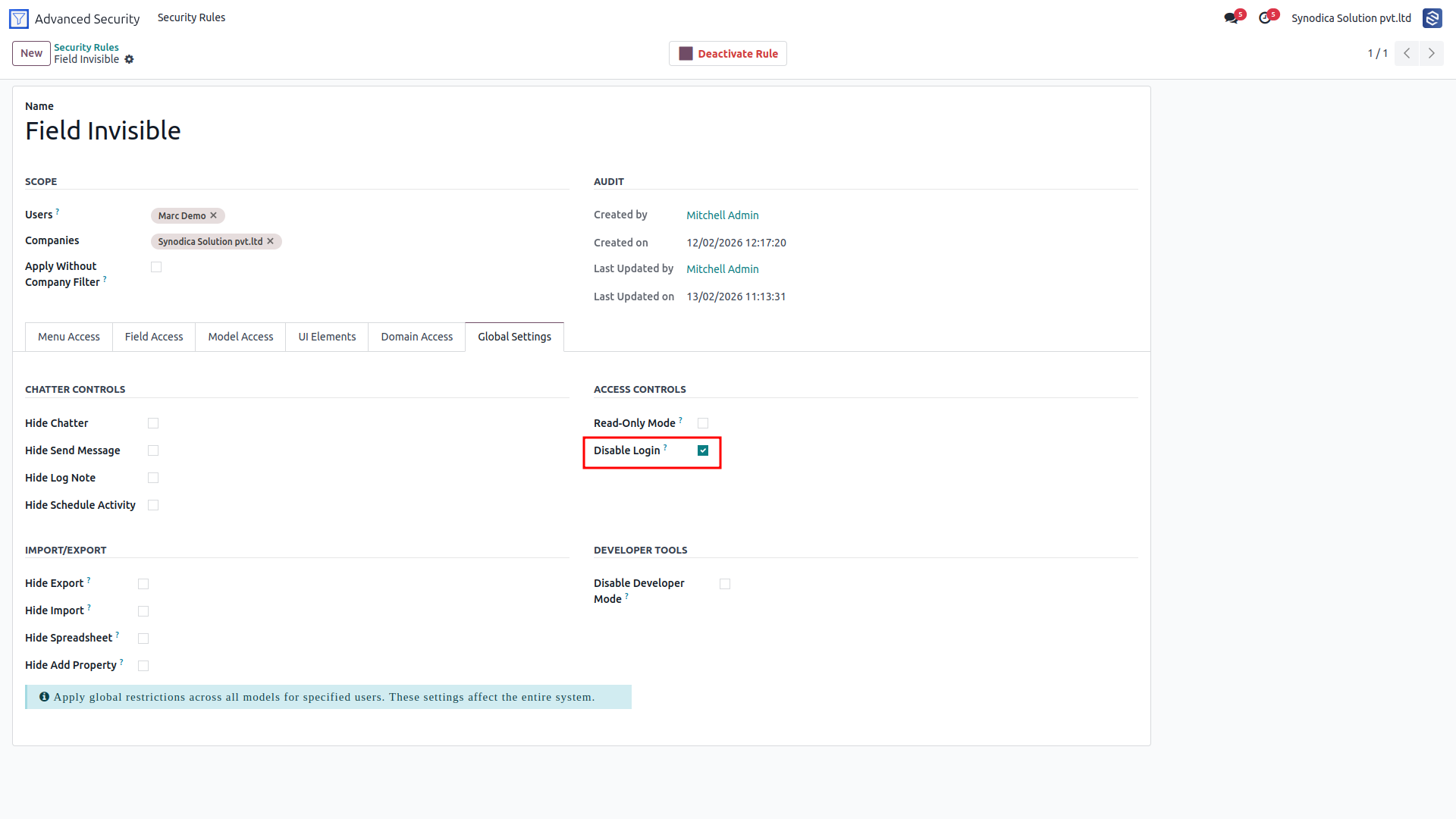
Disable / Hide Login Option
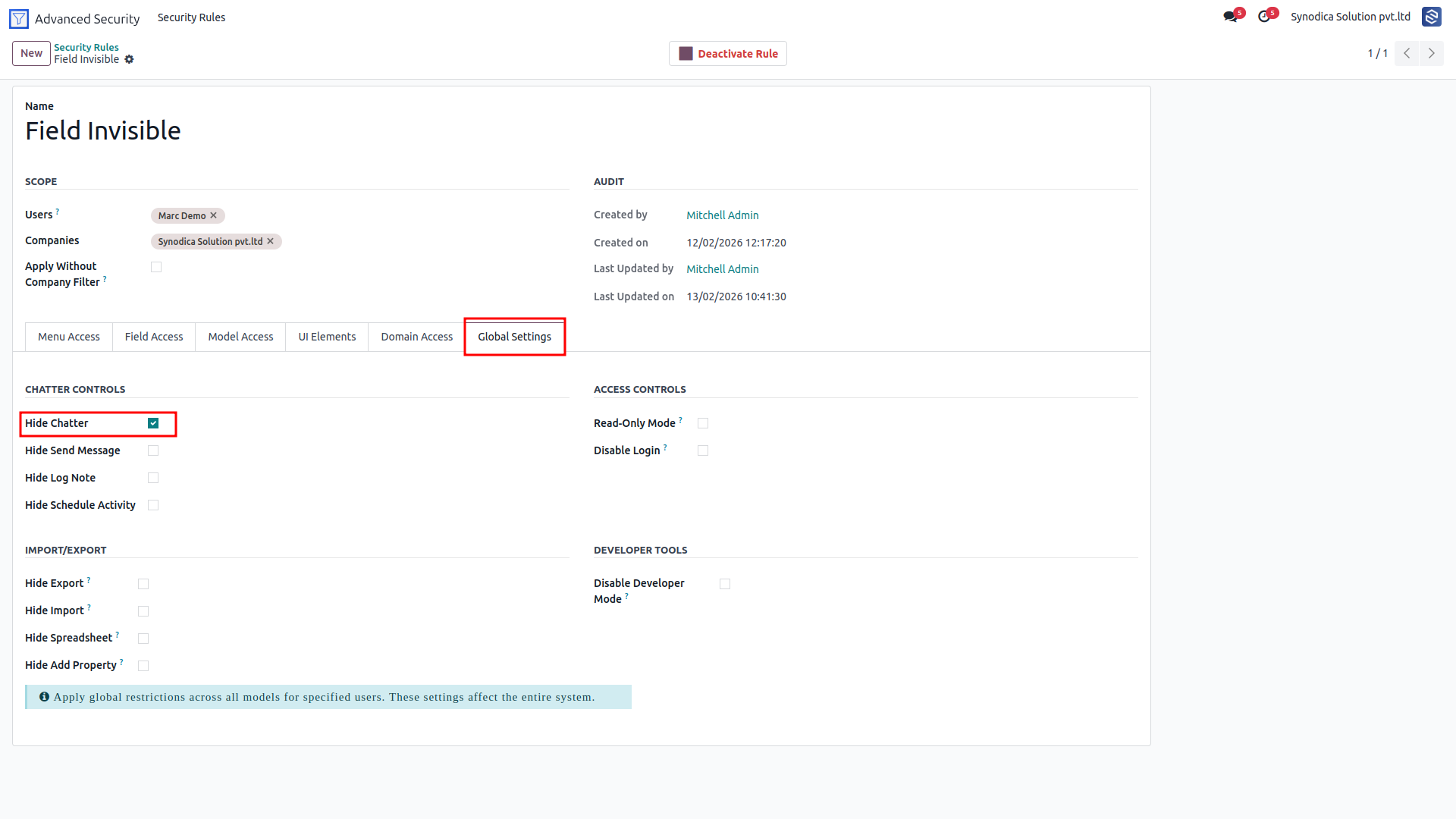
Global Chatter Configuration
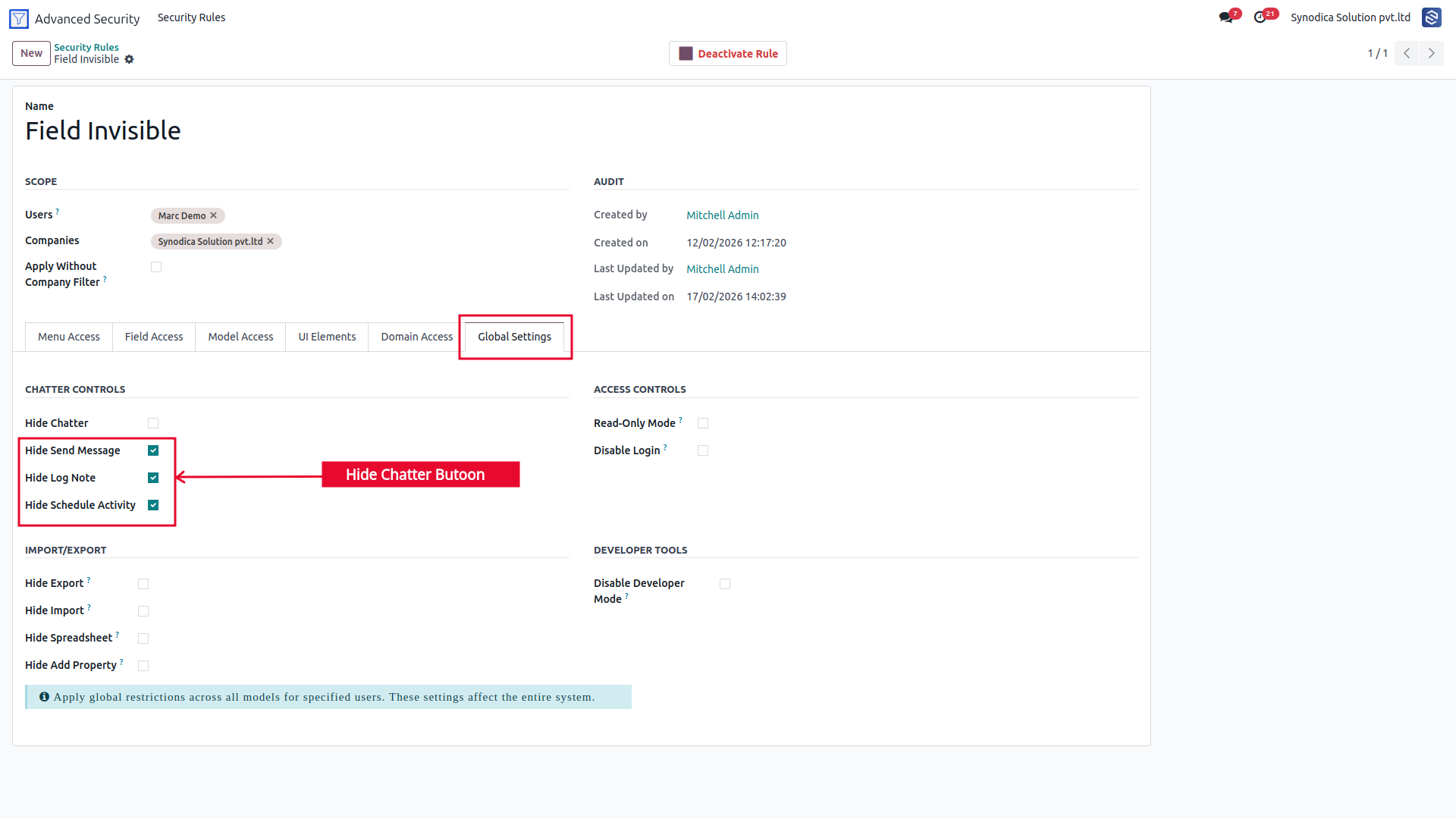
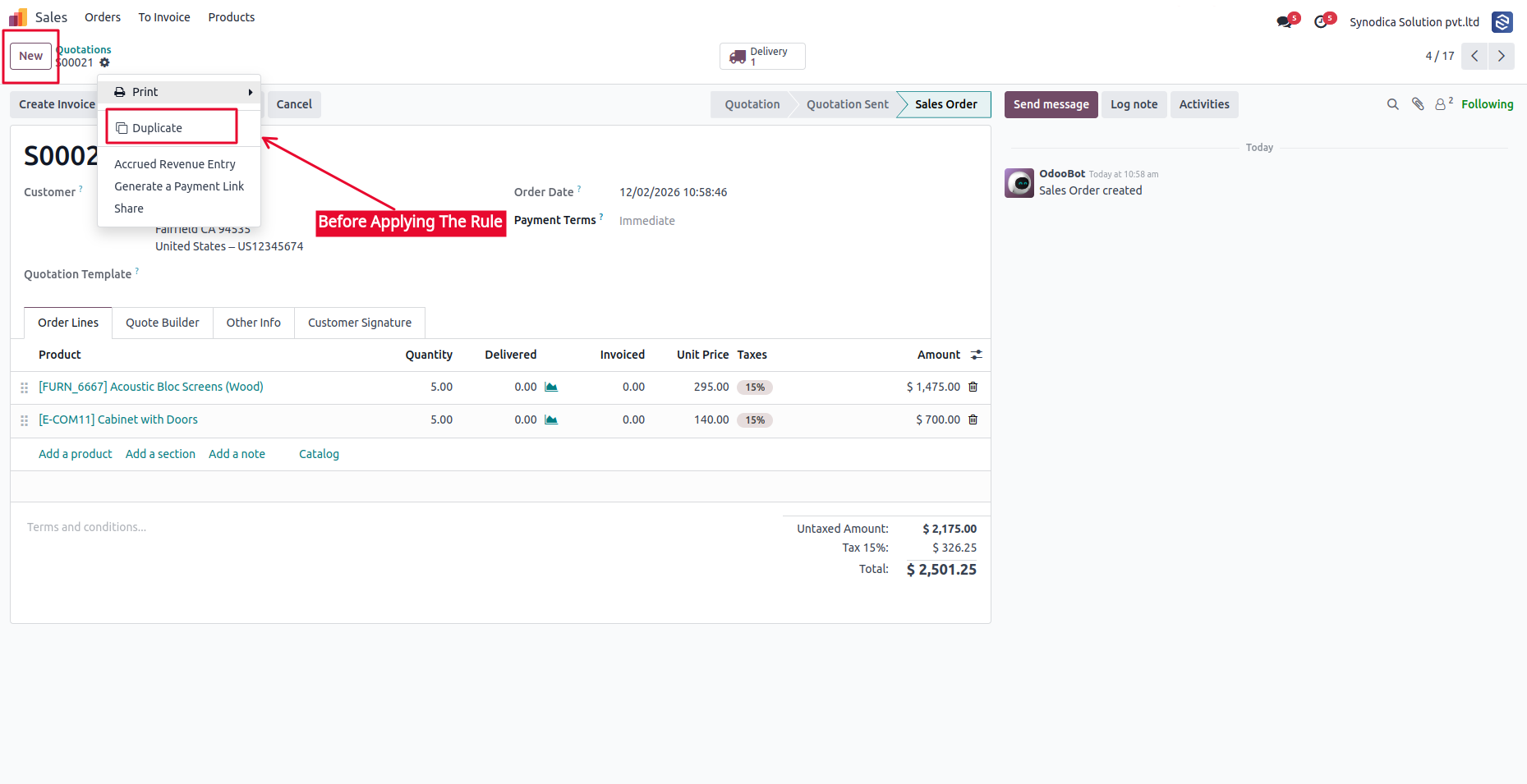
Hide Chatter Button
Hide Create / Update / Delete Actions
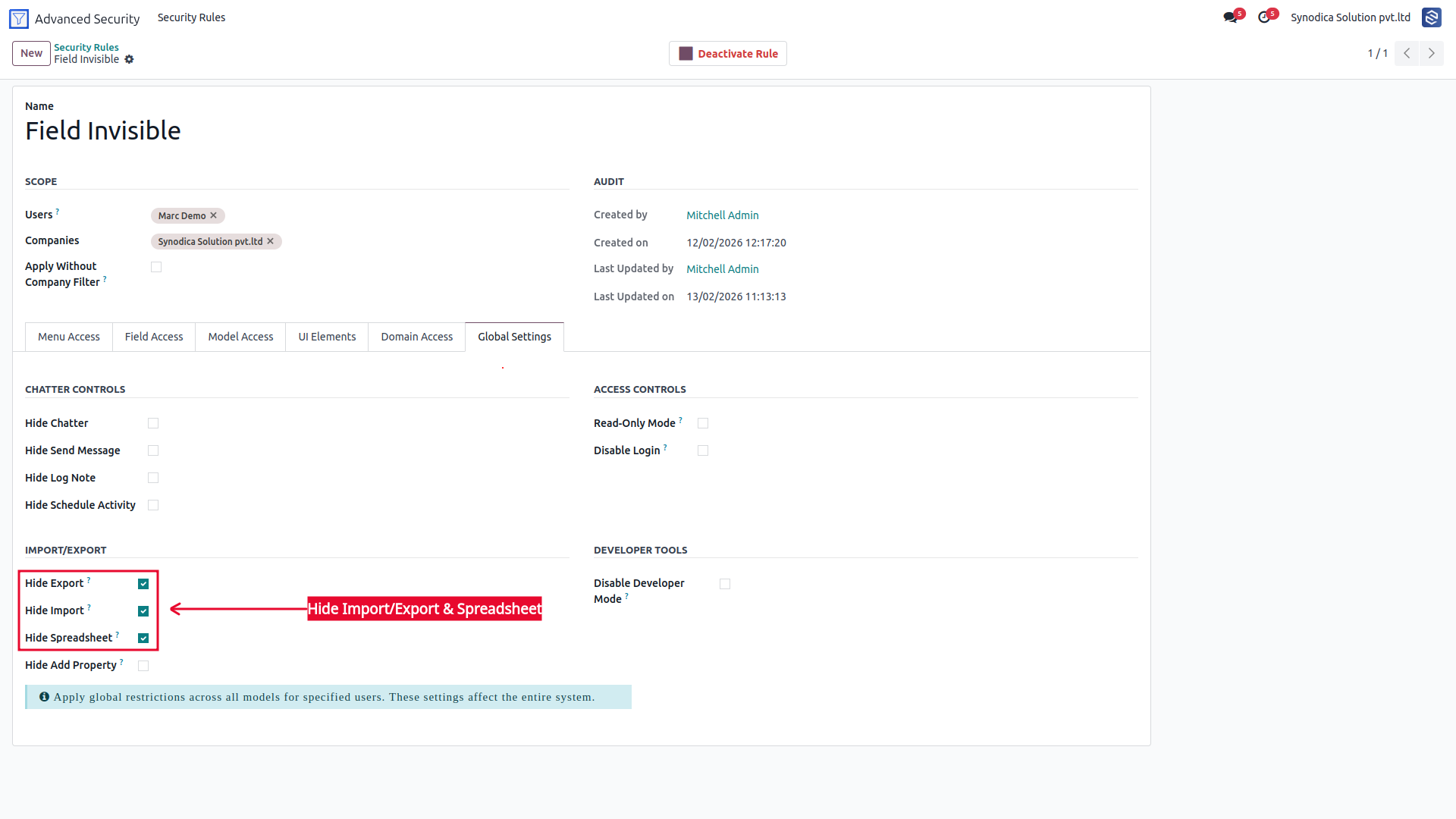
Hide Import / Export / Spreadsheet Buttons
Sales Group By Configuration
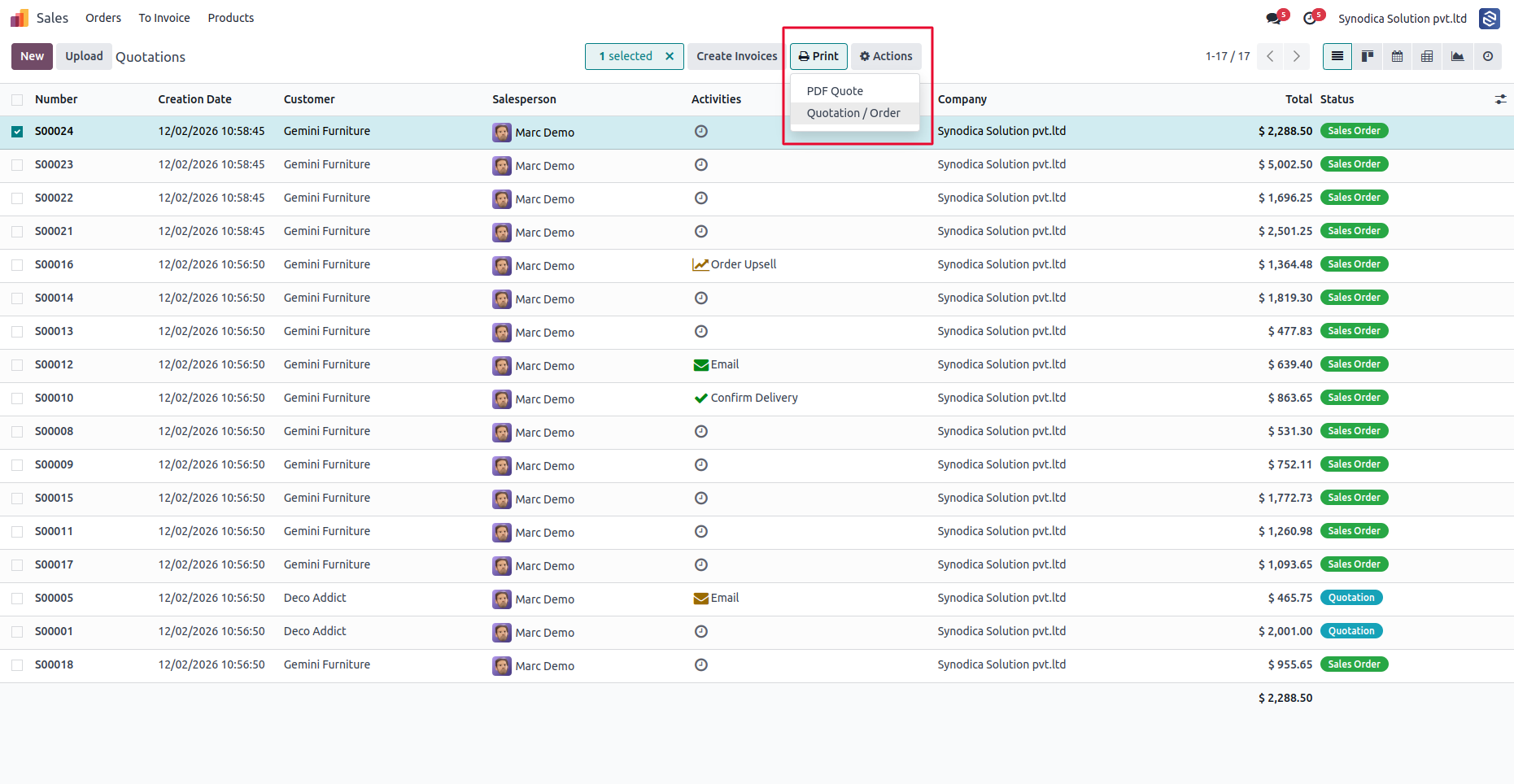
Hide Print Button
User Guide
Access the full documentation for setup, configuration, and usage details.
| COPY LINK | portal.synodica.com/r/TiV |
Configuration Guide
Set up advanced security rules in a few steps with a clean no-code workflow.
Install
Install the module from the Odoo Apps menu.
Navigate
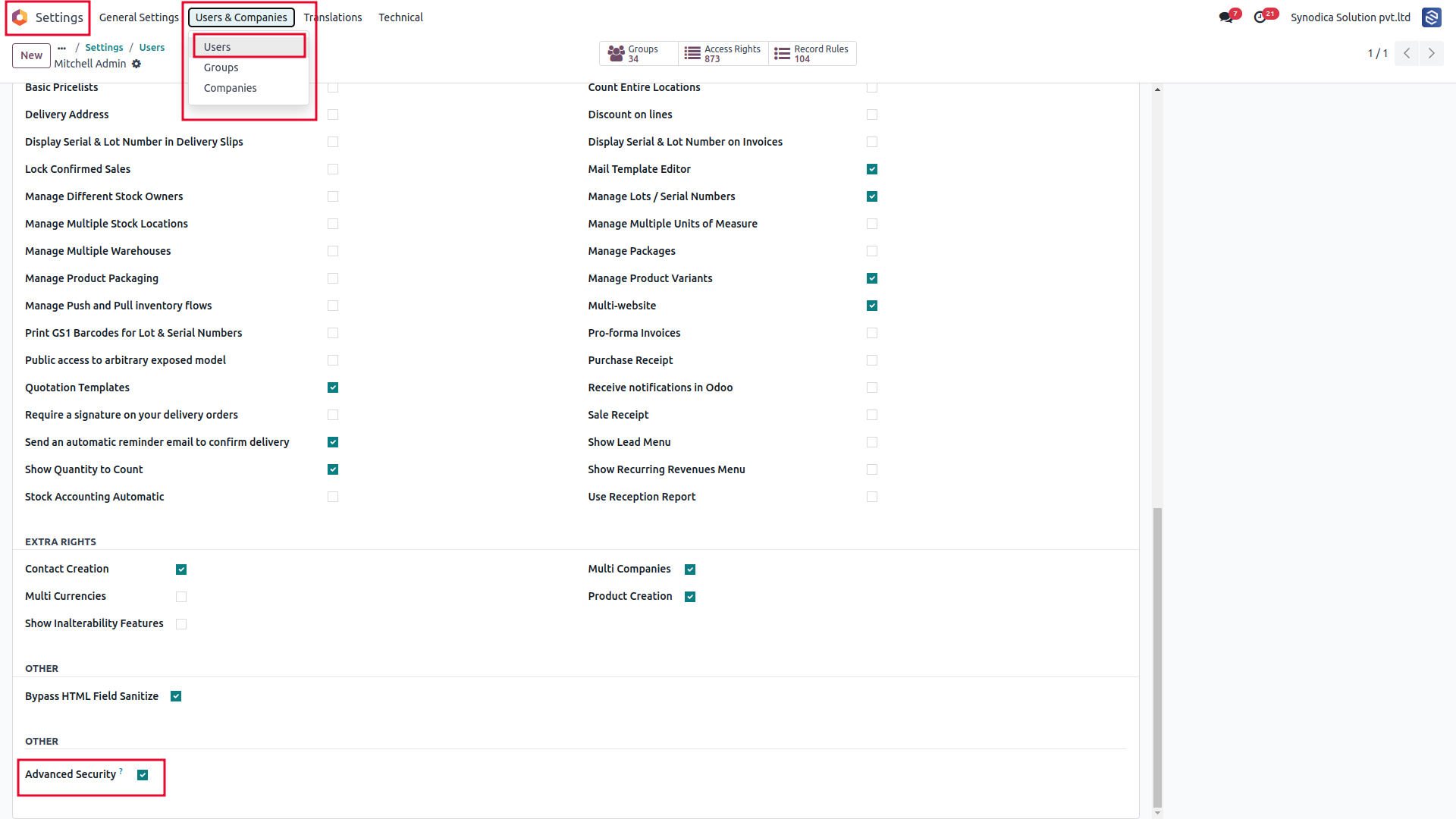
Go to Settings → Users & Groups → Advanced Security.
Configure
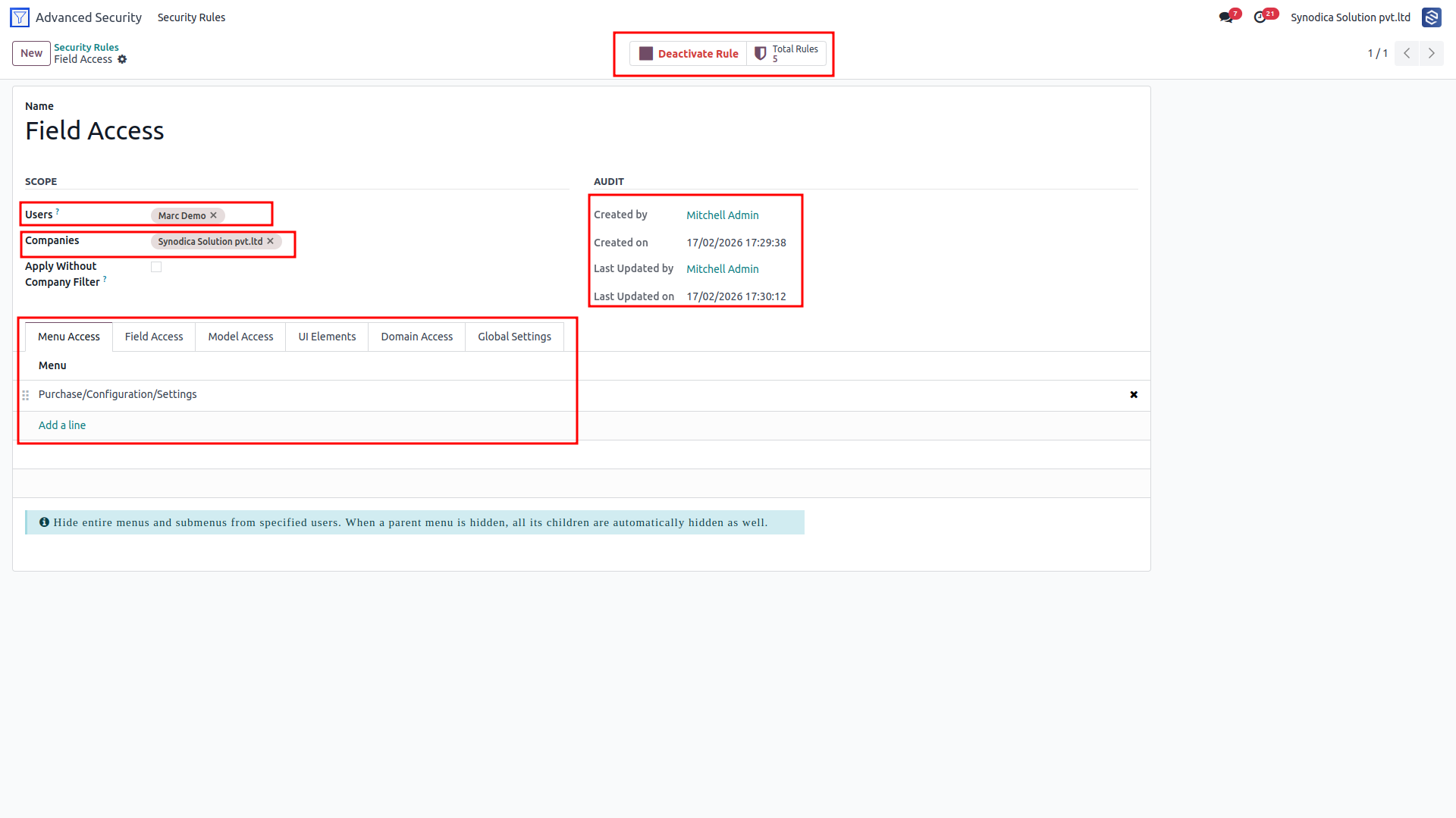
Select model, user groups, and rule actions.
Activate
Save and apply instantly via real-time bus.
Frequently Asked Questions
Need Help or Support?
Our team at Synodica Solutions is ready to assist with installation, configuration, and the custom adjustments you need to deploy Advanced Security Rules smoothly.
Reach us directly for any setup, migration, or customization assistance.
support@synodica.comWe create ERP solutions for you using Odoo ERP that will build a strong and efficient business for you. It's SYNODICA WAY